
Box Discovery Service
Box Discovery Service acts as crawler in KMS. It performs the same function as other data sources. But unlike other Data Sources, it has a different repository with different credentials.
- Select Box from KMS Data Source as shown in the following figure:
Figure 1. Box data Source for Crawling 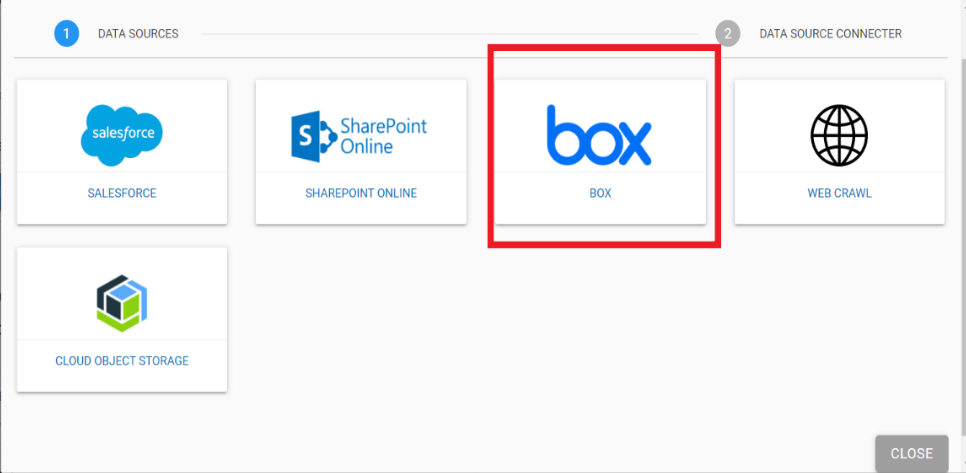
- The following screen appears:
Figure 2. Box Data Source 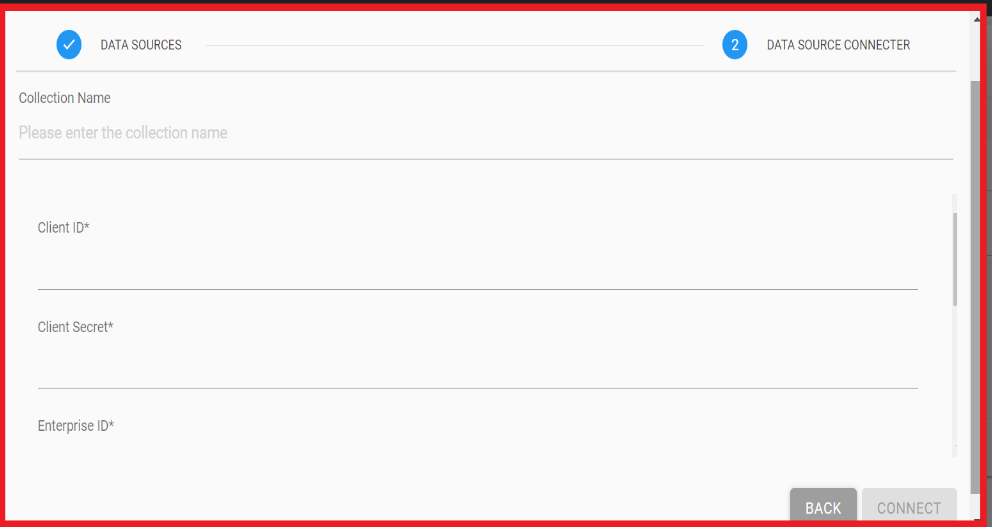
- To use the service, we must have Box Username, Password, and URL.
- Once the credentials are validated, click Connect. Click Back to go back to the previous screen.
- This forms the connection of crawler with box repository. It ingests and downloads the documents from the Box and uploads it to the system and allows users to query for box.