Deploying HCL CDP Webpush
This section provides detailed instructions on how to deploy HCL CDP Webpush using the Devtron in the AWS.
Prerequisites
Make sure to create a cdp-webpush secret in the AWS secret manager before deploying the CDP Webpush.
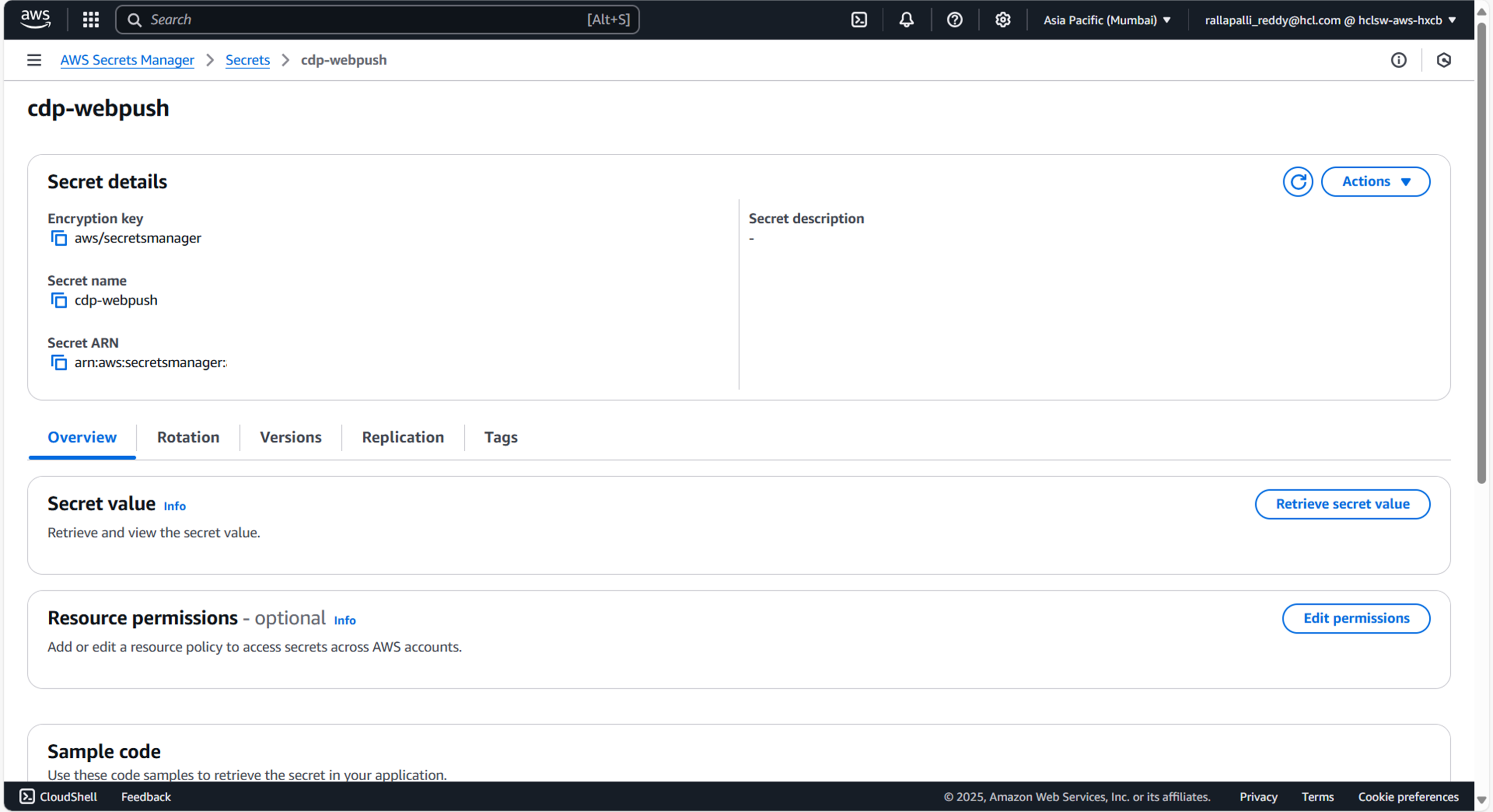
To create a CDP Webpush secret in the AWS secret manager , follow the steps below:
- Create a cdp-webpush secret sample key and value, and update the actual values as shown
below.
{ "6525": "", "6525_vapidPrivateKey": "X", "6525_vapidPublicKey": "", "kafkaConsumerGroupId": "dev-web-push-us", "KafkaClientId": "web-push-us", "KafkaBrokerList": "['']", "TsdbhostString": "", "saslMechanism": "scram-sha-512", "KafkaUsername": "", "kafkaConsumerTopic": "web_push_core", "KafkaPassword": "", "6526_vapidPublicKey": "" } - Update the ConfigMaps data with actual values, and create required Kafka topics before deployment.
Deploy CDP Webpush
To deploy the cdp-webpush using Devtron in the AWS platform, follow the steps below:
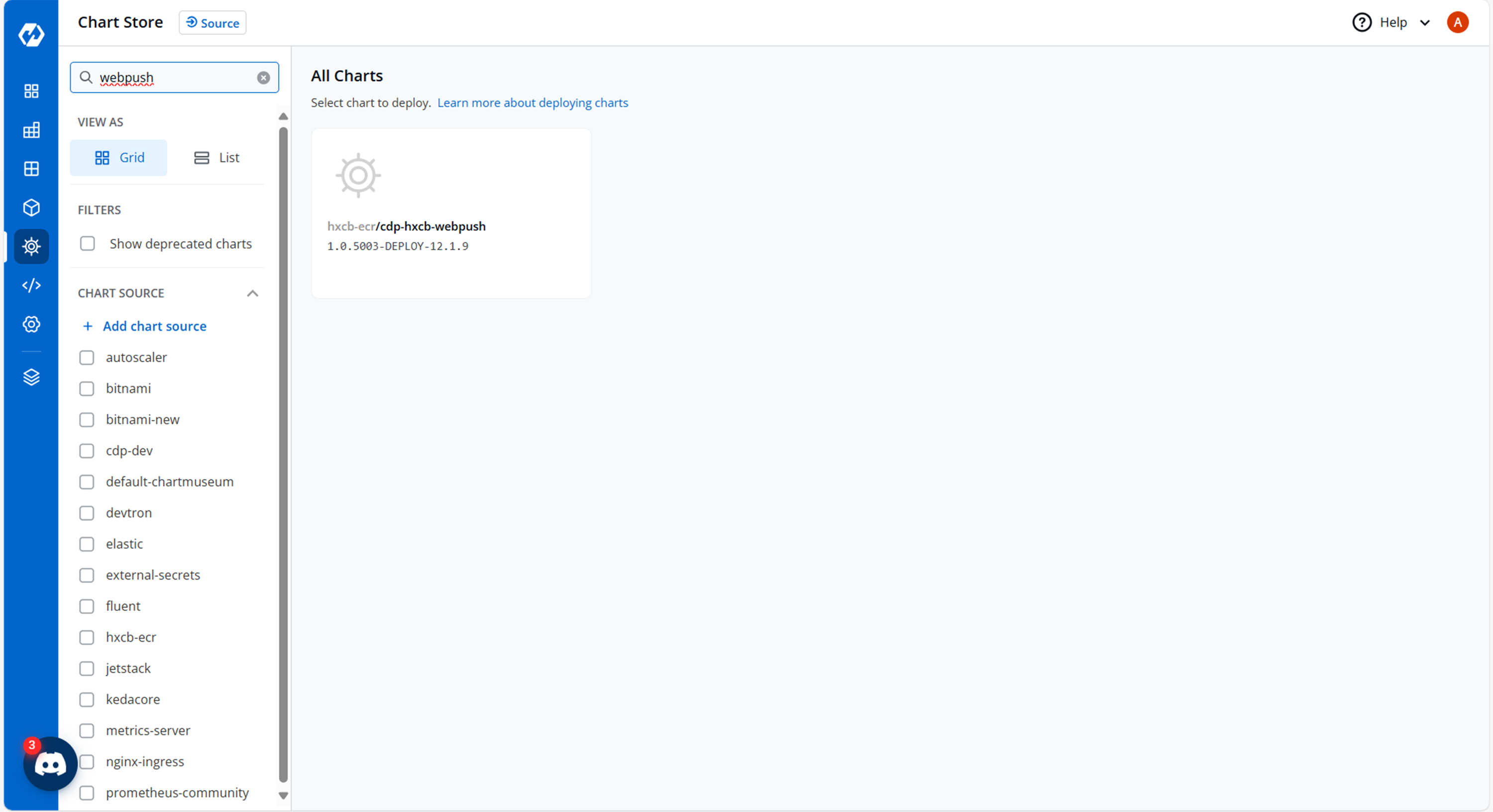
- Navigate to the Devtron Chart Store, and select the cdp-webpush chart to
deploy.
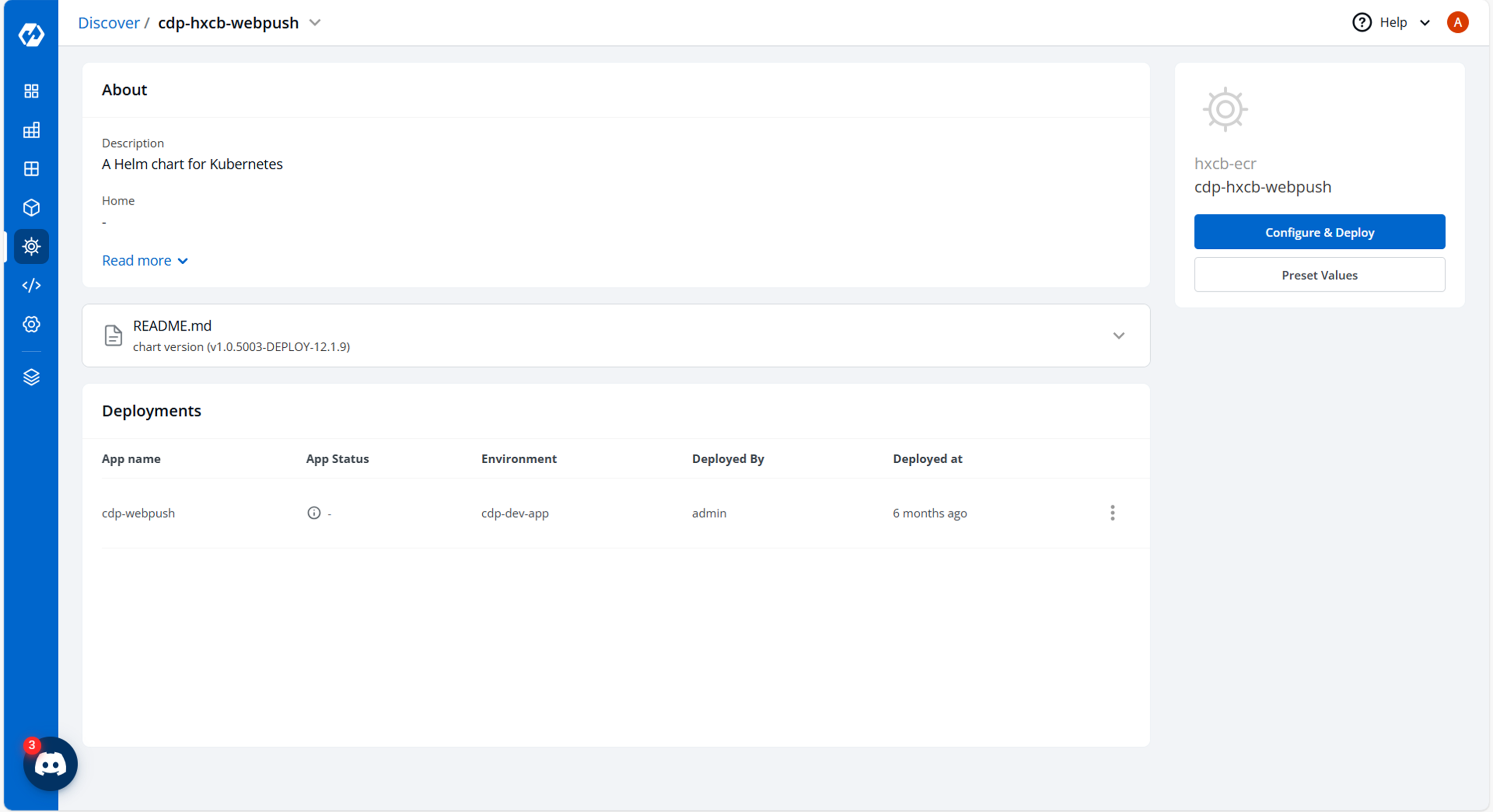
- Now, configure and deploy the cdp-webpush charts.
- In the YAML section, update the ConfigMap using the below details and deploy the
chart.
saslMechanism: scram-sha-512
kafkaProducerHostName: dev-web-push-us
KakfaConnectionTimeout: "3000"
KafkaAuthenticationTimeout: "5000"
KafkaSessionTimeout: "120000"
heartbeatInterval: "40000"
reauthenticationThreshold: "10000"
requireAcks: "1"
ackTimeoutMs: "100"
partitionerType: "3"
kafkaProducerEventType: "2222"
GlobalProductionFlag: "false"
ArtUatProductionFlag: "false"
ArtProdProductionFlag: "false"
APPPUSH_SENT_KAFKA_TOPIC: webpush_sent
APPPUSH_FAILURE_KAFKA_TOPIC: webpush_failure
APPPUSH_FEEDBACK_KAFKA_TOPIC: webpush_feedback
APPPUSH_CLEAN_UP_KAFKA_TOPIC: webush_cleanup
IS_SSL_ENABLED: "false"
ssl: "true"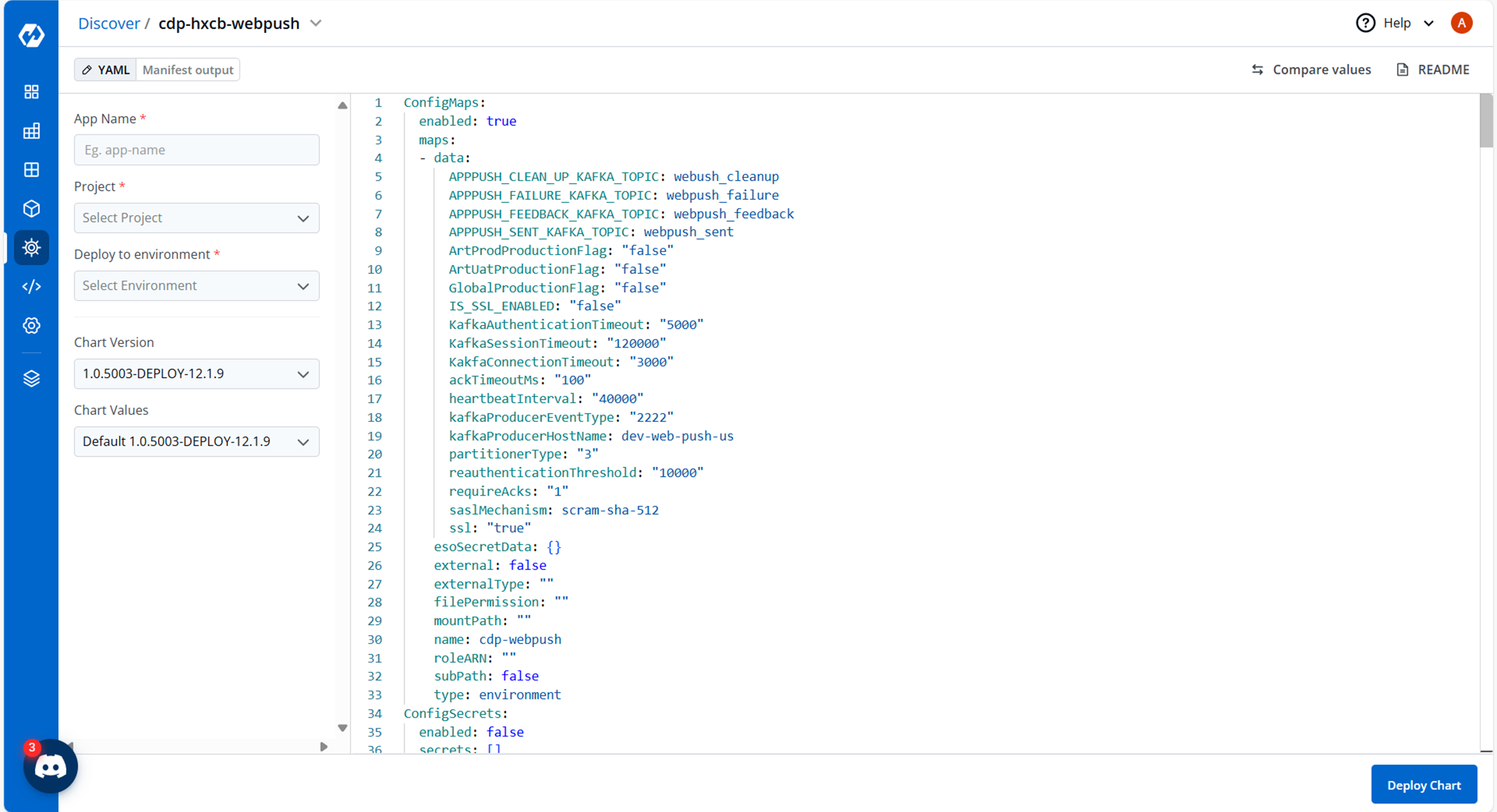
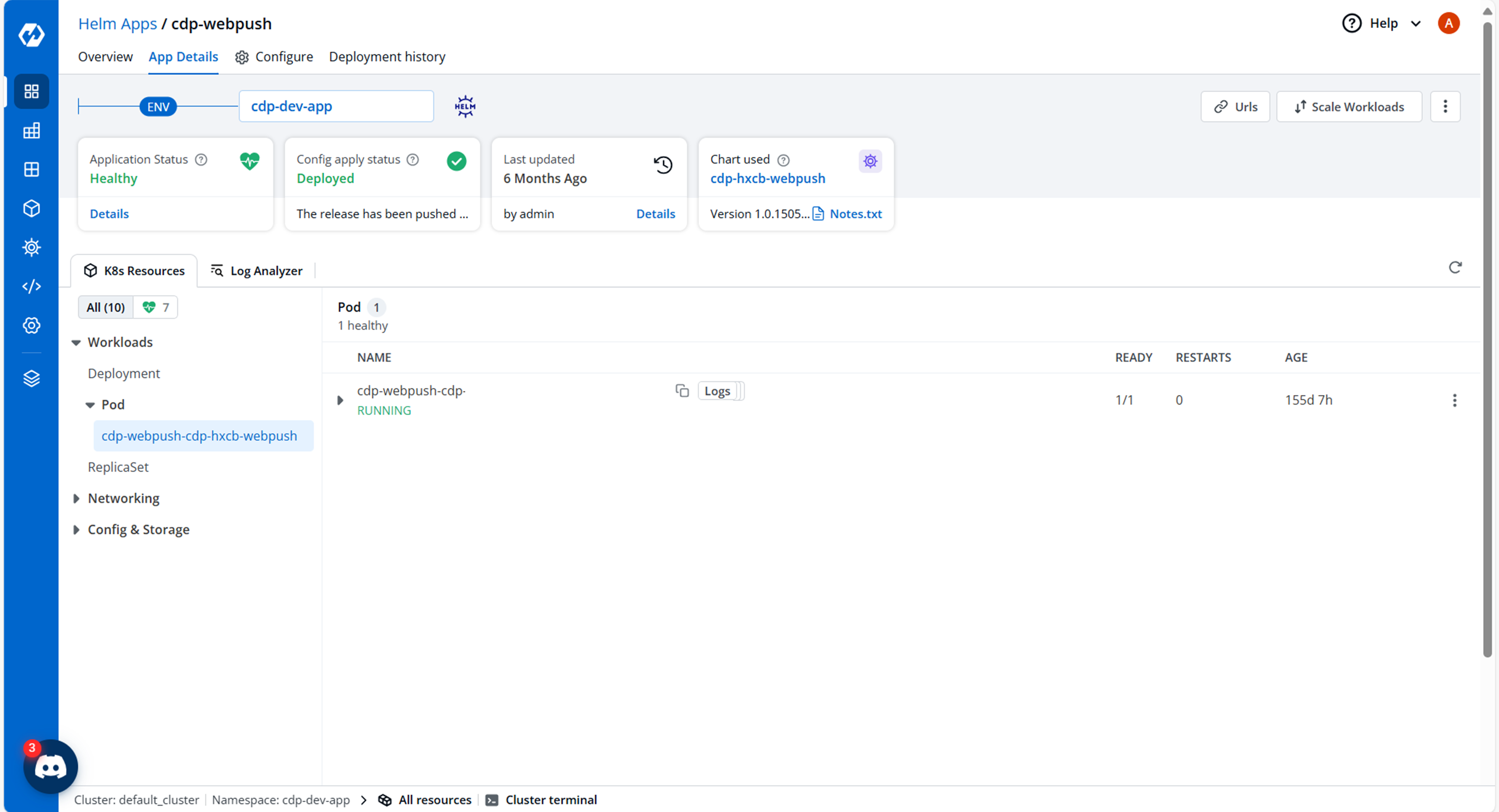
- On successful deployment, validate the deployment as shown below.