Deploying HCL CDP Audience Uploader
This section provides detailed instructions on how to deploy HCL CDP Audienceuploader using the Devtron in the AWS.
Prerequisites
Make sure to create cdp-Audienceuploader secret in the AWS secret manager before deploying CDP Audience Uploader.
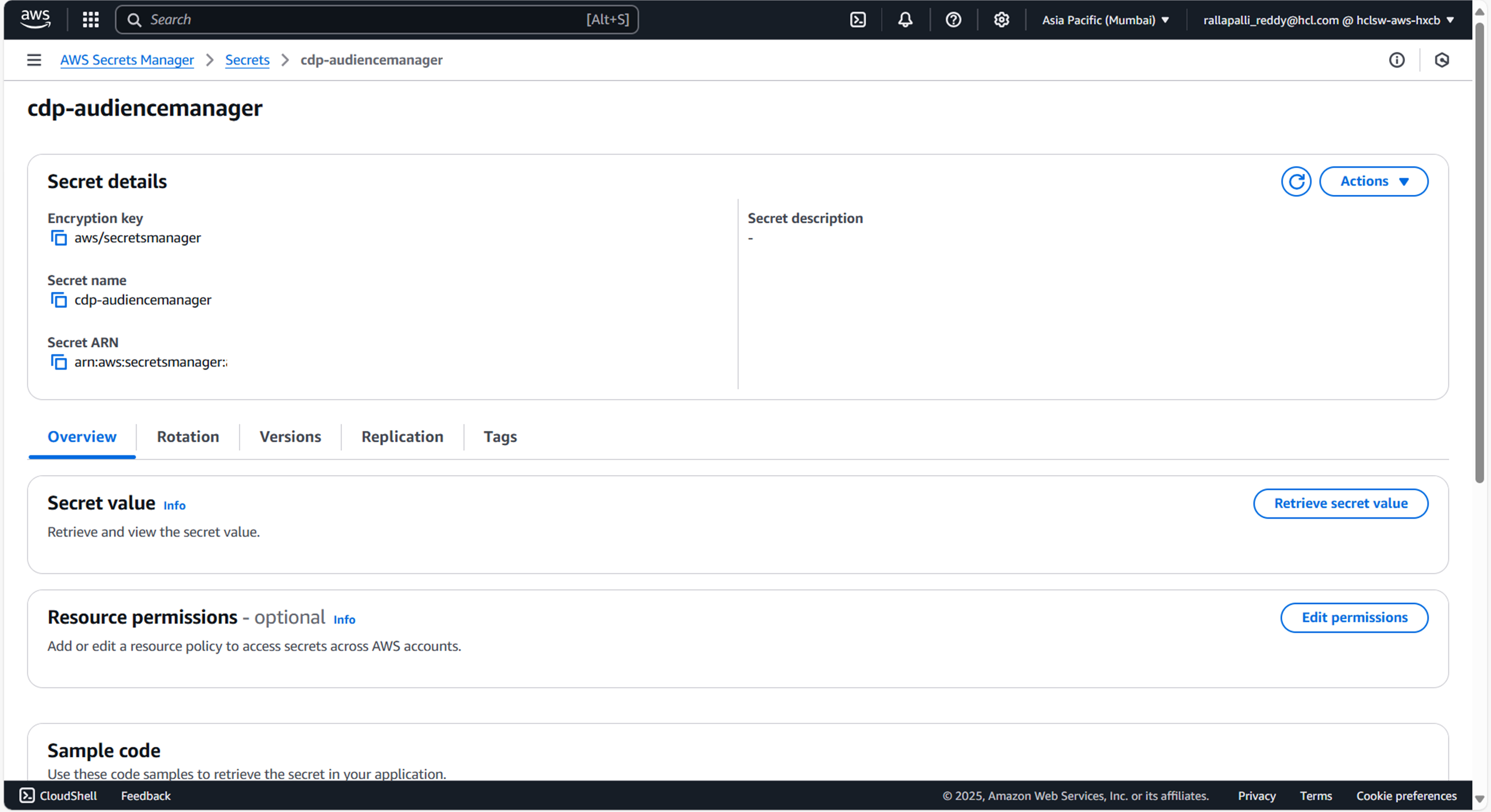
To create CDP Audienceuploader secret in the AWS secret manager , follow the steps below:
- Create a cdp-Audienceuploader secret sample key and value, and update the actual values
as shown below.
{ "GANGLIA_COLLECTORS": "", "GANGLIA_PORT": "8650", "CONSUMER_TOPIC_LIST": "dmp_rt_segments", "KAFKA_TOPIC_LIST": "dmp_rt_segments", "KAFKA_BATCH_SIZE": "100", "KAFKA_TOPIC_CONSUMERS": "6", "KAFKA_DEFAULT_TIMEOUT": "1000", "KAFKA_DEFAULT_TRIGGER": "5000", "CONSUMER_GROUP": "", "ZOOKEEPER_LIST": "", "KAFKA_CONSUMER_CONFIG": "", "DB_HOST": "", "DB_PORT": "3307", "DB": "vrm", "DB_USERNAME": "cdpapp_ro", "DM_PASSWORD": "", "SQS_QUEUE_URL": "", "AEROSPIKE_HOST": "", "AEROSPIKE_PORT": "13000", "APS1_HOST": "", "KafkaProducerConfig": "", "KafkaProducerPoolSize": "10", "KafkaProducerMeta": "true", "KafkaProducerHostname": "cdp-audience-manager", "KafkaRegion": "aps1", "6525_ApiCtx": "", "CLIENT_ID": "", "CLIENT_SECRET": "" } - Update ConfigMaps data with actual values, and create required Kafka topics before deployment.
Deploy CDP Audienceuploader
To deploy cdp-Audienceuploader using Devtron in the AWS platform, follow the steps below:
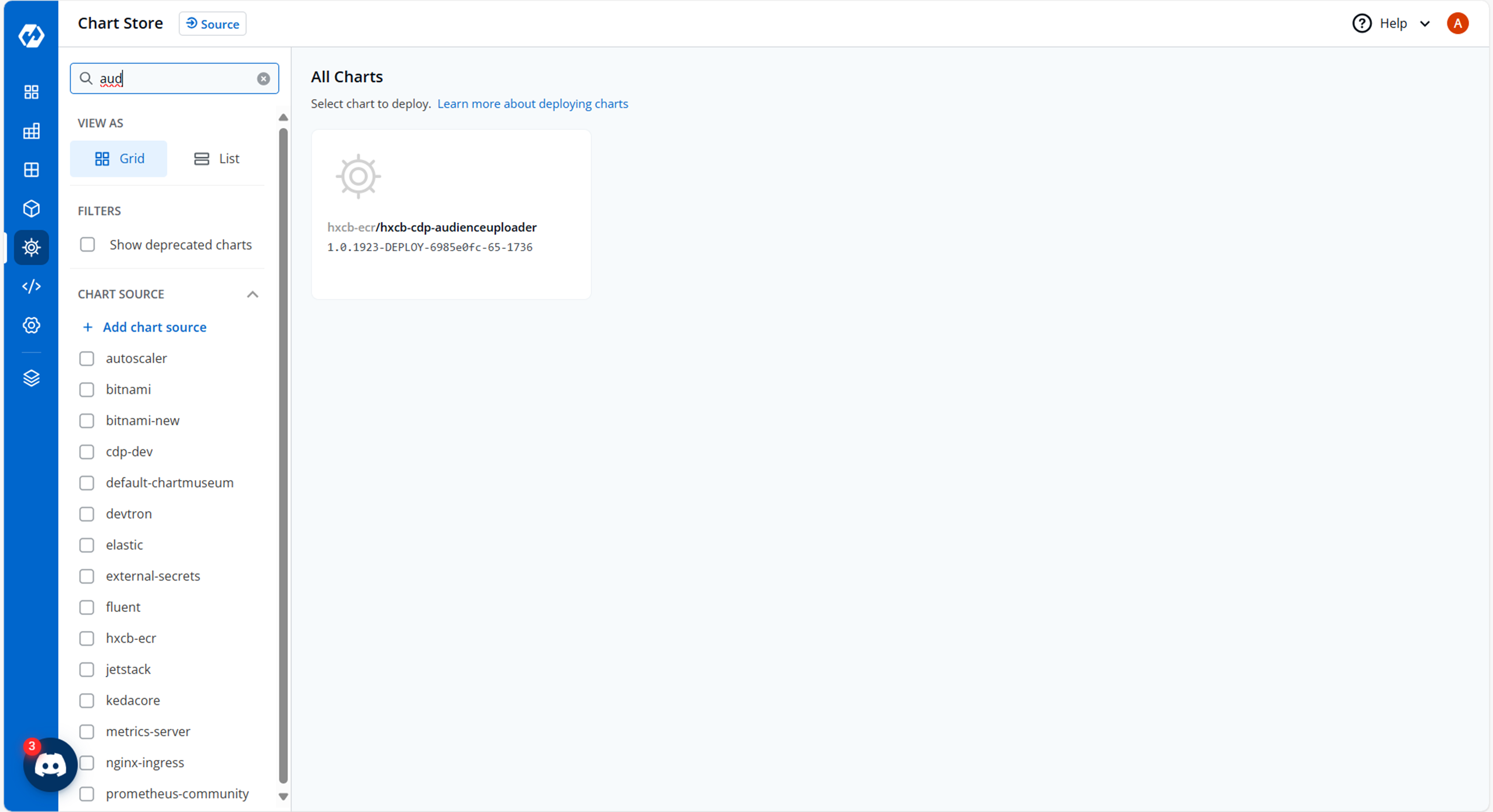
- Navigate to the Devtron Chart Store, and select the cdp-Audienceuploader chart to
deploy.
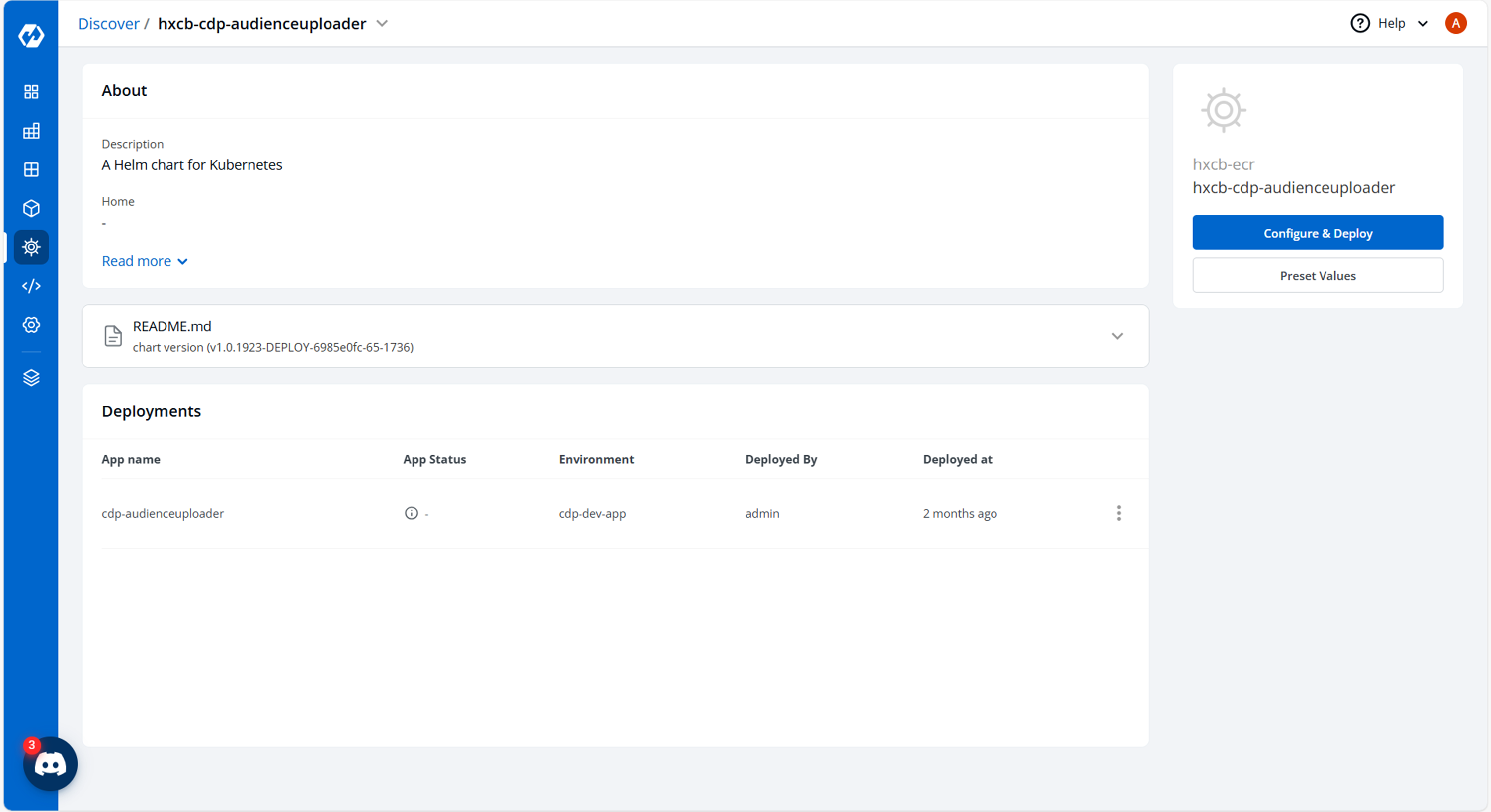
- Now, configure and deploy the cdp-Audienceuploader charts.
- In the YAML section, update the ConfigMap using the below details and deploy the
chart.
OPENTSDB_HOST: hxcb-cdp-opentsdb-service.cdp-dev-app.svc.cluster.local
OPENTSDB_PORT: "80"
GANGLIA_PUSH_METRIC_FREQUENCY: "120"
PR_DELAY: "3600"
PR_PERIOD: "3600"
ZOOKEEPER_TIMEOUT: "60000"
ZOOKEEPER_SYNC_TIME: "2000"
AUTOCOMMIT_INTERVAL: "1000"
ZOOKEEPER_CONNECTION_TIMEOUT: "60000"
CONSUMER_TIMEOUT: "1000000"
SOCKET_RECEIVE_BUFFER: "2097152"
FETCH_MESSAGE_MAX: "10485760"
REBALANCE_BACKOFF_MS: "10000"
SOURCE_DIRECTORY_PATH: /disk1/CDPAudienceUploader/extractor/processed
DESTINATION_DIRECTORY_PATH: /disk1/CDPAudienceUploader/extractor/uploaded
INVALID_DIRECTORY_PATH: /disk1/CDPAudienceUploader/extractor/invalid
EXTRACTOR_BOOTSTRAP_WAIT: "2"
NEW_FILE_WAIT: "1800"
MAX_POOL_SIZE: "20"
CORE_POOL_SIZE: "10"
EMAIL_PARAMS: |
  {}
MOBILE_PARAMS: |
  {}
DEVICEID_PARAMS: |
  {}
EXTERNALID: |
  {}
ACTIVE_CAMPAIGNS: "6525"
DB_DRIVER: org.mariadb.jdbc.Driver
CRON_EXPR: 0 */5 * * * ?
AEROSPIKE_NAMESPACE: cdpstore
AEROSPIKE_EXPIRY: "31536000"
AEROSPIKE_TIMEOUT: "3000"
SUPPORTED_REGIONS: aps1
APS1_PORT: "13000"
APS1_NAMESPACE: cdpstore
KMS_REGION: ap-south-1
REGION: ap-south-1
batchsize: "1"
KMS_IMPLEMENTATION: AWS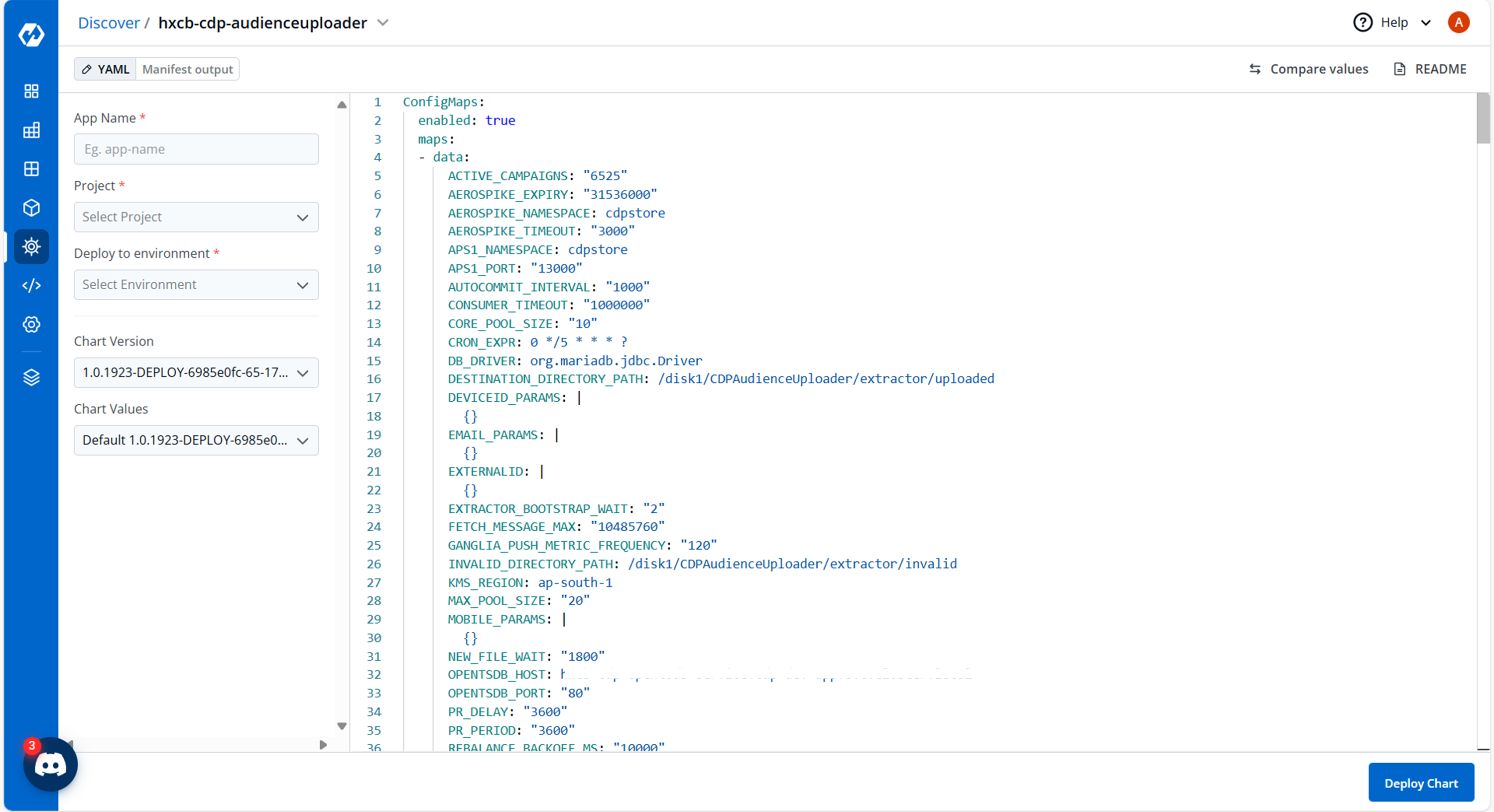
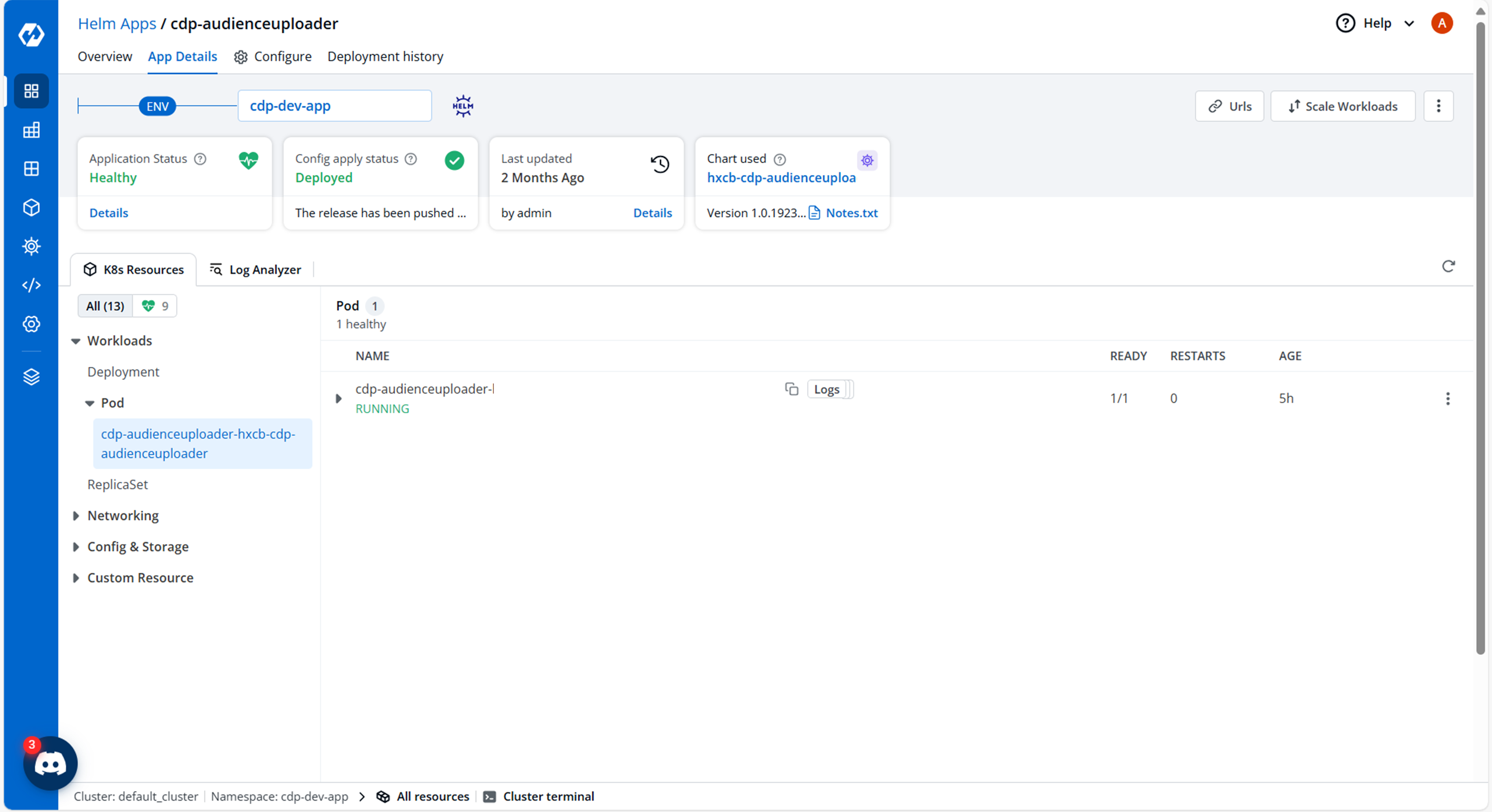
- On successful deployment, validate the deployment as shown below.