Deploying HCL CDP Tryitout
This section provides detailed instructions on how to deploy HCL CDP Tryitout using the Devtron in the AWS.
Prerequisites
Make sure to create cdp-tryitout secret in the AWS secret manager before deploying CDP Tryitout.
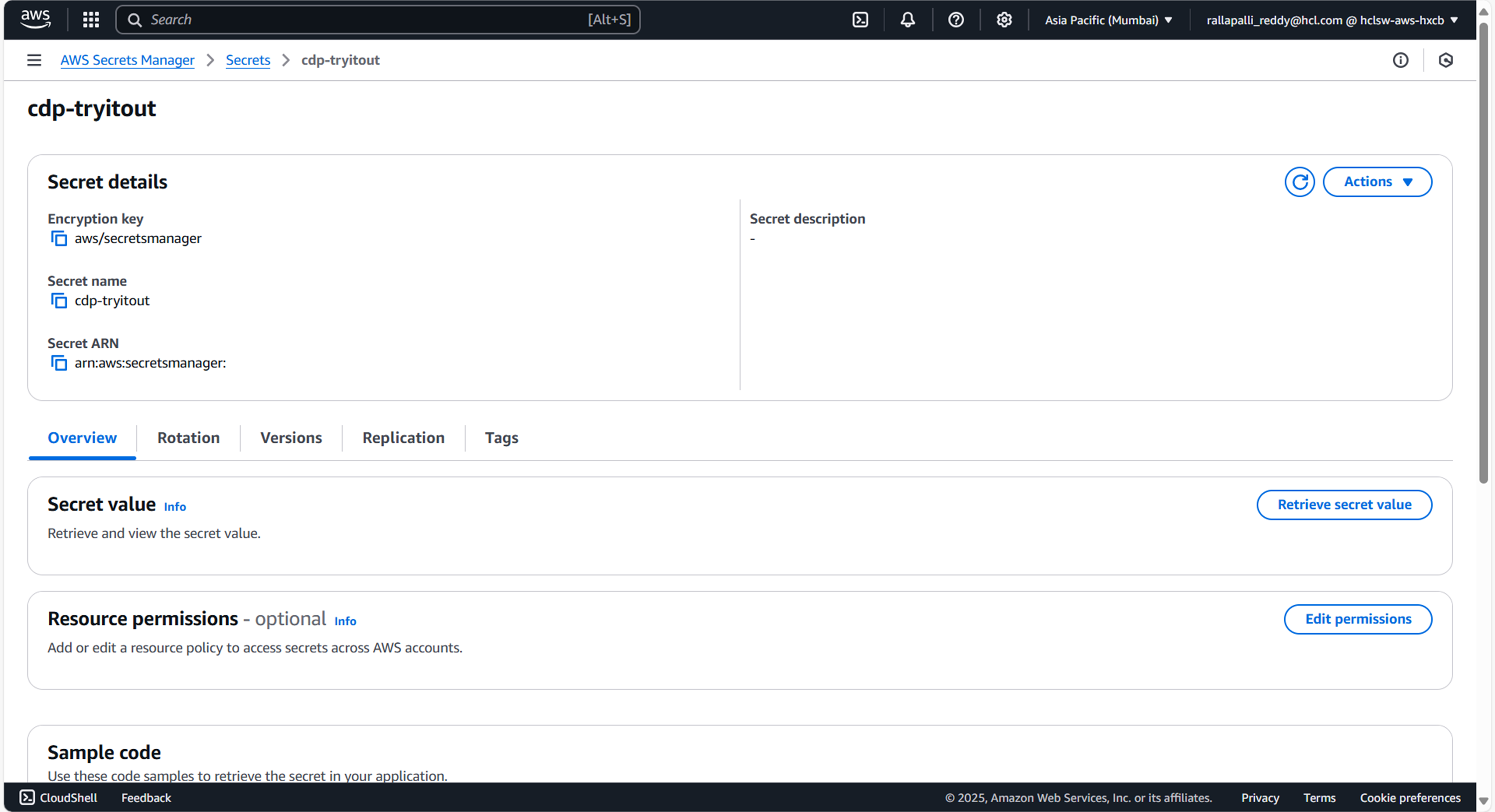
To create CDP Tryitout secret in the AWS secret manager, follow the steps below:
- Create a cdp-tryitout secret sample key and value, and update the actual values as shown
below.
{ "DbUrl": "jdbc:mariadb://ip:port/dbName", "DbUserPassword": "dbPwd", "DbUsername": "dbUser" } - Update ConfigMaps data with actual values, and create required Kafka topics before deployment.
Deploy CDP TryItOut
To deploy CDP TryItOut using Devtron in the AWS platform, follow the steps below:
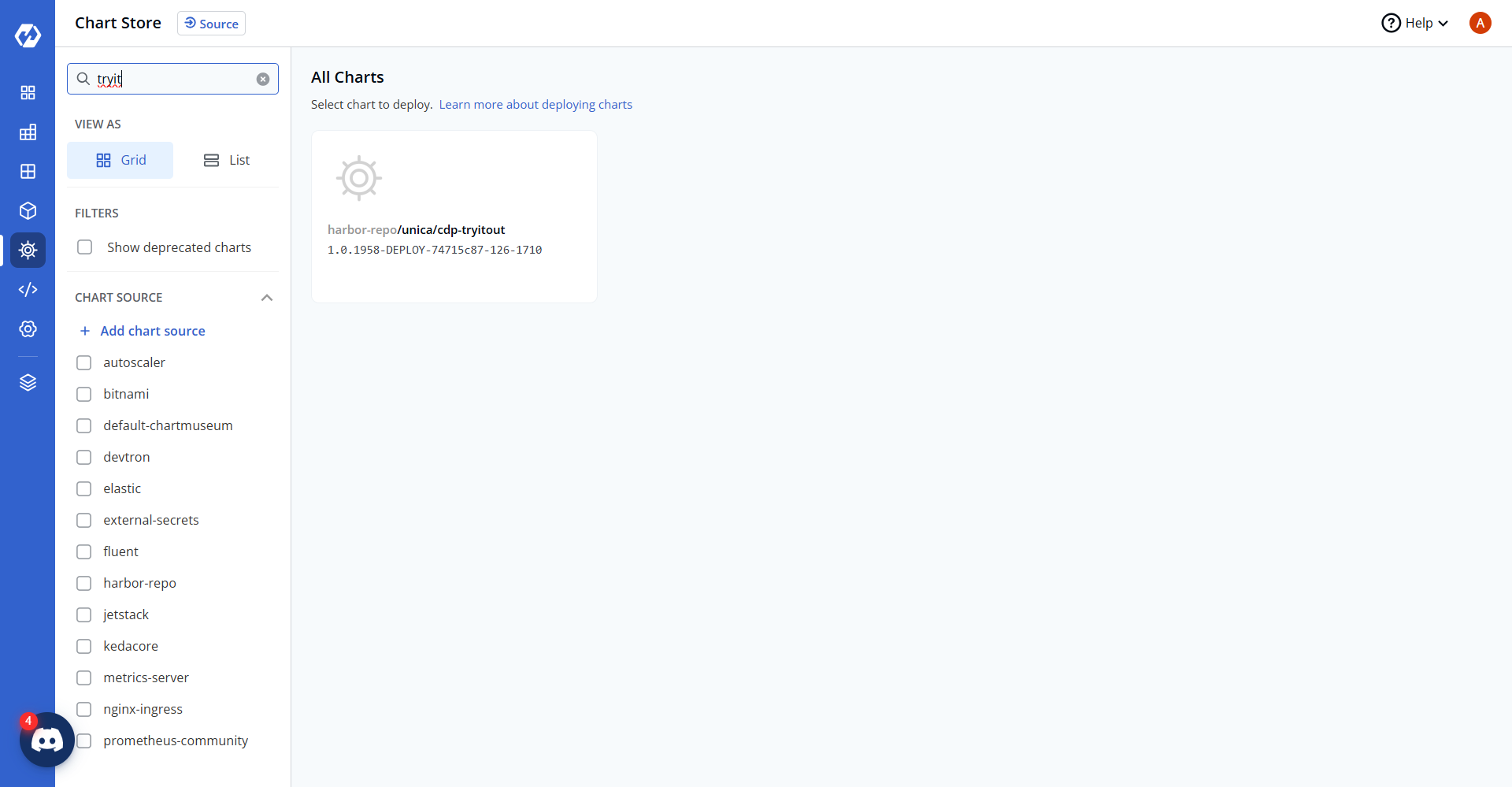
- Navigate to the Devtron Chart Store, and select cdp-tryitout chart to deploy.
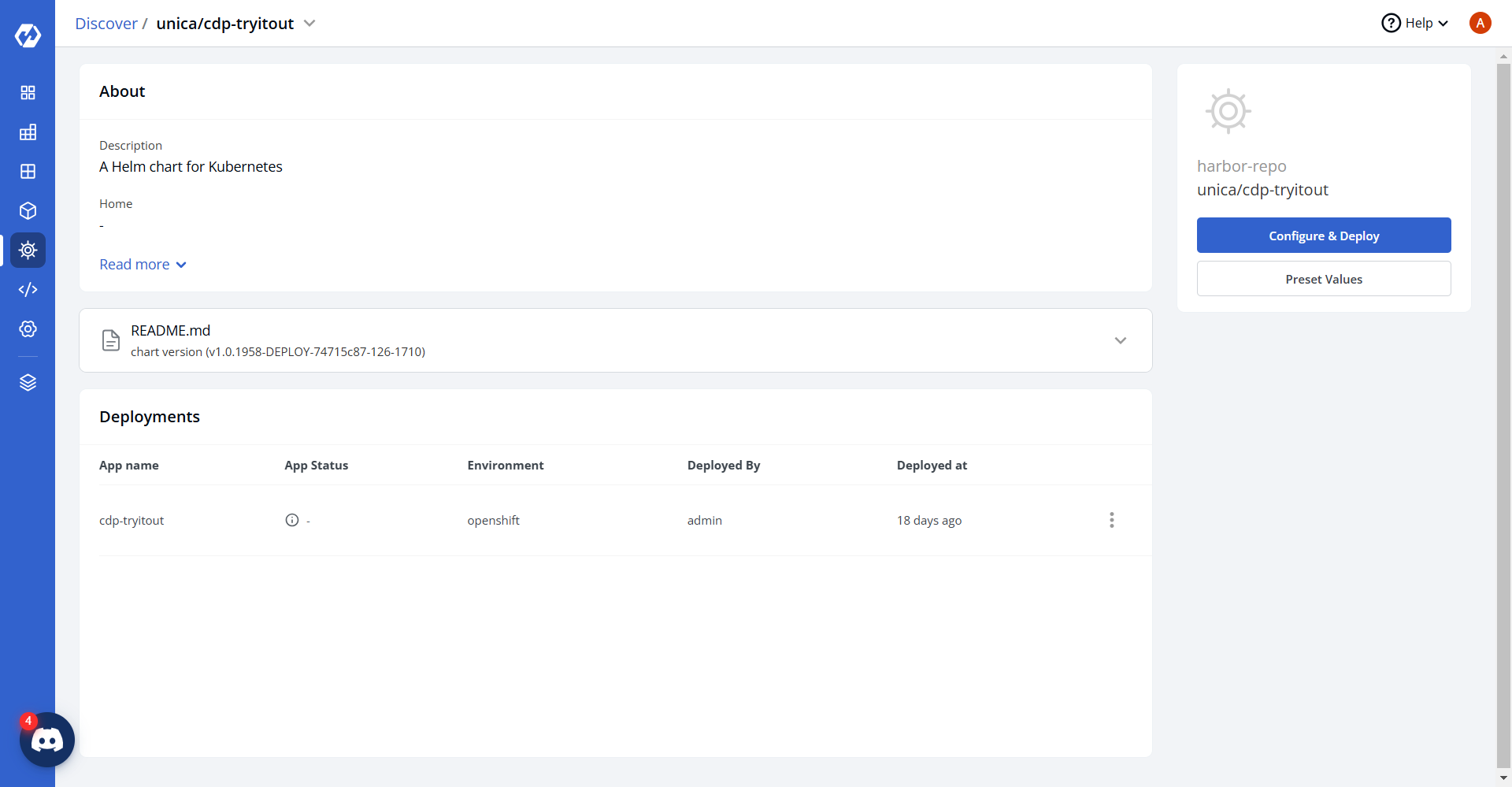
- Now, configure and deploy the cdp-tryitout charts.
- In the YAML section, update the ConfigMap using the below details and deploy the chart.
serverPort: "8080"
serverShutdown: graceful
lifecycle: 60s
physicalStrategy: org.hibernate.boot.model.naming.PhysicalNamingStrategyStandardImpl
driver: org.mariadb.jdbc.Driver
sqlStatement: "true"
dialest: org.hibernate.dialect.MySQL5Dialect
httpTimeout: "30000"
storageEngine: innodb
APP_DEBUG: DEBUG
connectionTimeOutInMilis: "500000"
responseTimeout: "500000"
readTimeout: "500000"
writeTimeOut: "50000"
executorServiceMinThreads: "80"
executorServiceMaxThreads: "80"
executorServiceThreadTTL: "5"
executorServiceQueuseSize: "100000"
smsEmailSenderBaseUrl: https://sender.hclsoftware.cloud
managementEndpoints: health,info,metrics
httpsConnectionCount: "30"
httpsConnectionKeepAliveSeconds: "120"
httpsConnectionReadTimeoutSeconds: "1220"
httpsConnectionWriteTimeoutSeconds: "1230"
httpsConnectTimeoutSeconds: "1240"
addRecipientBaseUrl: http://<ip>:<port>
hikariPoolSize: "5"
hikariTimeOut: "30000"
hikariIdleTimeOut: "10000"
minimumIdle: "0"
adobeEndpoint: http://<ip>:<port>
APP_LOG_LEVEL: debug
KMS_IMPLEMENTATION: AWS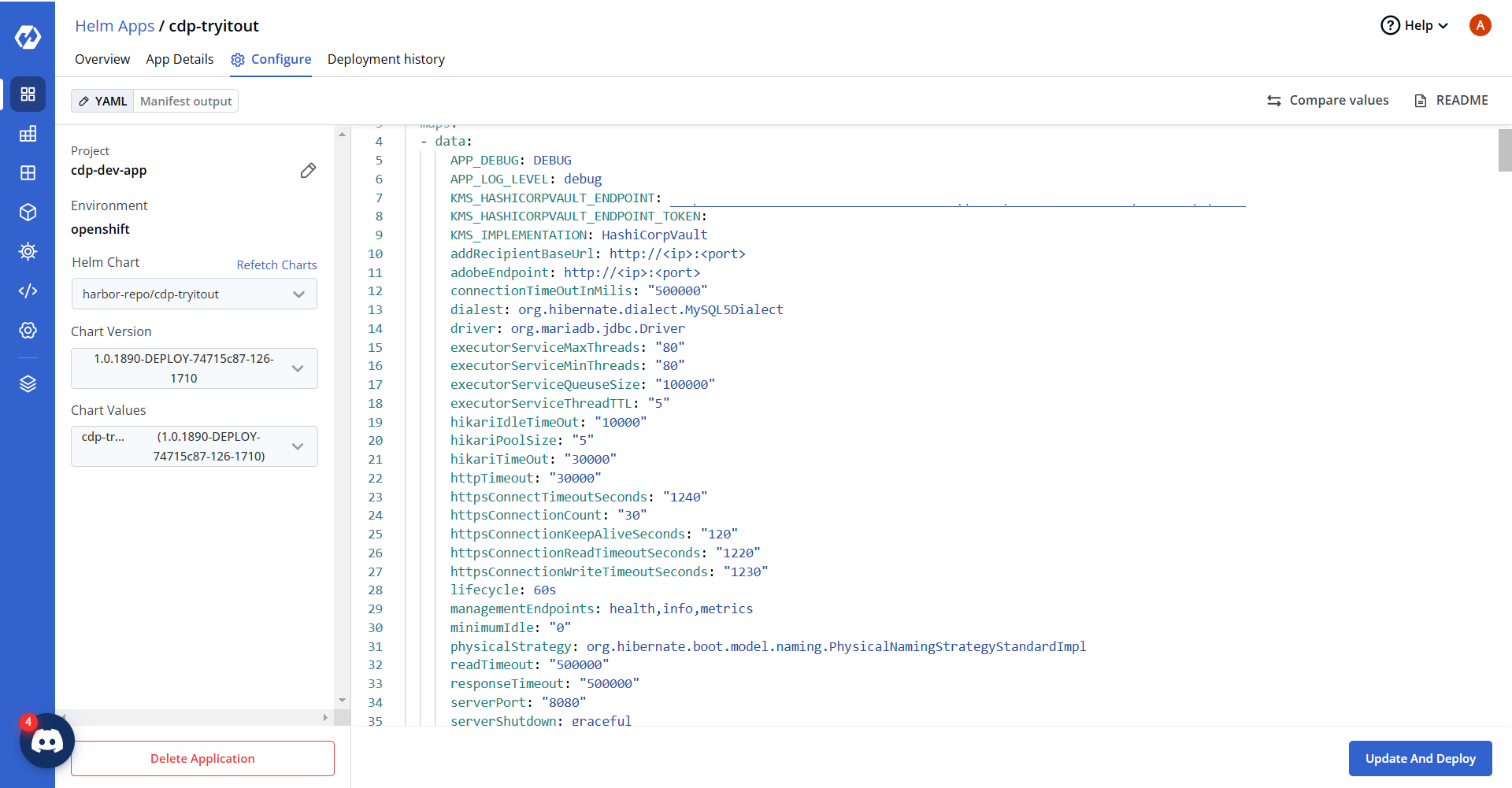
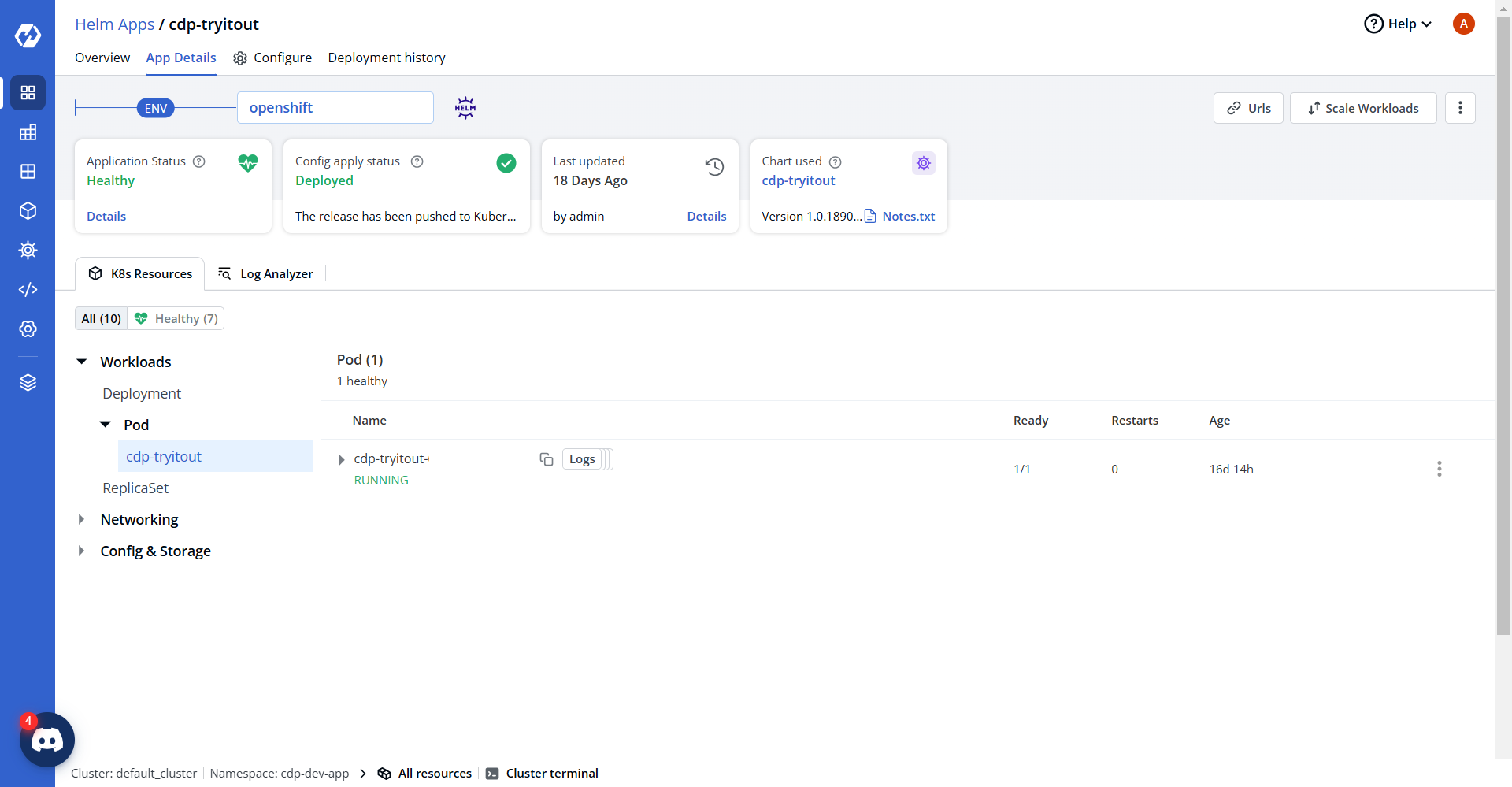
- On successful deployment, validate the deployment as shown below.