Deploying HCL CDP Celery callback consumer
This section provides detailed instructions on how to deploy HCL CDP Celerykafkacallbackprocessor using the Devtron in the AWS.
Prerequisites
Make sure to create cdp-Celerykafkacallbackprocessor secret in the AWS secret manager before deploying CDP Celery callback consumer.
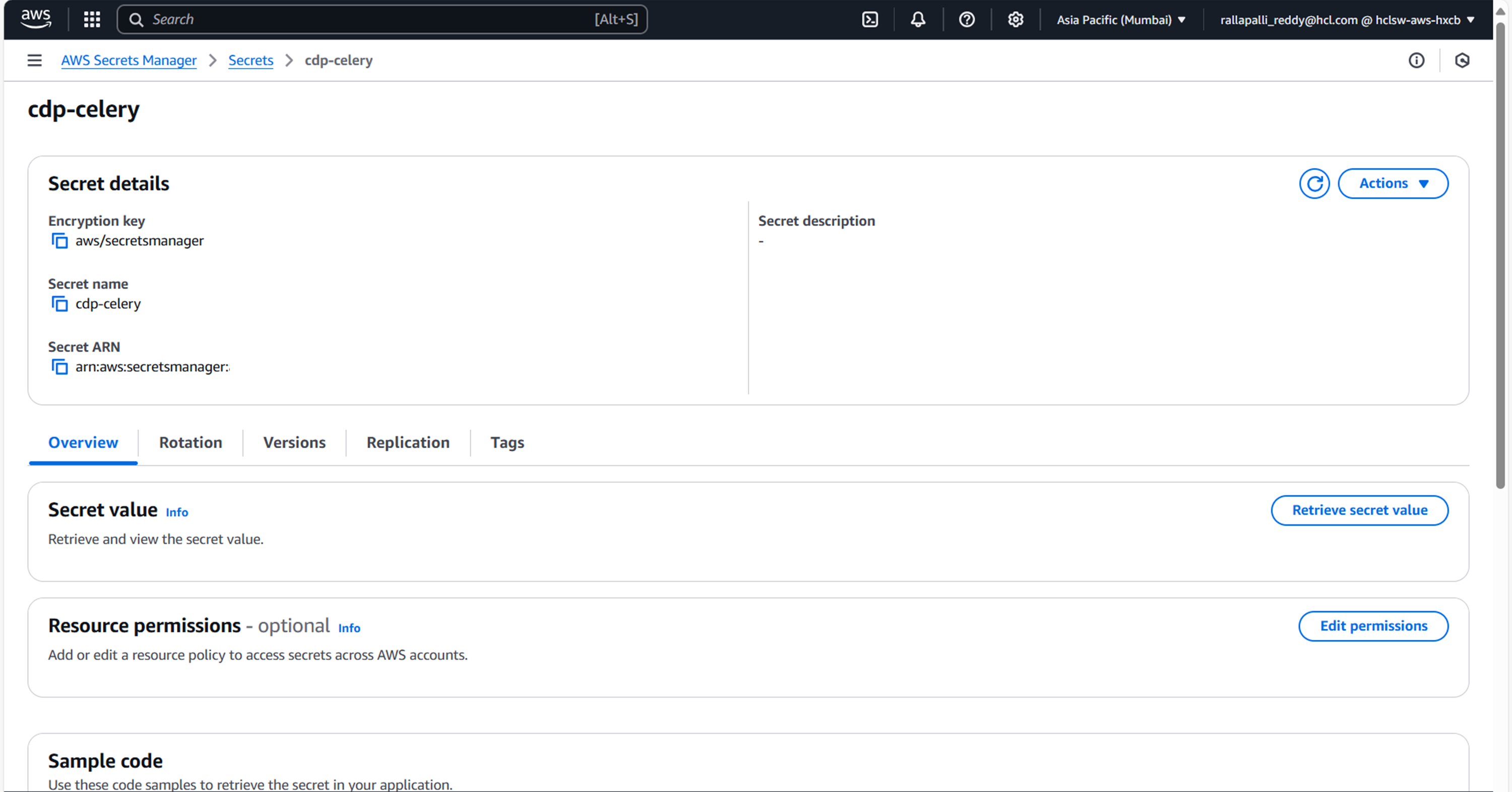
To create CDP Celerykafkacallbackconsumer secret in the AWS secret manager , follow the steps below:
- Create a cdp-Celerykafkacallbackprocessor secret sample key and value, and update the
actual values as shown below.
{ "bootstrap_servers":"", "RABBITMQ_USERNAME":"", "RABBITMQ_HOST":"", "RABBITMQ_PORT":"5672" } - Update ConfigMaps data with actual values, and create required Kafka topics before deployment.
Deploy CDP Celerykafkacallbackconsumer
To deploy CDP Celerykafkacallbackconsumer using Devtron in the AWS platform, follow the steps below:
- Navigate to the Devtron Chart Store, and select the
cdp-Celerykafkacallbackprocessor chart to deploy.
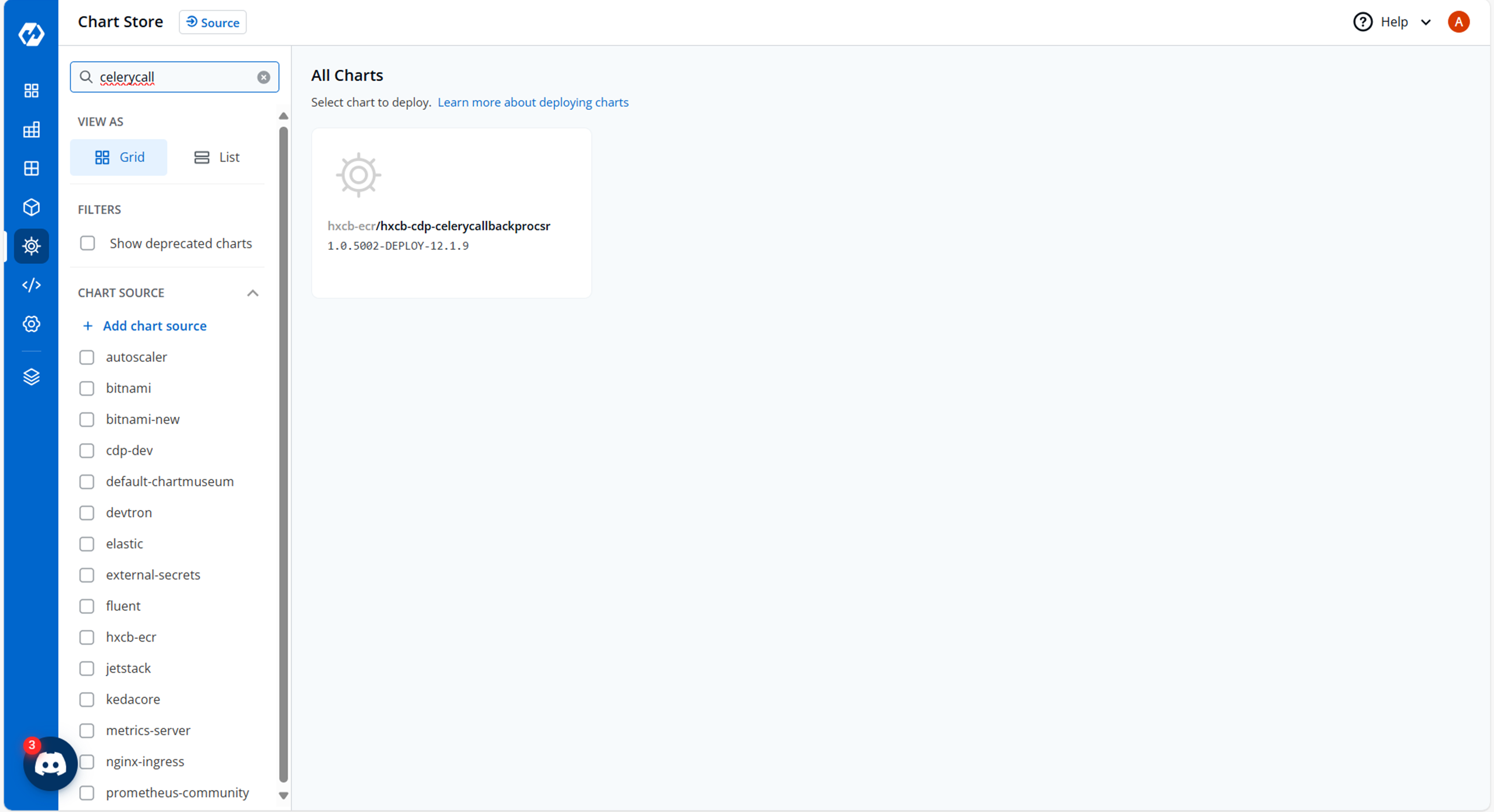
- Now, configure and deploy the cdp-Celerykafkacallbackprocessor charts.
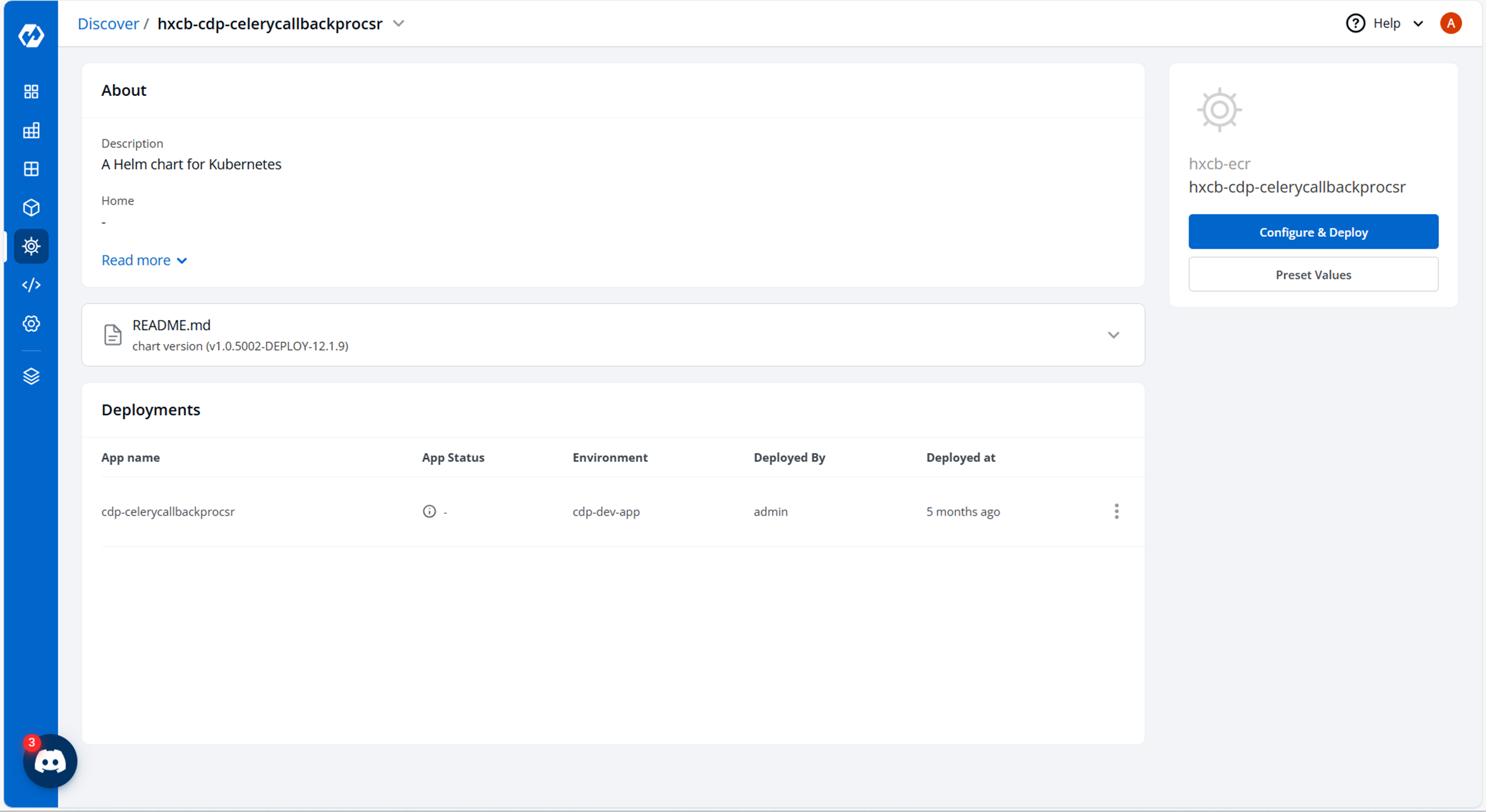
- In the YAML section, update the ConfigMap using the below details and deploy the
chart.
batch_size: "10000"
linger_ms: "30000"
etaEventProduceTopic: ETACallback
securityProtocol: SASL_SSL
saslMechanism: SCRAM-SHA-512
acks: "1"
consumer_group: celery
enable_auto_commit: "true"
auto_commit_interval_ms: "1000"
etaEventConsumeTopic: CeleryETALem
security_protocol: SASL_SSL
sasl_mechanism: SCRAM-SHA-512
clientDnsLookup: use_all_dns_ips
datetimeformat: "%%Y-%%m-%%dT%%H:%%M:%%S.%%fZ"
log_level: INFO
log_format: "%%(asctime)s - %%(name)s - %%(levelname)s - %%(message)s"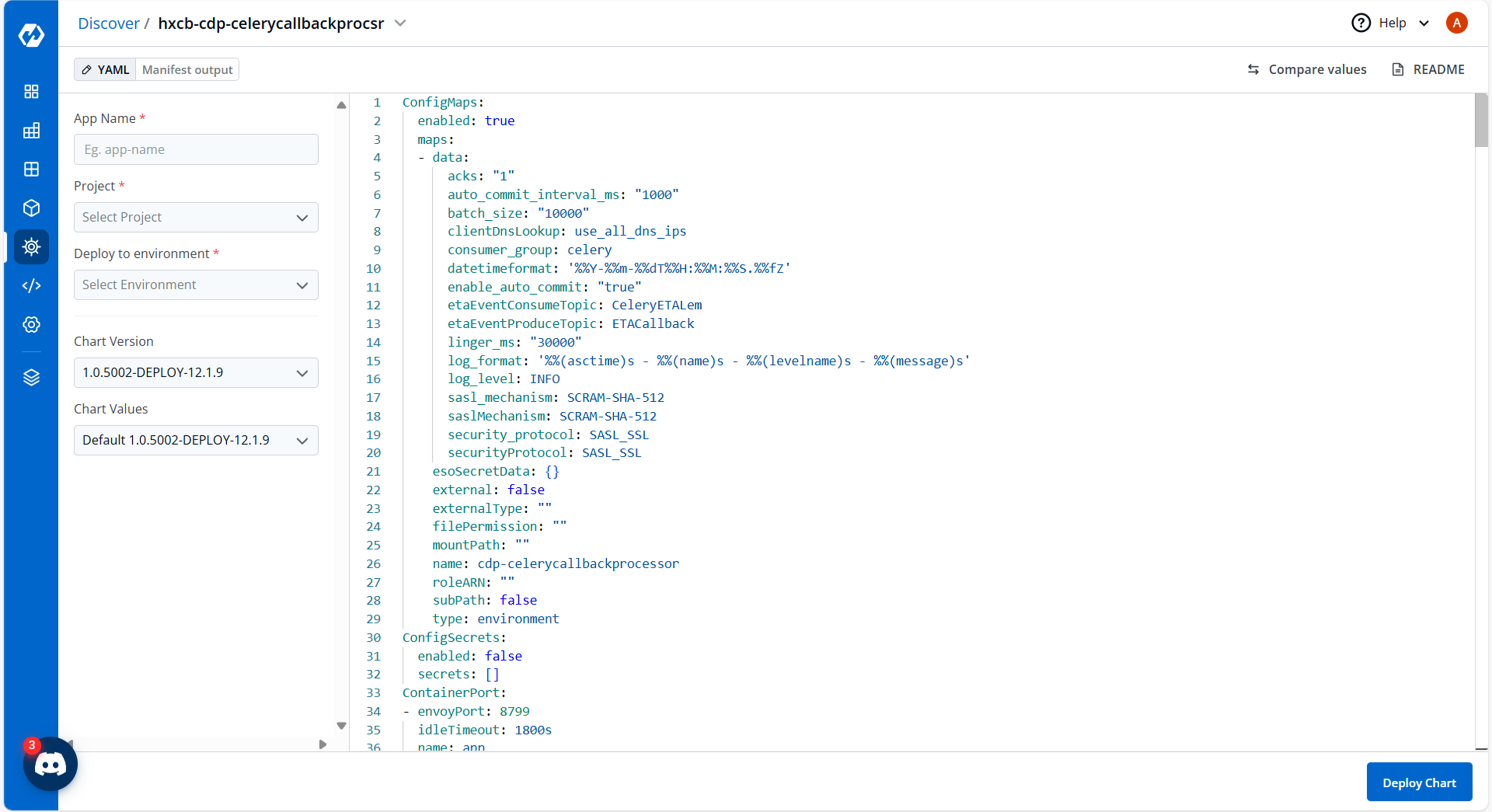
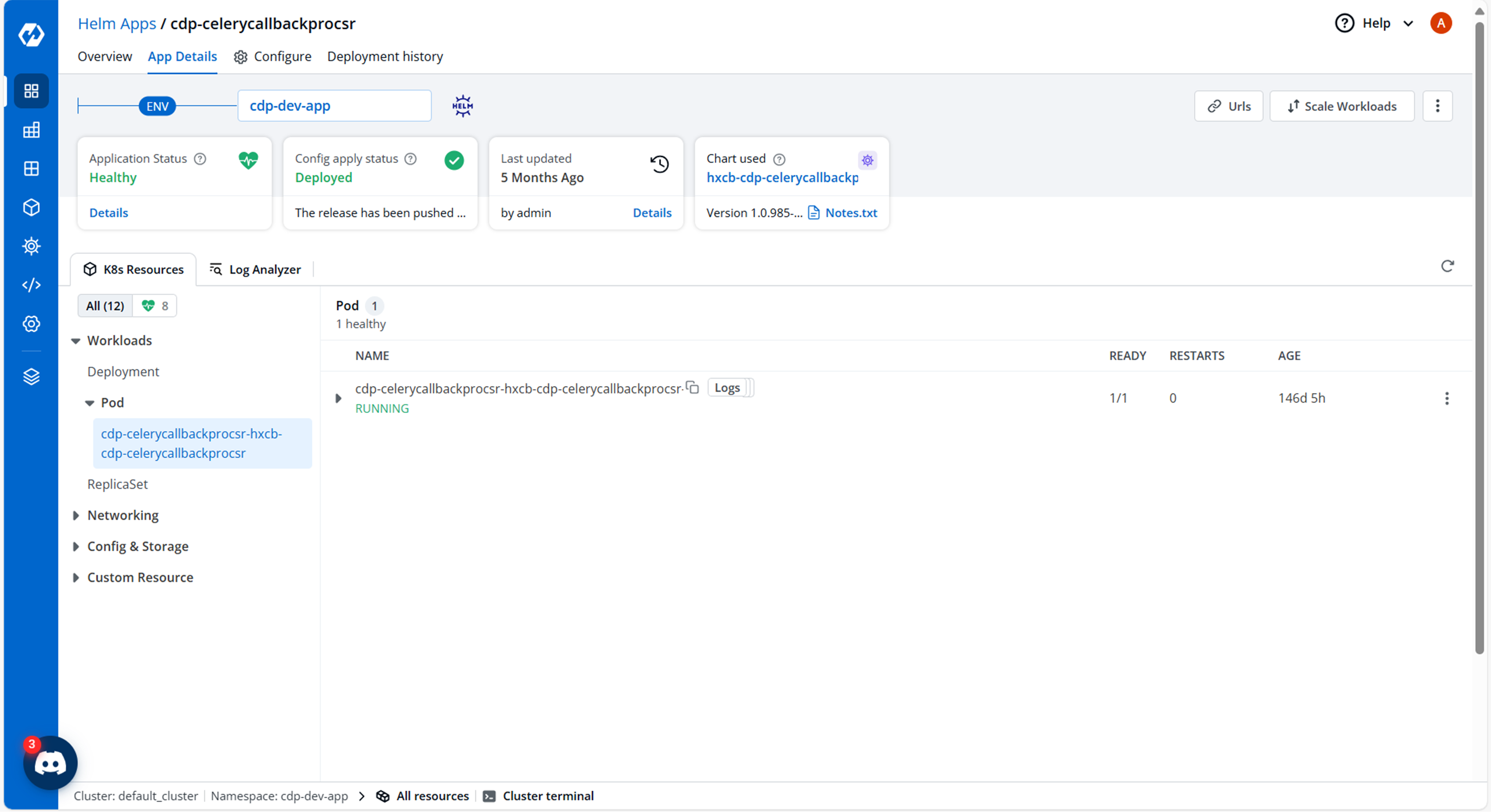
- On successful deployment, validate the deployment as shown below.