Deploying HCL CDP Click Trackers
This section provides detailed instructions on how to deploy HCL CDP Clicktrackers using the Devtron in the AWS.
Prerequisites
Make sure to create cdp-clicktrackers secret in the AWS secret manager before deploying CDP Click Trackers.
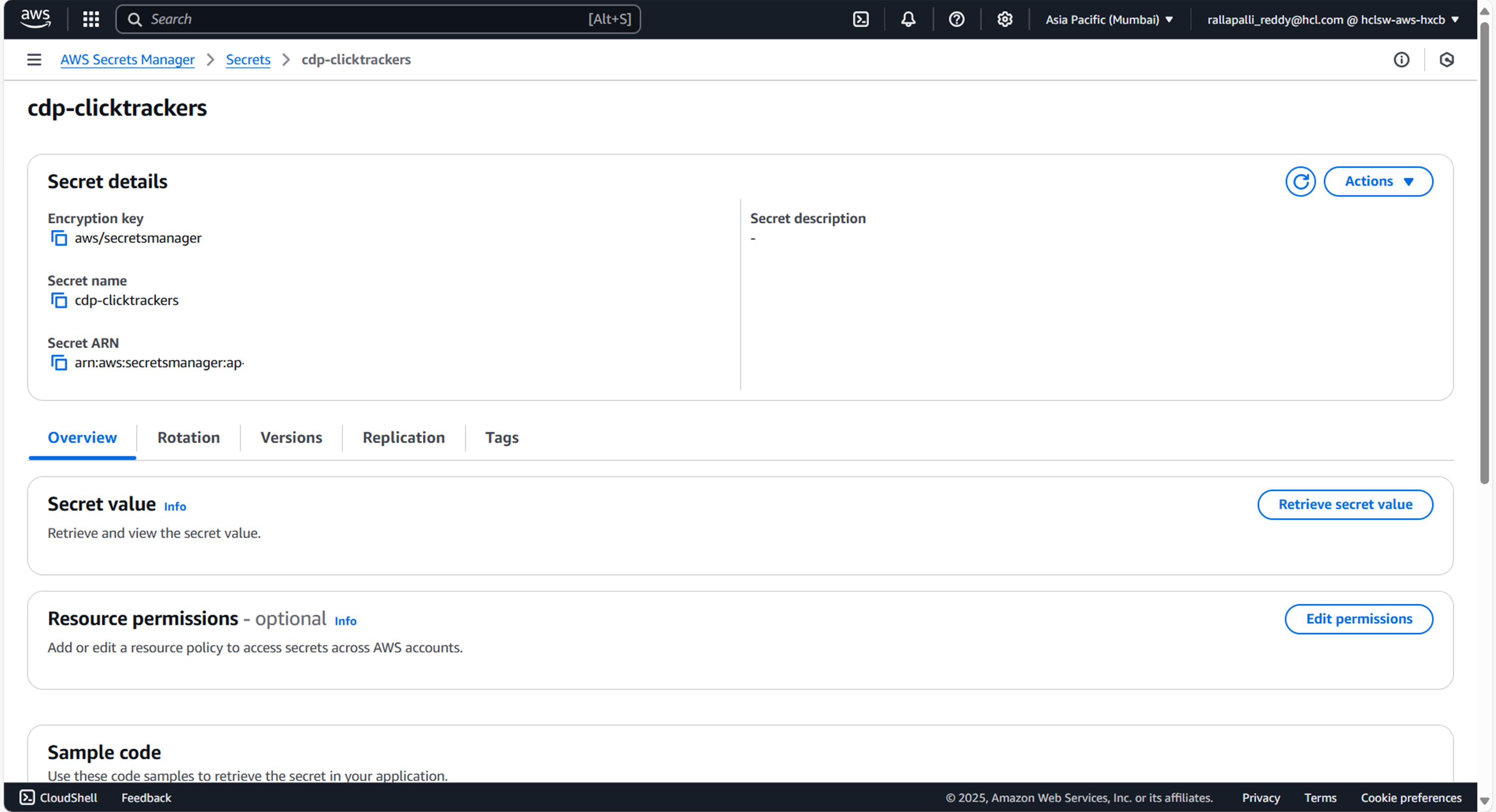
To create a CDP Clicktrackers secret in the AWS secret manager , follow the steps below:
- Create a cdp-clicktrackers secret sample key and value, and update the actual values as
shown below.
{ "DbUsername": "", "DbPassword": "", "DbUrl": "jdbc:mariadb://:3307/vrm", "DbDriver": "org.mariadb.jdbc.Driver", "DbRefreshTimeMin": "5", "KafkaProducerConfigaps1": "", "KafkaProducerConfig": "", "KafkaSMSClickTopic": "clk_sms_click", "KafkaEmailClickTopic": "clk_email_click" } - Update ConfigMaps data with actual values, and create required Kafka topics before deployment.
Deploy CDP Clicktrackers
To deploy the cdp-clicktrackers using Devtron in the AWS platform, follow the steps below:
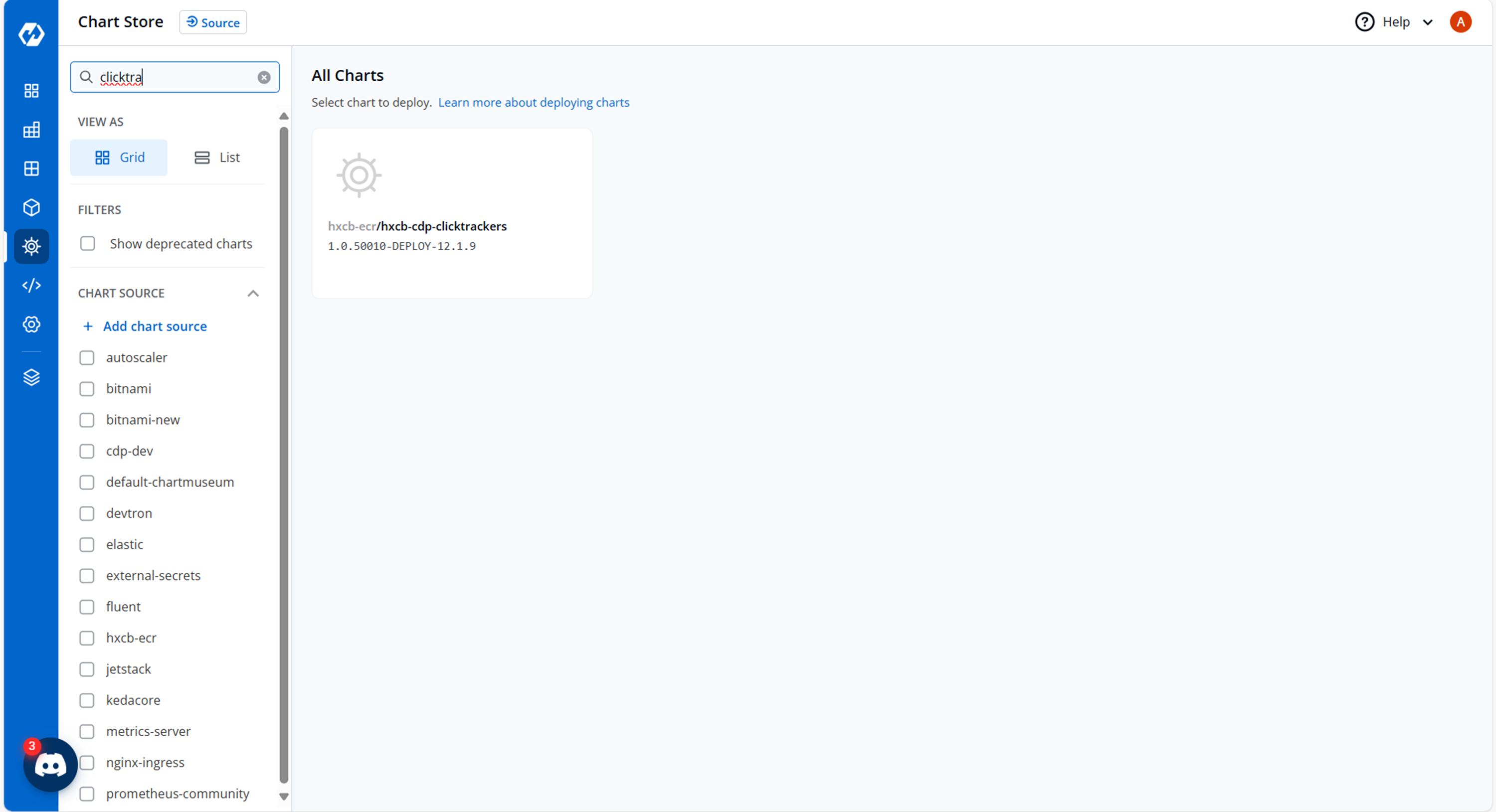
- Navigate to the Devtron Chart Store, and select the cdp-clicktrackers chart to
deploy.
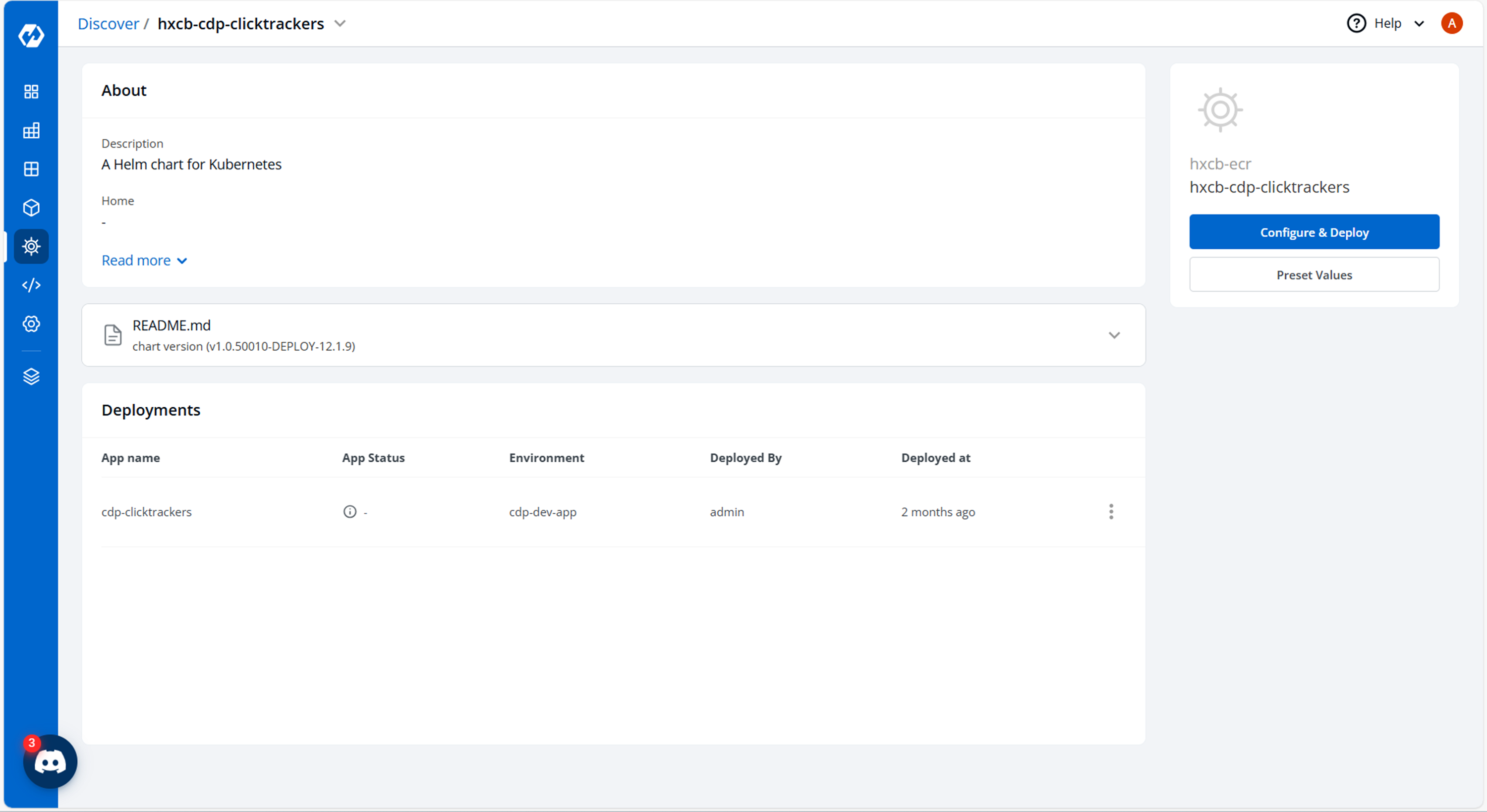
- Now, configure and deploy the cdp-clicktrackers charts.
- In the YAML section, update the ConfigMap using the below details and deploy the
chart.
DbRefreshTimeMin: "5"
urlShortenerS3Bucket: lem-qa
s3Region: us-east-1
s3Protocol: HTTPS
s3maxErrorRetry: "3"
s3MaxConnections: "10"
maxRWRetry: "3"
s3socket: "100"
s3Connection: "500"
clientExecution: "5000"
request: "100"
endPoint: s3.amazonaws.com
KafkaSerializerClass: kafka.serializer.StringEncoder
KafkaProducerId: ClickTracker
LOG_LEVEL_APP: debug
LOG_LEVEL_ROOT: info
KafkaRequiredAcks: "1"
KafkaRequestTimeout: "10000"
async: async
KafkaCompressionCodec: gzip
KafkaMaxRetries: "5"
KafkaRetryBackoff: "1000"
KafkaProducerPoolSize: "16"
ProducerEventType: "11111"
KafkaProducerMeta: "true"
KafkaProducerEventType: "1111"
KafkaTopic: sms_email_events
KafkaRegions: aps1
KafkaProducerHostName: ush-ck-stage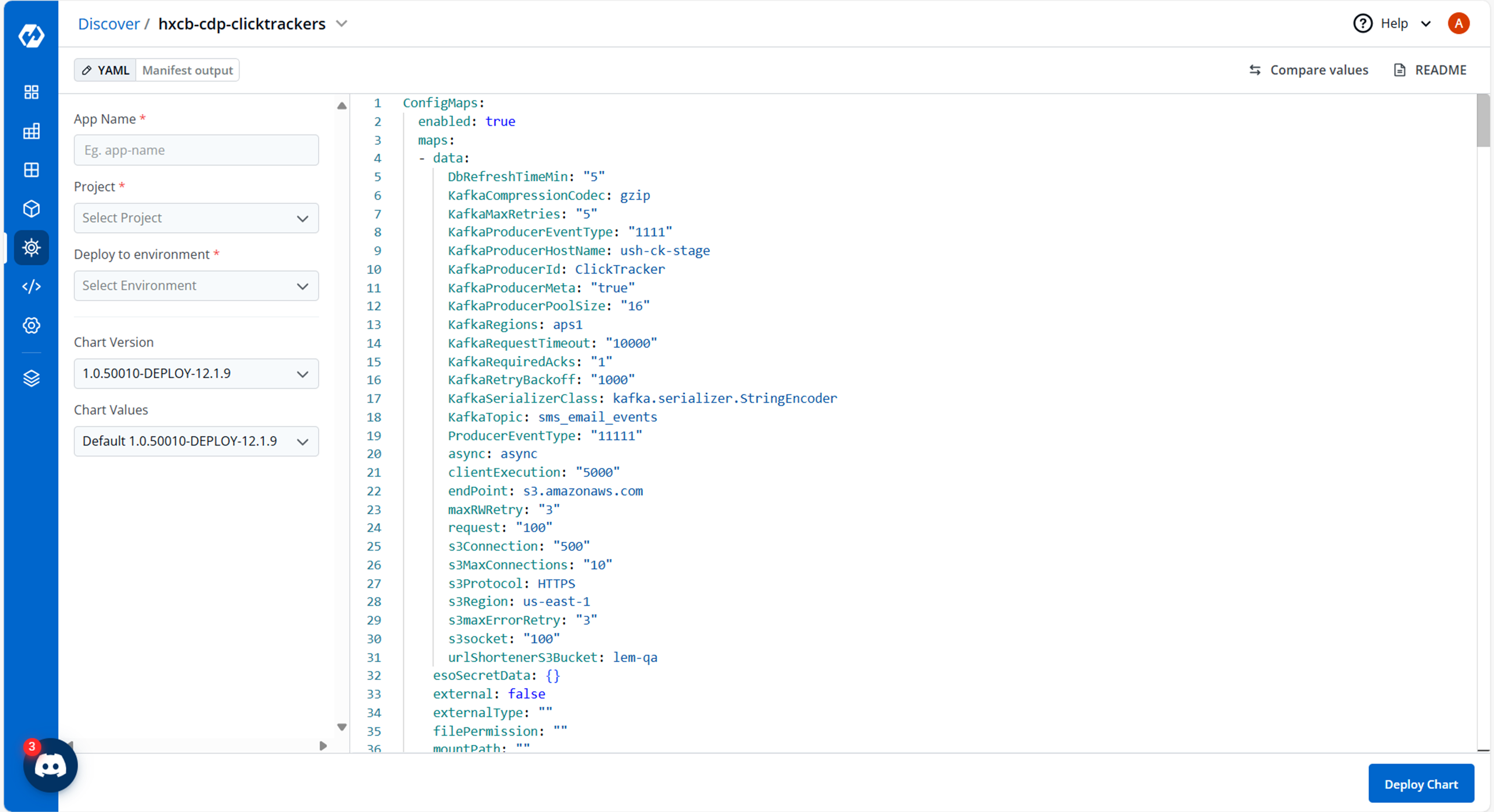
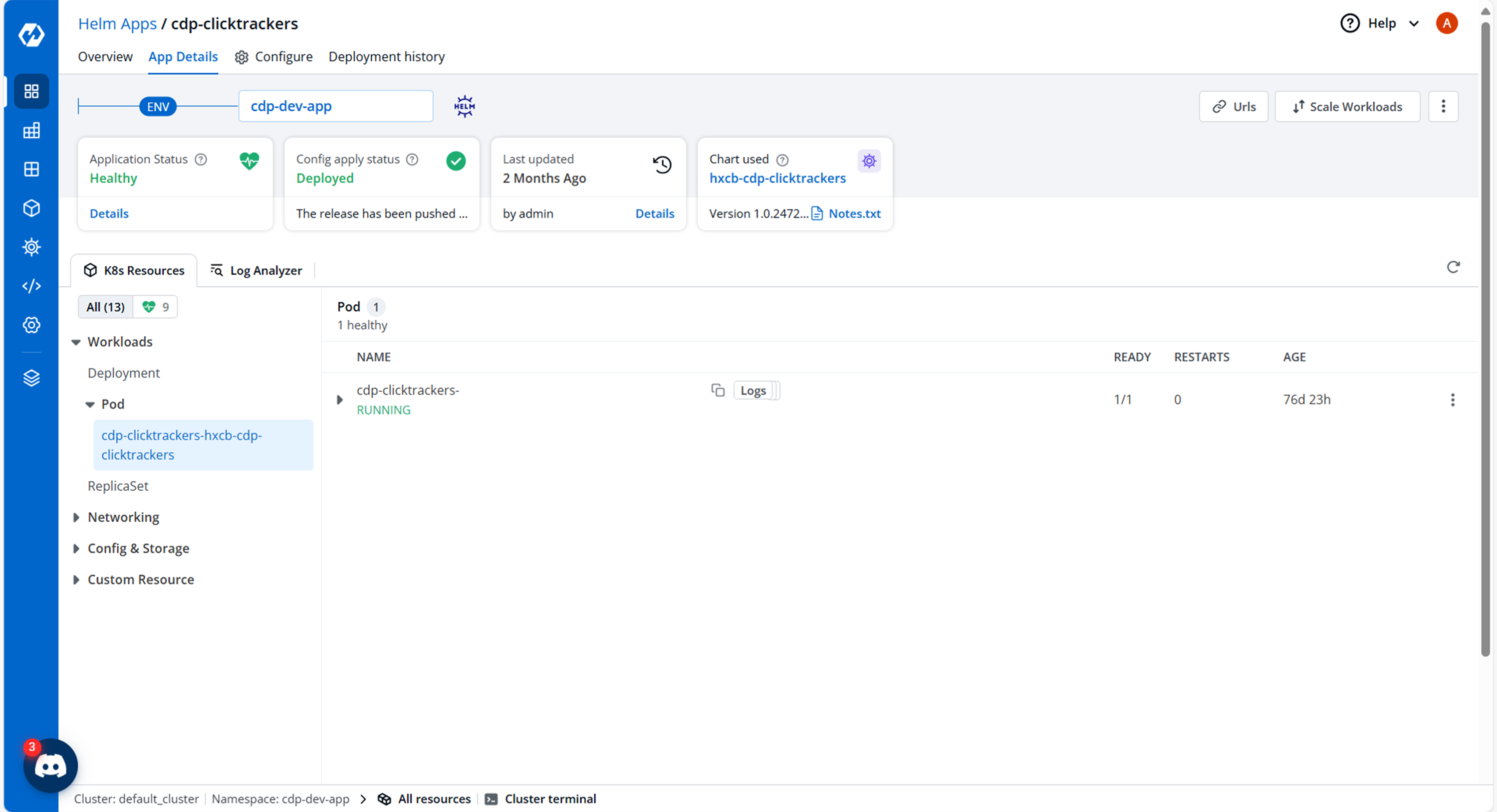
- On successful deployment, validate the deployment as shown below.