Deploying HCL CDP Webhooks
This section provides detailed instructions on how to deploy HCL CDP Webhooks using the Devtron in the AWS.
Prerequisites
Make sure to create a cdp-webhooks secret in the AWS secret manager before deploying CDP Webhooks.
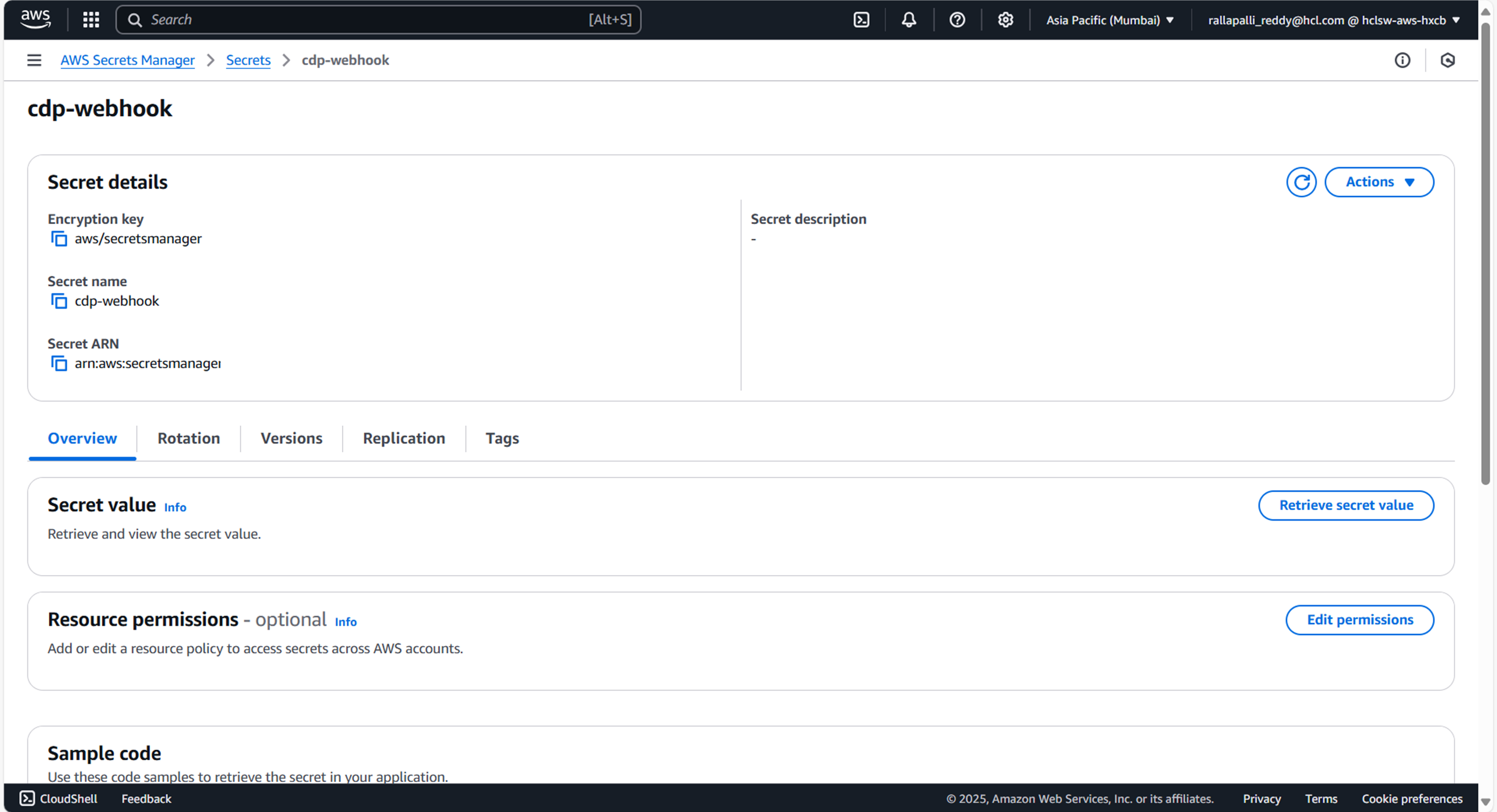
To create a CDP Webhooks secret in the AWS secret manager , follow the steps below:
- Create a cdp-webhooks secret sample key and value, and update the actual values as shown
below.
{ "RedisIp": "", "s3.accessKeyId": "", "s3.secretKey": "", "s3.region": "", "bucket": "", "VrmDbUsername": "cdpapp_ro", "VrmDbPassword": "", "VrmDbUrl": "jdbc:mariadb://:3307/vrm", "KafkaConsumerConfig": "", "KafkaUsername": "hclsw-hxcb-hss-cdp", "KafkaConsumerGroup": "", "KafkaTopicList": "", "KafkaPassword": "Yd8qyhZcnDJWQJL386tfxQ", "KafkaTopicConsumers": "", "KafkaTopicConsumerBatchSize": "", "KafkaTopicConsumerDefaultBatchTimeoutMS": "", "KafkaTopicConsumerDefaultBatchTimeoutTrigger": "", "s3objectPrefix": "trapi_req_metadata/", "smsClickTrackerEndpoint": "ck.dev.hxcb.now.hclsoftware.cloud", "emailClickTrackerEndpoint": "", "openTrackerEndpoint": "", "VrmDbDriver": "org.mariadb.jdbc.Driver", "from": "", "to": "", "KafkaProducerPoolSize": "16", "ProducerEventType": "8888", "KafkaProducerHostName": "", "indexKeyMapping": "0:openCount,1:mid,3:sentTime,4:deliveryTime,5:SOFTBOUNCE,6:HARDBOUNCE,7:noOfMsgsSent,8:noOfMsgsProcessed,9:statusCode", "TSDBHost": "", "TSDBPort": "80", "KafkaProducerConfig": "", "KafkaProducerEnabled": "true", "KafkaConsumerEnabled": "false", "impressionTopic": "impression", "KafkaProducerMeta": "false", "KafkaProducerEventType": "impression" } - Update the ConfigMaps data with actual values, and create required Kafka topics before deployment.
Deploy CDP Etaevents
To deploy the CDP cdp-webhooks using Devtron in the AWS platform, follow the steps below:
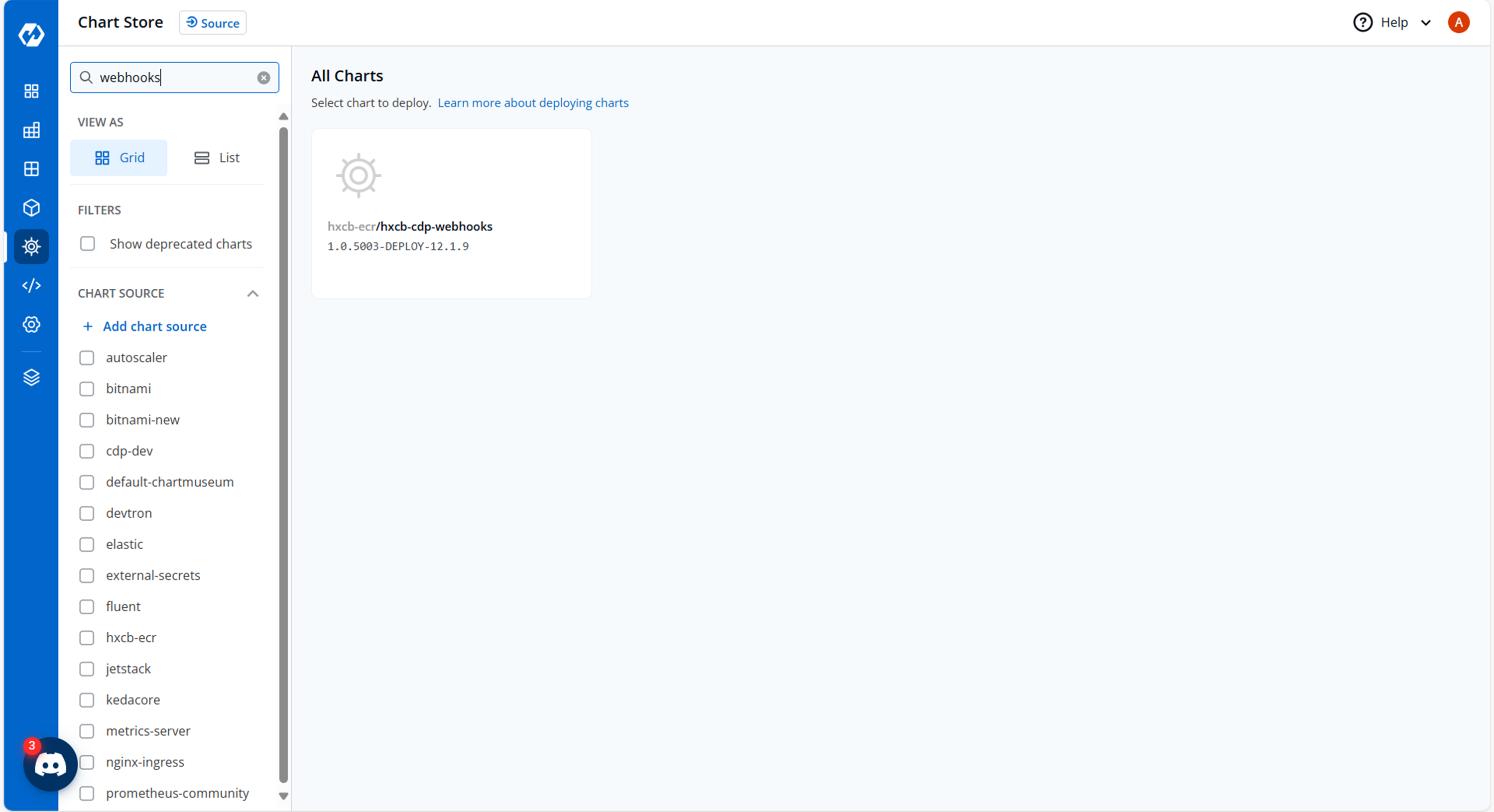
- Navigate to the Devtron Chart Store, and select the cdp-webhooks chart to
deploy.
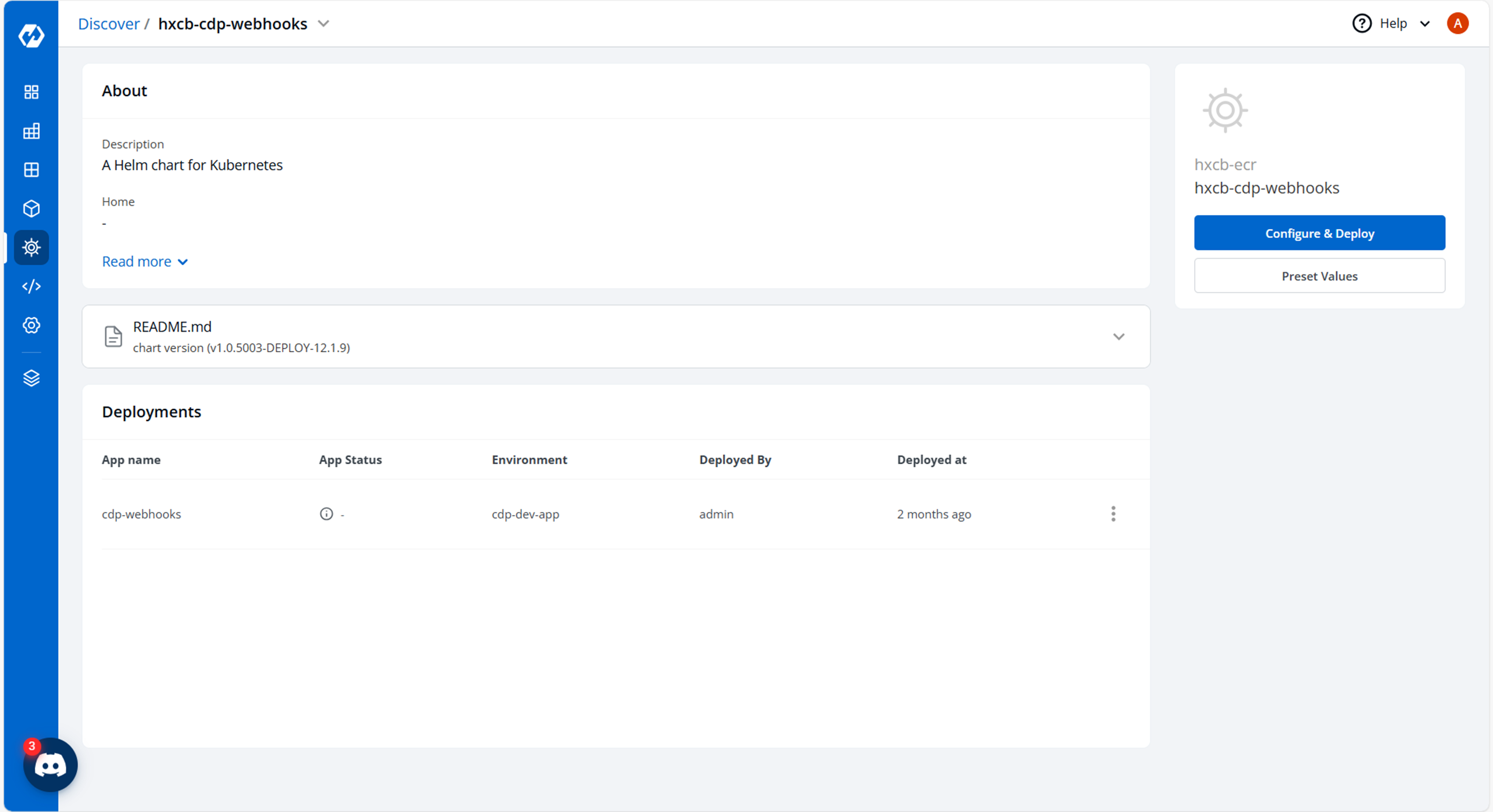
- Now, configure and deploy the cdp-webhooks charts.
- In the YAML section, update the ConfigMap using the below details and deploy the
chart.
APP_TYPE: webhooks
APP_REGION: ap-south-1
APP_INFRA: k8s
DBRefreshIntervalMS: "60000"
RedisPort: "6379"
RedisMaxConnections: "20"
RedisKeyTTLInSec: "7776000"
ThreadExecutorMinThreads: "16"
ThreadExecutorMaxThreads: "32"
ThreadExecutorThreadTTL: "5"
ThreadExecutorQueueSize: "1000"
connectionKeepAliveSeconds: "600"
connectionCount: "5"
readTimeoutSeconds: "1"
writeTimeoutSeconds: "10"
connectTimeoutSeconds: "5"
s3.protocol: HTTPS
s3.maxErrorRetry: "3"
s3.maxConnections: "10"
s3.maxRWRetry: "3"
s3.timeout.socket: "100"
s3.timeout.connection: "500"
s3.timeout.clientExecution: "5000"
s3.timeout.request: "100"
KafkaExecutorServiceMinThreads: "16"
KafkaExecutorServiceMaxThreads: "32"
KafkaExecutorServiceThreadTTL: "5"
KafkaExecutorServiceQueuseSize: "1000"
reportingIntervalInMin: "55"
LOG_LEVEL_APP: debug
LOG_LEVEL_METRICS: error
LOG_LEVEL_ROOT: error
LOG_LEVEL_UTILS: error
emailType: SES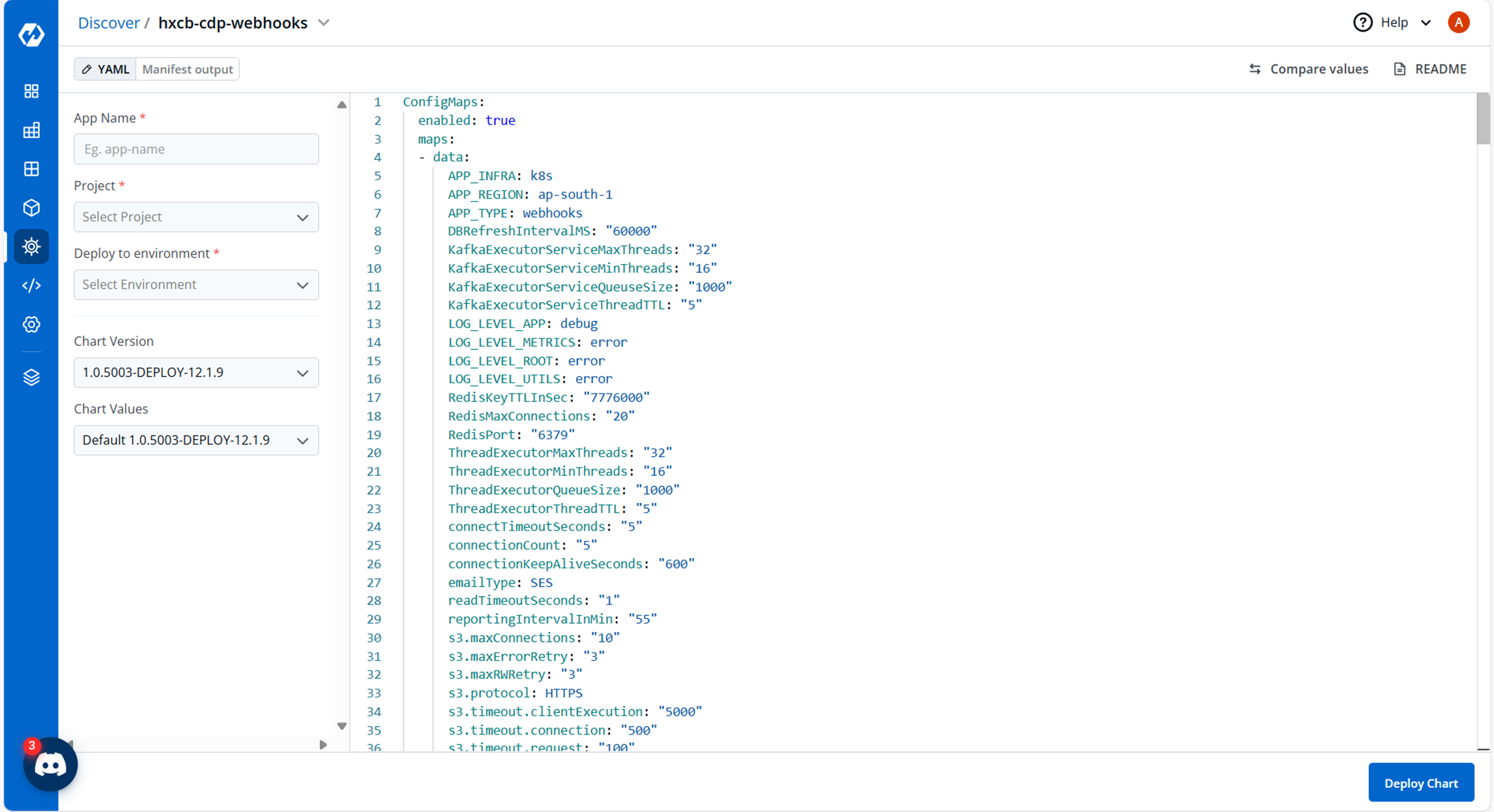
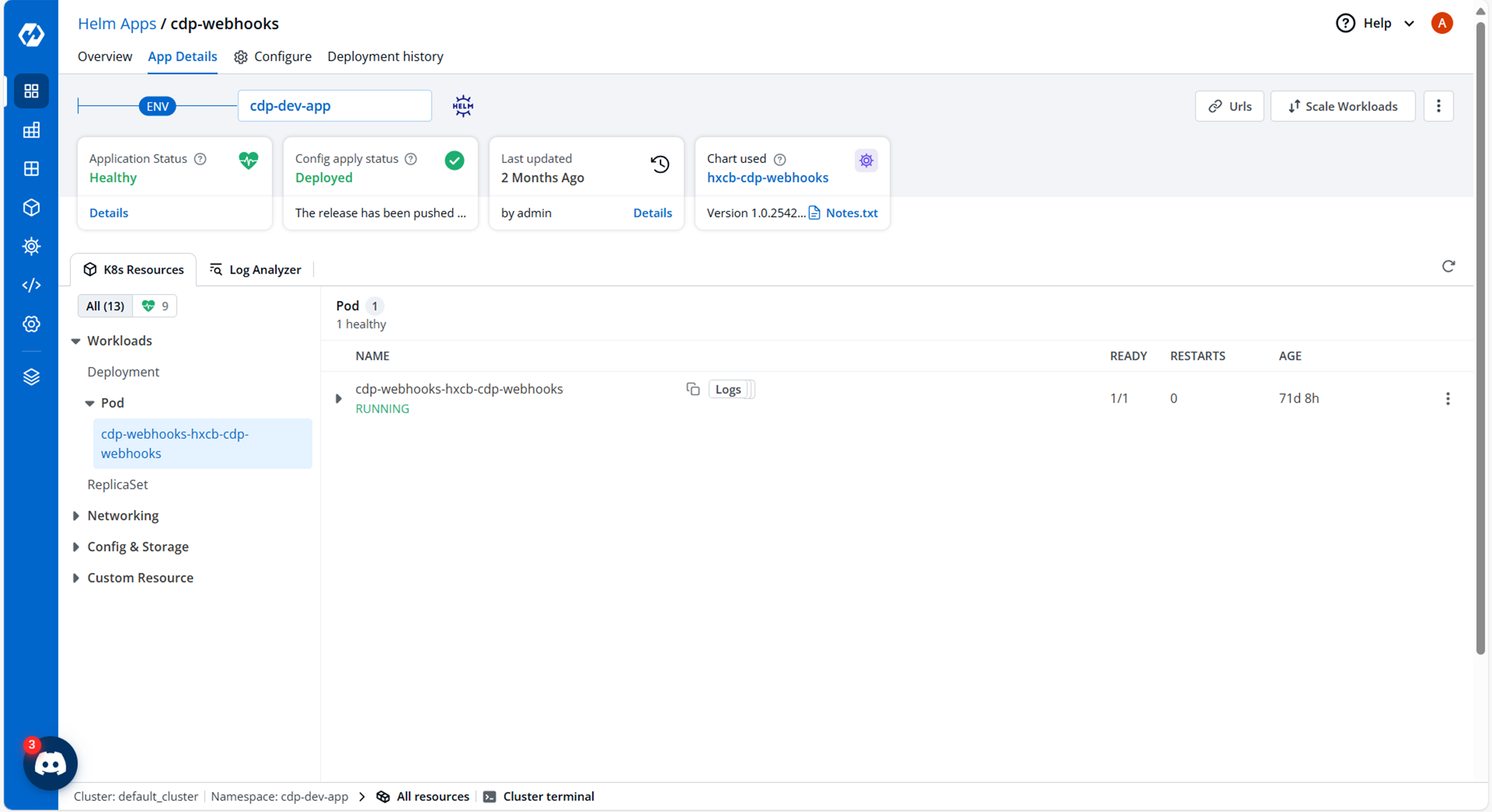
- On successful deployment, validate the deployment as shown below.