Disabling guest shopping for the Ruby storefront
In the Ruby storefront, you can disable guest shopping for customers. The steps involve removing the related policies and disabling guest shopping flex flow in the Commerce Lab. You can then verify that guest shopping is disabled by attempting to browse the store catalog and place an order as a guest customer.
- When guest shopping is disabled, customers who are not signed in cannot add items to their current order and place an order.
Procedure
-
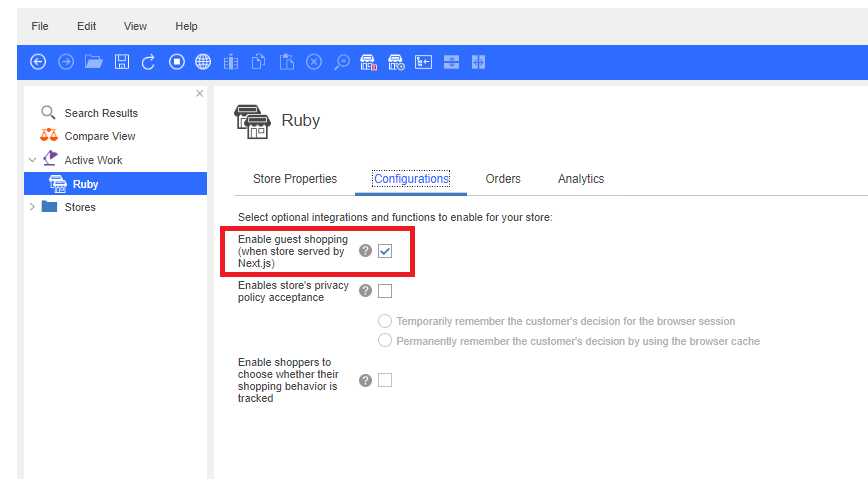
Disable the guest shopping flow from the Commerce Lab by
following the steps given below:
- Refresh the registries in Commerce Lab for Commerce+ Transaction Server or restart the server container.