Kit details page of Ruby storefronts (B2C and B2B)
On the kit details page, you can view detailed information about a kit. You cannot remove components from the kit due to its unique SKU.
Screen captures
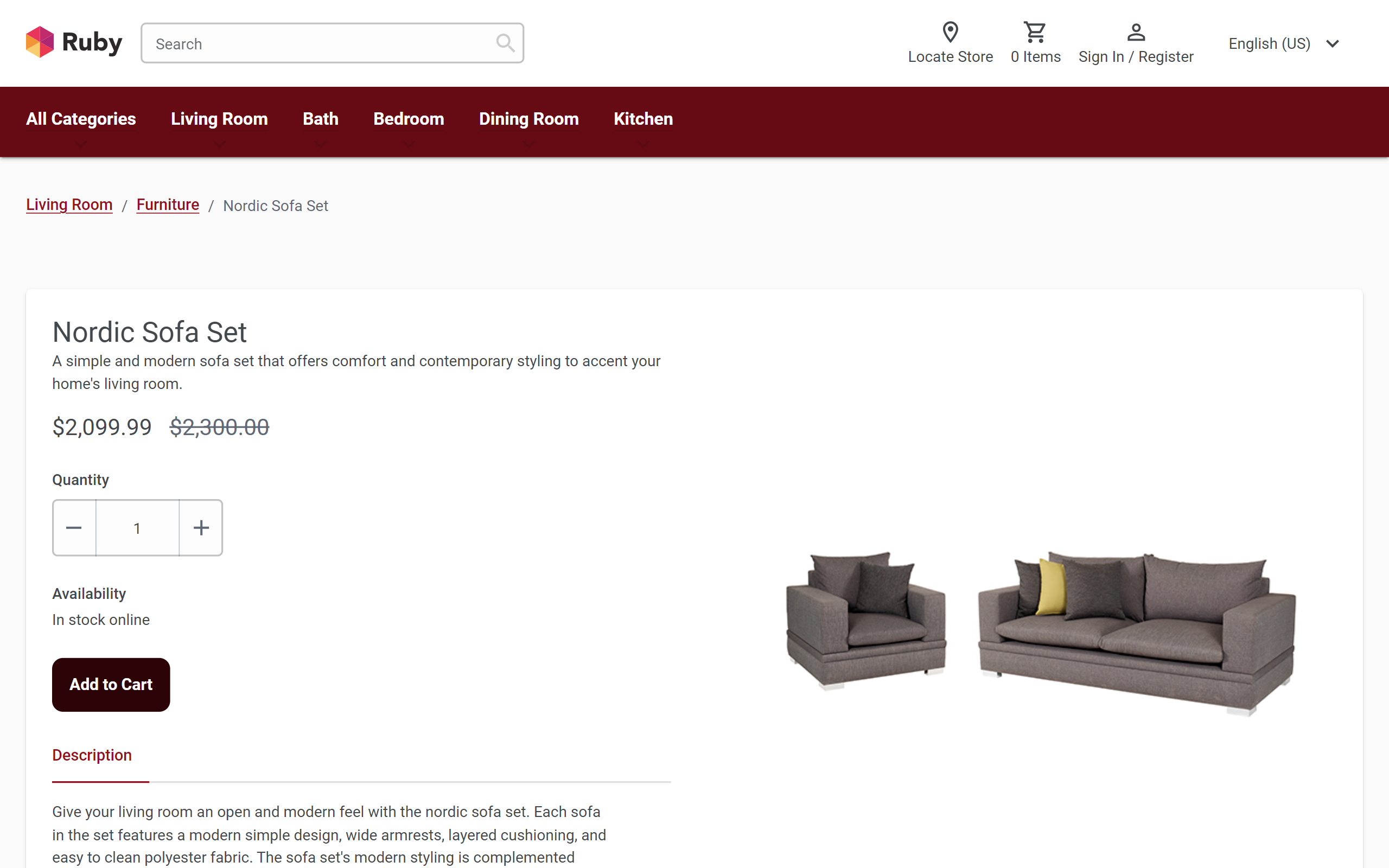
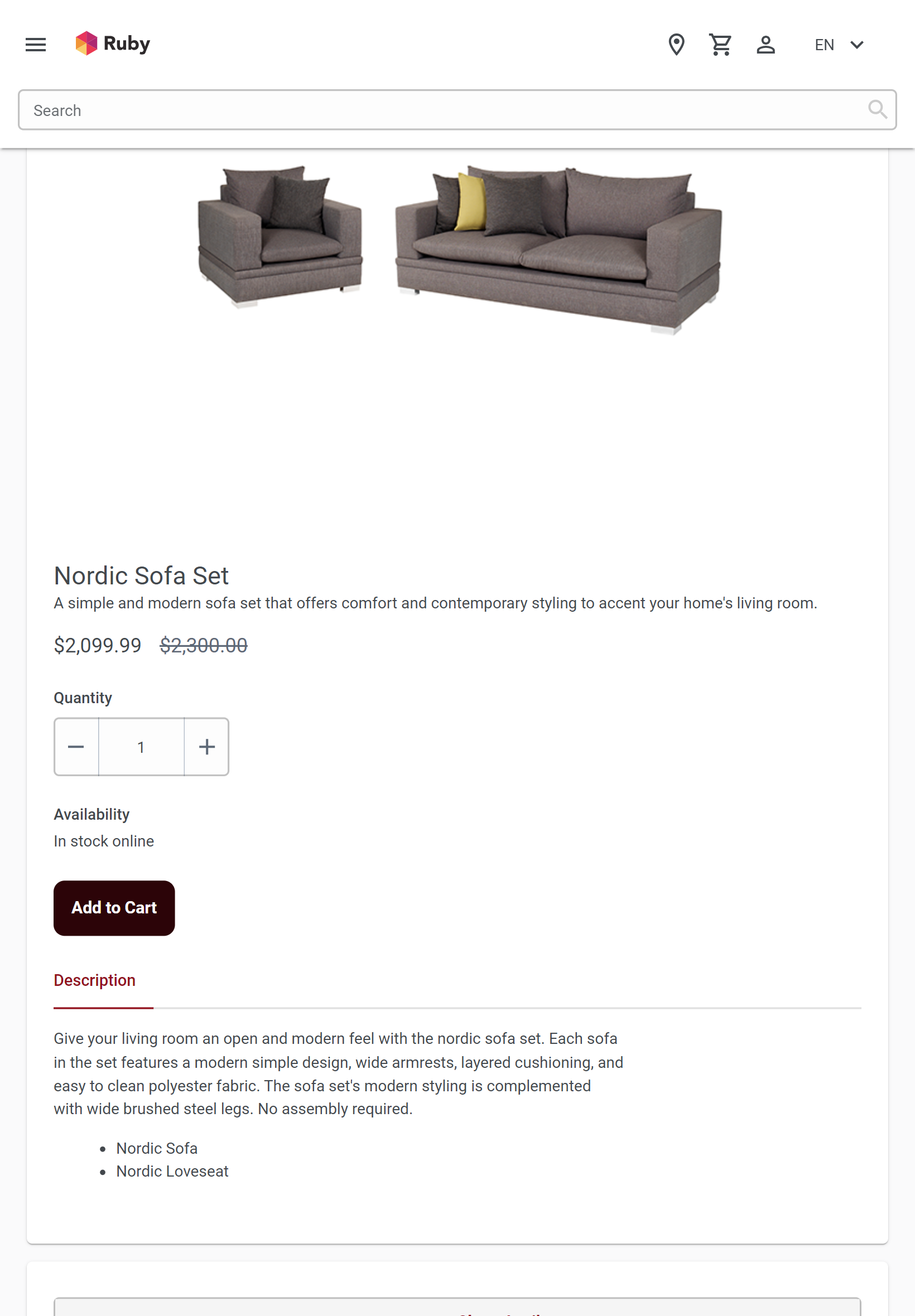
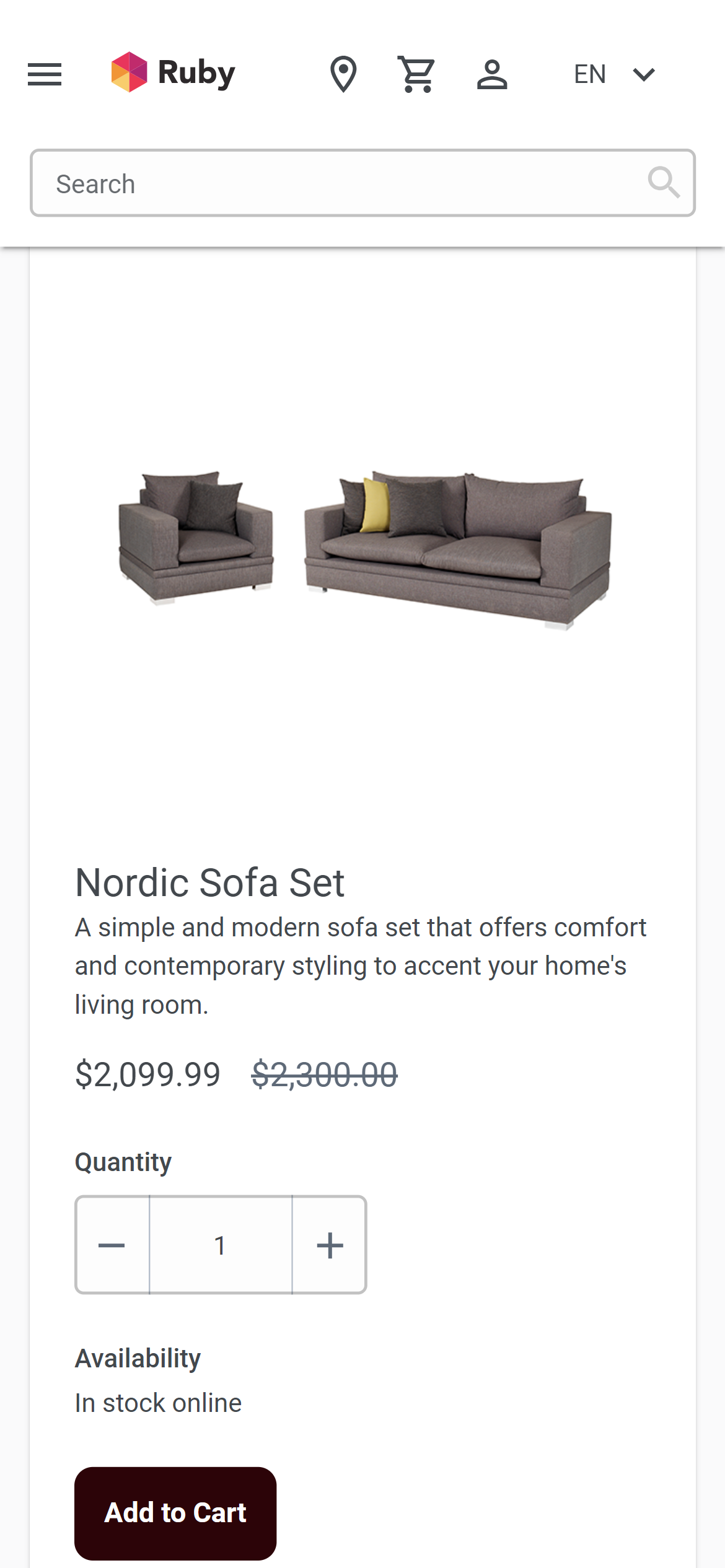
The following screen captures show how the responsive kit details page adapts to desktop, tablet, and mobile devices.
Desktop screen capture
Tablet screen capture
Mobile screen capture
Layout, template, and page information
In the Ruby storefront, the kit pages use the default layout for their page type. The default layout includes Page Composer widgets. However, Commerce Lab you cannot open the default layout in the Page Composer tool to modify the widgets. Default layouts are managed by IT developers inside the Ruby storefront. Although some widgets in the default layout contain e-Marketing Spots, Commerce Lab you can manage them using the Marketing tool. If the default layout is not suitable, Commerce Lab you can create a layout in the Page Composer tool and assign it to the relevant kit pages.
Widget information
The following Page Composer widgets are included in the default layout for the responsive kit details page:
- Breadcrumb Trail: It displays the breadcrumb trail on the catalog entry page.
- Kit Widget: It displays the kit details and the product information on the product page.
- Related Products: It is also known as the Merchandise Association widget, it displays a merchandising association on the product or category page.
For more details on Page Composer widgets, refer to Widgets for Page Composer.