

Configure Administrative Credentials
This topic explains about Application instance credential that used to initially set up and configure the application. This credential acts as a local application identity and is required to secure the configuration mode.
About this task
Procedure
-
Click Launch BigFix UI Configuration Manager button from
the Legal Notes page.
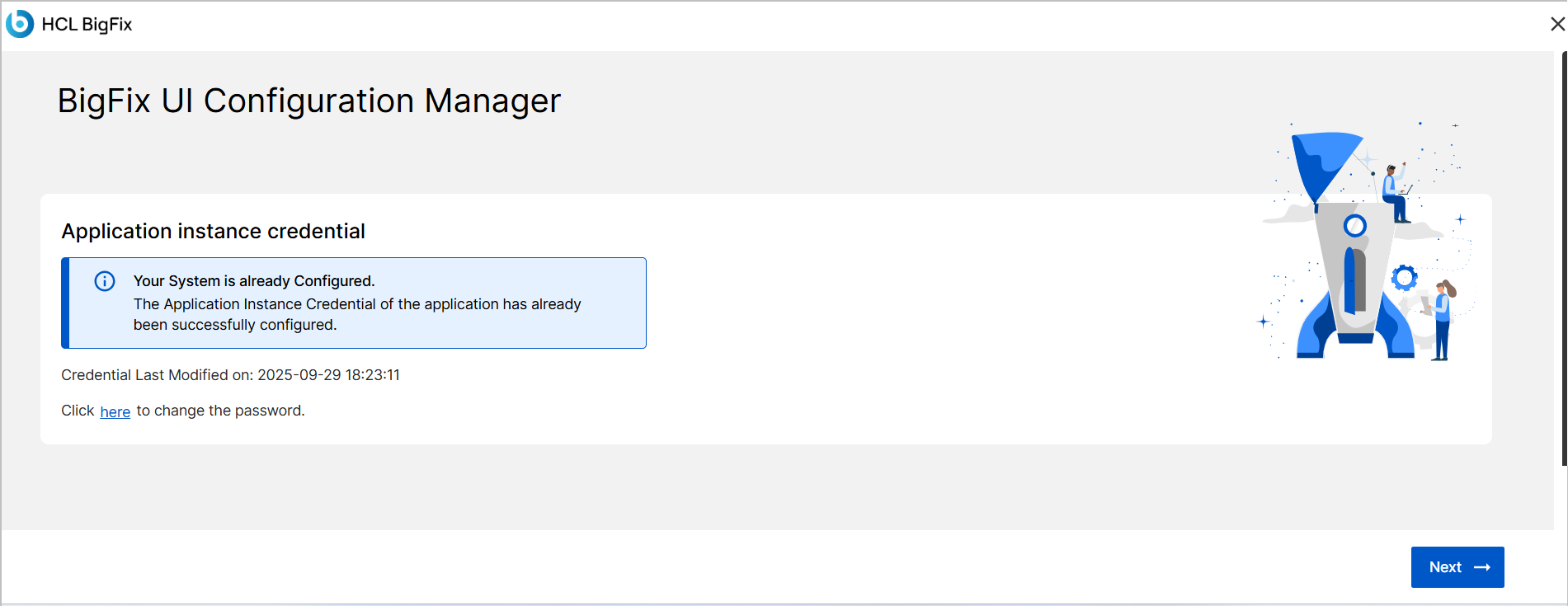
If the credentials are already exist, the Application instance credential screen appears with all the necessary details.
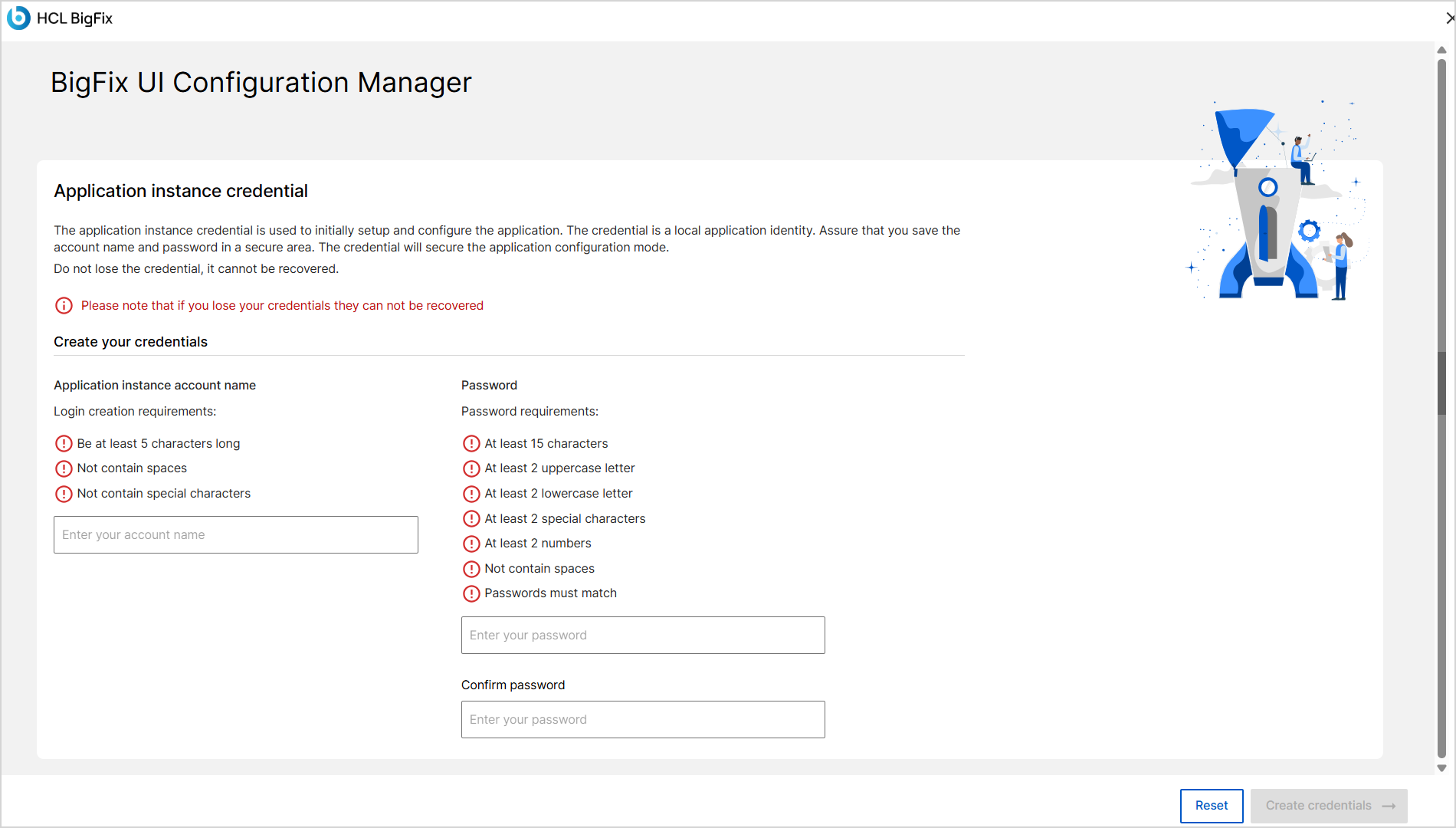
If no credentials exist, the Application instance credential screen appears with required fields to create a new account.
-
Enter the application instance account name
In the Application instance account name field, type a username that meets the following criteria:
- At least 5 characters long.
- Does not contain space and special characters.
-
Enter and confirm the password.
In the Password and Confirm password fields, enter a password that meets all of the following criteria:
- At least 15 characters.
- At least 2 uppercase letters, 2 lowercase letters, 2 special characters, and 2 numbers.
- Does not contain spaces.
- Password must match in both fields.
-
Click the Create Credentials button.
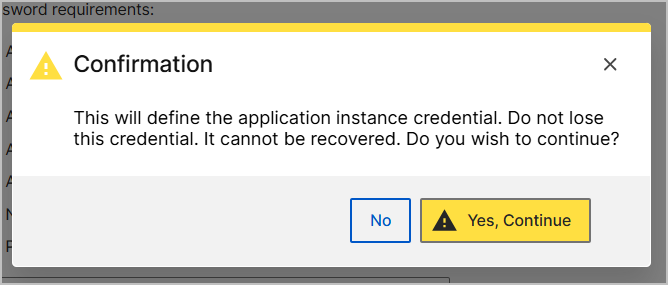
A confirmation dialog appears.
-
Confirm the credentials.
In the confirmation dialog, click Yes, Continue to define the application instance credentials.
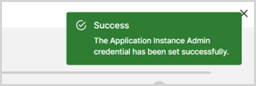
If successful, a success message is displayed, and you are directed to the next configuration step.
 Note: Store the application instance credentials securely. These credentials cannot be recovered once lost.
If there is an error, an error message is displayed and you remain on the same screen.
-
If there is an error, reset the entered values.
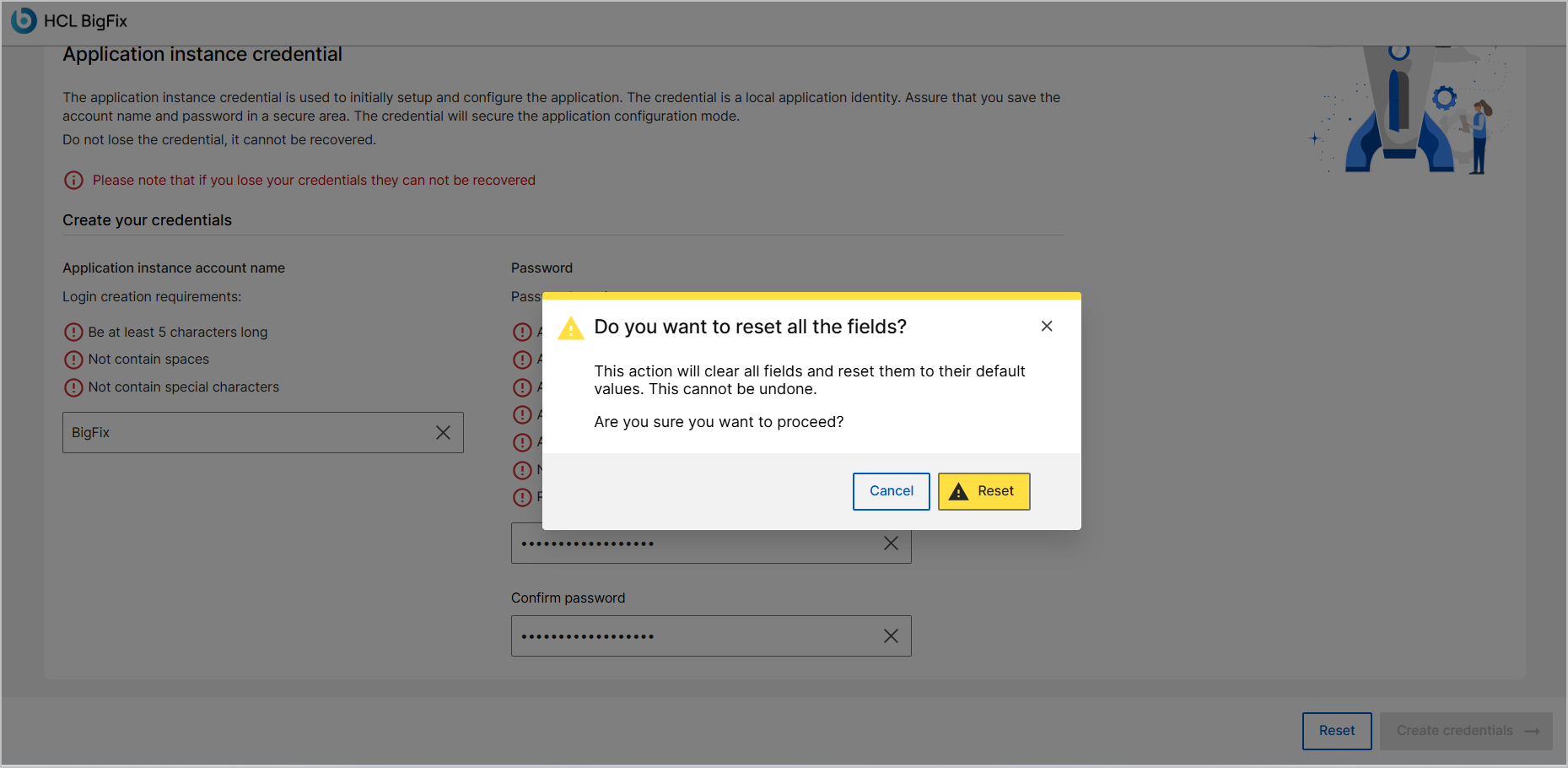
To reset the entered details on the Application Instance credential screen, click Reset button on the confirmation screen.
Click Cancel button to return without making changes.
- After the credentials are successfully configured, click the Next button to proceed to the Database Configurations.
- If you want to exit the setup process, click the X icon in the top-right corner of the screen.