Drill-down navigation
The Patch Dashboard does not deploy patches itself. Use the click-through links on each card and chart to reach the page where you take action.
Select a card, segment, column, bar, or list item to drill down into the filtered, detailed view of the corresponding screen.
| From | You land on |
|---|---|
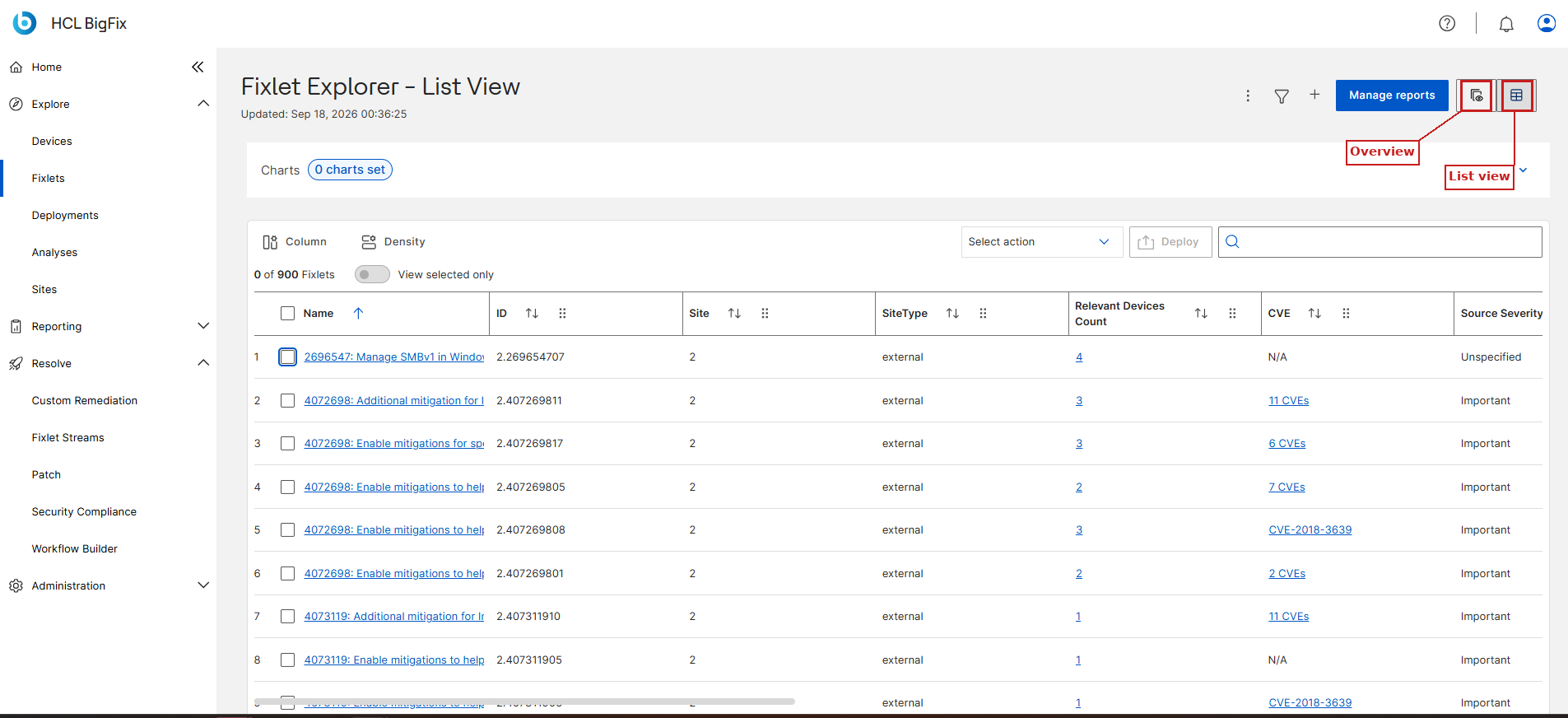
| Latest relevant Fixlets card, Fixlets by Severity segment, Fixlet Aging column | : Fixlet Explorer list view with a Custom filters chip applied. |
| Top 5 High-Impact Fixlets bar | . From here you can select Fixlets and click Deploy. |
| High-Risk Devices card | , filtered to the devices counted on the card. |
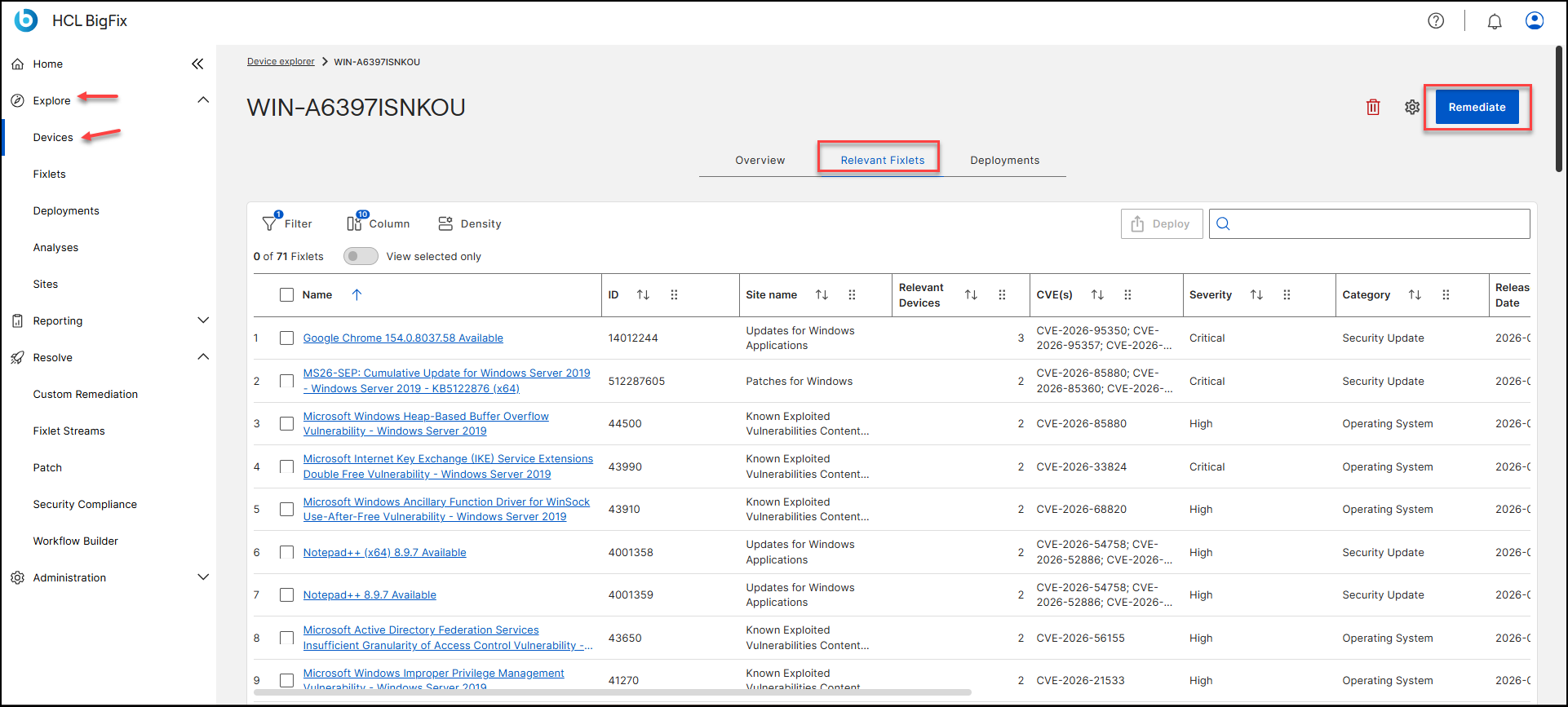
| Top 5 High-Risk Devices bar | . The device details page for that device, on the Relevant Fixlets tab, where you can select Fixlets and deploy them to the device. |
| Deployment Backlog card | NA |