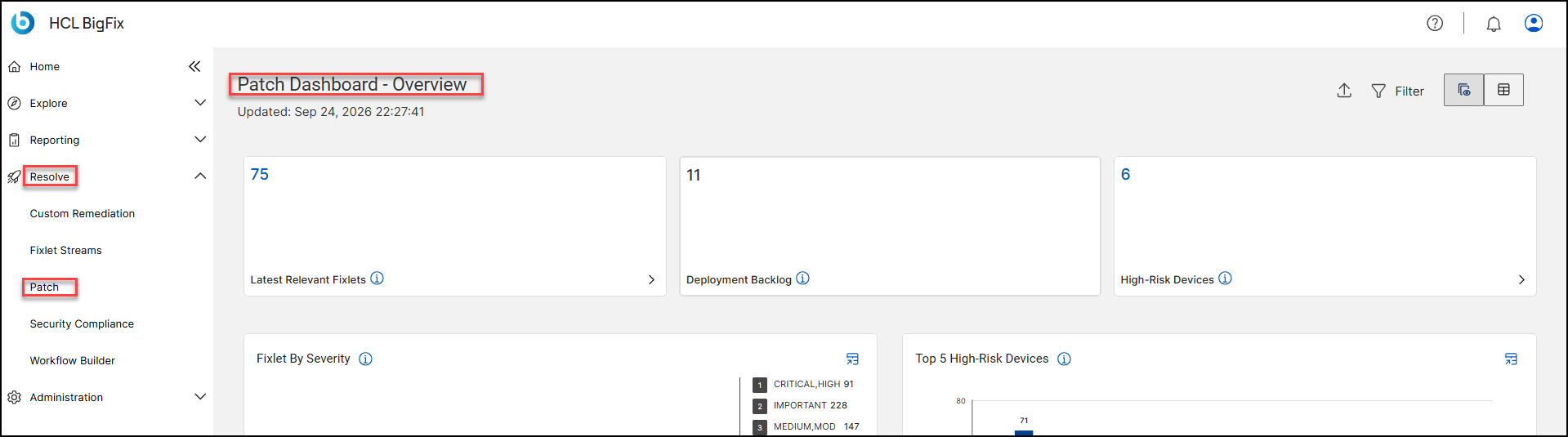
Open the Patch dashboard from the Resolve menu in the BigFix UI.
Log in to the BigFix UI.
In the left navigation pane, expand Resolve.
Click Patch.
The Patch Dashboard - Overview opens. The header shows when the data
was last refreshed in the Updated timestamp. It also includes an
Export icon and a Filter icon.Figure 1. How to access Patch Dashboard