
Force Reset Password (Admin)
- If Administrator selects Force Reset Password checkbox while creating a new user, then the user will be redirected to Reset password page on first time login.
- You should then log in as usual by entering the credentials provided by the
Administrator.
Figure 1. User login As Administrator 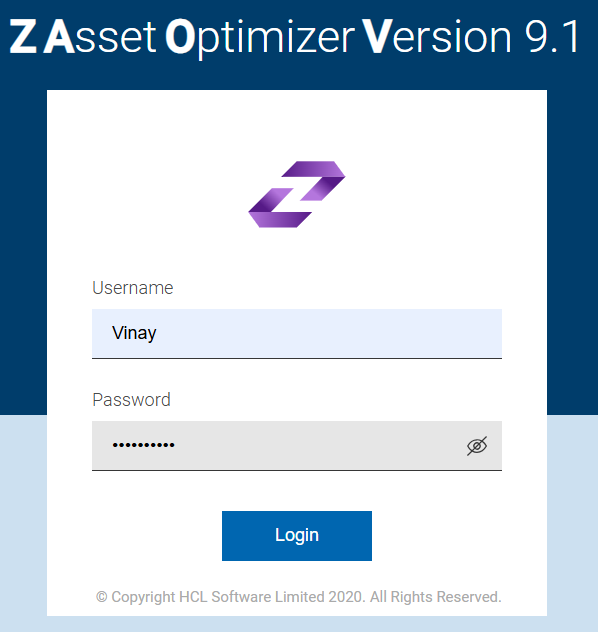
- You are redirected to Reset password page.
- Reset password page has three fields for entering old password and new password of your choice which must meet password rules. Refer to the Add New User section for a description of the accepted password rules.
- Enter a valid Current Password, New Password in the respective
fields. To view the password entered by you, click icon in the Passwords field.
Figure 2. Reset Password Page 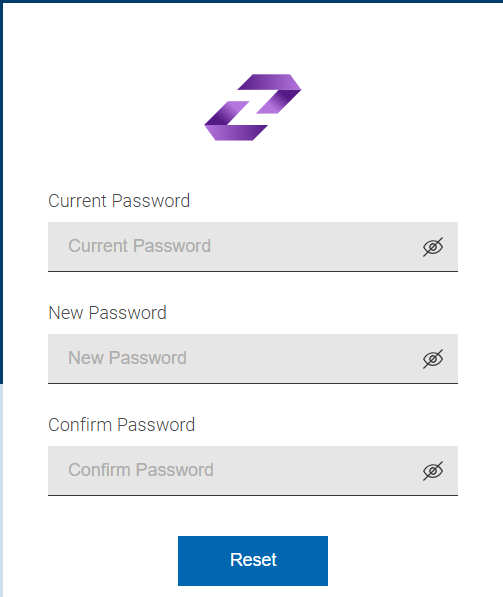
- After entering, if you select Reset, then you will be redirect back to login
page to login with the updated password.
Once you have successfully logged into the application with your valid credentials, the home page screen displays.