Run Aggregator
Aggregator will merge data from the repository Discovery tables and add or update the repository Asset tables as required. During the process, the aggregator processing page will be displayed. Use an Aggregator run to also refresh any pre-processed reports if your administrator has enabled this feature.
To execute the aggregator:
-
Select Run Aggregator and you will generate the following pop-up for option setting:
Figure 1. Aggregator Parameter Options 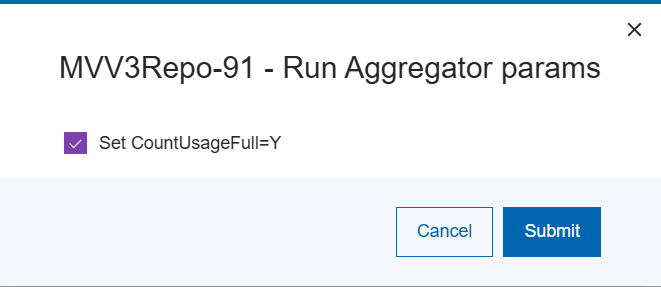
- Select the CountUsageFull=Y setting as required by selecting or deselecting the provided checkbox.
- Select Save
Figure 2. Run Aggregator .png)
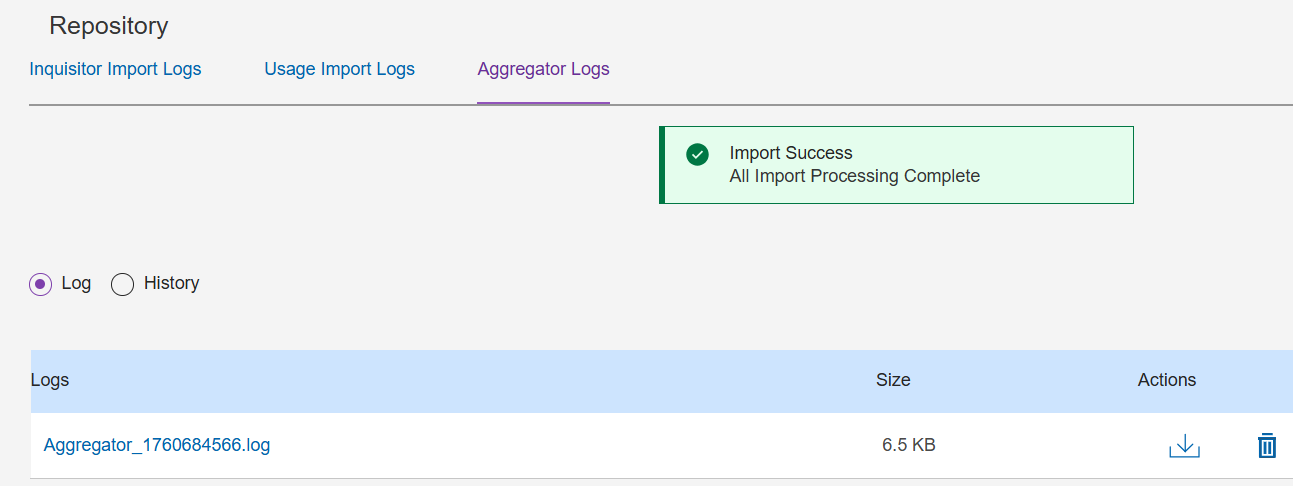
After successful completion of the Aggregator, the results screen is displayed.
-
To view the log file for the aggregator execution, select the Aggregator Logs tab as displayed:
Figure 3. Run Aggregator Completion Showing Logs