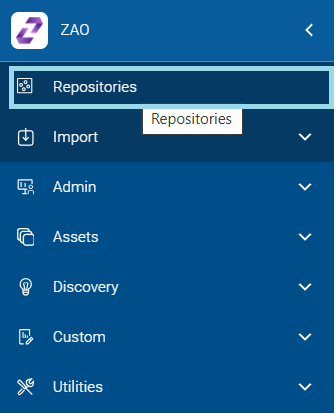
You can select and view all the available repositories from a list in two ways.
On the Homepage, select the Repositories tile card or select the
Repositories menu on the home page.Figure 1. Repositories Menu
The Repository list page is displayed:Figure 2. Repositories List Selection
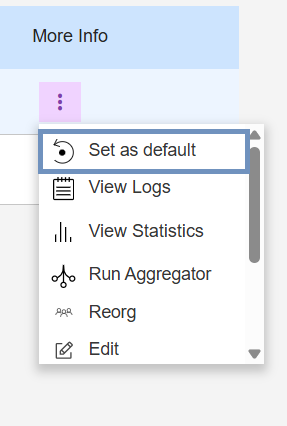
Each repository has the following action menu options (under ‘More Info’).
Set as default
Viewlogs
ViewStatistics
Run Aggregator
Reorg
Administrator Only Functions:
Edit Repository Name
Backup Repository
Export Repository
Delete Repository
Reset Repository
To view the options, move the cursor to the three dots icon under the More Info
column on the right-side of the screen.Figure 3. Repository User Options