
Administrator Reports
In this section, we will discuss Admin Reports in detail.
Under the Admin Reports menu, the following sub menus available:
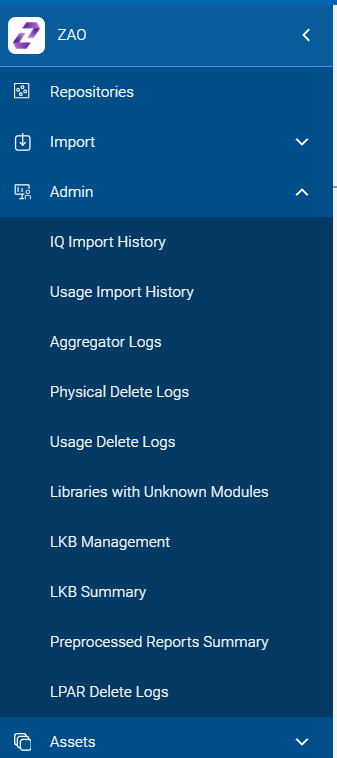
- IQ Import History: The log records which are created by importing IQ files
are shown in the IQ Import History reports.
Figure 2. IQ Import History Log 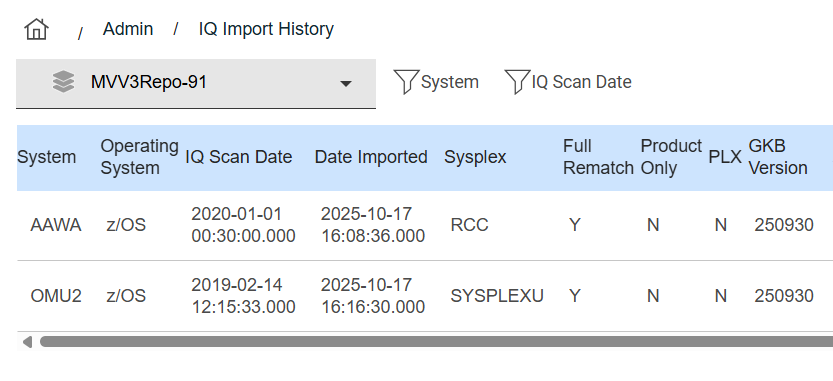
- Usage Import History: The log records which are created by importing UM files
are shown in the Usage Import History reports.
Figure 3. Usage Import History Log 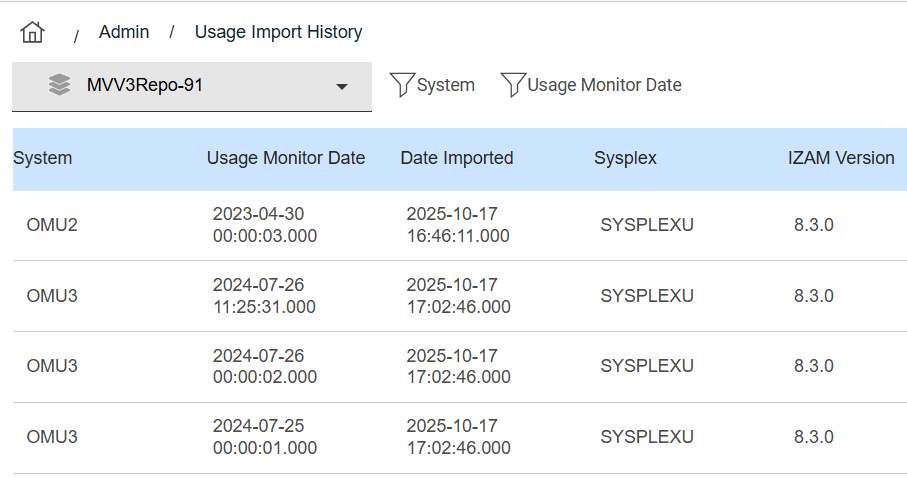
- Aggregator Logs: Aggregator execution log records can be found in the
Aggregator logs report.
Figure 4. Aggregator Log History 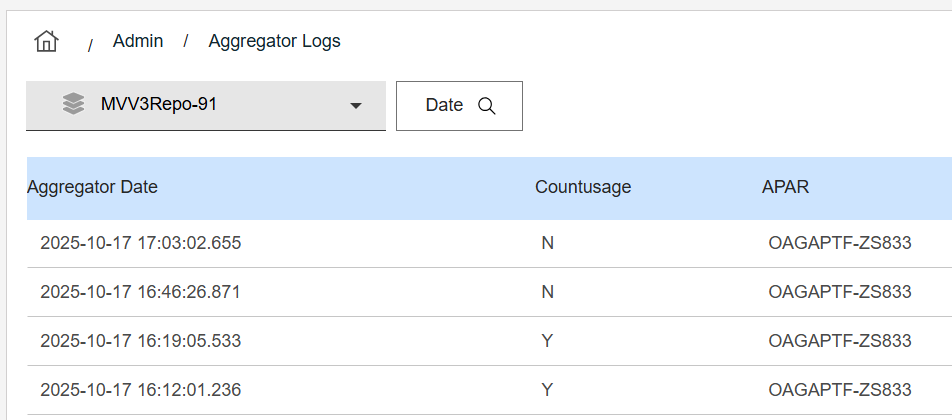
- Physical and Usage Deletion: Execution log records can be found in the respective reports.
- Libraries with Unknown Modules Report: Libraries with unidentified modules can be viewed using this report.
- LKB Management: LKB Database entries hierarchical associations can be viewed and modified using this report.
- LKB Summary: You can also view (and delete) individual LKB database entries using this report.
- Preprocessed Reports Summary:If this report is enabled for the repository that you select, then you can view the summary of which reports support and are available for use .
- LPAR Delete Logs: Log records created due to any LPAR deletion requests can be viewed using this report.
Each of the remaining utility log record administration reports is similar to the previous reports displayed, other than their relevant data.
The IQ (Inquisitor) and UM (Usage Monitor) history reports show details on the imported data files used to load the selected repository data. Scan and import dates, along with other system-related, GKB version/date, and IQ or UM collector parameters/filters are displayed.