
Editing an Event
This page explains how users can edit a running event by creating a draft version. The original event continues to run until the updated draft is deployed.
Editing a running event does not directly modify the live version. Instead, a new draft is created for editing. Once finalized and deployed, the draft replaces the existing running event.
Edit Event Name
- In the menu bar, click Unica Detect > Events.
- From the list of events, choose one in Running status.
- Click the event name to open the event detail view.
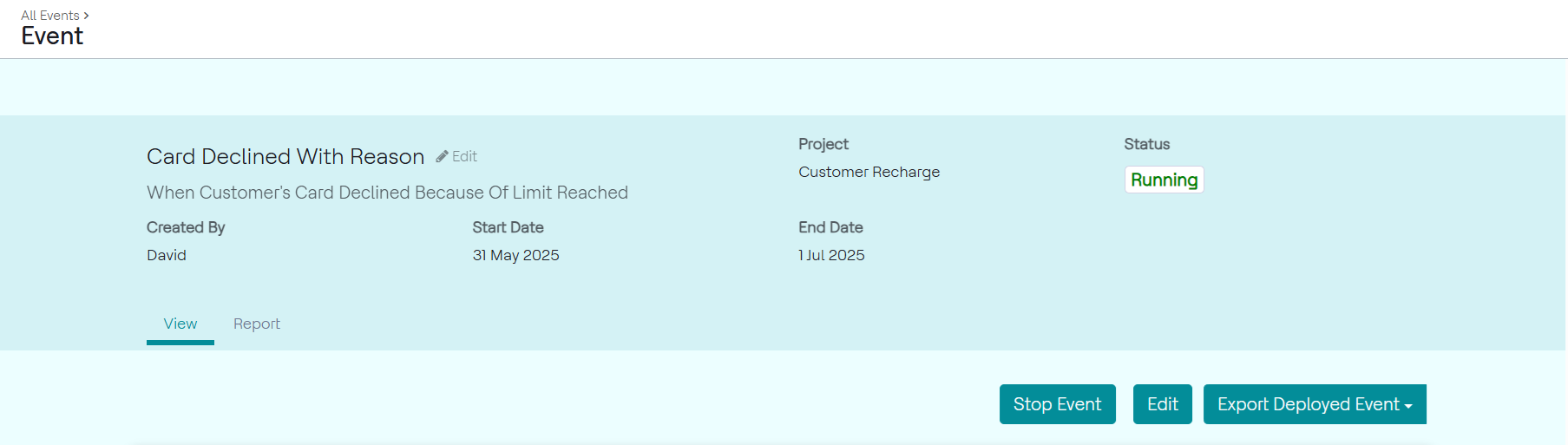
- On the event detail page, click the Edit icon next to the event name.
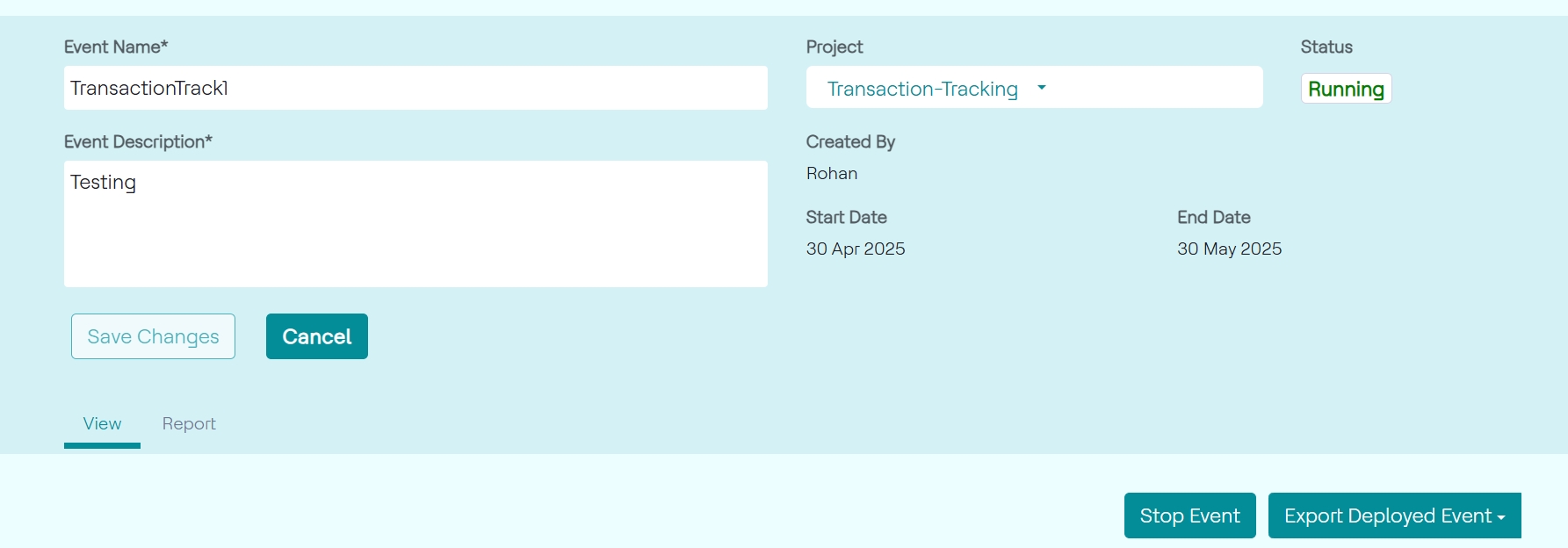
- Update the changes and click Save Changes.
- Alternately, click Edit button below edit details. In the pop-up, click Create A New Draft button to create a draft of the running event.