
Manage Runbooks
BigFix Runbook AI admin can create the metadata for runbooks and configure them. Every runbook is unique and specific to the system and enables the user to effectively manage and troubleshoot a system. Each runbook must be configured using the runbook tool.
To create the metadata for runbooks , perform the following steps:
- On the main menu bar, click Runbooks, and then Manage Runbooks. The
Manage Runbooks page appears.
Figure 1. Manage Runbooks 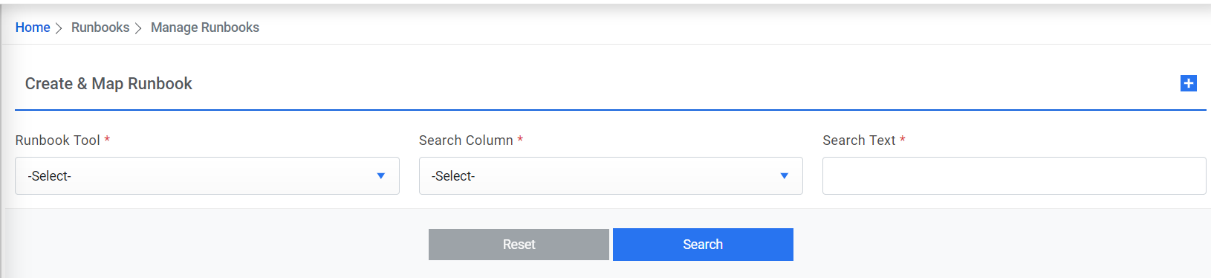
It lists the existing runbooks in a tabular view and enables users to add runbooks using
Add Runbook or Import Runbook. Users can also edit or delete the
existing runbooks.
Note:
Users can download all the runbooks
corresponding to a tool by clicking on the Download Runbooks button.