Help
This page helps the user to locate the necessary documents for better understanding of the tool as well as get the details of the components being run in BigFix Runbook AI.
- On the main menu bar, click on Help at the bottom of the menu. The following page
appears:
Figure 1. Help 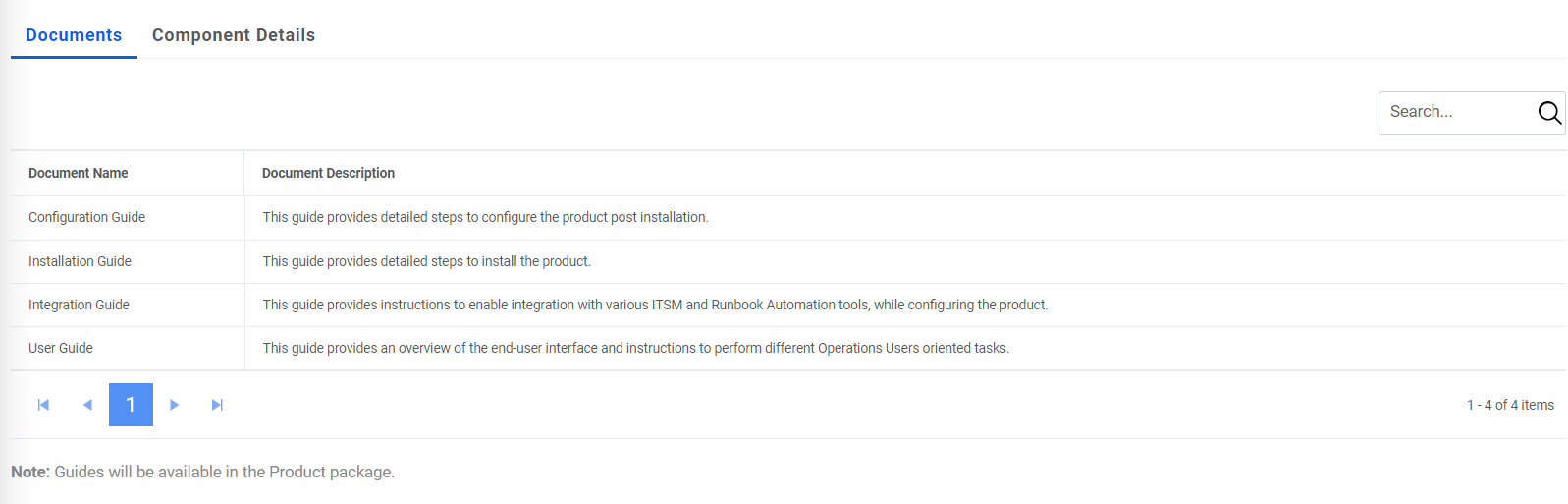
It has two tabs:
-
Documents: On this tab, it shows all the required documents needed for better
understanding of BigFix Runbook AI:
- Configuration Guide
- Installation Guide
- Integration Guide
- User Guide
-
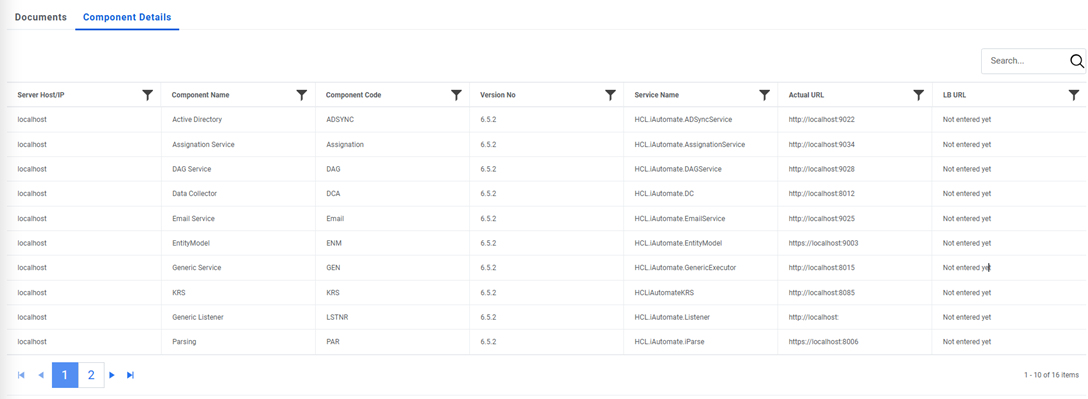
Component Details: On this, it displays all the components running on BigFix Runbook
AI along with the server Host/IP on which component is running, the name of the component,
component code, the version of BigFix Runbook AI currently running, the service name with
which component is installed, the actual URL along with port on which component is running
and the LB URL, if exists, for the component.
Figure 2. Help (Cont.)