Healing
Healing is a solution where the user can click and run the solution on their own.
- After creating an automation module with healing type like (soft scan, self-heal,
one click) it comes under ready to publish, as shown in the following figure:
Figure 1. Ready to Publish 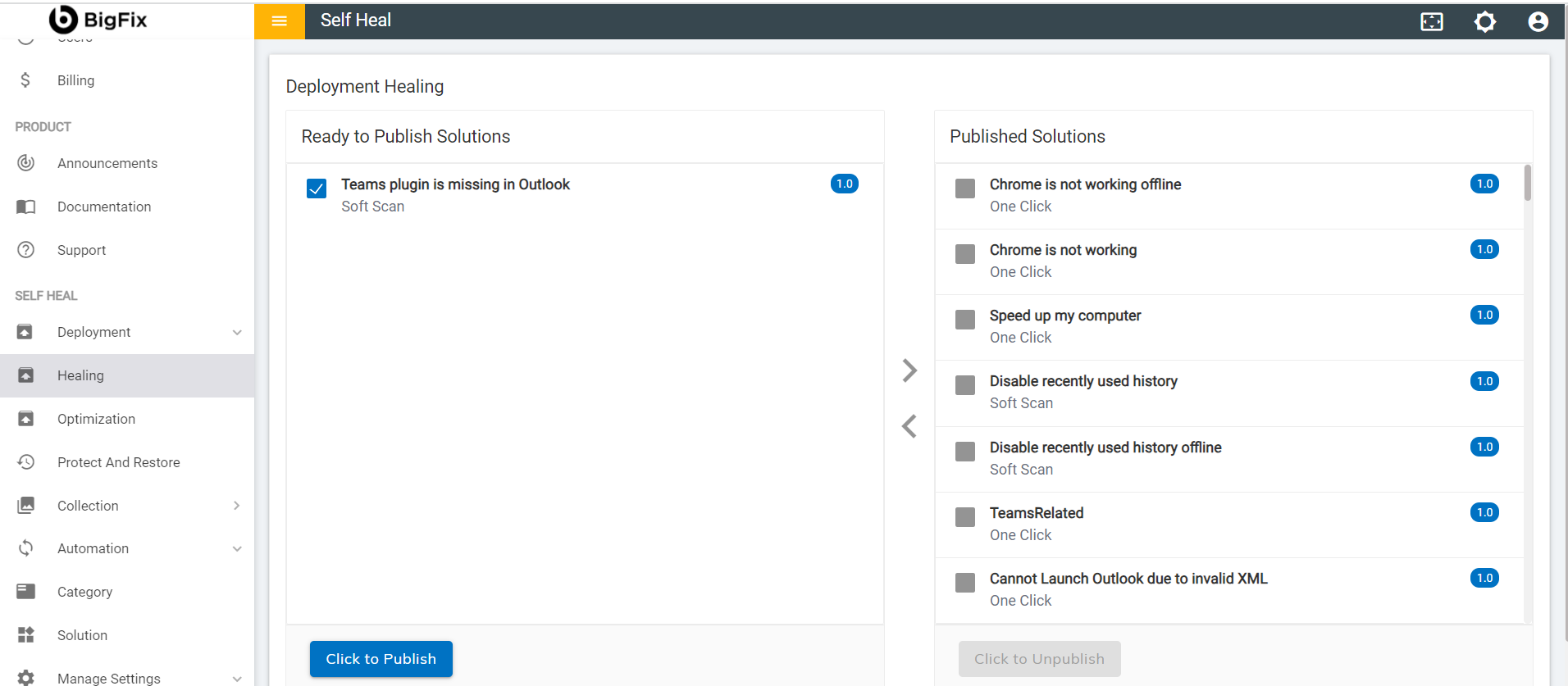
- On clicking Click to publish, a success message appears:
Figure 2. Success Message 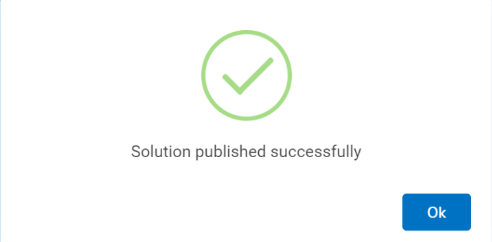
- When the solution gets published successfully, it moves to the Published
Solutions section.
Figure 3. Published Solutions 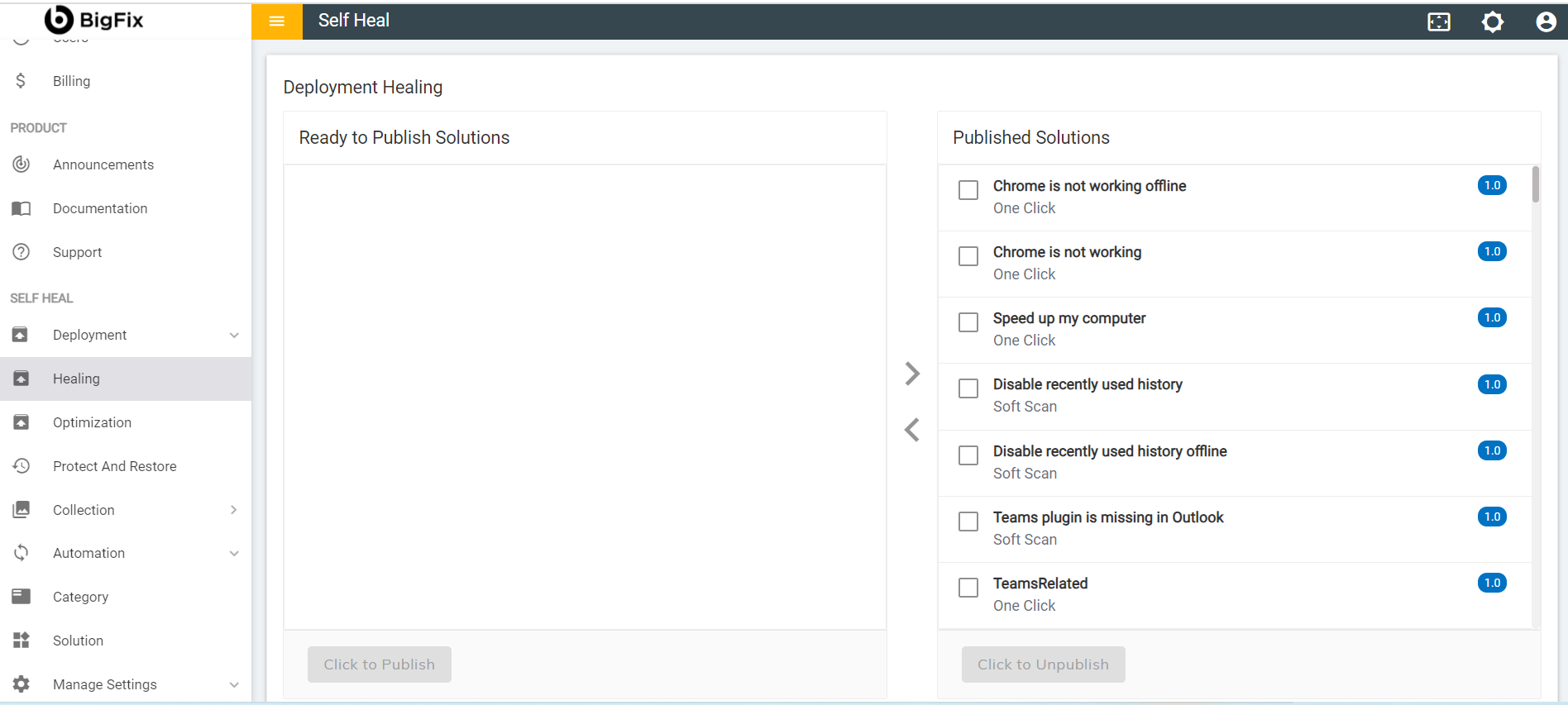
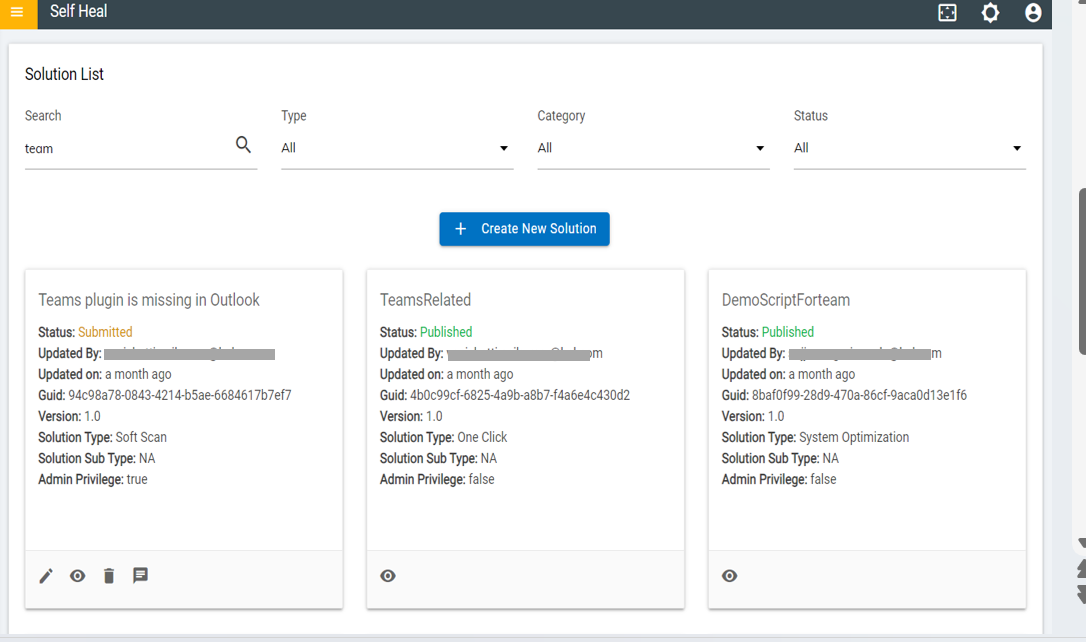
- The Status of a published solution becomes “Published” and it is
reflected in the automation module under the solution page.
Figure 4. Published Status 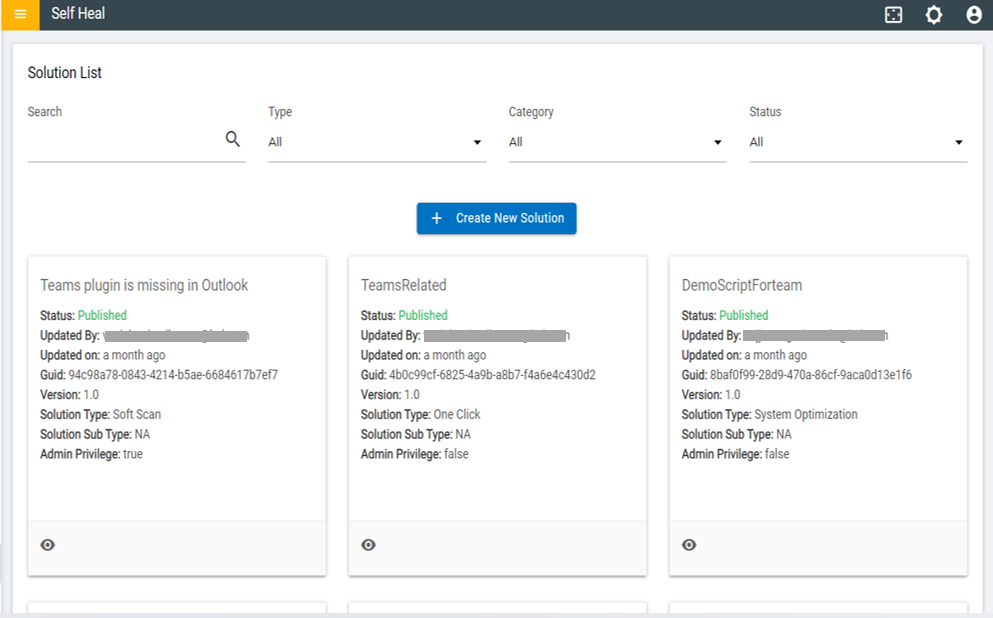
- To modify a published solution, the admin must unpublish that solution by clicking
on Click to Unpublish.
Figure 5. Unpublishing a Published Solution 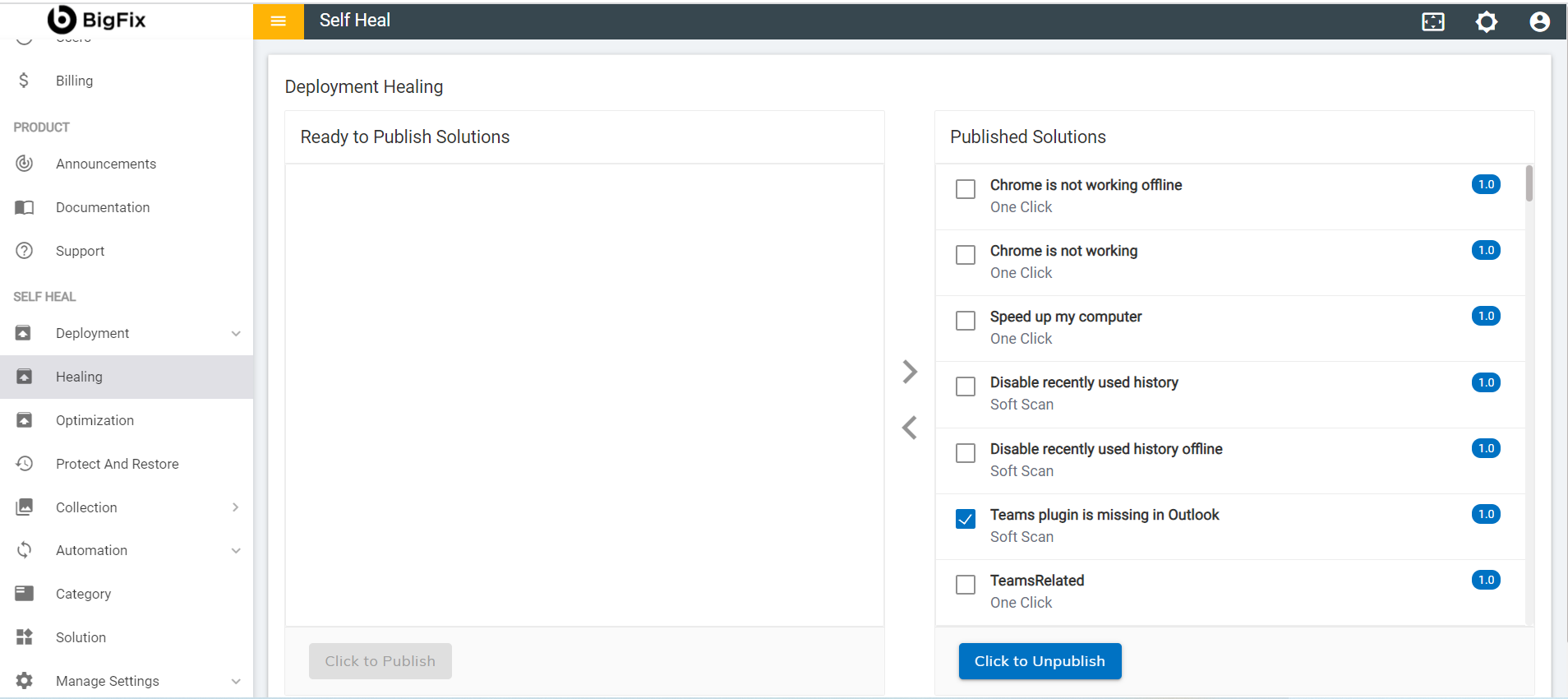
- The following success message appears:
Figure 6. Success Message 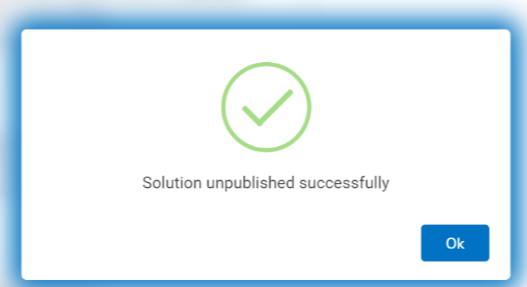
- The solution starts reflecting on the Ready to Publish section again.
Figure 7. Ready to Publish for OneClick 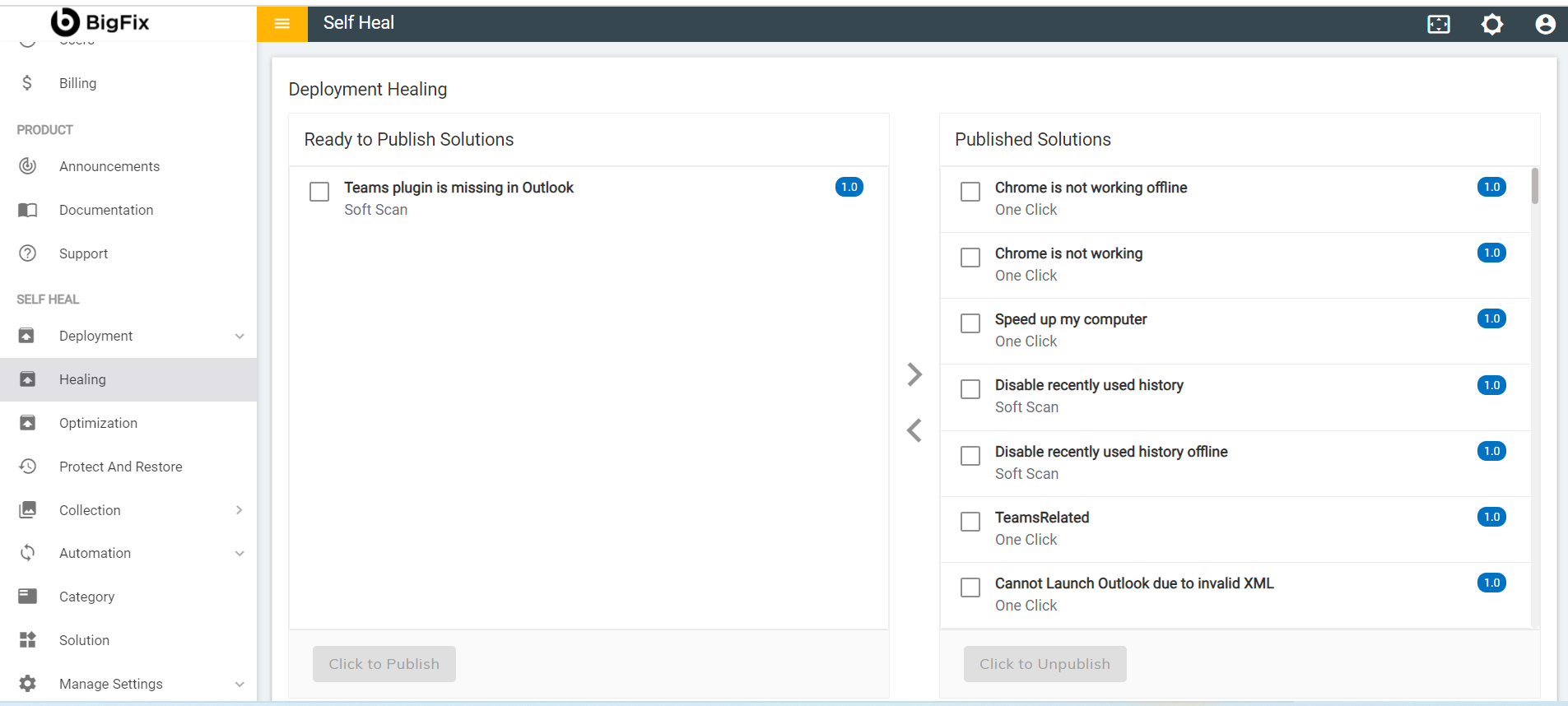
- In the Automation module, the status of the solution is displayed as Submitted.
- The status of the solution changes to Submitted as the solution is added
but has not been published yet.
Figure 8. Submitted Status for One Click