Edit Collection
- To edit the details of an existing collection, click the edit icon
.png) corresponding to the collection that you wish to modify.
corresponding to the collection that you wish to modify. Figure 1. Collection Page 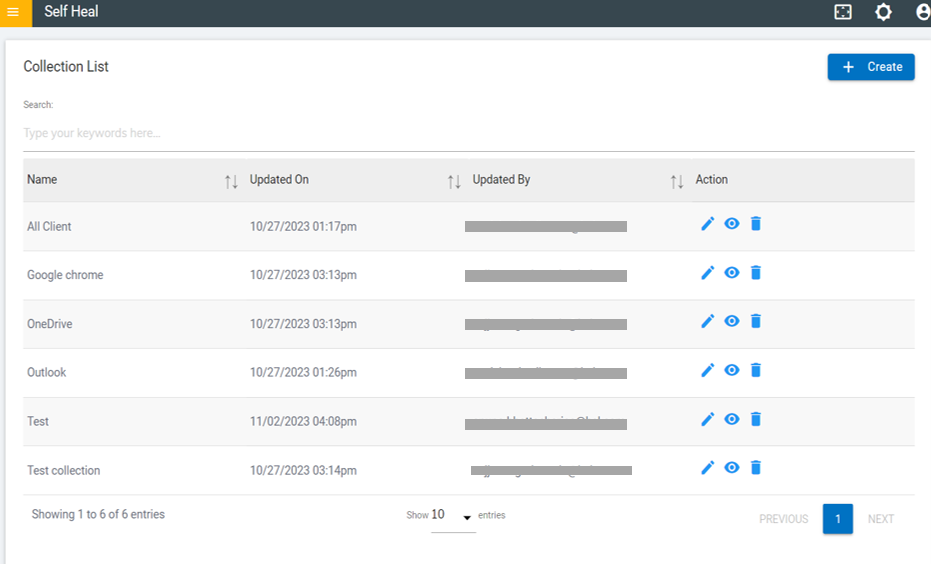
- This is redirected to the Edit Collection page.
Figure 2. Edit Collection 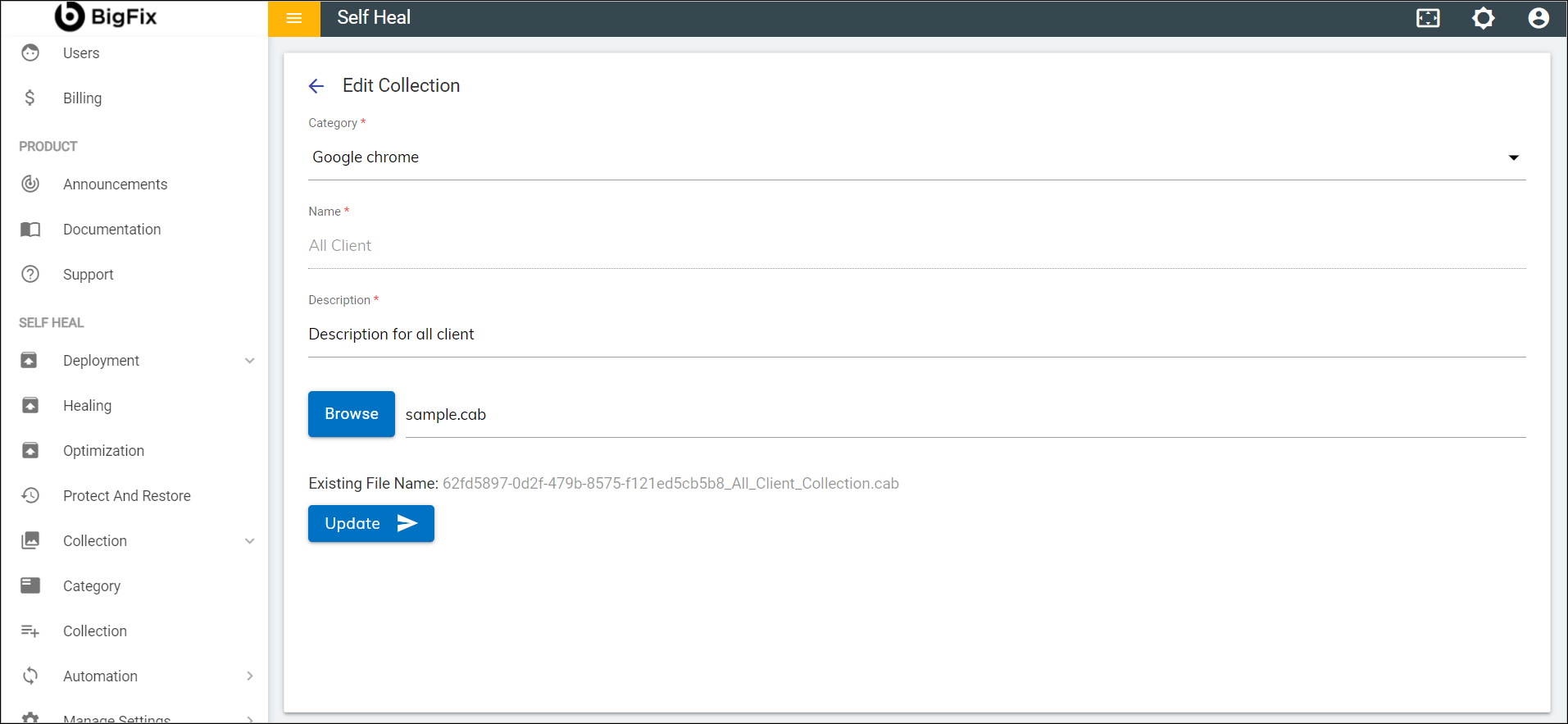
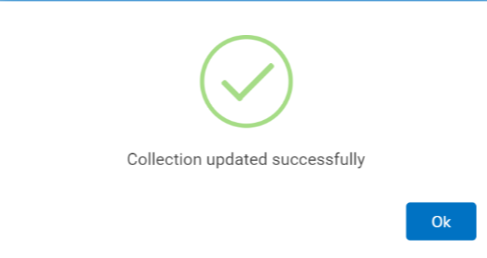
- Modify the details as required and click Update. The following success
message appears:
Figure 3. Success Message