Create Collection
- To create a collection, click on the Create button on the top right corner on
the Collection page.
Figure 1. Collection Page 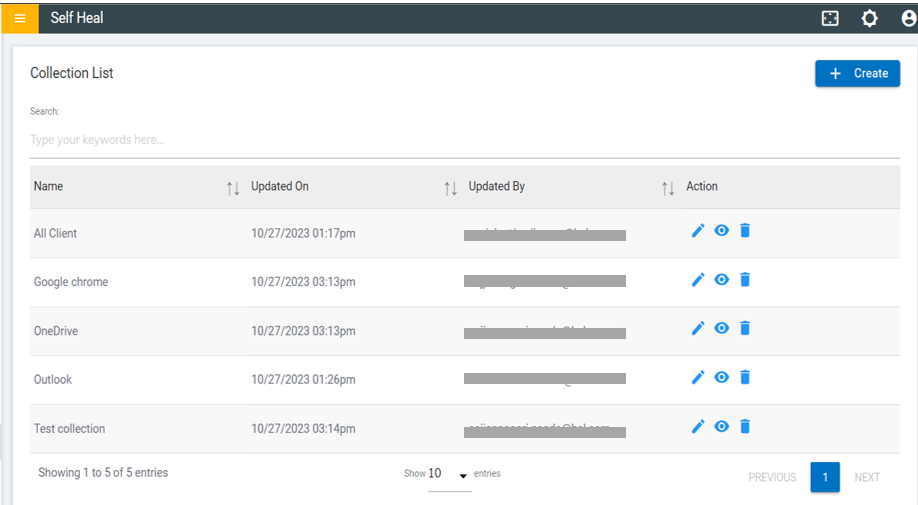
- This is redirected to the Create Collection page.
Figure 2. Create Collection Page 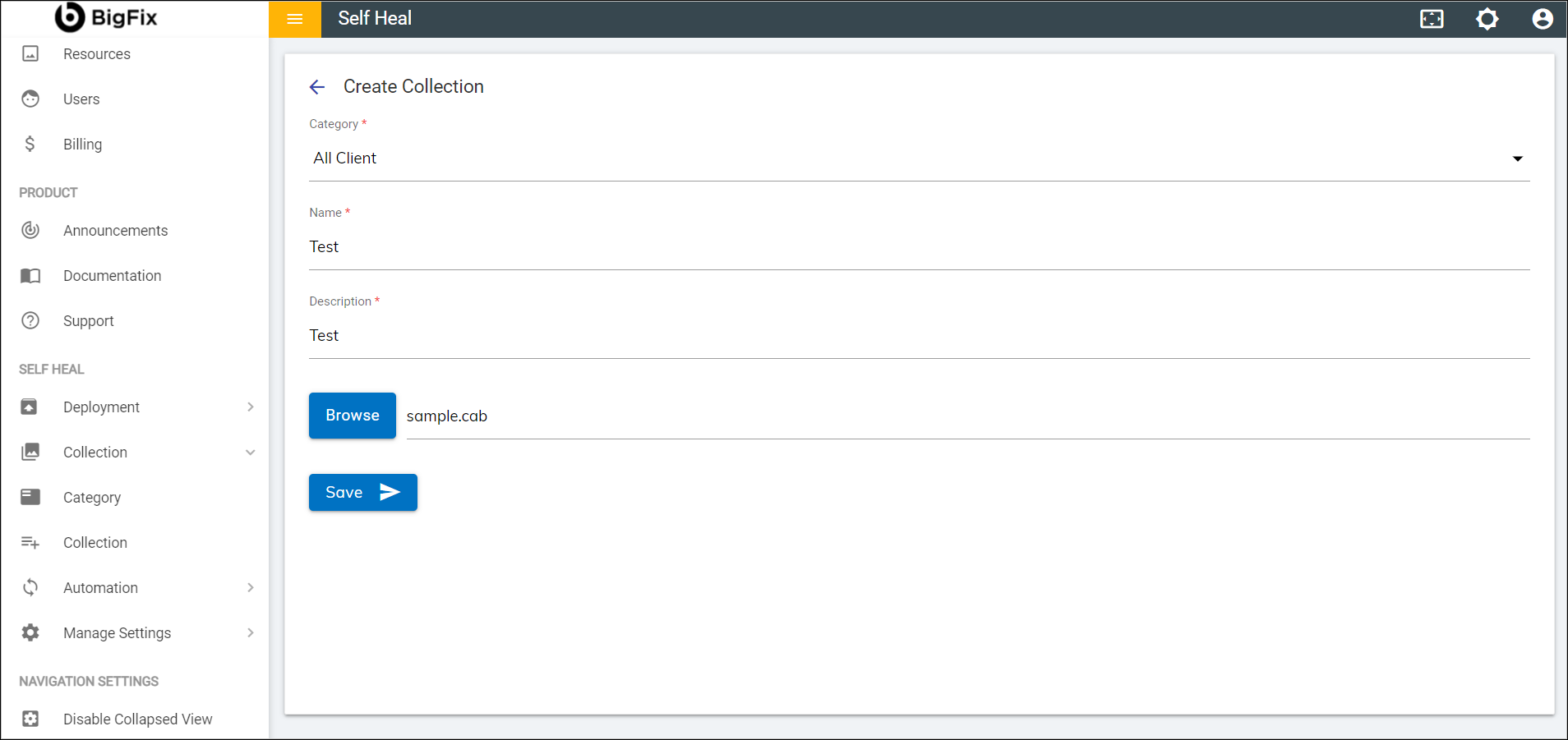
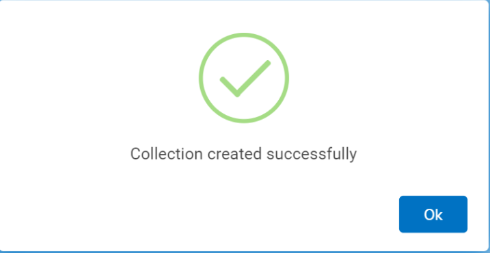
- Fill out the required fields and click Save. The following success
message appears:
Figure 3. Success Message