
Use case recommendation - Suggest Use Case
Use cases can also be suggested directly from the current instance using the recommendation feature without uploading a CSV file. The following steps are like the CSV upload steps, however there are some differences:
- Use the suggest use case button to get recommendations.
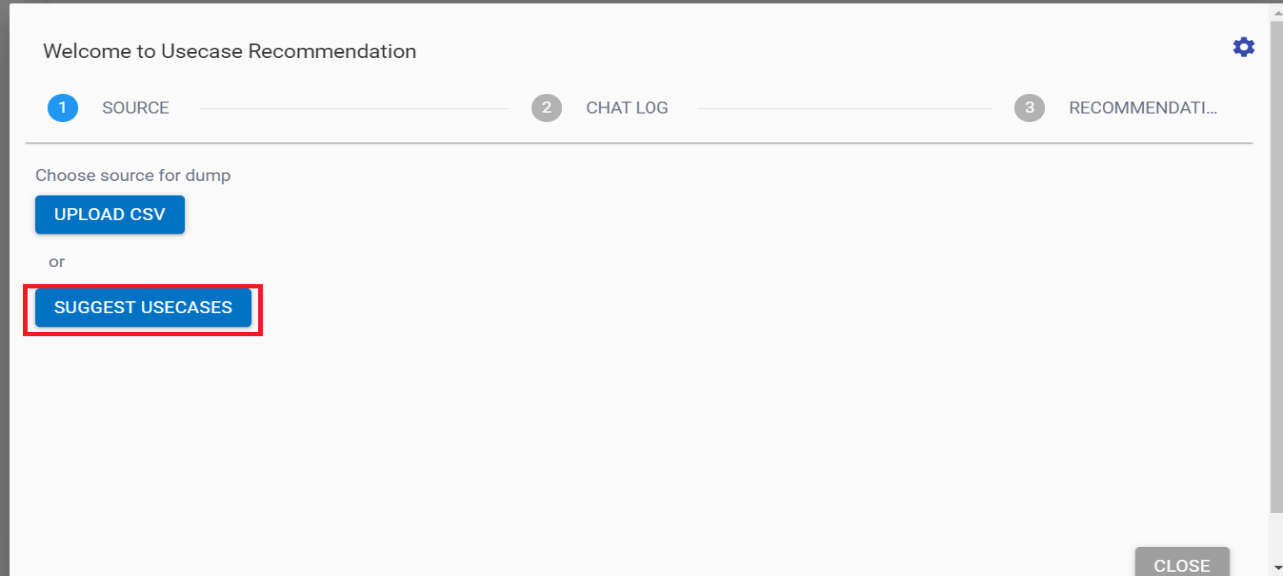
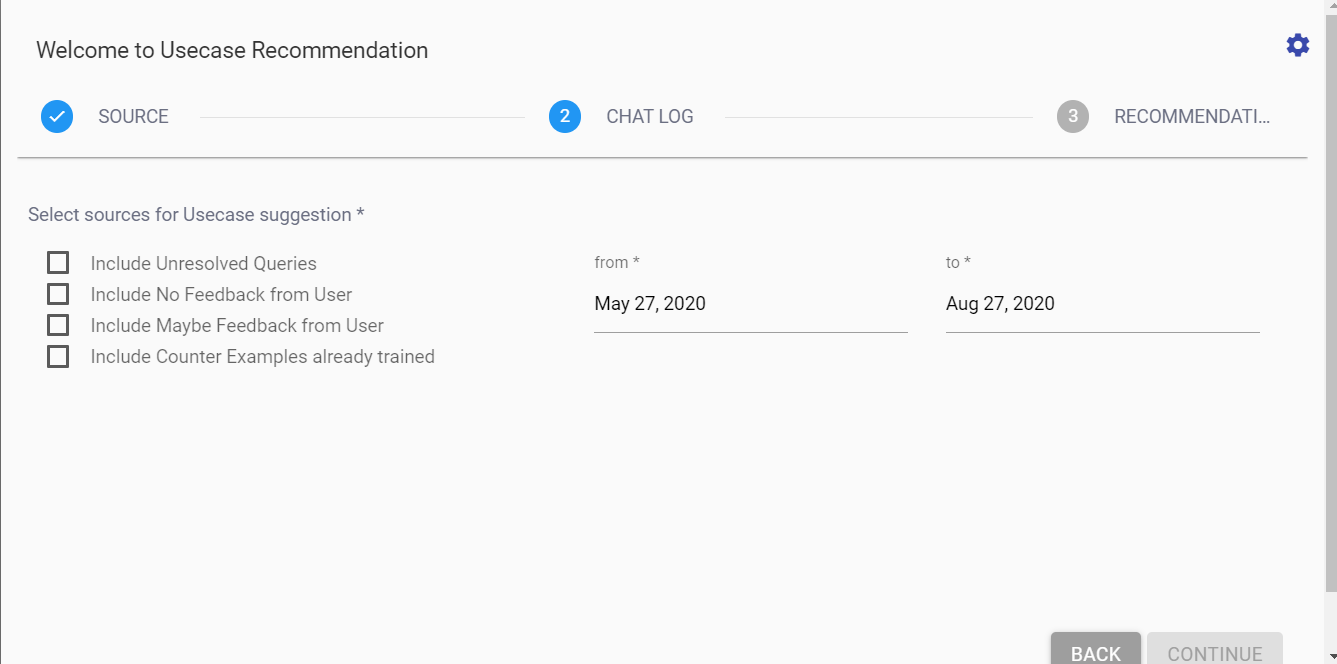
- On clicking suggest use cases, the following 4 options would be visible. Make the appropriate selection based on the recommendation you need.
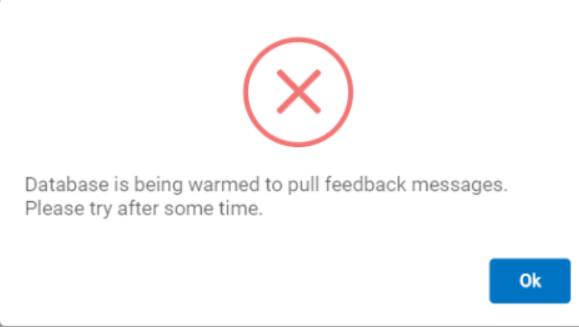
- In rare cases, you might encounter the following error, however, it is shown only one time when a fresh tenant is configured, wait till 5-10 minutes, and then try it out again.
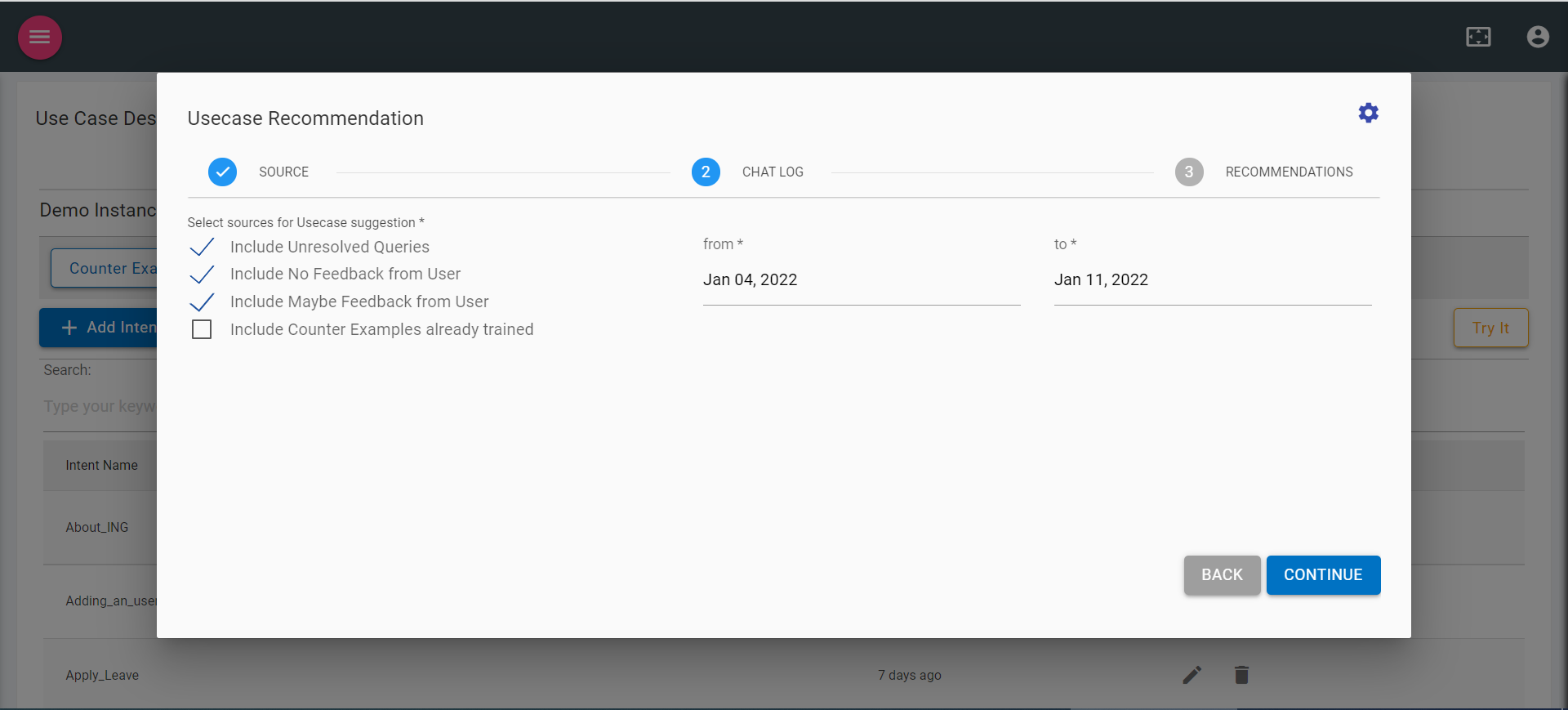
- Select the date from which date to start and end dates for usecase suggestion. (Date can be selected only 3 months before current date).
- On selection of dates, click on continue to fetch the recommendation from the current tenant’s conversation history based on the selected flags in step 2.
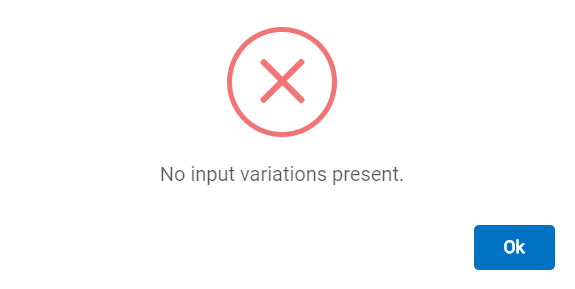
- If the instance does not have the requisite input variations in the database, you will encounter the following error:
- Otherwise, the recommendation model will provide the use case recommendations as follows, similar to the CSV upload option:
.png)
The listed use cases are the result of the use case recommendation model and can be used to fine tune BigFix AEX’s intent recognition further.
- Clicking on the edit icon will allow editing of the intent name and clicking on the add icon will add the intent with variation into your intent tab.
.png)
- Click on the “Start over” button to start from the beginning to upload CSV or to use suggest use case.