
Flow Snippets
Flow snippets provide a quick way of adding pre-configured use cases in a skill inside BigFix AEX during conversational design and use case configuration. Flow snippets are readily usable bundle of SOPs, intents, entities, and dialog nodes for a specific use case. E.g., how to add a folder in outlook, how to create a pivot table in excel etc.
Flow snippets can be added from the use case design console (UCD console) page:
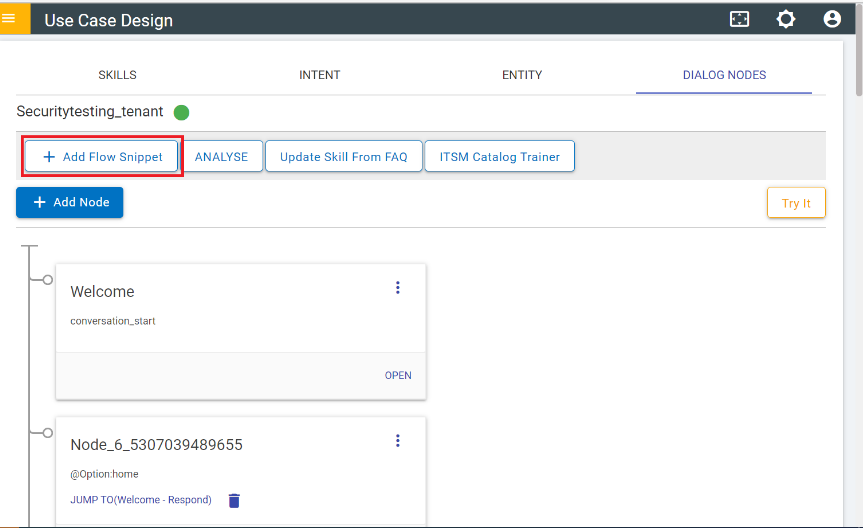
- On clicking the Add Flow Snippet button, the following dialog box appears with
all the existing pre-built snippets:
Figure 2. Flow Snippets Modal 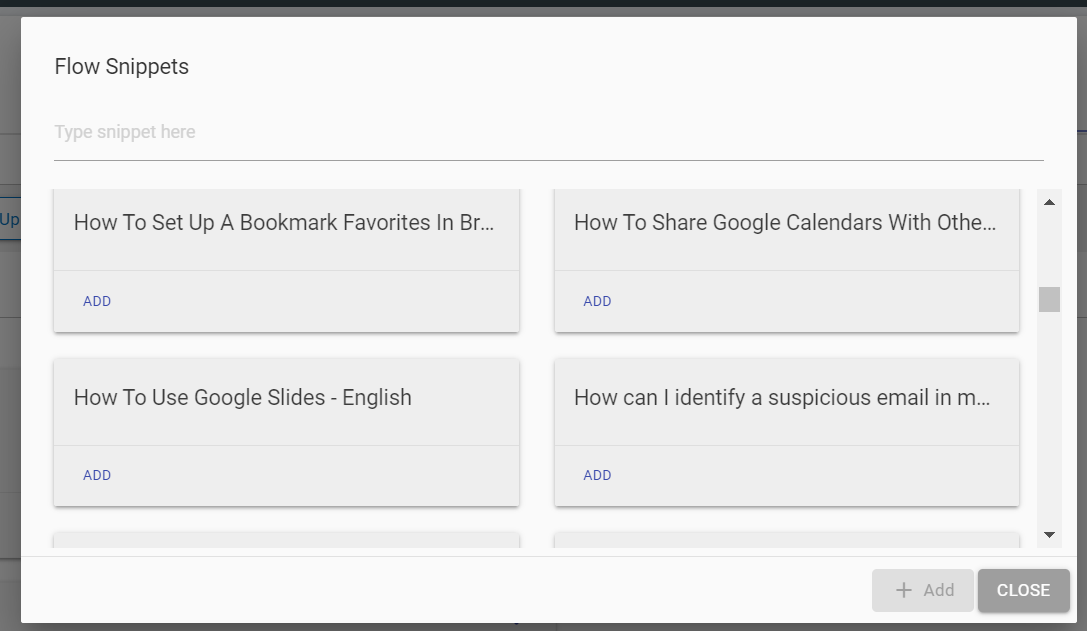
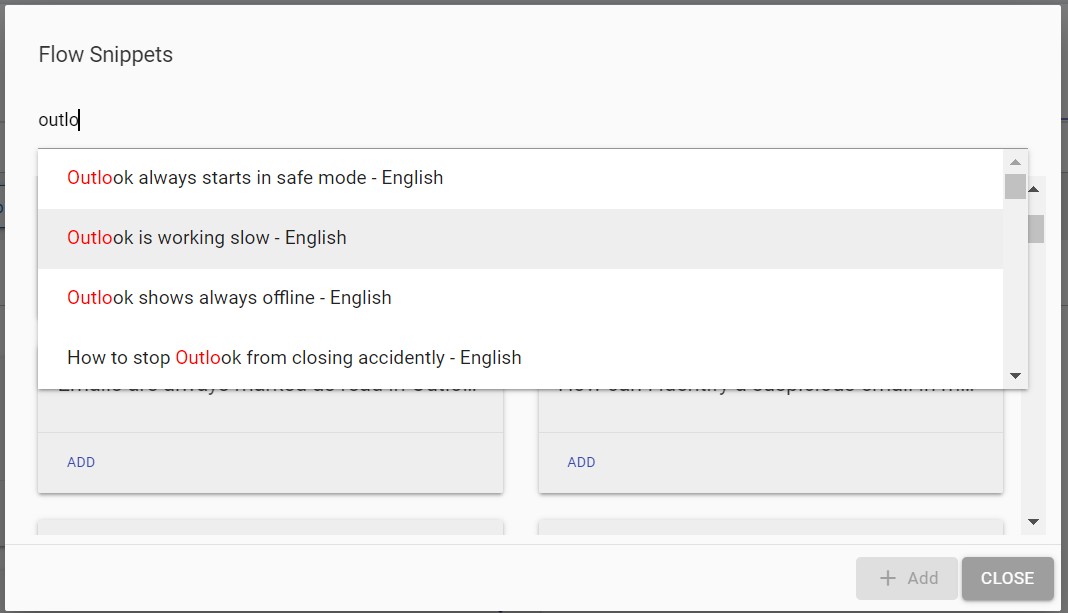
Snippets can be searched using the text bar on top as well.
- On clicking “Add” on any of the flow snippets, the options for importing
specific intents, entities and dialogue nodes will be visible. Any of the options can be
chosen to be imported (all are selected by default).
Figure 4. Adding a Flow Snippet 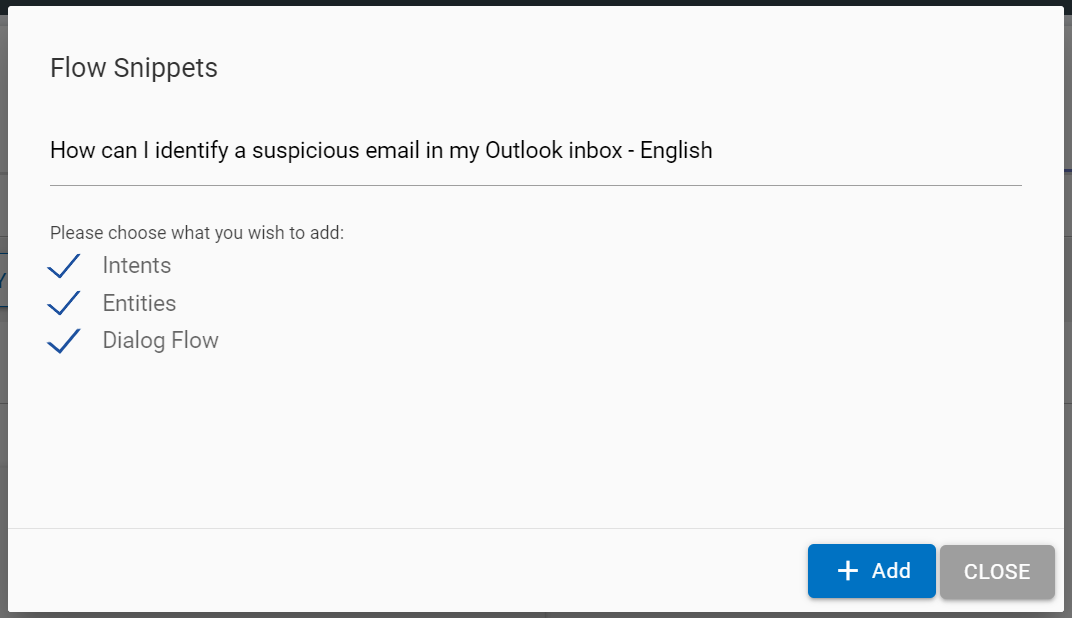
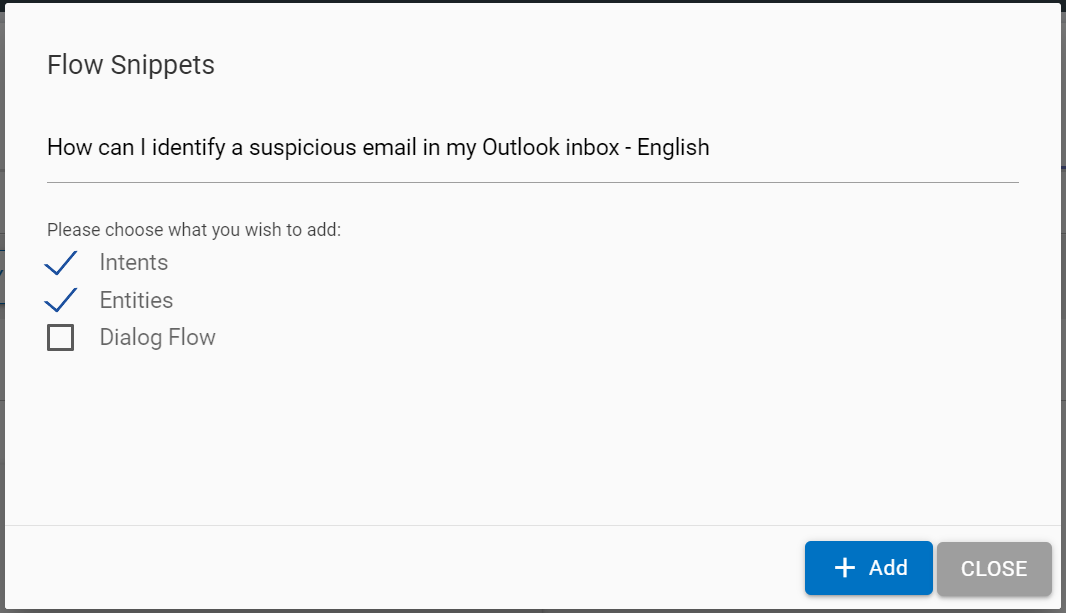
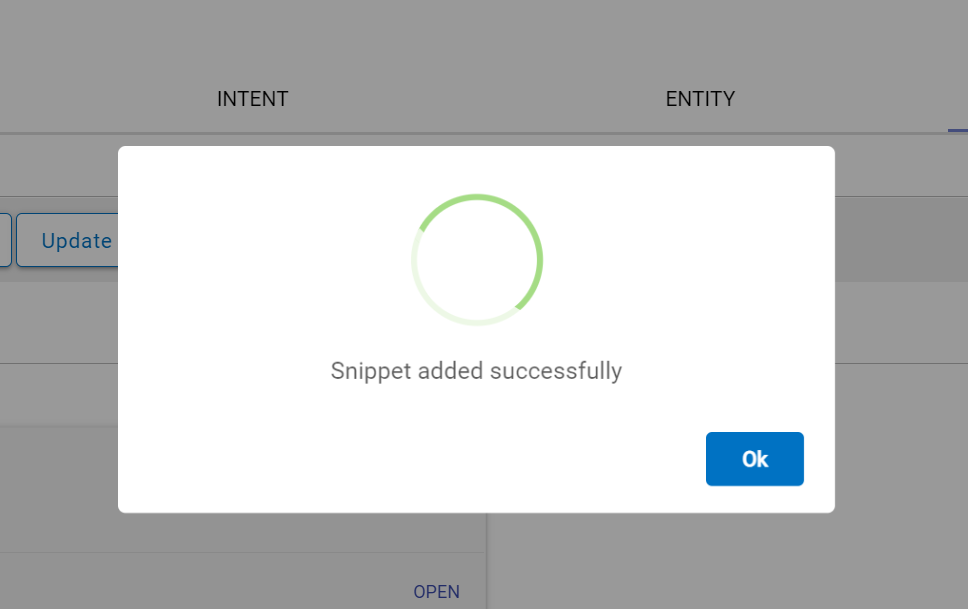
- On clicking + Add the selected flow snippet components (Intents, Entities, Dialog Nodes) would be added to the current skill and training will be triggered. On successful addition of selected components, the following modal will appear:
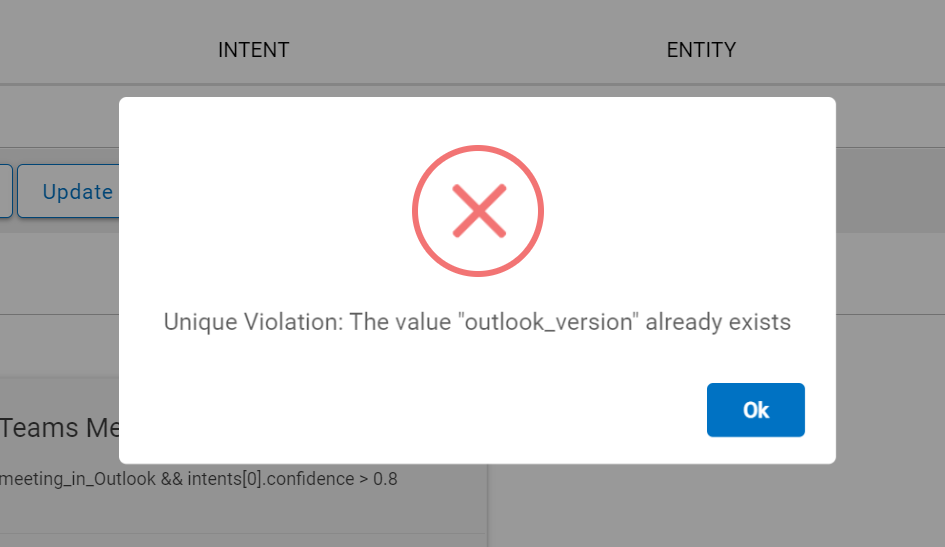
- If any of the components (such as Intents, Entities or Dialog Nodes) already exist, the UCD console will show the following warning, in this case the imported components might need to be changed before adding the new flow snippet as entities are sometimes shared between flow snippets and this is to avoid duplication of values.
Another advantage of using flow snippets is with respect to pre-built use cases for ITSM (ServiceNow) integration, which can be imported using the SNOW OTB Bundle, this bundle includes create an incident, create service request, list of incidents, list of service requests and status of ticket.