Autocomplete in Use Case Design Console
To make conversation design easier and intuitive, the UCD console provides autocomplete for the developer in the following sections inside the dialog designer window :
-
Intents – Allows the user to put the condition in a node where user types the
# symbol so it will populate all the intents present in the skill.
Figure 1. Autocomplete for Intents 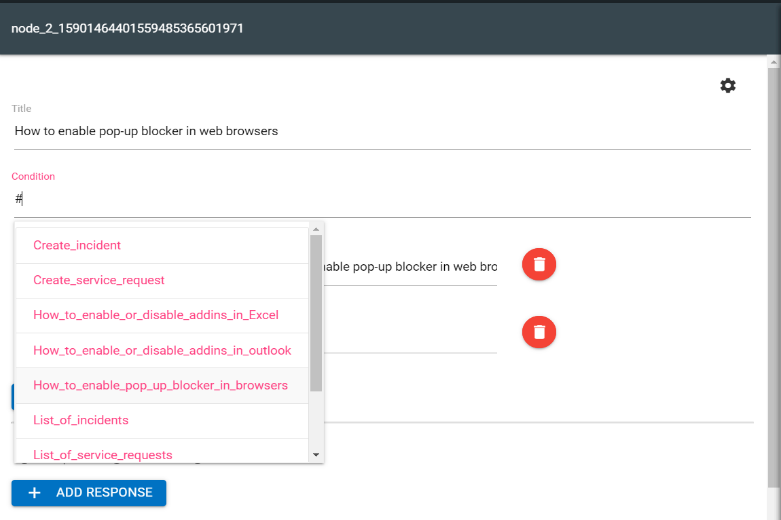
-
Entities - @ symbol will populate all the entities present in a particular
skill as well as it populates the value for the corresponding entity.
Figure 2. Autocomplete for Entity 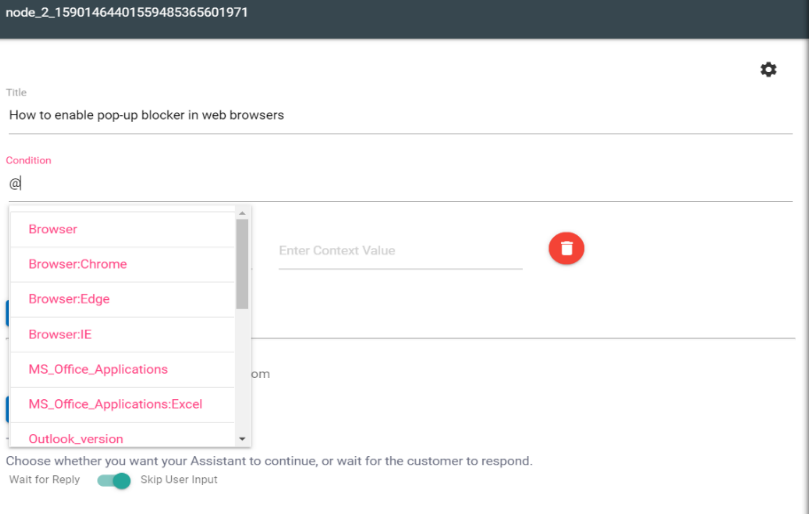
-
Flow Snippets – User can write any initial letter of the keyword or any statement so
for the flow snippet prompt and it will autocomplete suggestions.
Figure 3. Autocomplete in Flow Snippets 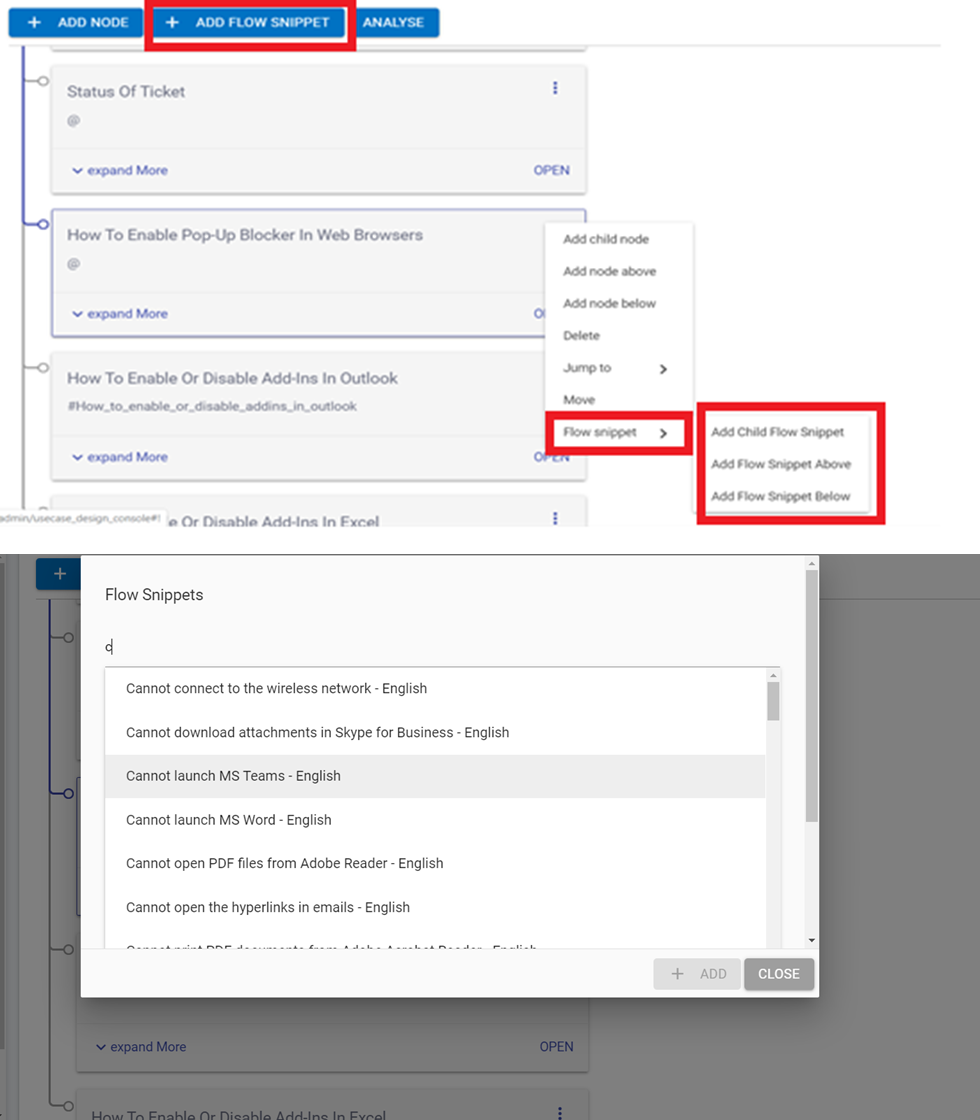
-
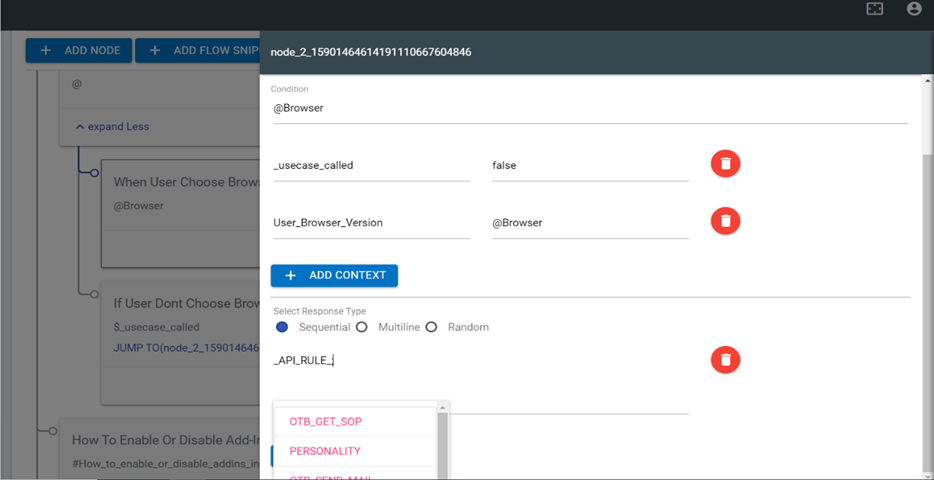
API Rule - This feature allows the user to autocomplete the API rules. User types the
generic syntax for API RULE i.e., _API_RULE_;;{};{}so, when user types the first
semicolon(;) so it will populate all the API rules which is present in the particular tenant
as shown in the figure:
Figure 4. Autocomplete for API Rule