
Configurable Feature Sets for NLU
NLU features can be enabled / disabled for any tenant using the NLU configurator, this allows to control relevant metadata extraction from user utterance, such as concepts, entities, keywords, categories, sentiment, emotion, and relations etc.
Configurable Feature Set is the set of features, which can be configured independently on each tenant, depending on the requirements of the client. NLU has a few features that a client can use to help their respective environment. Each feature is differently billable. The client can select and configure the required features that they wish to use and will be billed for only that. This set of NLU features is highly configurable depending on the requirement of the client. The features can be selected or rejected without any interdependency. These can be configured and used in any possible combination and that does not affect performance.
So, the Configurable Feature Set consists of the following features:
Configurable Feature Set
| Feature | Description |
| Emotions | Detects anger, disgust, fear, joy, or sadness that is conveyed in the content or by the context around target phrases specified in the targets parameter. You can analyze emotion for detected entities with entities.emotion and for keywords with keywords.emotion |
| Categories | Returns a hierarchical taxonomy of the content. The top three categories are returned by default. |
| Keywords | Returns important keywords in the content. You can analyze emotion for keywords with keywords.emotion. |
| Relations | Recognizes when two entities are related and identifies the type of relation. For example, an ‘awarded to’ relation might connect the entities "Nobel Prize" and "Albert Einstein". |
| Sentiments | Analyzes the general sentiment of your content or the sentiment toward specific target phrases. You can analyze sentiment for detected entities with entities.sentiment and for keywords with keywords.sentiment |
| Concepts | Returns high-level concepts in the content. For example, a research paper about deep learning might return concept, “Artificial Intelligence”, although the term is not mentioned |
| Entities | Identifies people, cities, organizations, and other entities in the content. Works as a NER model. |
| Semantic Roles | Parses sentences into subject, action and object form. |
| Syntax | Returns information about the tokens and sentences in the input text. At least one of syntax.tokens or syntax.sentences must be specified. |
To start using the Connector for Natural Language Understanding (NLU), the user needs to access the Global Admin Console.
- Log into Global Admin
Dashboard with Providers Tab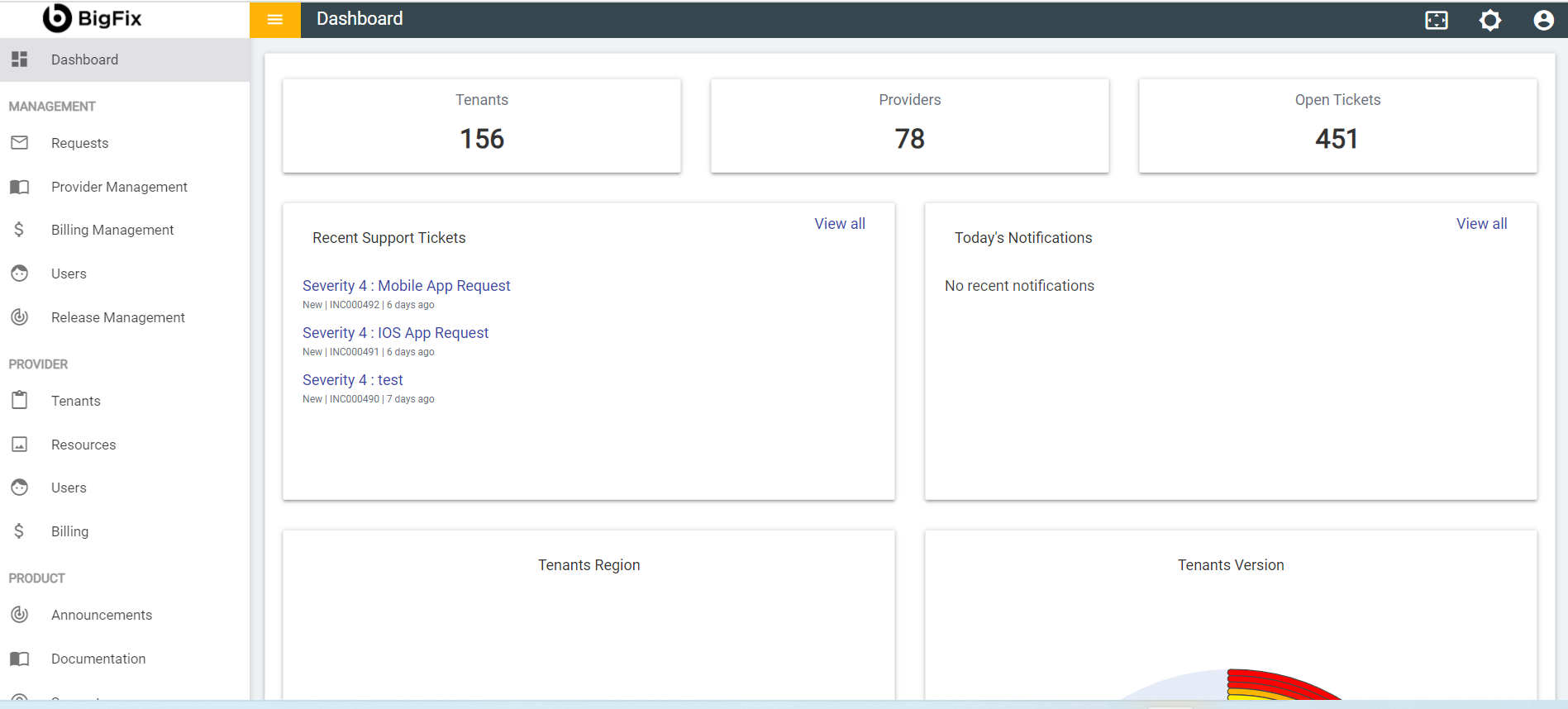
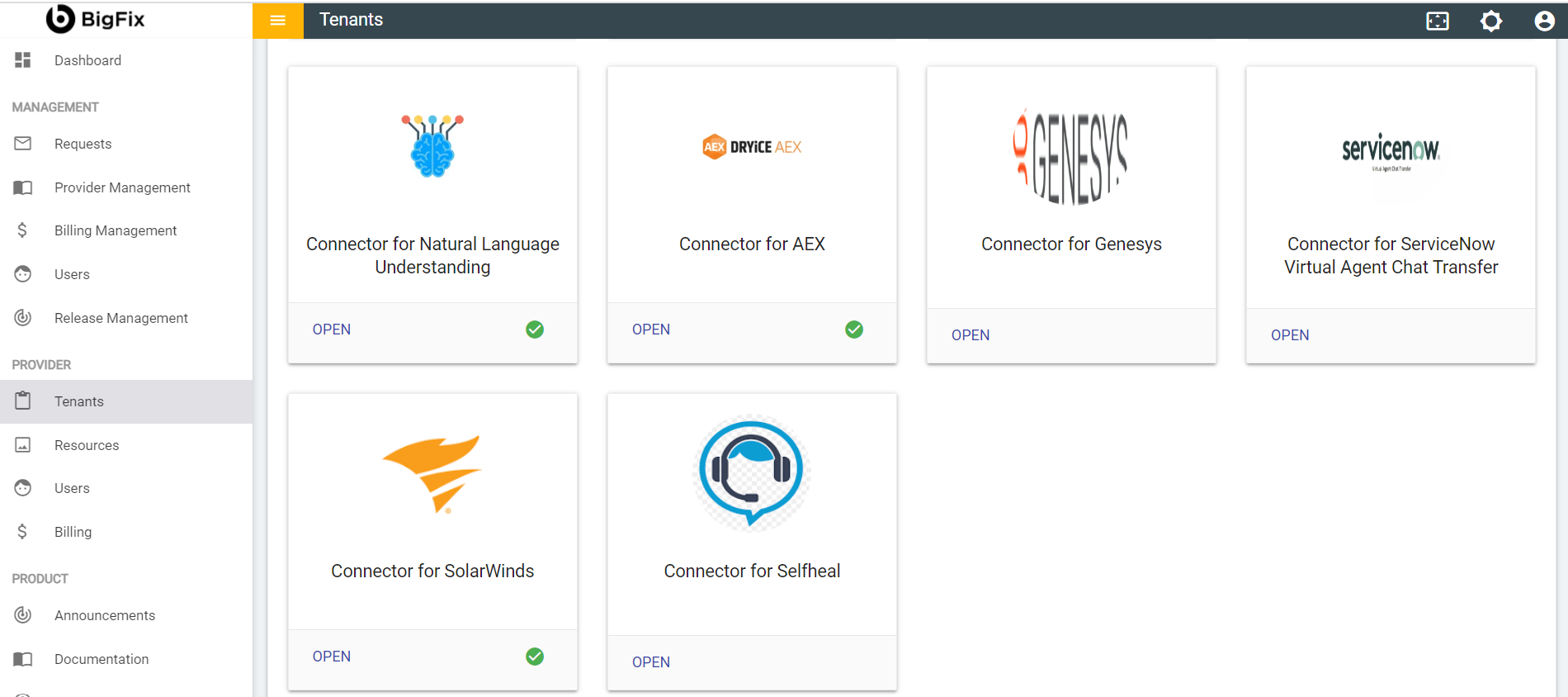
- Navigate to Tenants page under Provider tab.
Tenants Windows
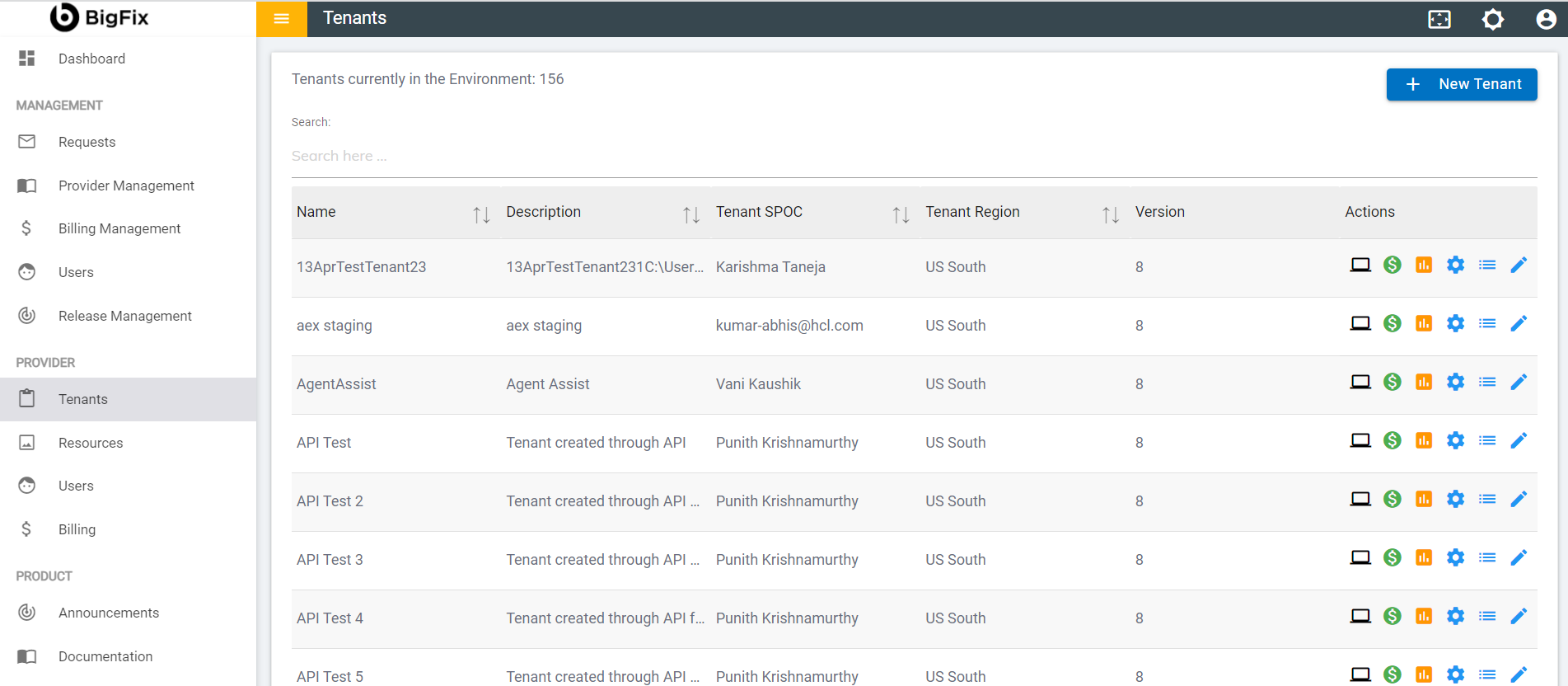
- Click on the
 button
available in actions column.
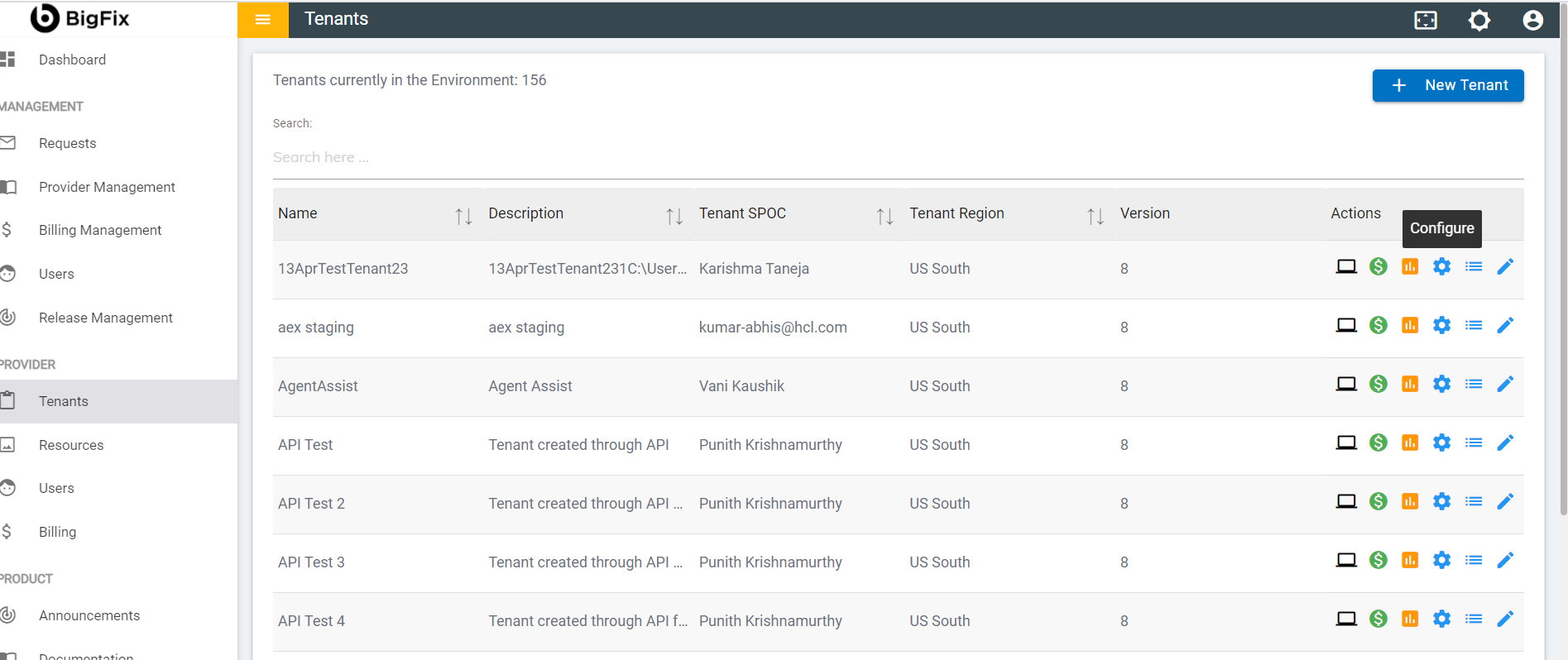
button
available in actions column.
Configure Button Highlighted
- In tenant’s configuration page, click on open in Choose Integrations card.
Choose Integrations Option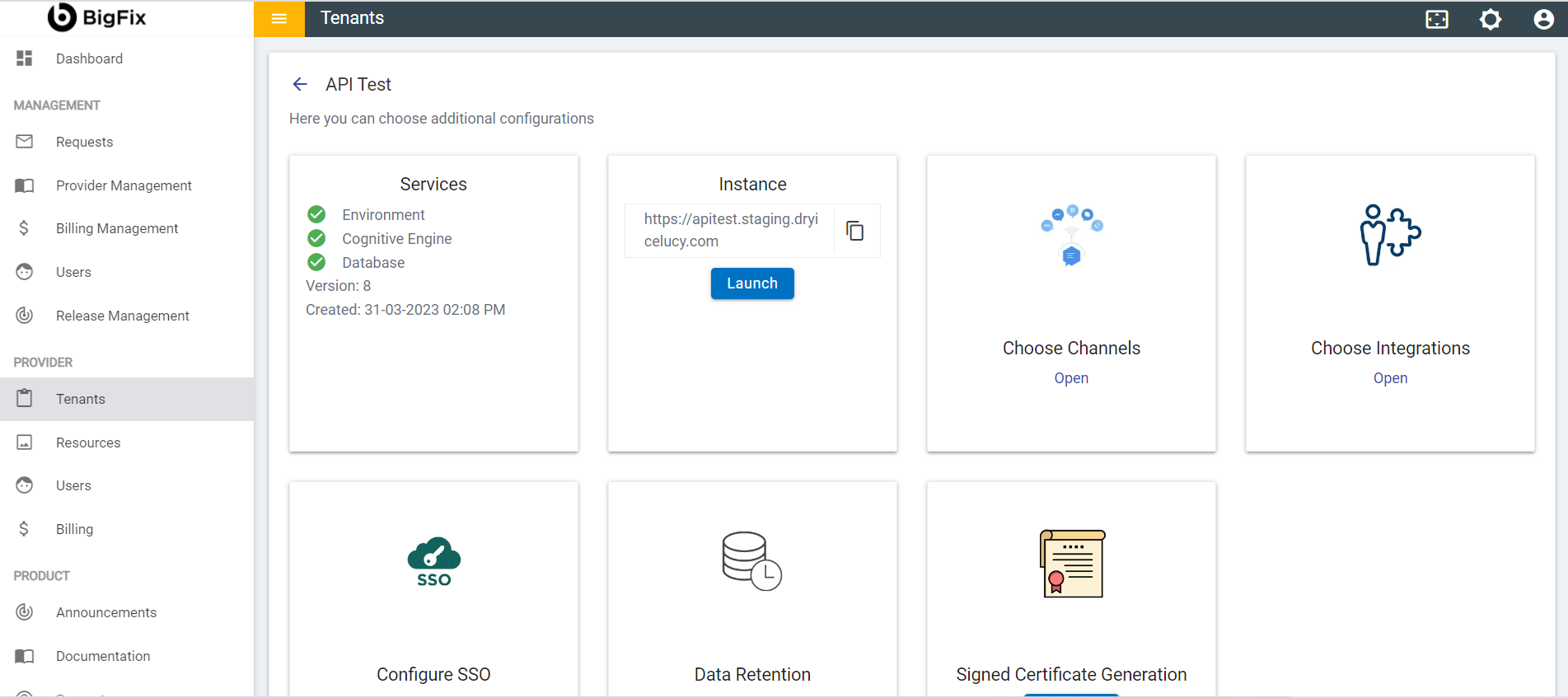
- Click open on Connector for Natural Language Understanding connector.
Connector for Natural Language Understanding Option
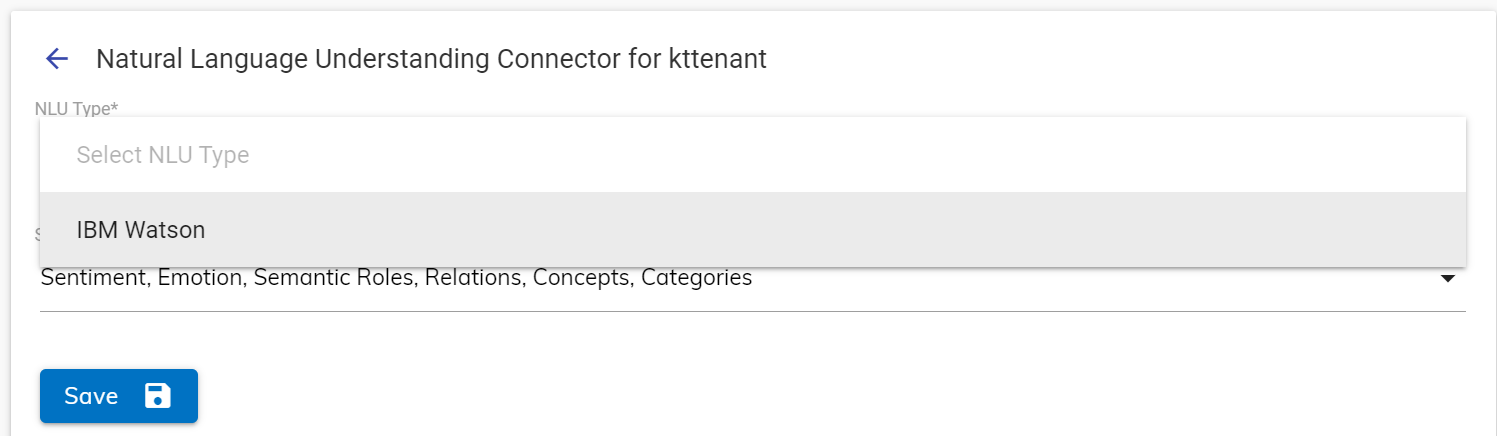
- Click on the NLU Type dropdown to select the NLU type. (Currently there is IBM Watson available.)
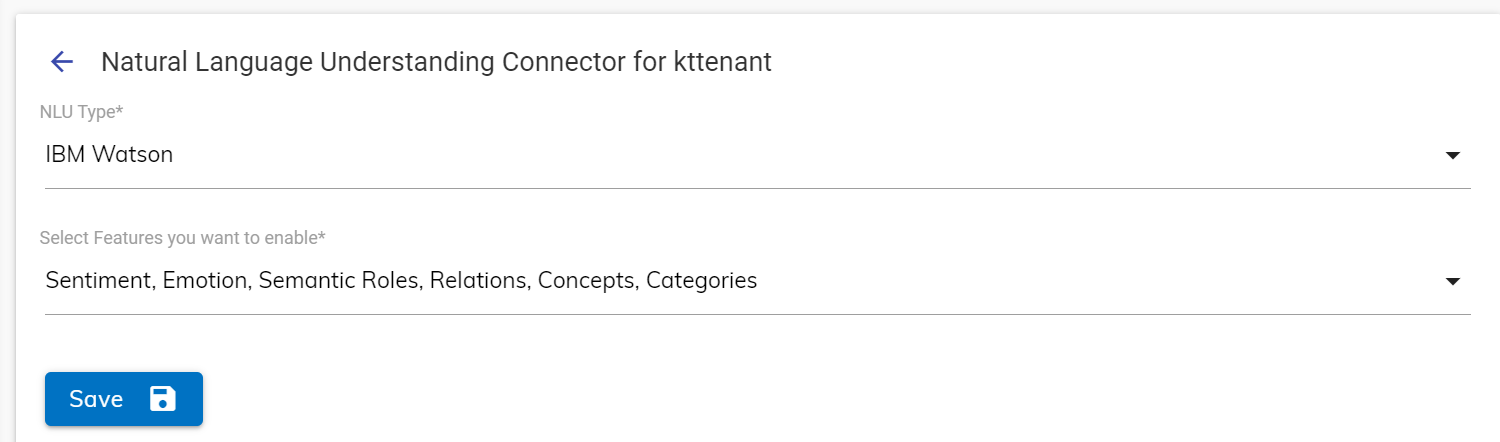
- Click on the drop-down menu to get the list of available features.
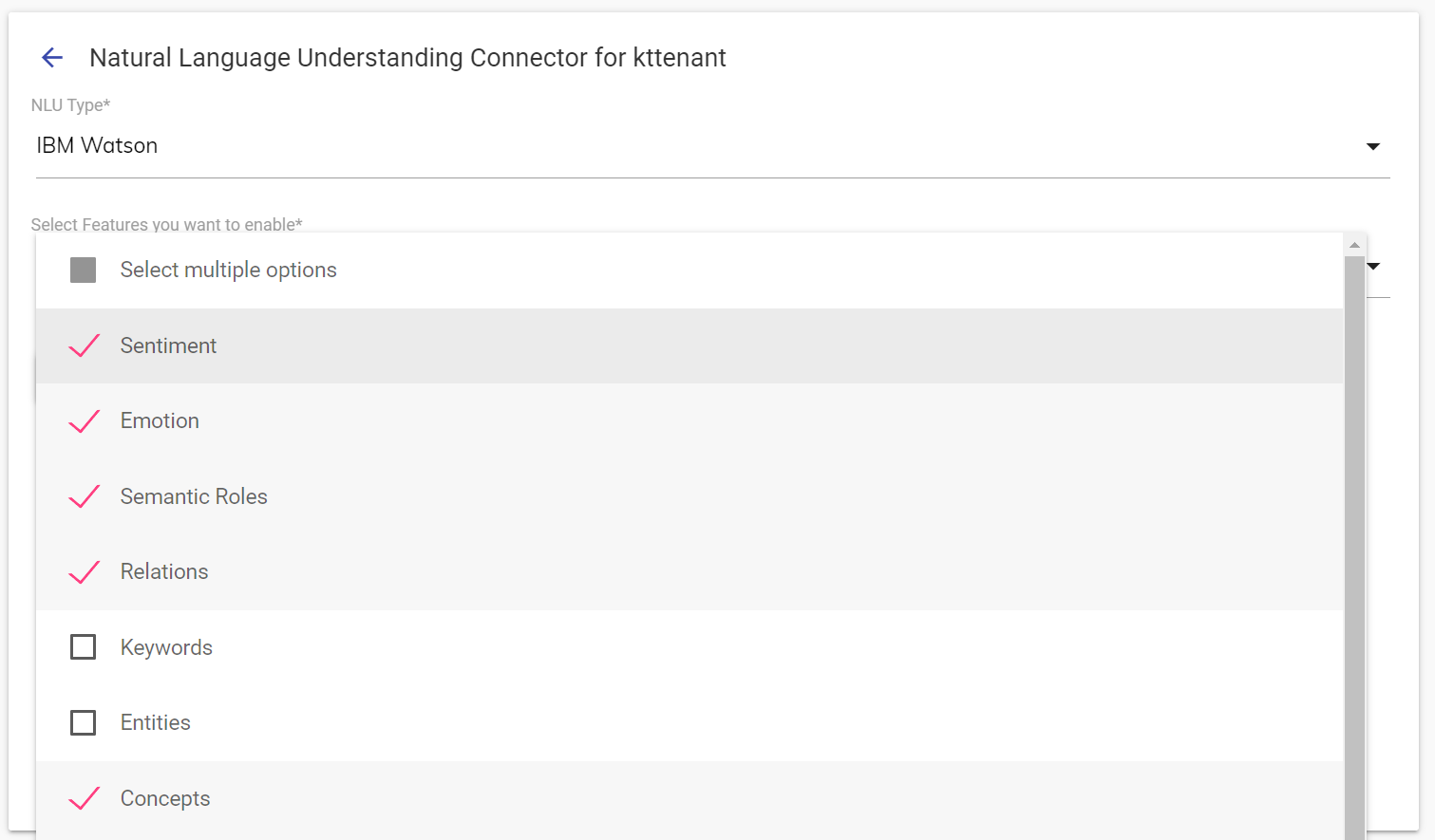
- Select the features from the list that you want to enable.
- Click outside the dropdown menu to collapse the menu. The selected features will be listed. Click on the Save button to save the selection.
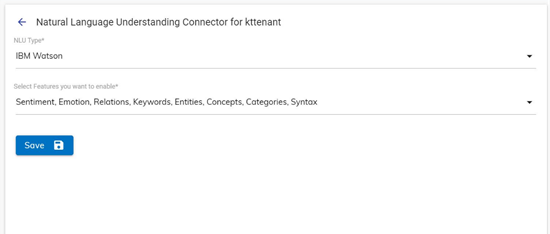
- After selecting the required features, click the Save button to enable the same.
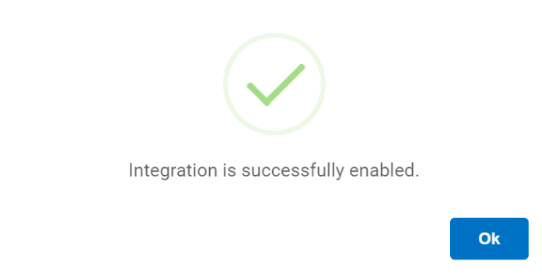
- After enabling the required features, the user needs to access the UCD console.
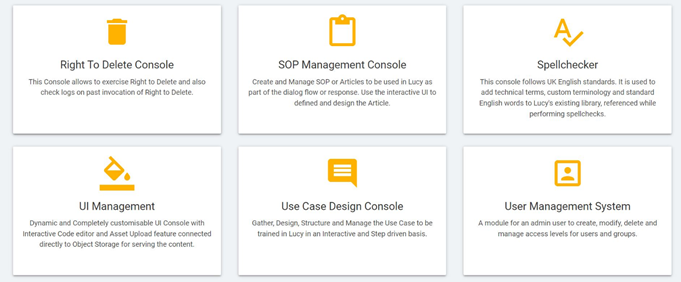
From the UCD console the user can select the skill that has already been modified for NLU features. Once the required skill is selected, context variables can be used to take advantage of NLU functionalities enabled from the admin panel. These NLU features are discussed in detail in section Natural Language Understanding.