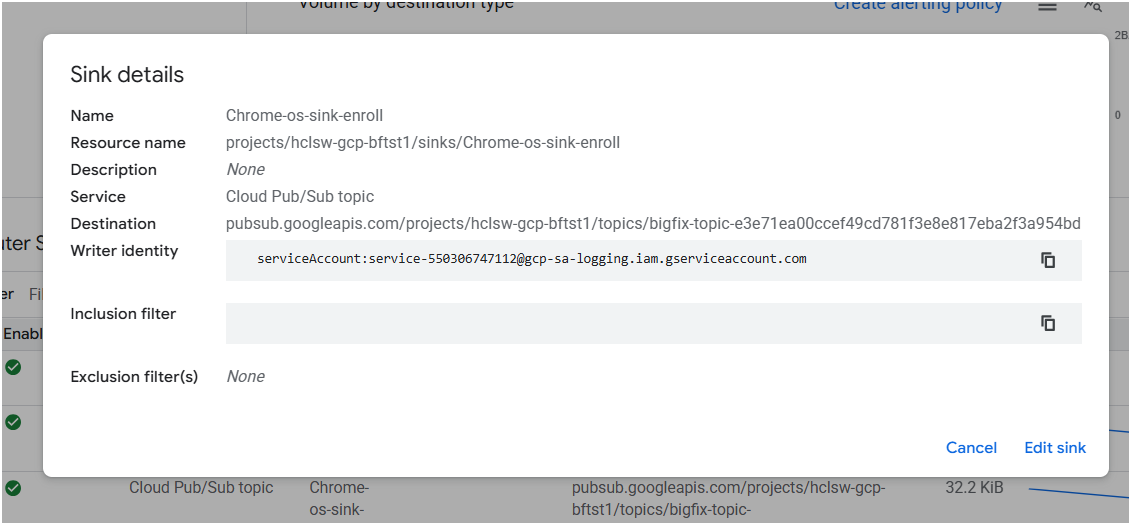
Disable force reenrolment
- Navigate to admin console - Admin console
- Navigate to Devices > Chrome > Settings > Device Settings >
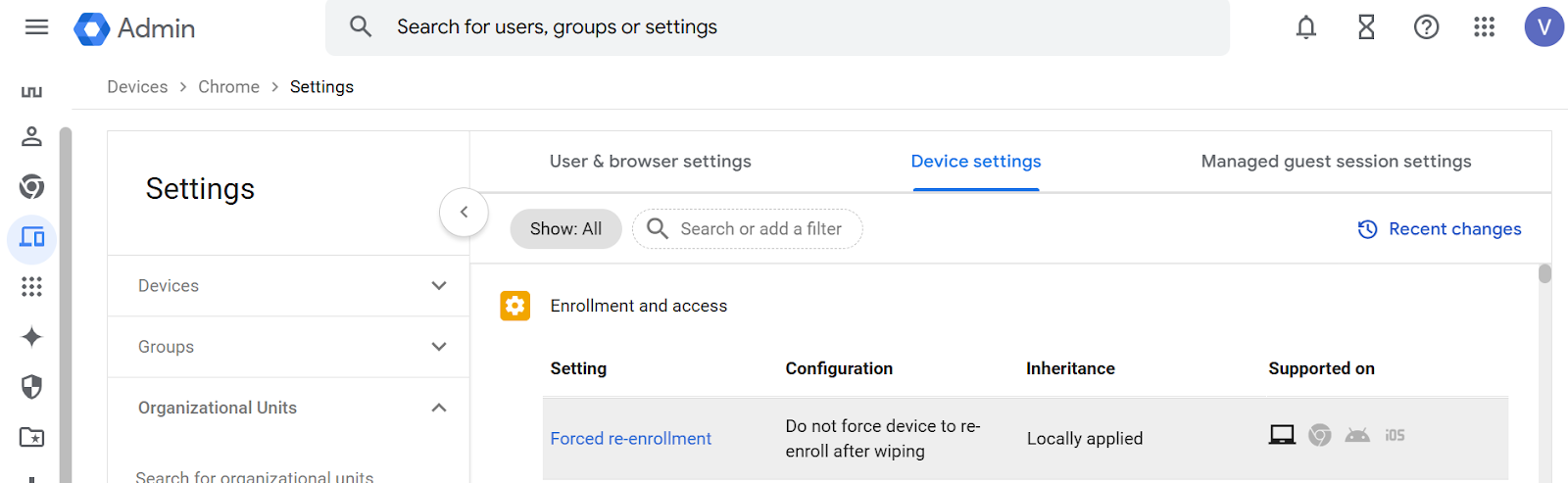
- Click on Forced re-enrolment, and select Do not force device to re-enroll after wiping
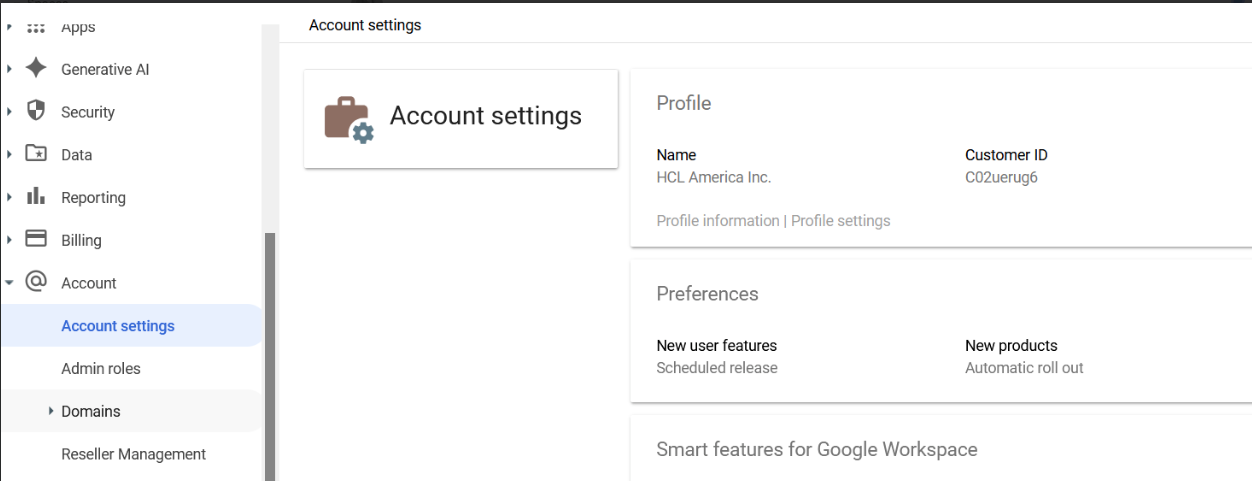
Customer ID from Admin SDK
Get the customer id from admin console under Account → Account Setting
Create Sink for log routing at Google Cloud Console
-
Login to Google console at
https://console.cloud.google.com. -
Go to
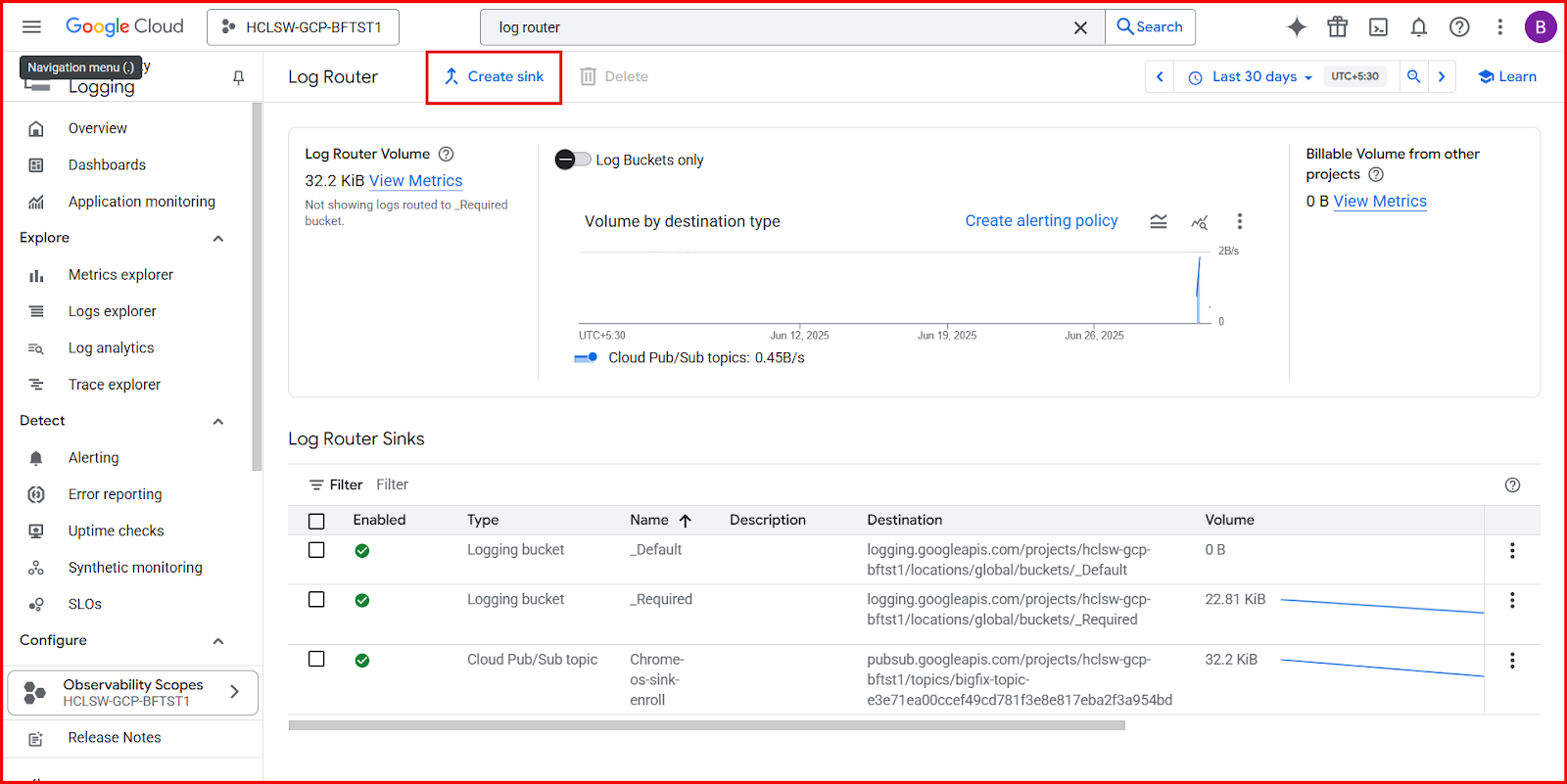
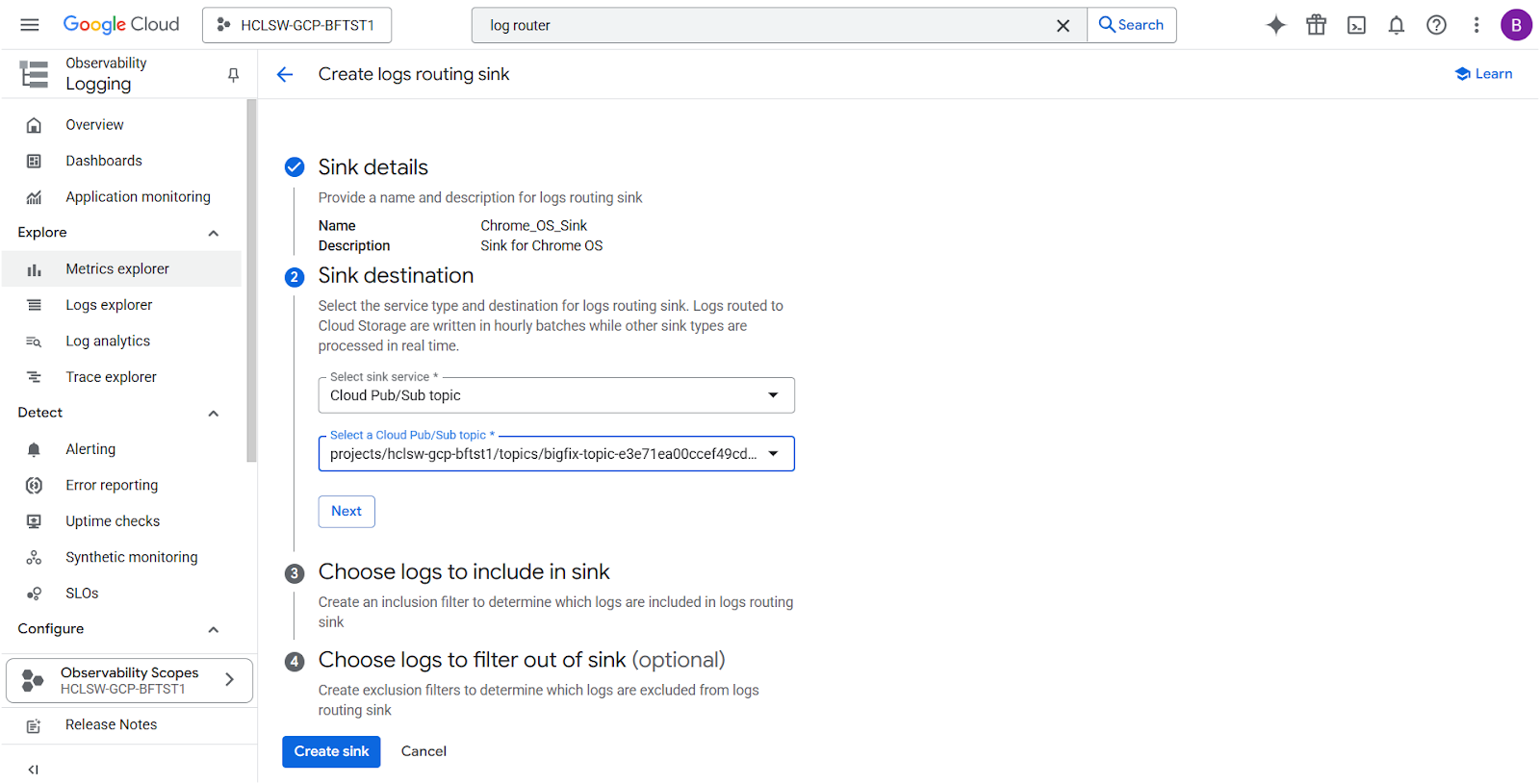
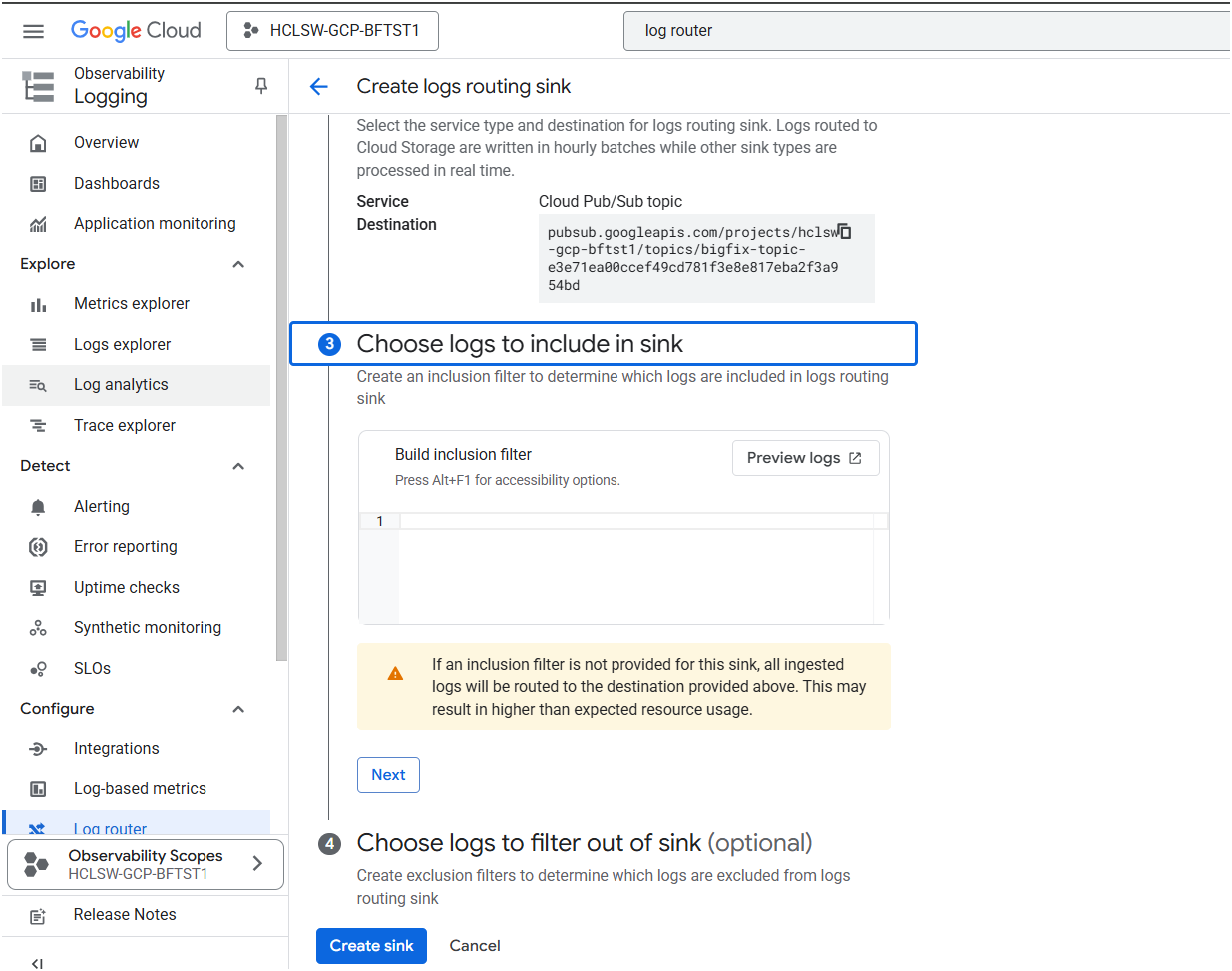
- To create log routing sink provide sink destination details and Pub/sub
topic
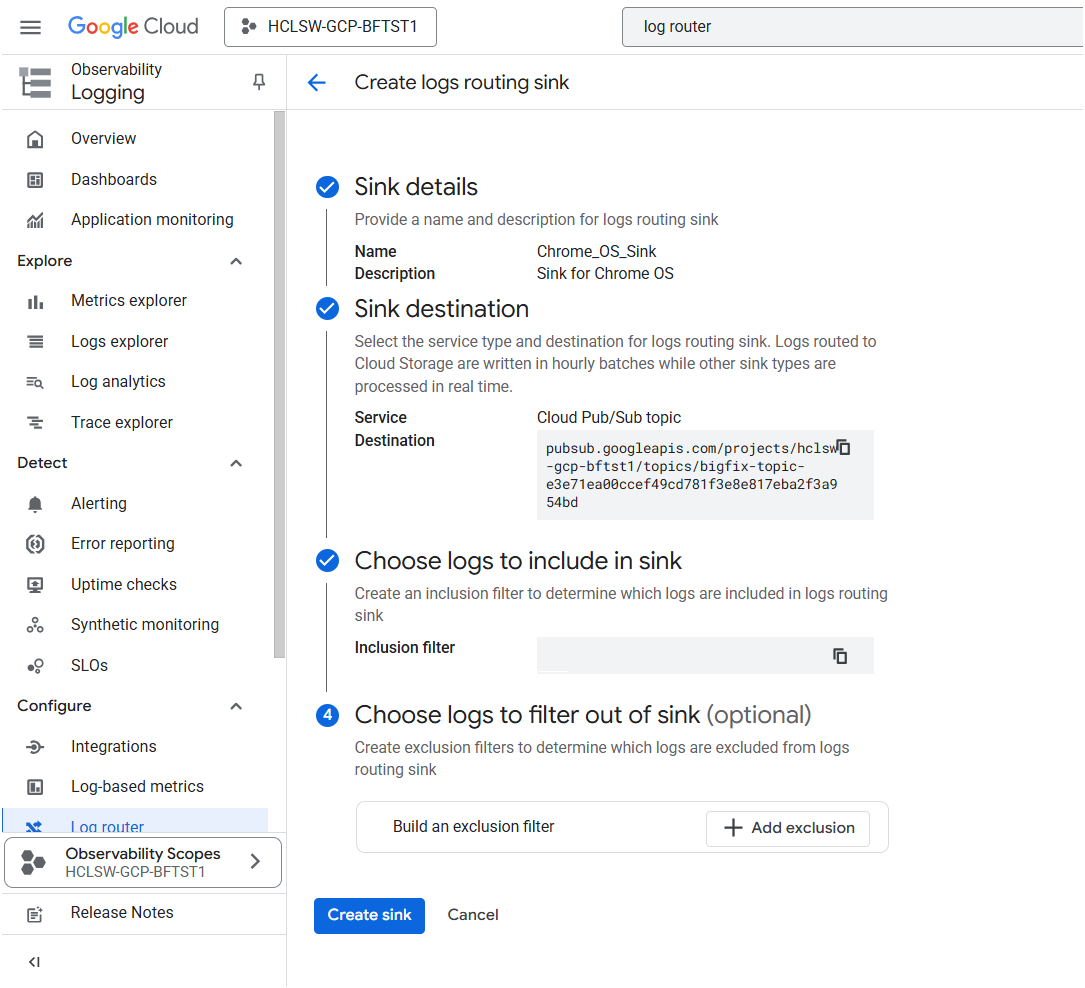
- Sink created with details.