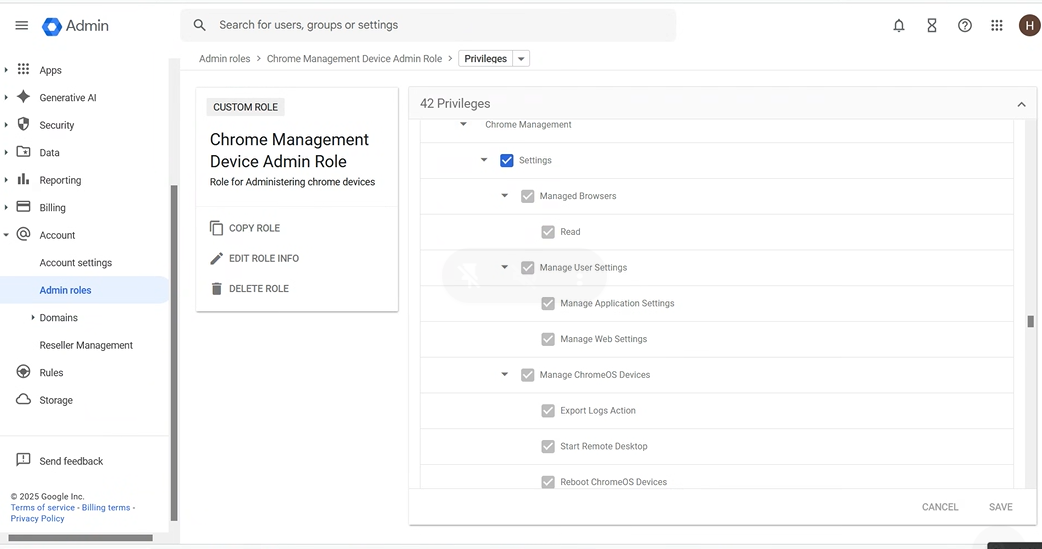
Enable Chrome Enterprise Management
-
Log in to Google Admin Console →https://admin.google.com
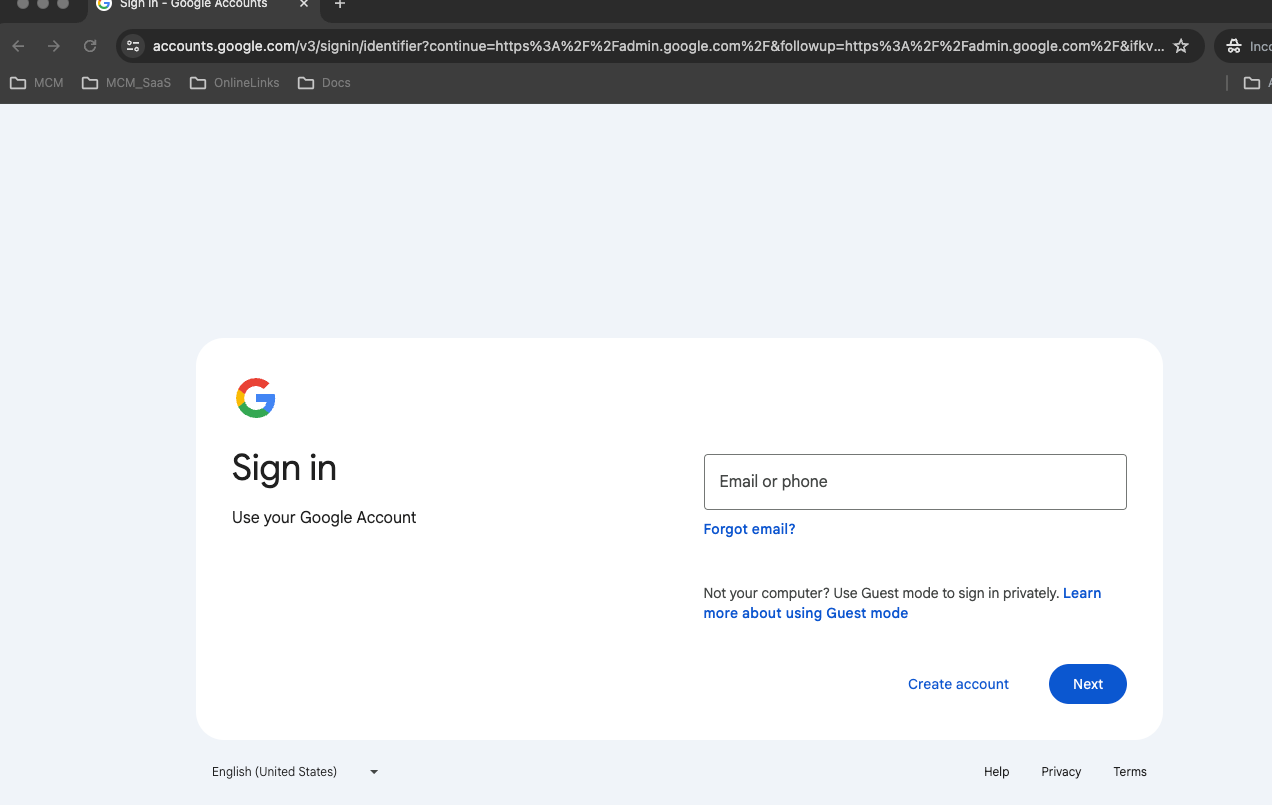
- Login as Admin user.
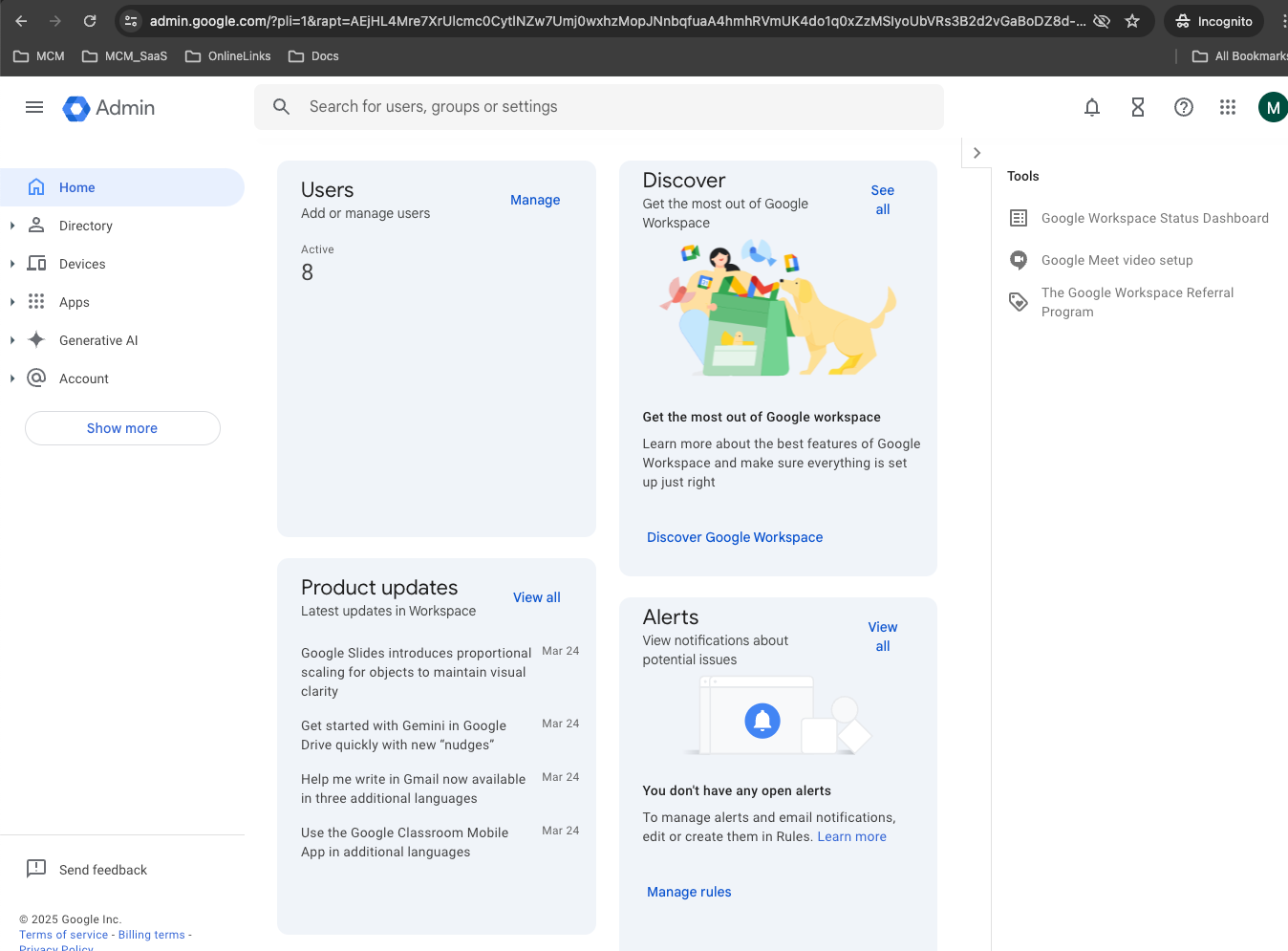
- Navigate to Devices → Chrome → Settings.
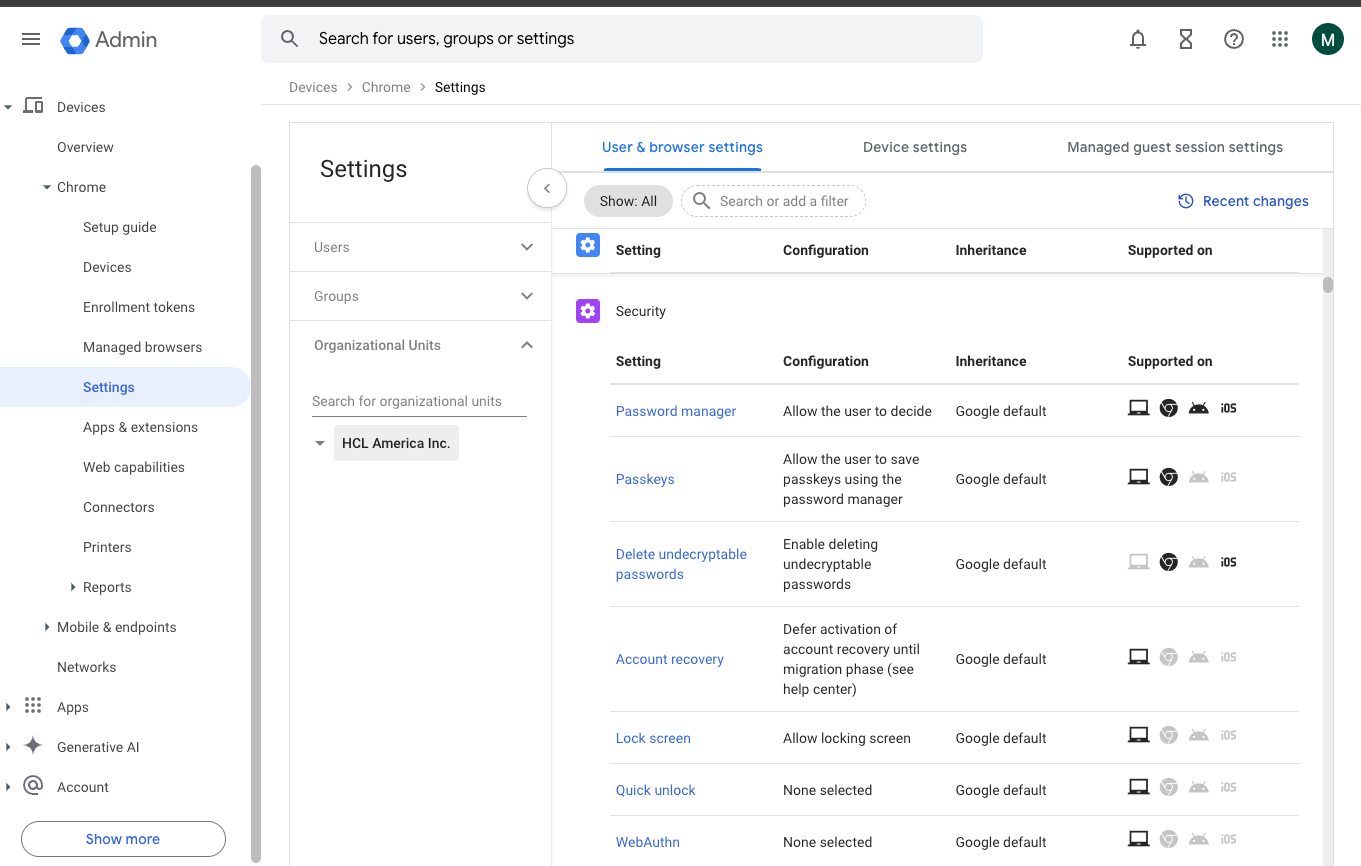
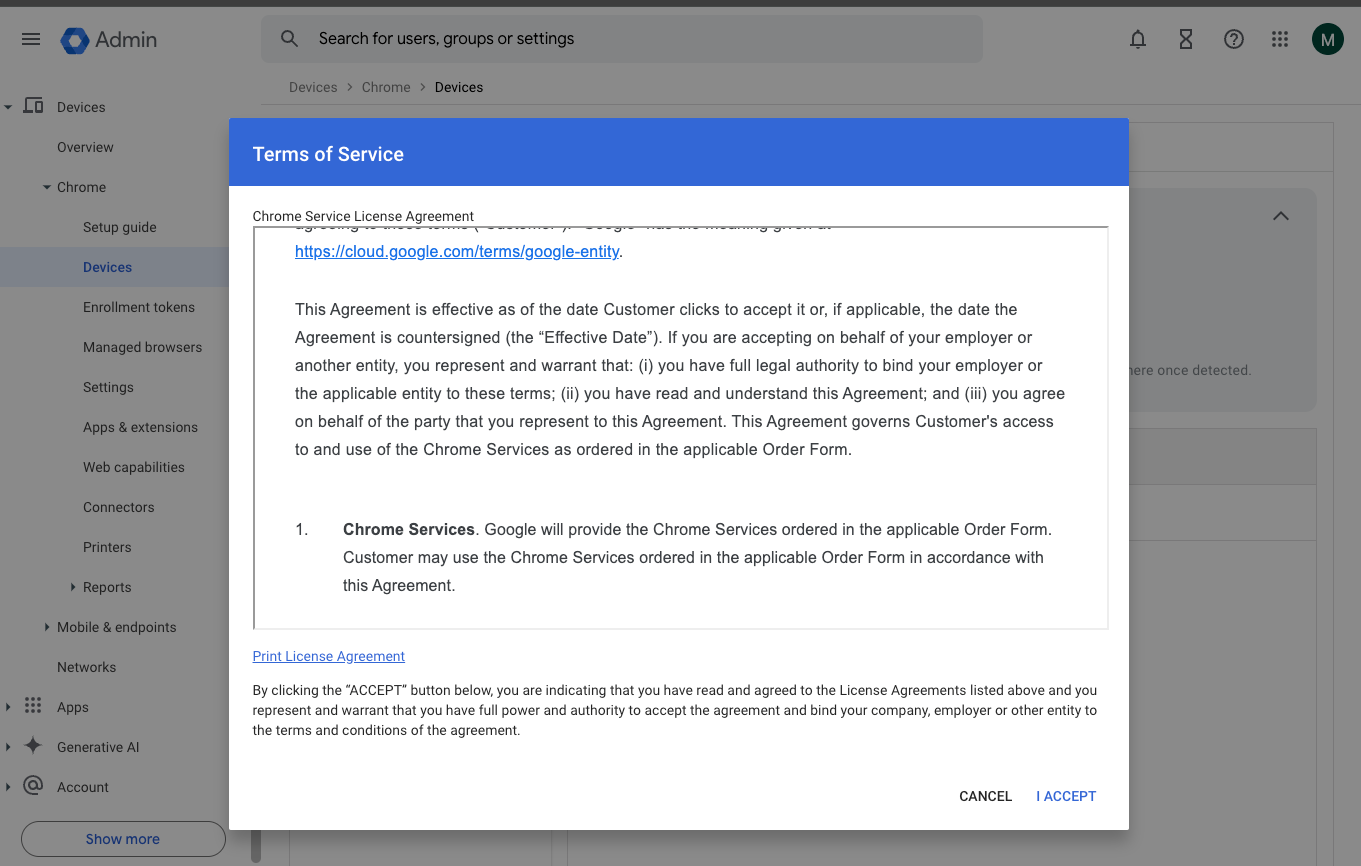
- Under Enrollment & Access, enable Chrome Enterprise
Enrollment.
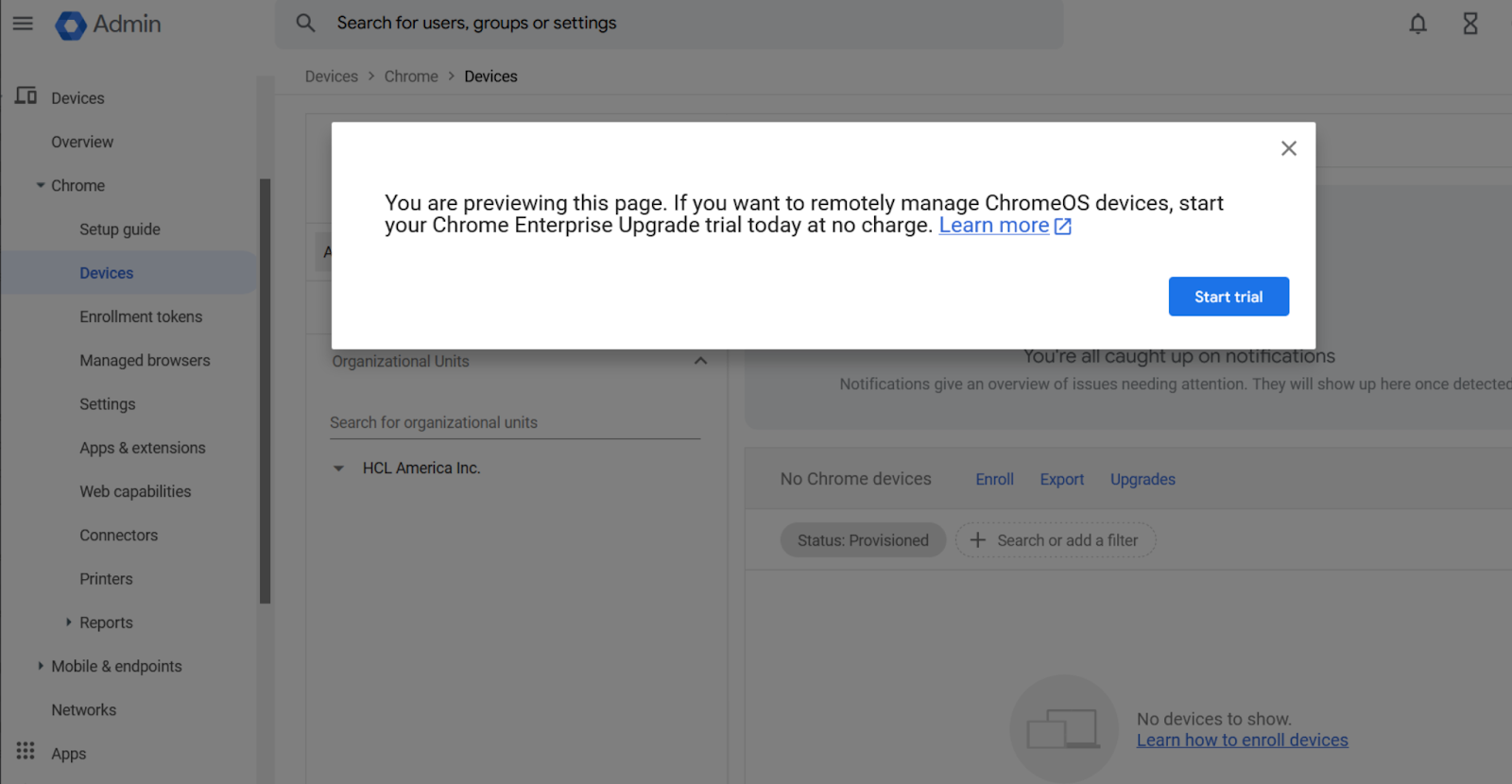
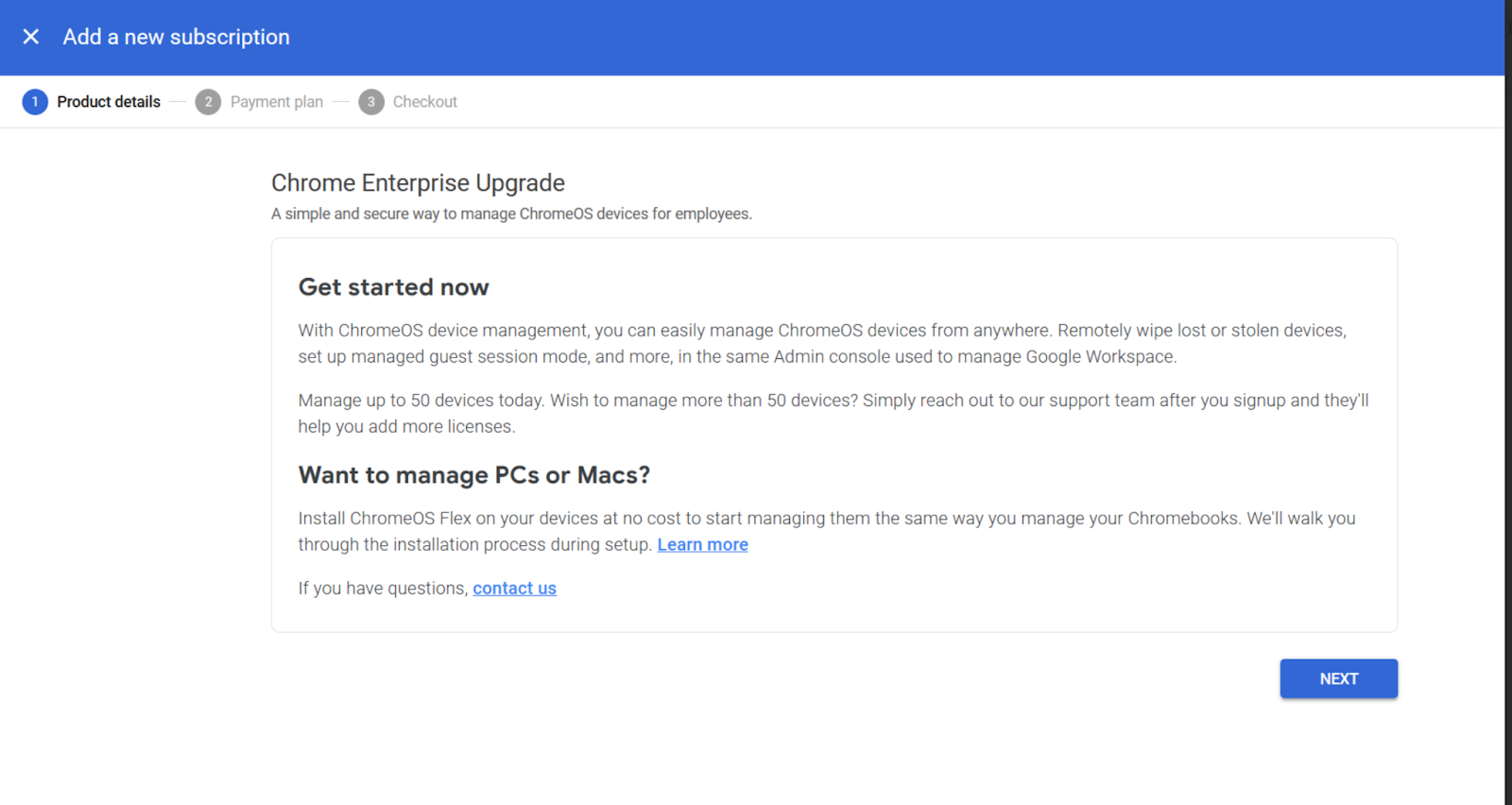
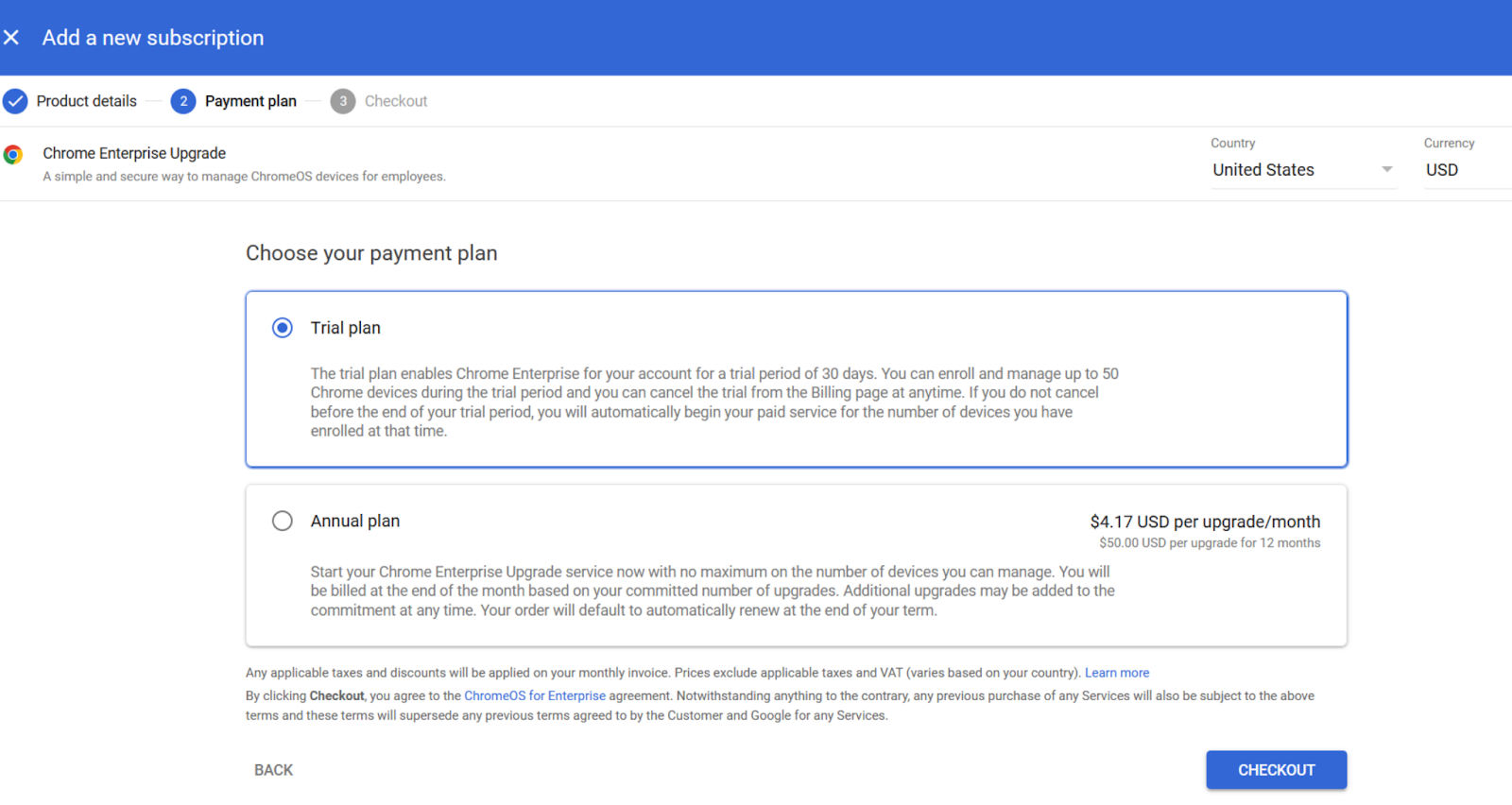
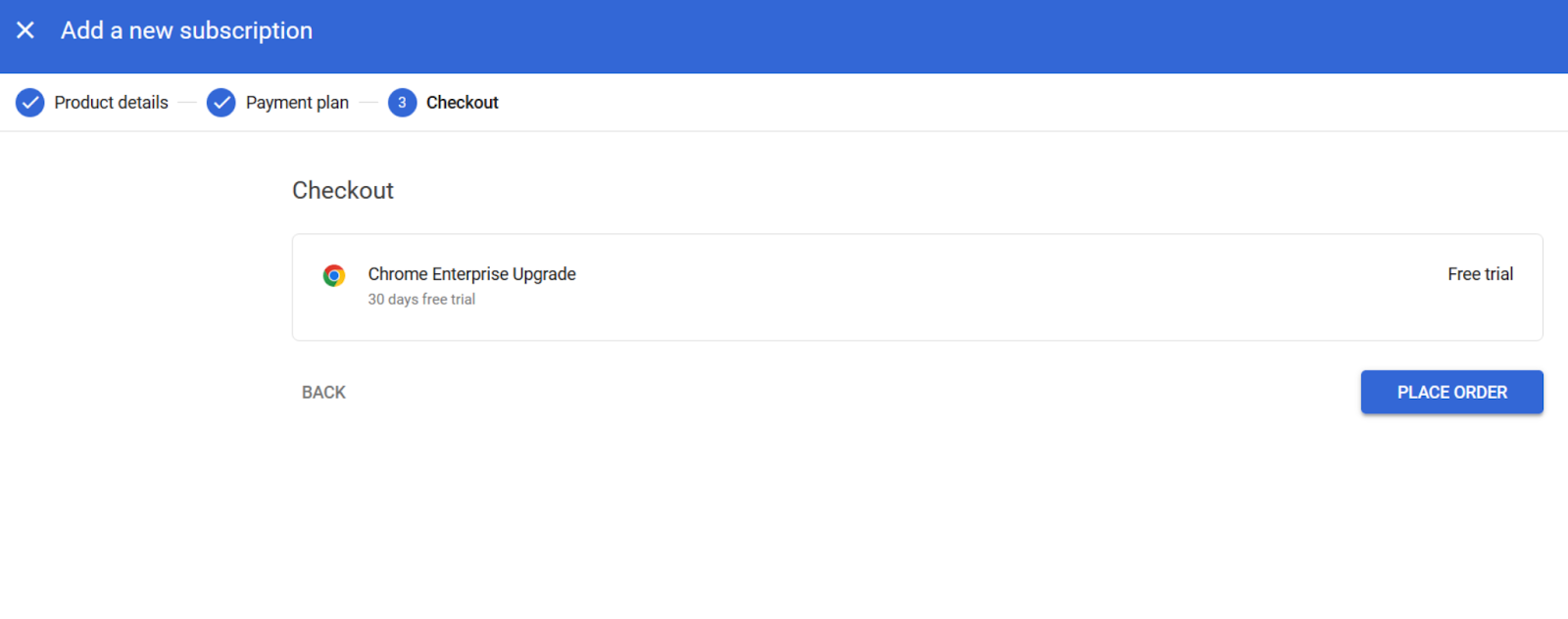
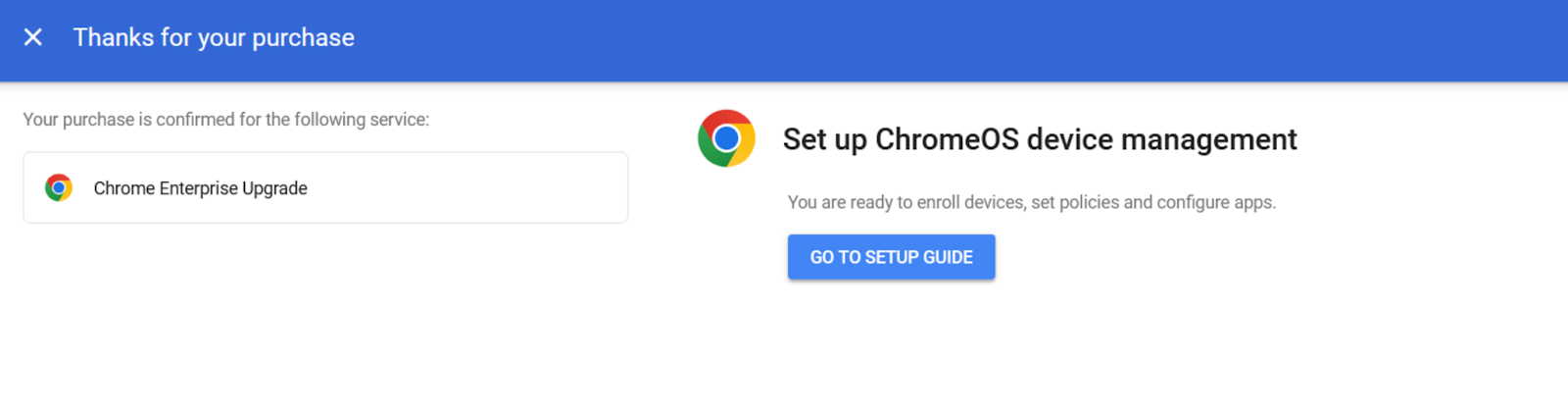
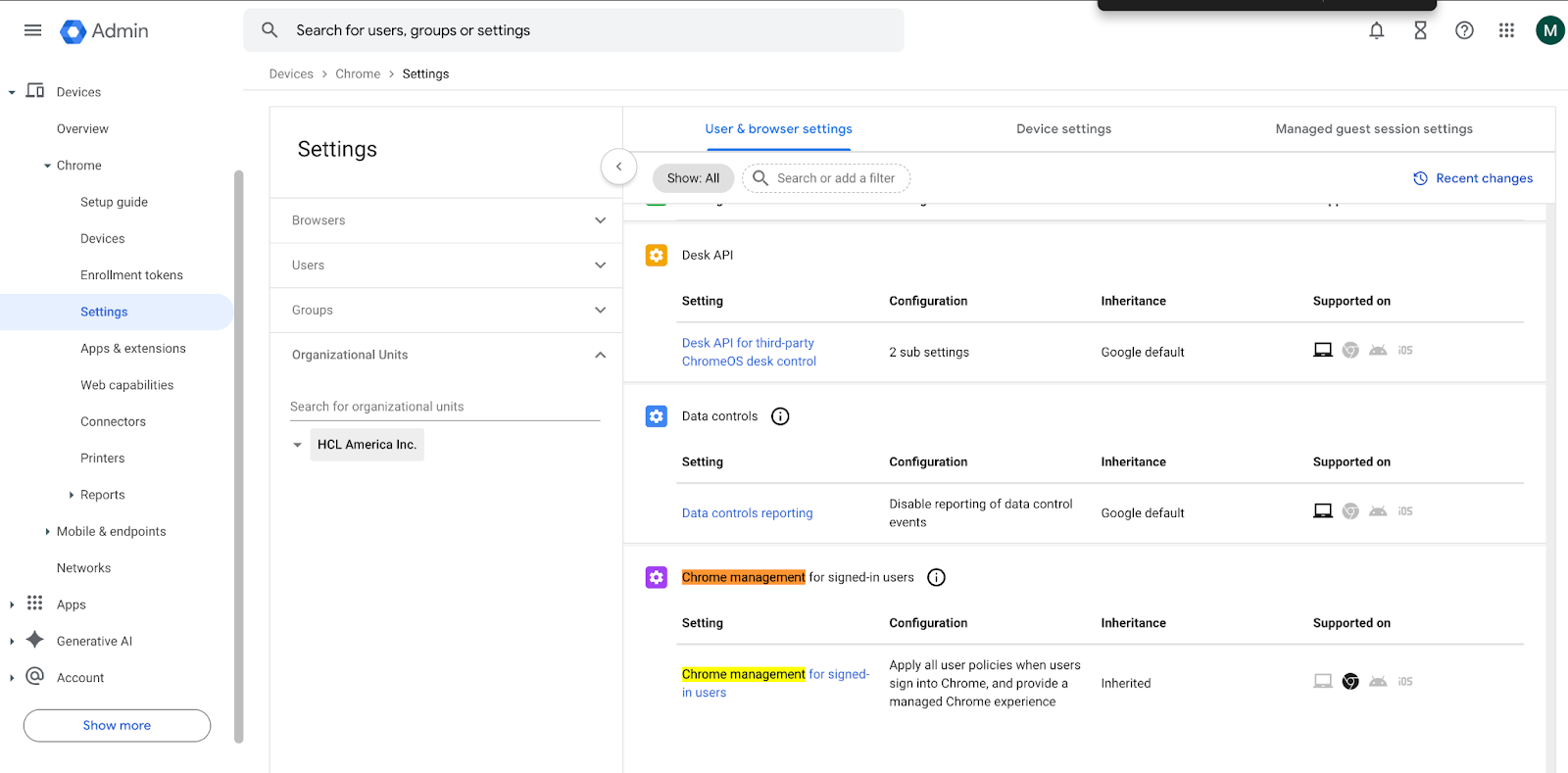
- Now, click on Settings from the dropdown menu. Under User & Browser settings
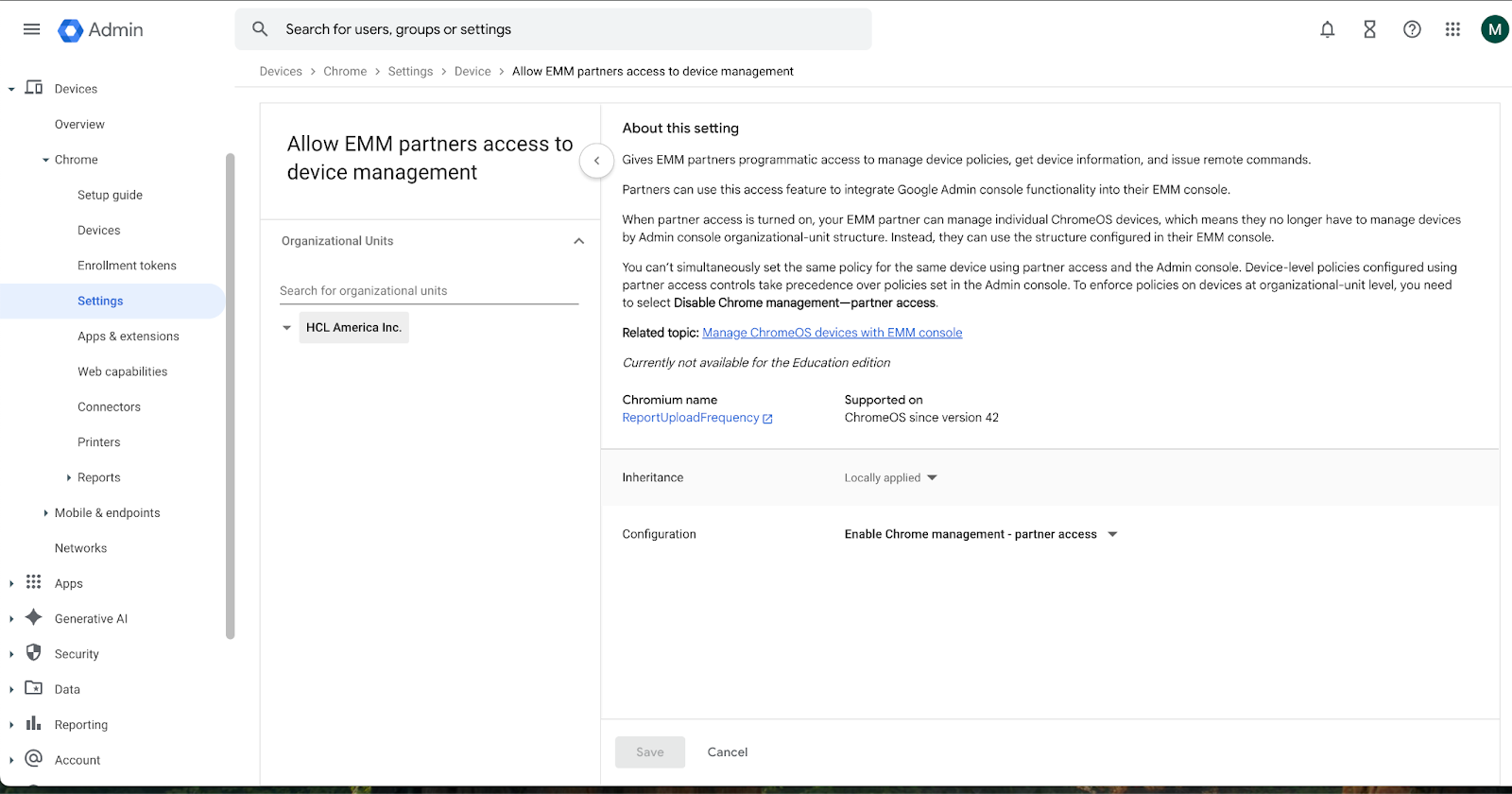
navigate to Chrome Management - Partner Access. Select Enable Chrome Management -
Partner Access and agree to the given Terms and Conditions.
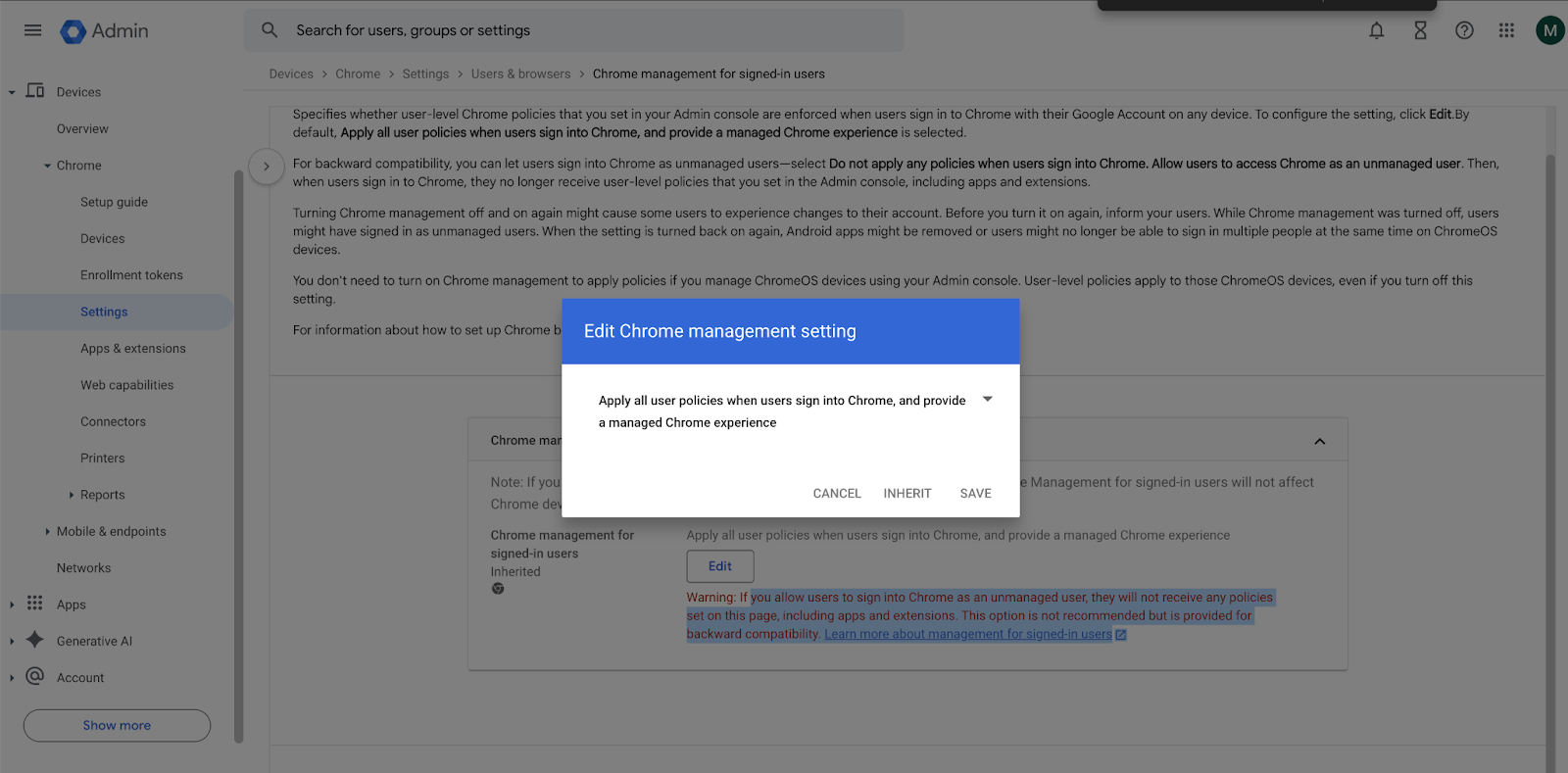
- Now, click on Device Settings and navigate to Chrome Management - Partner Access.
Select Enable Chrome Management - Partner Access and agree to the given terms
and conditions.
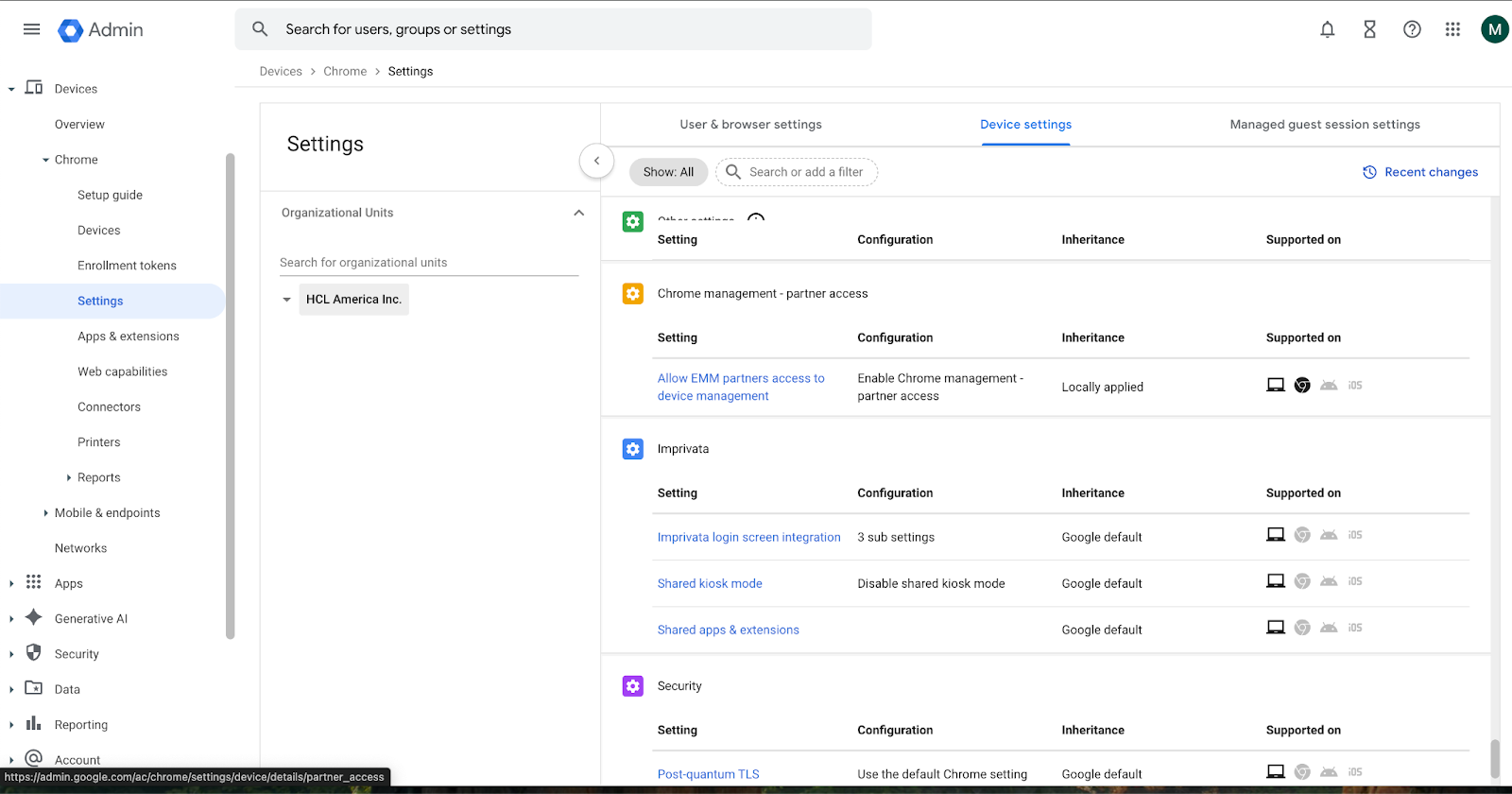
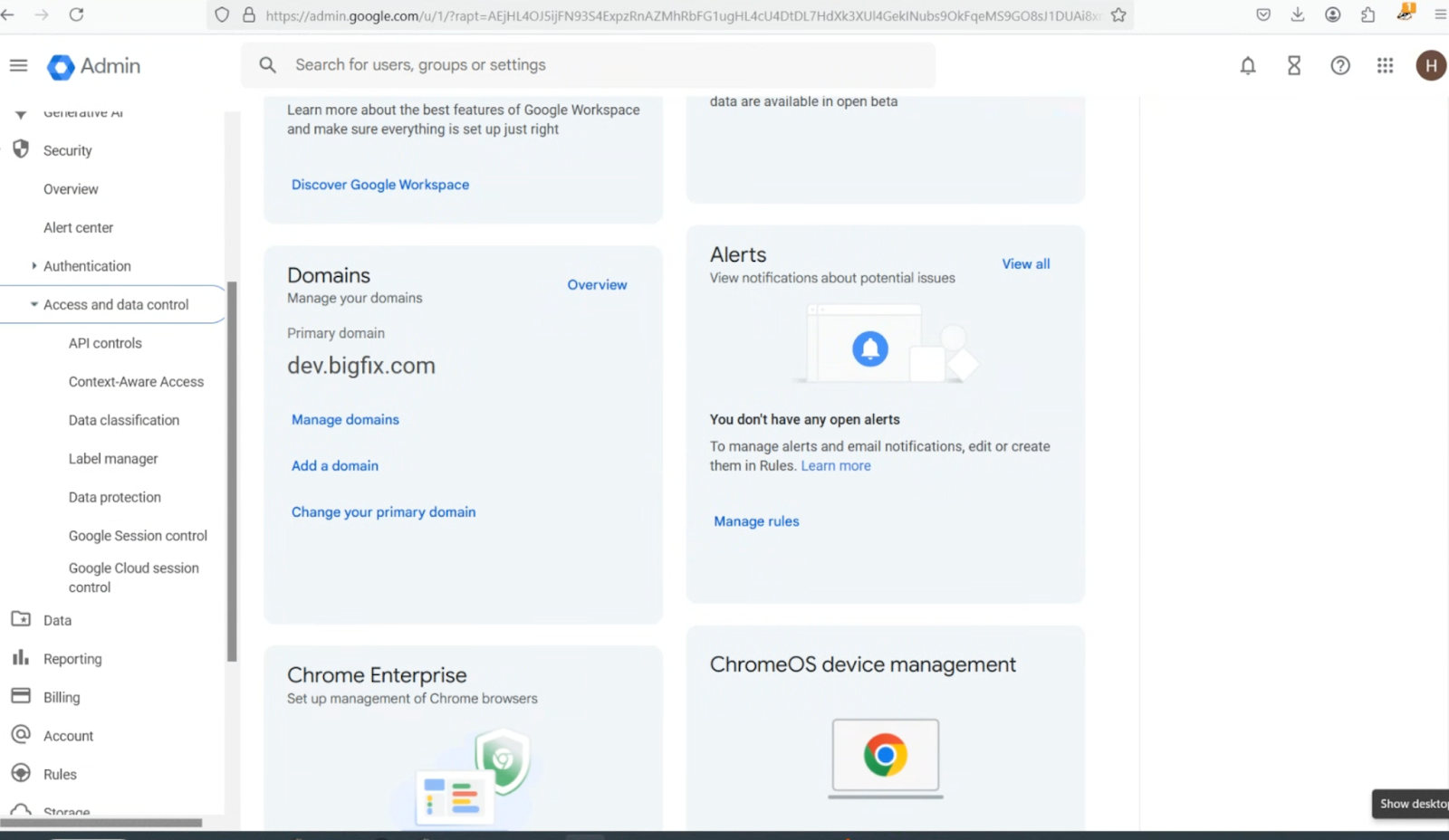
- In the left navigation tree, select Security > Access and data control > API
controls.
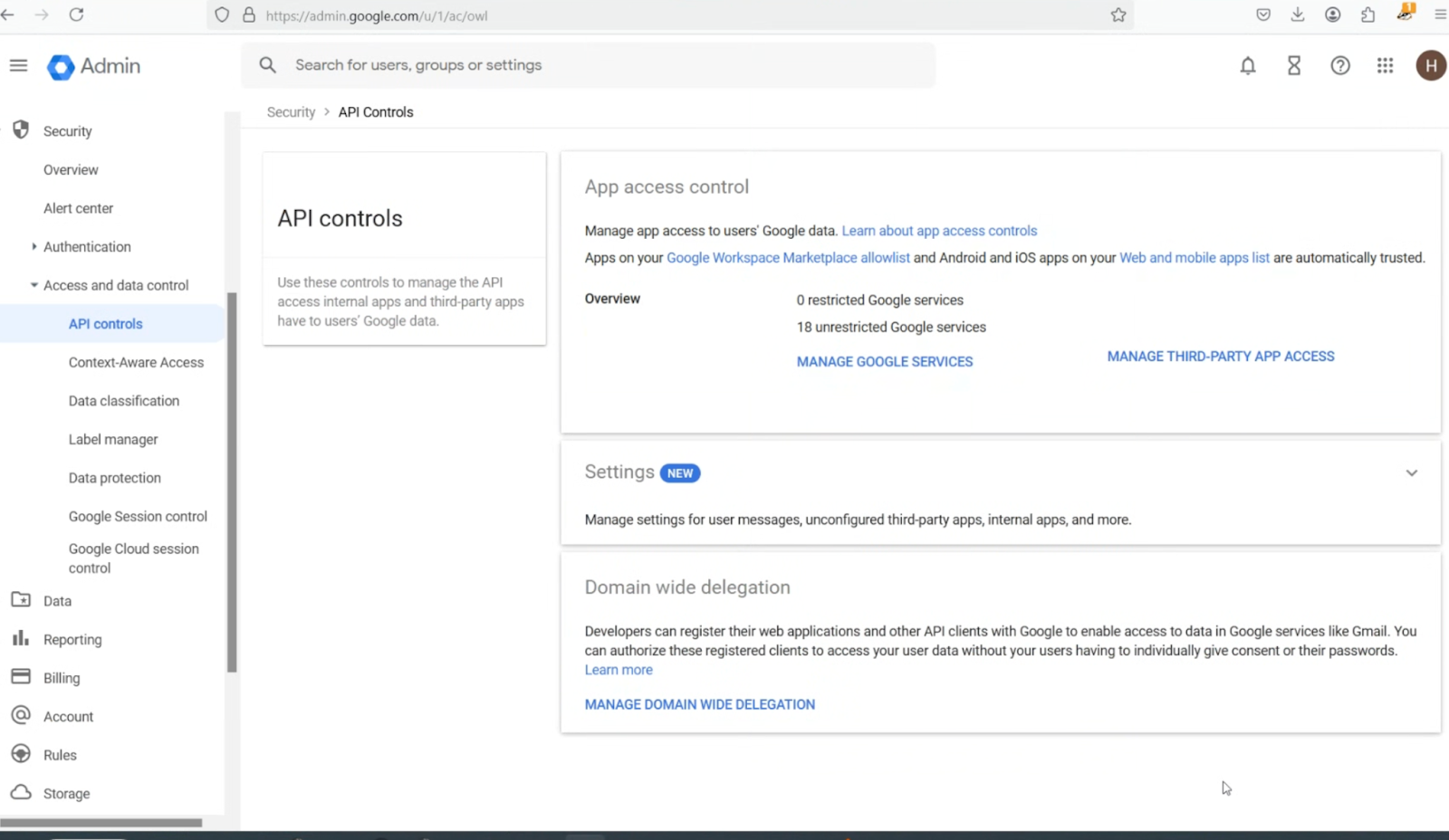
- On the API controls page, scroll to the bottom, and then click MANAGE DOMAIN WIDE
DELEGATION.
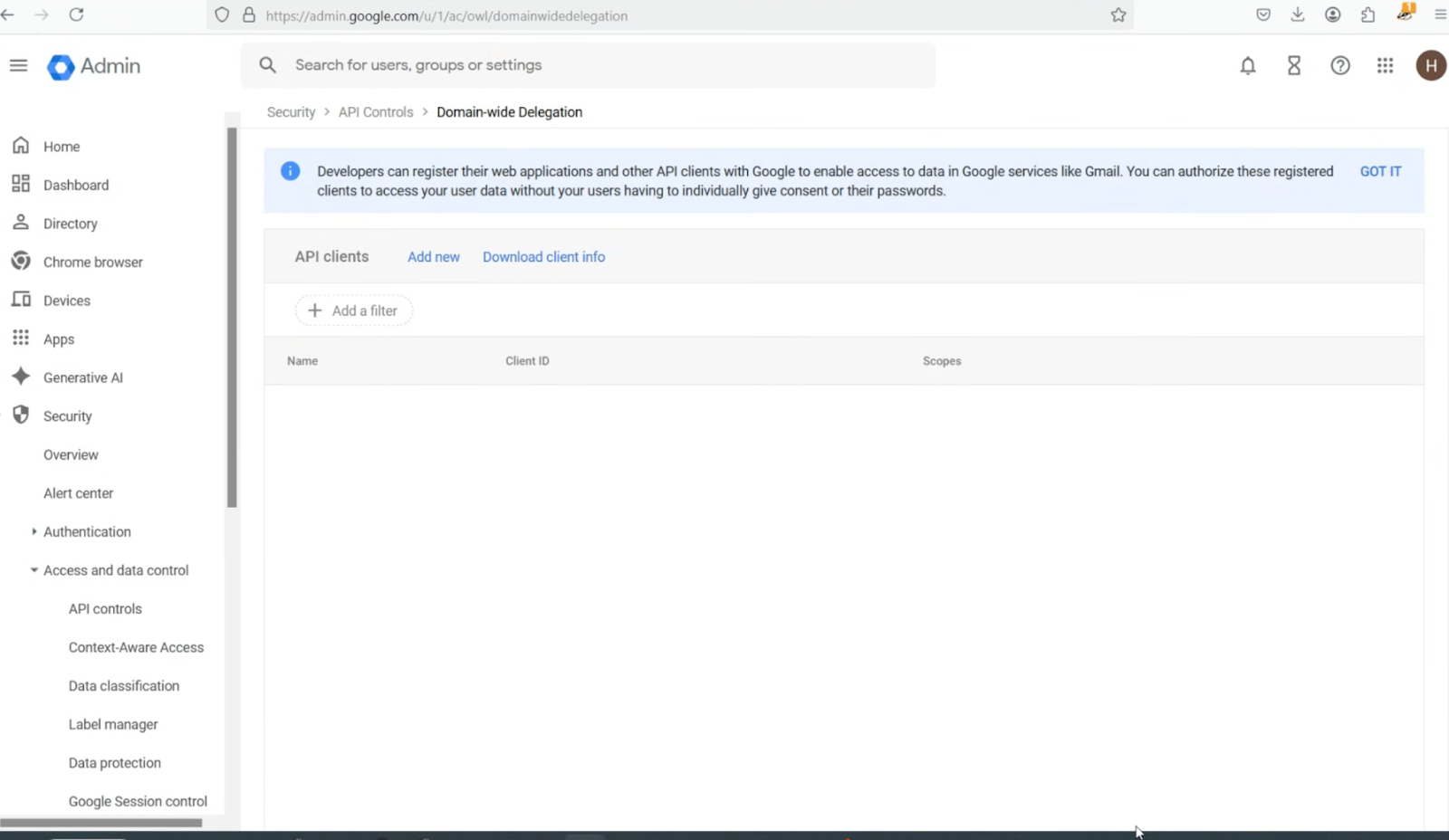
- On the Domain-wide Delegation page, click Add new.
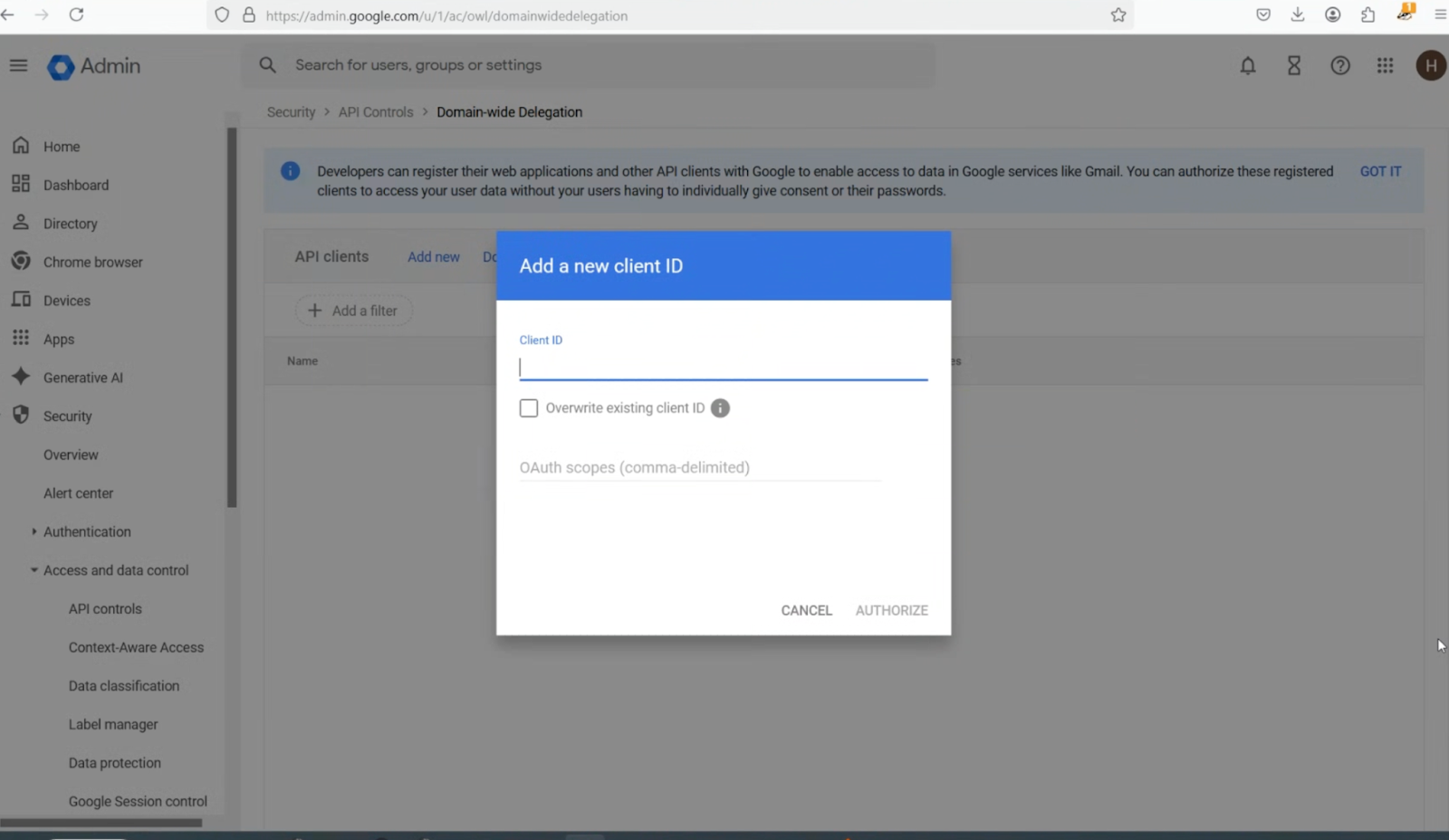
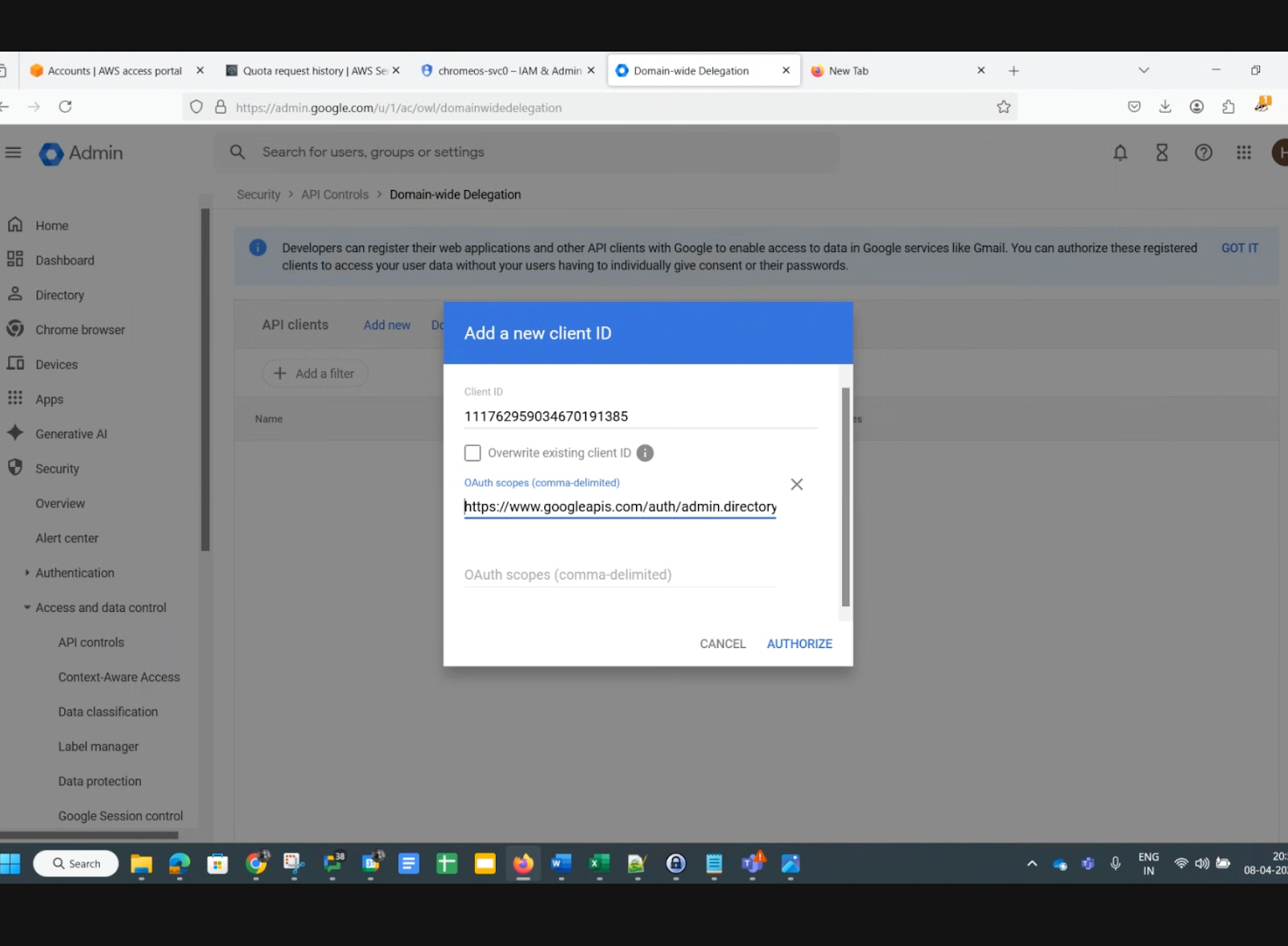
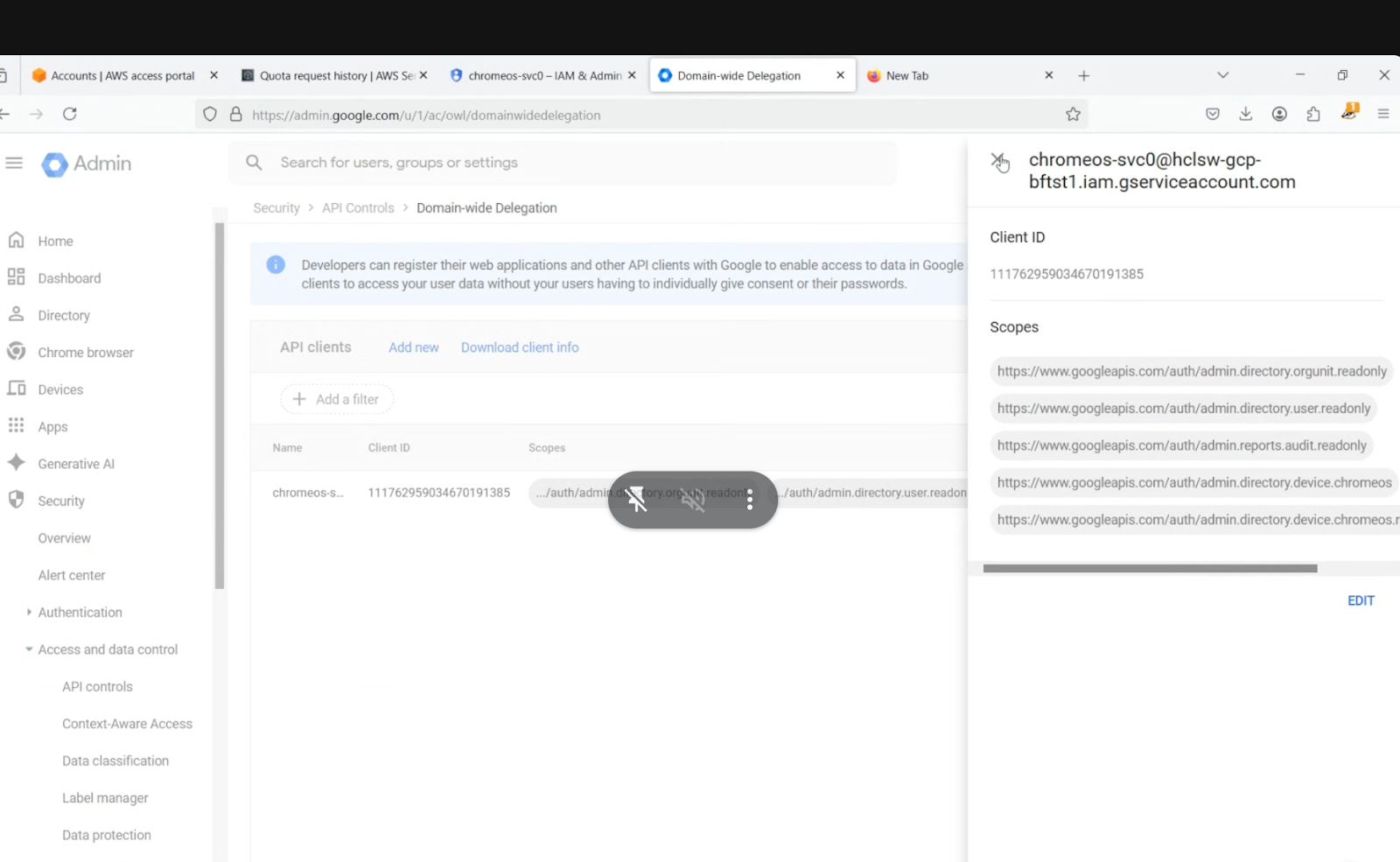
- In the Add new client ID pop-up, enter the Unique Client ID value you recorded earlier, add the OAuth scopes listed below, then click AUTHORIZE. In the Add new client ID pop-up, enter the Unique Client ID recorded earlier (this can be found in the ChromeOS service account credentials JSON file). Add the OAuth scopes listed below, and then click Authorize. OAuth scopes to add:https://www.googleapis.com/auth/admin.directory.orgunit.readonly,https://www.googleapis.com/auth/admin.directory.user.readonly,https://www.googleapis.com/auth/admin.reports.audit.readonly,https://www.googleapis.com/auth/admin.directory.device.chromeos,https://www.googleapis.com/auth/admin.directory.device.chromeos.readonly,https://www.googleapis.com/auth/apps.alerts ,https://www.googleapis.com/auth/admin.directory.orgunit,https://www.googleapis.com/auth/admin.directory.group,https://www.googleapis.com/auth/admin.directory.group.member,https://www.googleapis.com/auth/chrome.management.policy,https://www.googleapis.com/auth/chrome.management.telemetry.readonly
11. Go to Account -> Admin Roles -> Create new role
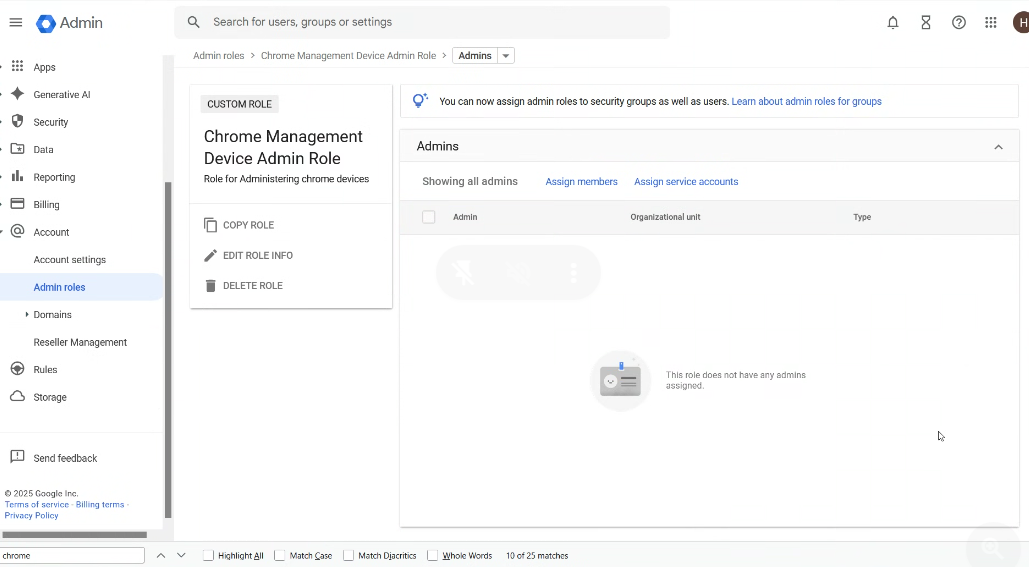
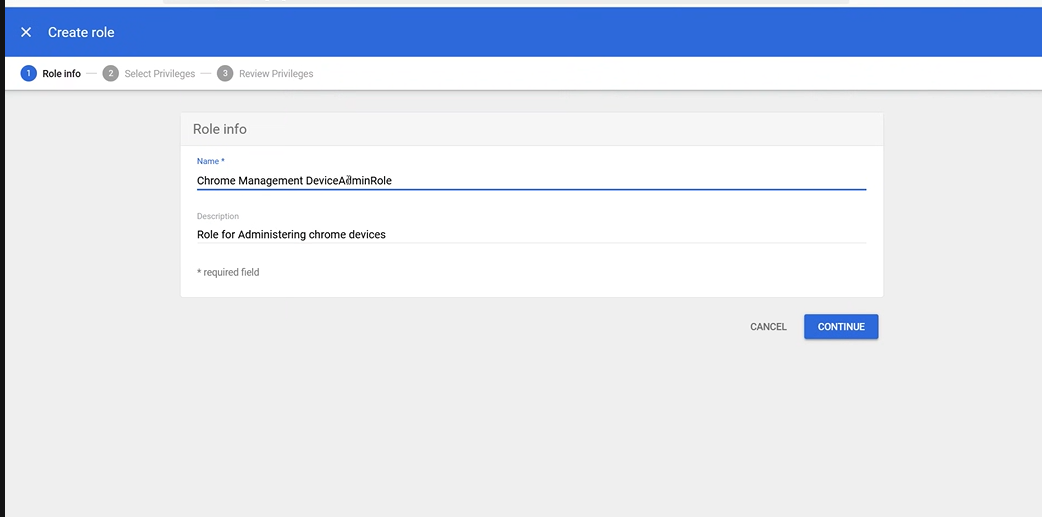
Create a new role
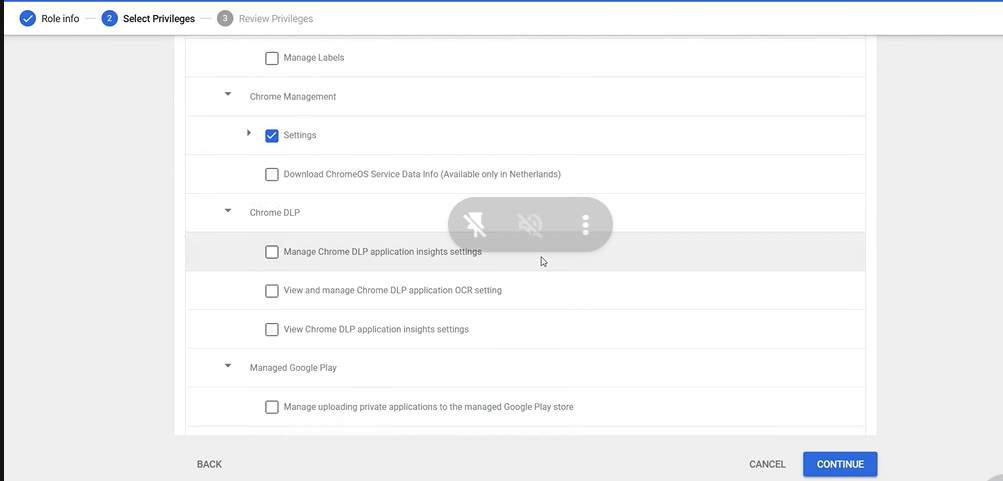
Assign Chrome Management Privileges
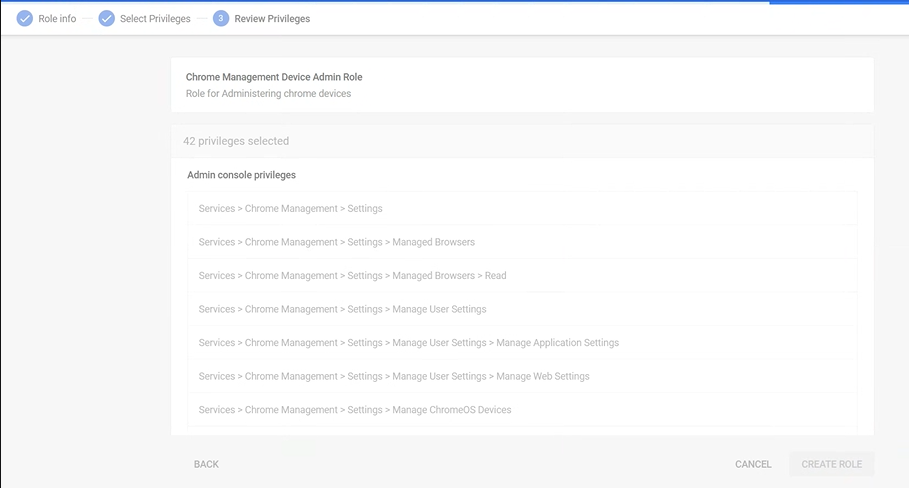
Assign the Role to Service Accounts
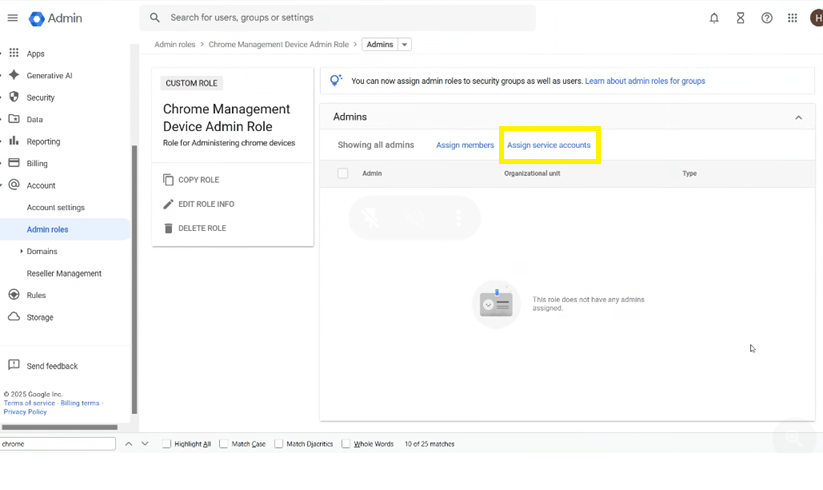
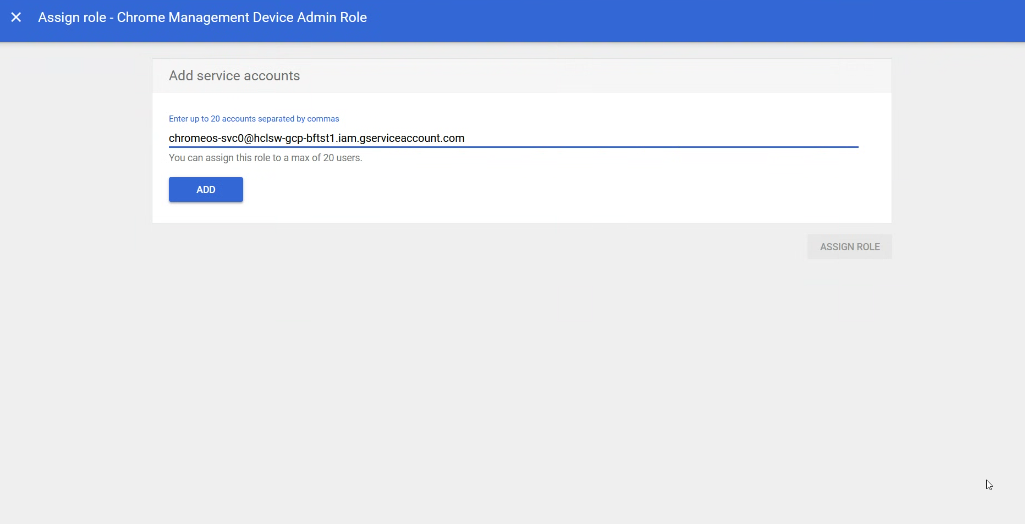
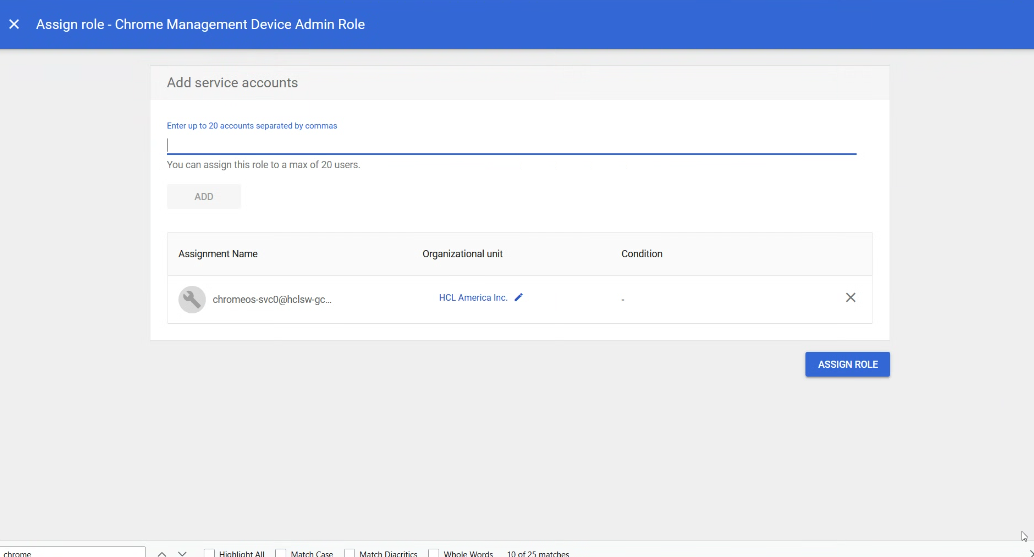
Here is the admin configured