Setup
The Wake-on-LAN Medic utility is a process that runs on the BigFix server. This utility manages Wake-on-LAN scheduling and keeps Last Man Standing computers awake.
You must enable the Wake-on-LAN Medic so that Wake-on-LAN features work correctly.
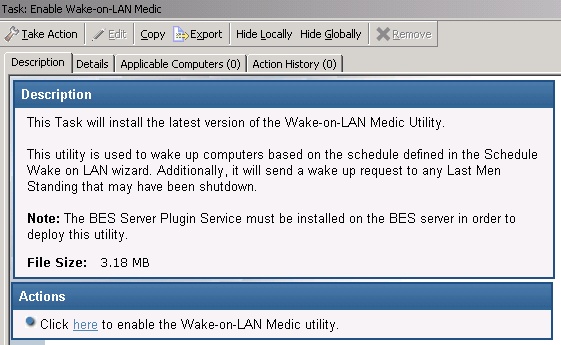
Use the Setup task to install the latest version of the Wake-on-LAN Medic utility. Click this
task from the navigation tree. When the Task window opens, review the description and click in
the Actions box to initiate the utility.
Note:
Ensure that REST API is set up correctly to
avoid errors and for the Wake-on-LAN Medic Utility to function properly.
- If Wake-on-LAN Medic utility is not enabled, the Enable Wake-on-LAN task might not be relevant.