Schedule Wake-on-LAN
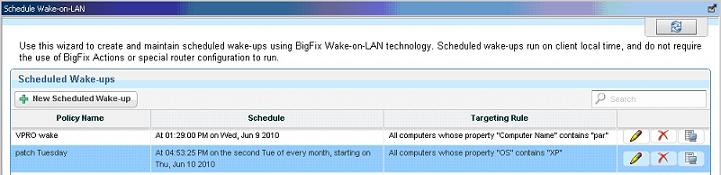
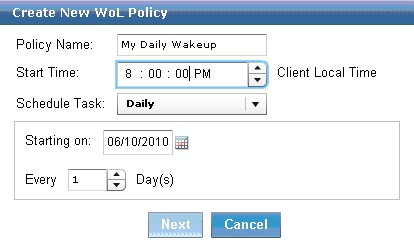
You can create and maintain scheduled wake-ups using the Schedule Wake-on-LAN Wizard. Scheduled wake-ups run on client local time and do not require the use of Actions or special router configurations to run.
Note:
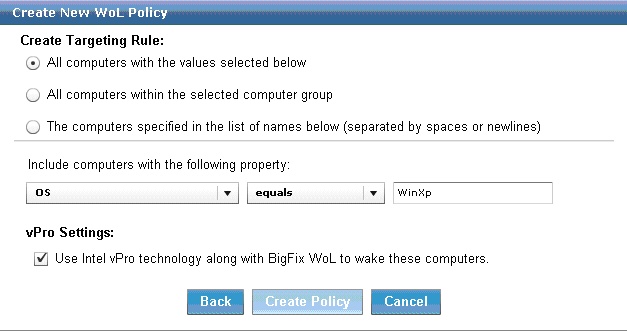
The vPro Settings option is only enabled if you
are subscribed to the Client Manager for Intel vPro site.
After you schedule a WoL policy, the WoL Medic component is set to wake the systems. By default,
the WoL Medic checks every five minutes to see if it is time to run scheduled WoL policies.
Note:
Ensure that REST API is set up correctly to avoid errors and for the Wake-on-LAN Medic
Utility to function properly. REST API is supported by BigFix server version 9.0 and
later.