Web Reports

Power Management Web Reports provides high-level summary data for management and decision makers to view and assess power usage in a deployment.

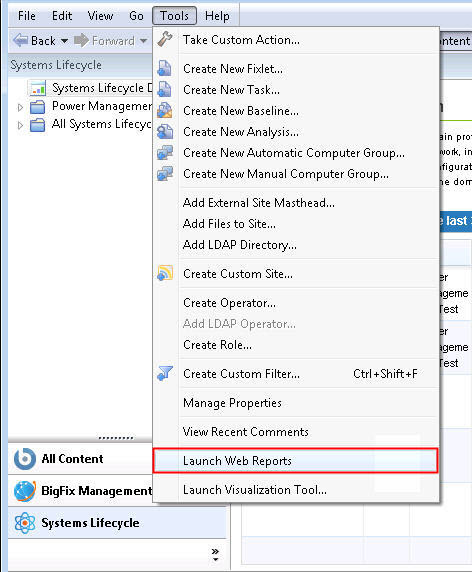
To access Web Reports, click Tools > Launch Web Reports.


BigFix console Tools dropdown menu open with Launch Web Reports option highlighted

Enter your Web Reports username and password. Click Login.
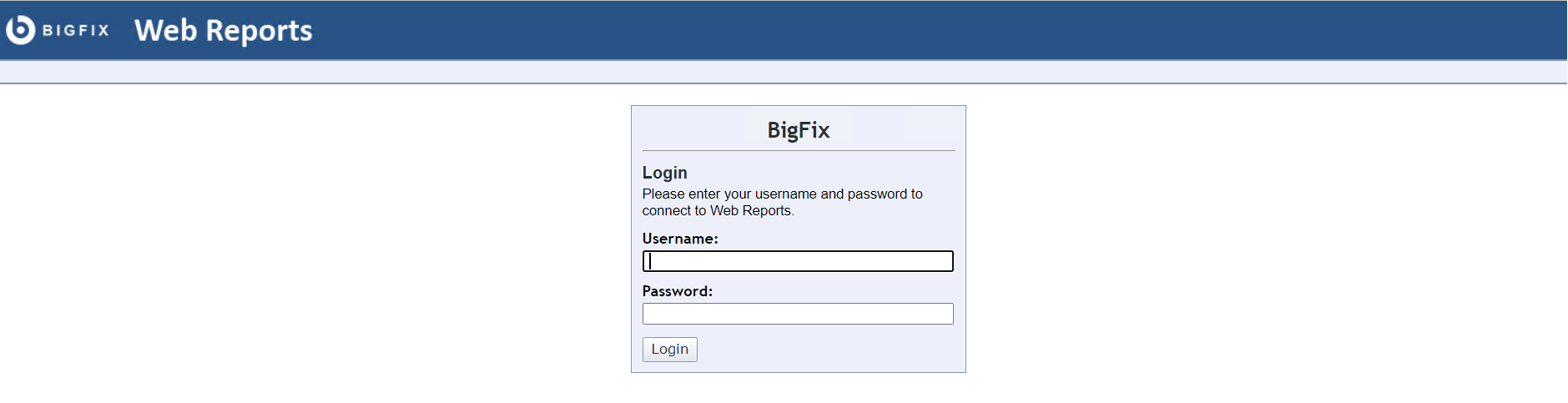

Web Reports login screen showing username and password fields with a Login button

The main Web Reports page opens in a new browser. To see a list of Power Management reports, select Systems Lifecycle.
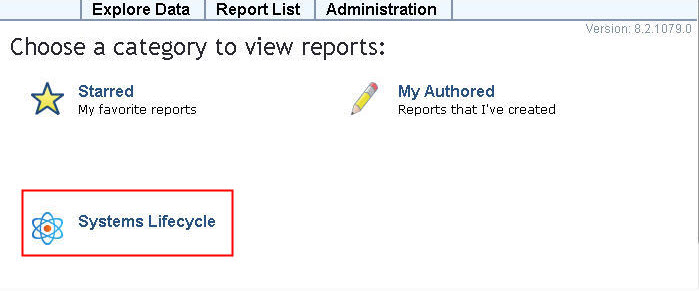

Web Reports main page with Systems Lifecycle selected in the navigation menu to display Power Management reports
You see a list of Power Management reports displayed under the Report List menu:
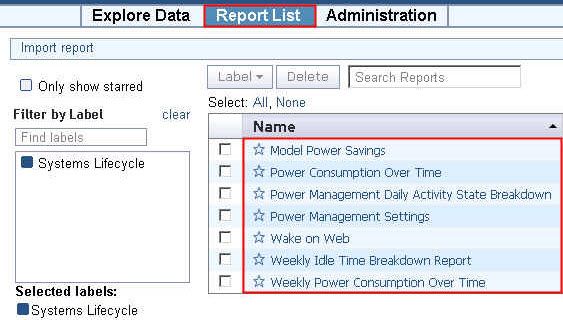
Web Reports Report List showing available Power Management reports under Systems Lifecycle, including Power Consumption Summary, Power Management Settings, and other power-related reports