Notification banner: announce maintenance and upgrades in the UI
With the new notification banner, you can now warn users of upcoming maintenance or downtime before they run into it.
An unannounced maintenance window or upgrade used to surface as a support ticket after the fact. The notification banner closes that gap: a short summary greets every user on the Welcome page, and a single click opens the full announcement.
- One message, every tenant
- A service provider administrator posts a single banner from the Tenant Manager that reaches every tenant at once, instead of repeating the same announcement tenant by tenant.
- Room for the full story
- The Welcome page carries a short summary; the notification icon in the header opens the complete details, formatted in Markdown or plain text.
- Your own announcements, too
- A tenant or non-multitenant administrator configures an instance-specific banner from , independent of any Tenant Manager announcement.
- Nothing lost when you switch it off
- Disabling a banner hides it immediately without discarding the drafted content, so the next announcement is one toggle away.
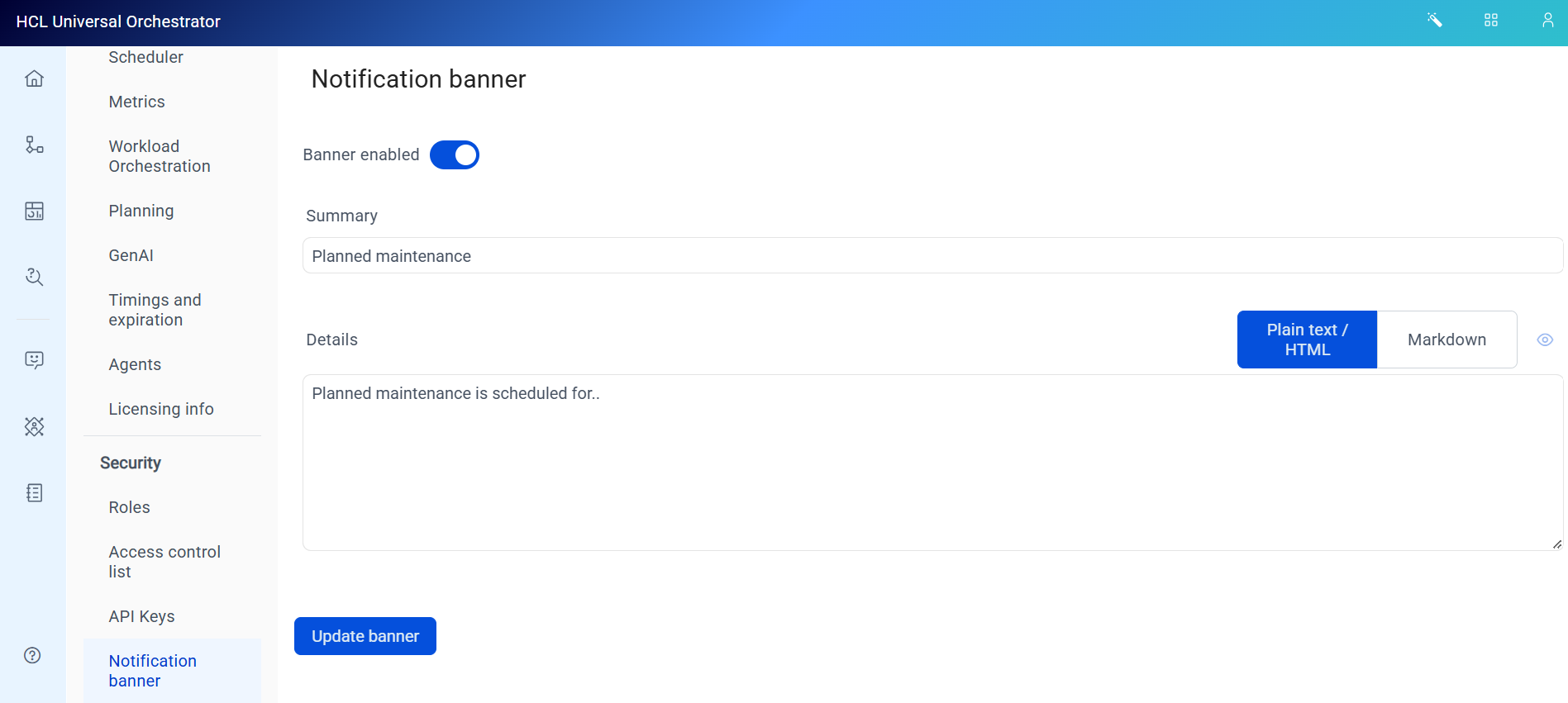
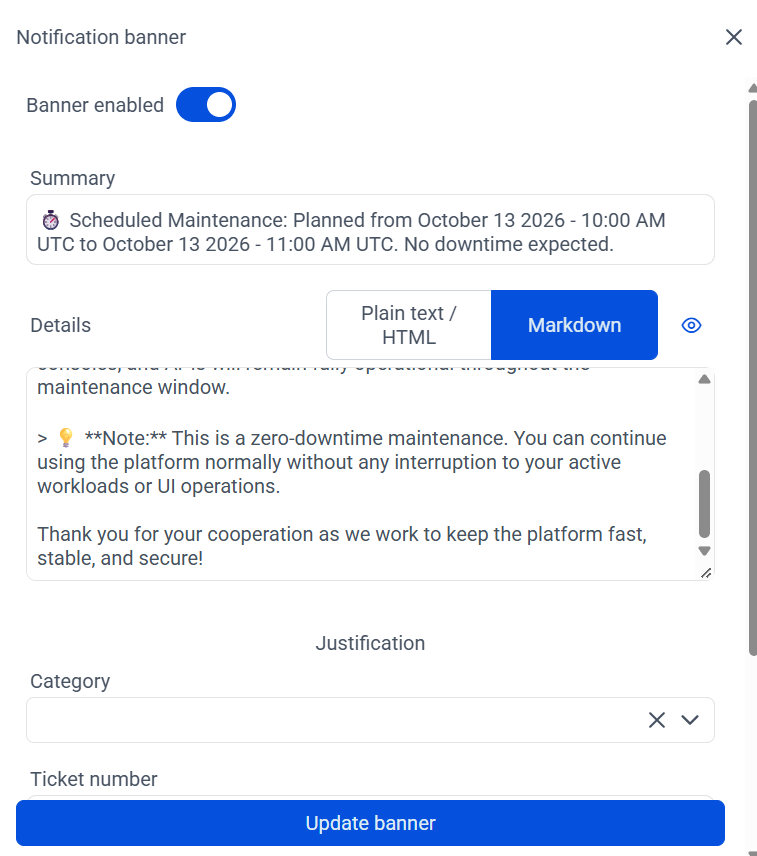
For configuration steps, see Configuring the Tenant Manager notification banner and Configuring the notification banner.