
Backup Compression Method
Finally, select the compression method that is required.The default is zip and
will be the fastest option but may not offer the best disk space utilization.
- If you wish to have better compression at the expense of CPU/execution time,
then select bzip2 from the drop-down menu:
Figure 1. Repo Backup Compression Method Selection 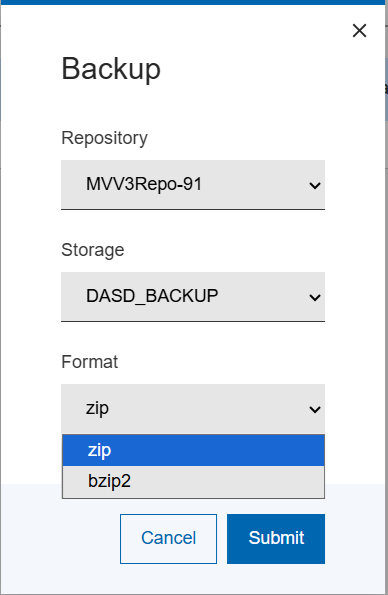
- Select Save.
The backup process starts.
A new entry in the backup history display is added at the top.
-
You can select the highlighted ID number for your backup to monitor the docker log progress displayed as follows:
Figure 2. Backup Progress Page 
- Use the Actions menu to manage the backup history and viewing of the
logs.
The Restore action is enabled once the backup process is completed successfully and if the backup-media used is still available.
.