
Delete Repository – Administrator Only
To delete a repository:
- Navigate to the Repositories page, select the repository that you wish to delete.
- Right-click on the three dots icon under the More Info column, select the
Delete option.
Figure 1. Delete Repository Database 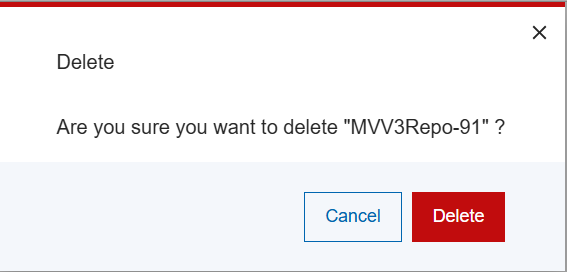
The selected repository database and any associated LKB database and all log files will be deleted and the repository name will be removed from the list.
Note:The current default repository cannot be deleted. This option will be disabled if it is attempted. Change your default repository if needed.Note:This action will result in permanent repository data loss. This action can only be reversed if there is an available repository backup to restore from.