
Backup/Restore Files Tab – Administrator Only
To view the available files in each of the configured storage areas:
- Navigate to Homepage > Backup/Restore.
Figure 1. Backup/Restore Files Tab 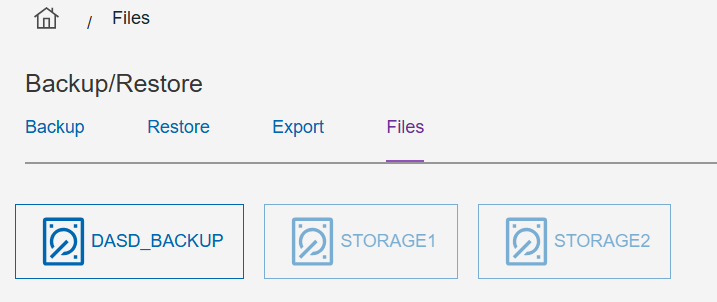
- Select the Files tab.
- Select the appropriate storage device to view.
Note:
When you are viewing a backup storage device for the first
time, it may take some time to complete while verification of the files found are
valid backup media files.