
Administrator Tools
Admin tools is only available for those users who have Admin role. Follow the steps given below to access Admin tools.
- Login to the HCL Z Asset Optimizer V9.1 application.
- On the Homepage, select the grid on the top right-hand side. Select
Admin Tools from the menu. The Admin Tools page is displayed by default at the Licenses tab.
Figure 1. Admin Tools Page 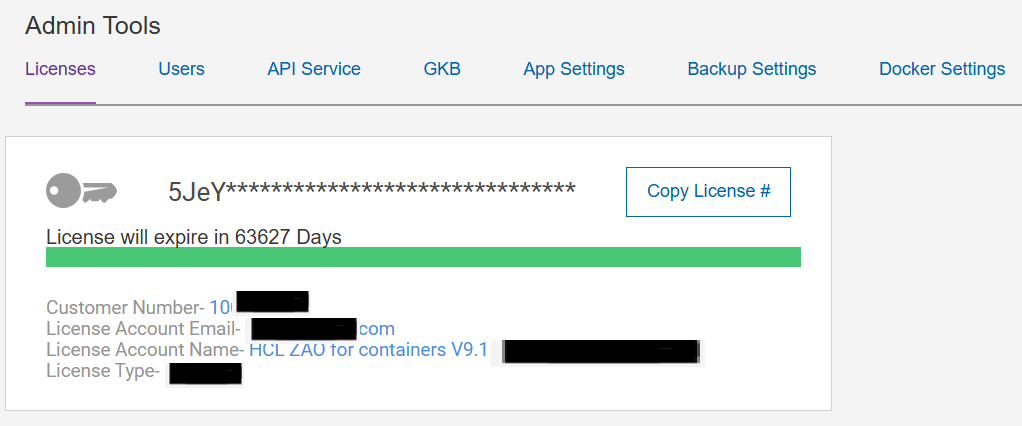
Admin Tools includes six different tabs for performing application maintenance activities.
- Licenses - Your HCL Product License Key details and update option.
- Users - Perform User account Maintenance Tasks.
- API Service - Define, remove, start and stop API service containers.
- GKB - Update the installed Global Knowledge Base (GKB) Databases.
- App Settings - Change Global Application settings.
- Backup Settings – Configure additional external storage locations for backup/restore media.
- Docker settings – review host docker engine connection and type. Update docker TLS files if using secure docker engine access.