
Install iAutomate
To upgrade iAutomate, perform the following steps:
- On running the Installer, the following page appears.
Figure 1. iAutomate Implementation 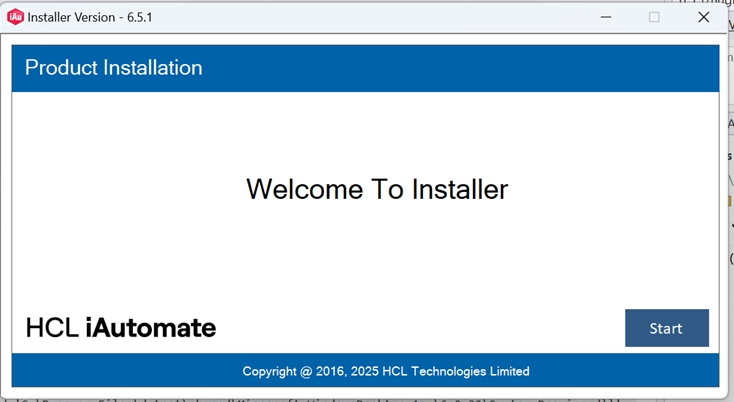
- Click Start. It will extract required binaries and the following page appears.
- Select Upgrade.
Figure 2. iAutomate Upgradation 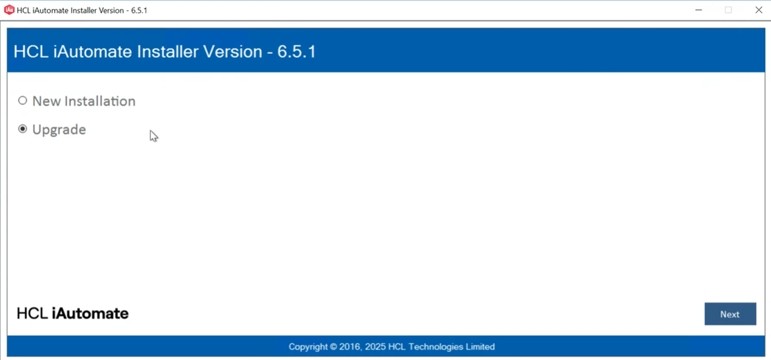
- Click Next.
- The page lists the setup required for installation in the left pane and the details of the
selected setup in the right pane.
Figure 3. Database Details 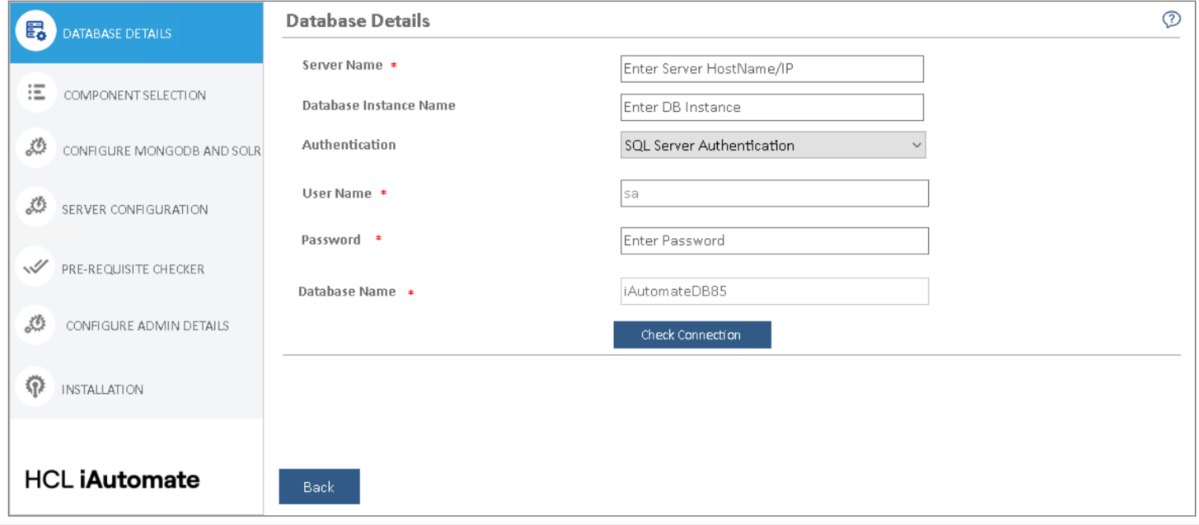
The next step is to update the database.