
Write Control Level Script
Control Level Script section enables user to access or customize the behavior of controls. If user wishes to override any property or needs to run some business logic, he can write his custom logic using this section. Start-up scripts like “document.ready() “ can be written here.
For example, if there is a dropdown control on the form and a user wants to perform any action on the drop-down item change, a JavaScript function will be written in the below provided area. This function will be called by “Events” property of the control.
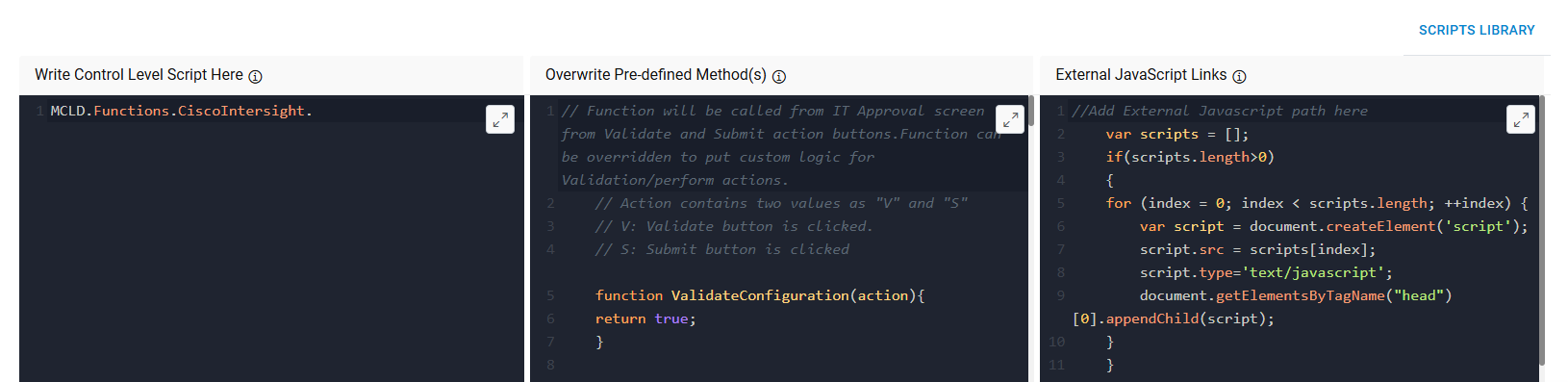
We have some pre-defined methods which are used in Requester screen to get and set the values.
Write Control Level Script Pre-Defined Methods
| Parent Page Name | Method Name | Description |
|---|---|---|
| Requester | requestParam.SetInstanceCount(value) |
This method is useful when we want to change instance count dynamically based on specific condition. This method is overridden to instance values which we selected on catalog selection screen. Note: This method will only work if Request Item Mode is Single Item mode. |
| Requester | requestParam.GetInstanceCount() | This method will return the value of Instance count. |
| Requester | requestParam.GetEnvironmentEntityId() | This method will return the value of environment entity id. |
| Requester | requestParam. GetCatalogueName() | This method will return Name of the catalog. |
| Requester | requestParam. GetCatalogueEntityId() | This method will return Catalog entity id. |
| Requester | requestParam. GetPlatformCode() | This method will return platform code. |
| Requester | requestParam. GetOrganizationEntityId() | This method will return Organization entity id. |