Edit App
- To edit an app, click the edit icon on the App page. Make the necessary changes,
then click update.
Figure 1. Edit Apps 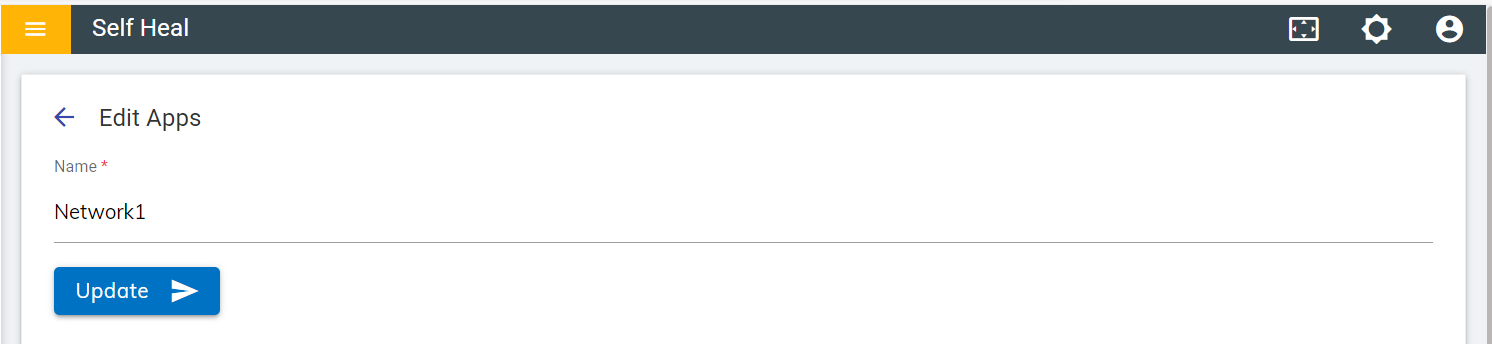
Figure 2. Success Message 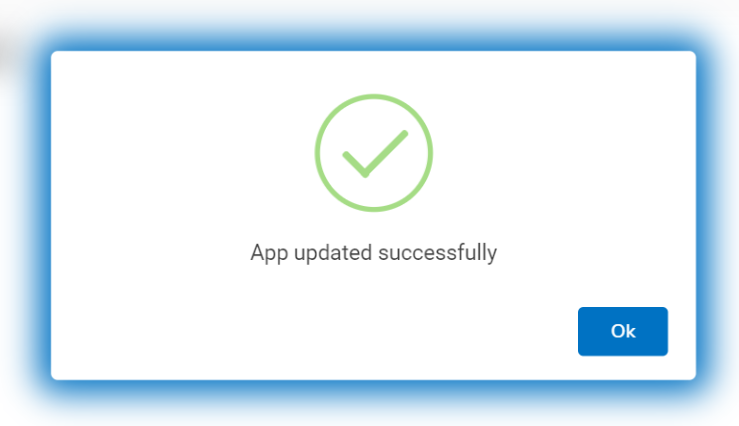
- To view an app, click the view icon on the App page.
Figure 3. View Apps 
- Click OK to delete or click Cancel to cancel the delete action. On
clicking on the OK, the app is deleted from the list.
Figure 4. Confirmation Message 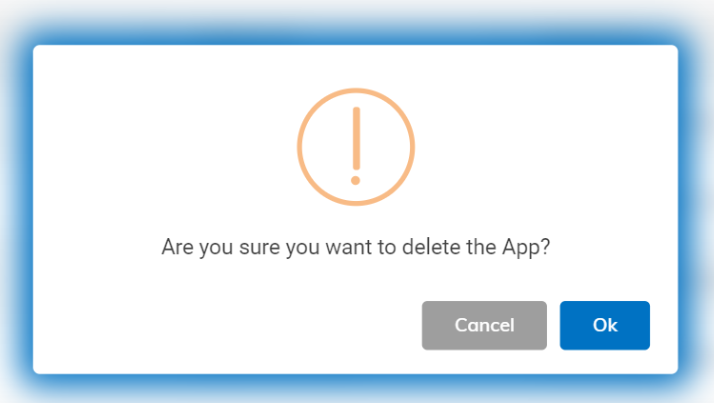
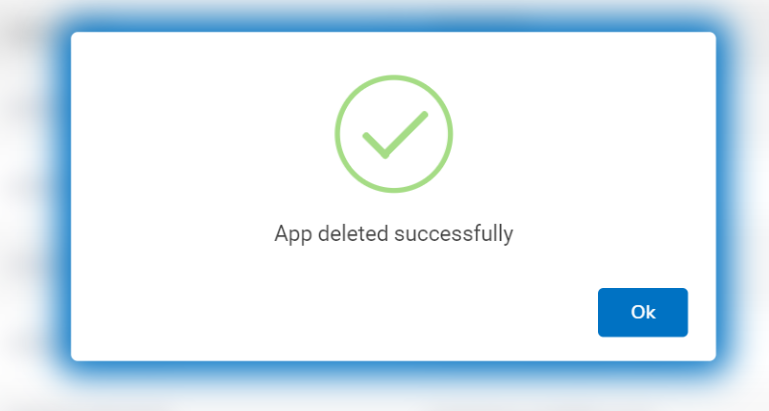
Figure 5. Success Message