
Update a Job
- In the Scheduler Page you can find the list of Scheduled Jobs. For every job listed, a
corresponding edit icon is available under the Action column. You can click that edit
icon to edit the existing Jobs.
Figure 1. Scheduled Jobs Page 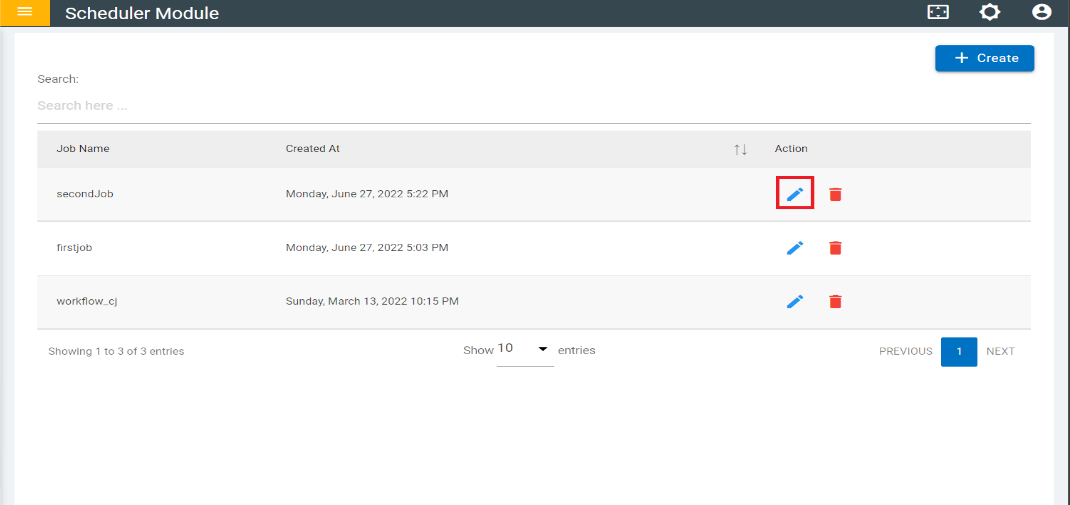
- If there are any changes, then you can edit those fields and click the “Update”
button to save the changes. Note:
Only when you made changes in the fields the “Update” button will be enabled, or it will be in disabled mode.
Figure 2. Update Scheduled Job 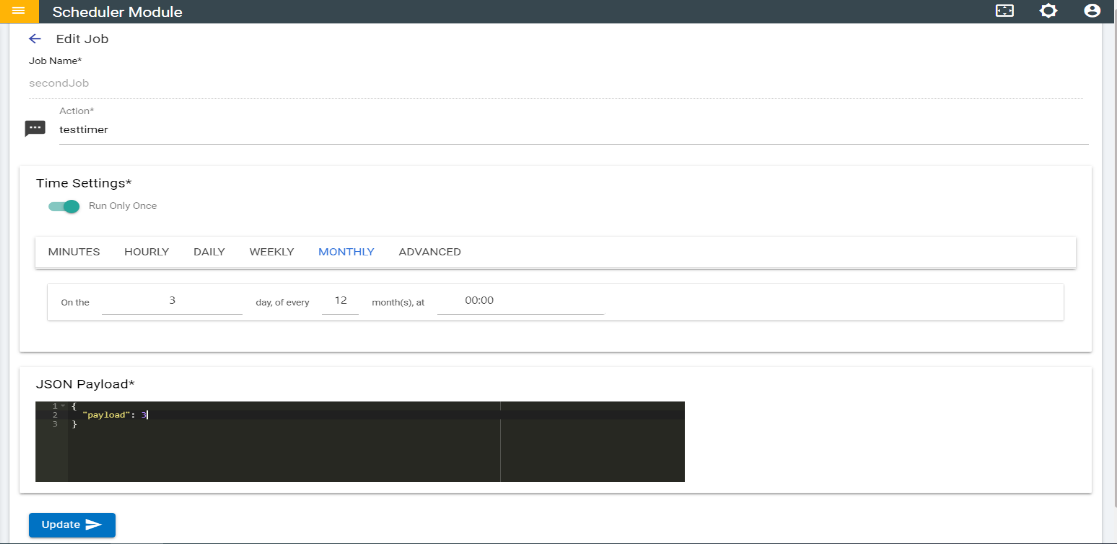
- Once the Job is updated a pop up appears showing that the “Job Updated Successfully” and Click “OK” it will redirect to the job list page.