Installing Devtron
This section provides detailed instructions on how to deploy Devtron to your OpenShift cluster using Helm charts.
Procedure
-
Add the Devtron repository to the helm chart sources.
helm repo add devtron https://helm.devtron.ai helm repo update devtron -
Install the Devtron on the OpenShift Cluster.
helm install devtron devtron/devtron-operator --create-namespace --namespace devtroncd --set installer.arch=multi-arch --set installer.openshift=trueNote:Before installing the devtron, make sure to allow appropriate permissions in SCC. -
Get the Devtron login credentials. By default, the username will be admin.
kubectl -n devtroncd get secret devtron-secret -o jsonpath='{.data.ADMIN_PASSWORD}' | base64 -d -
Before you start configuring the Devtron, verify the Global Configurations.
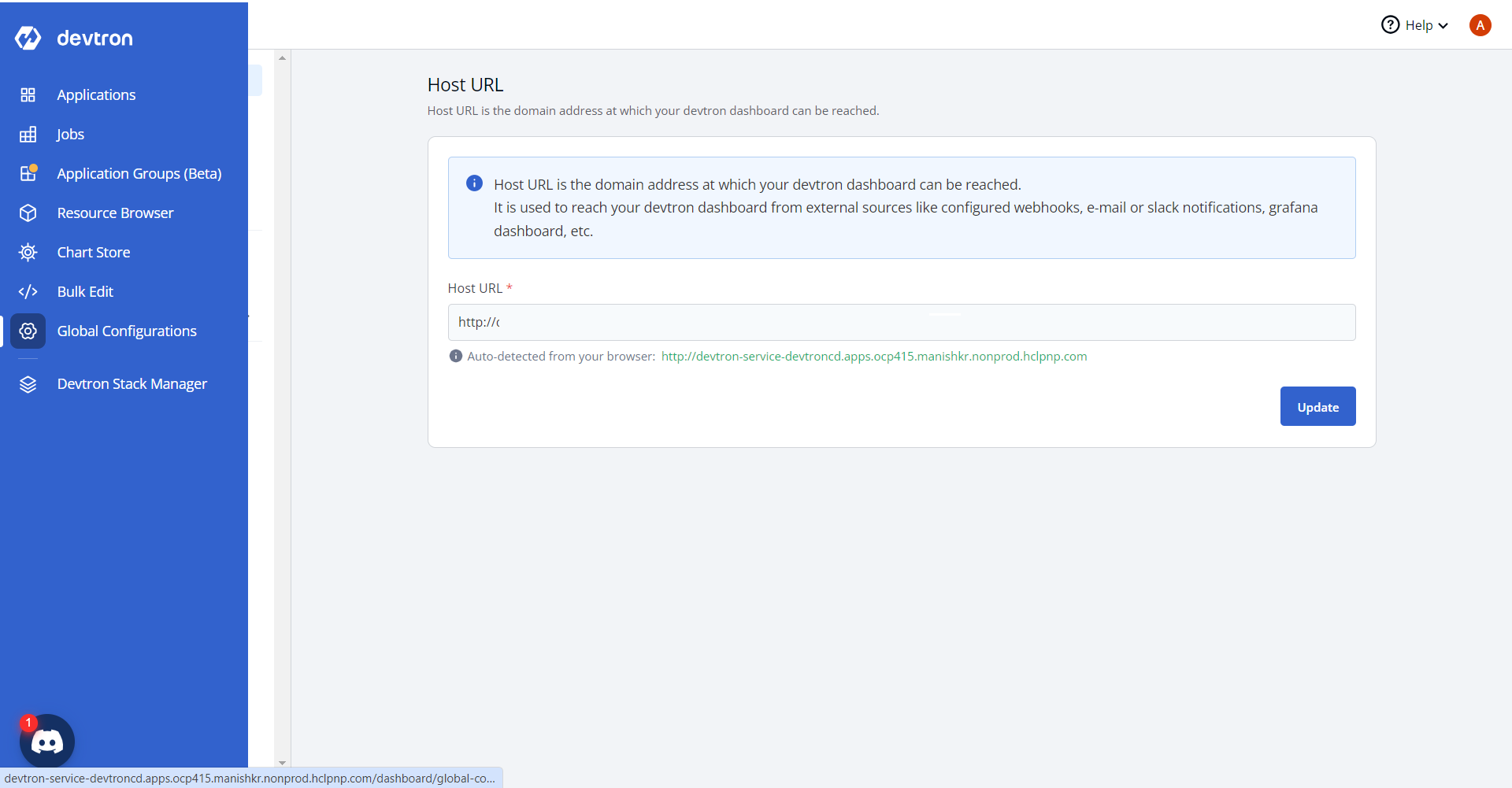
-
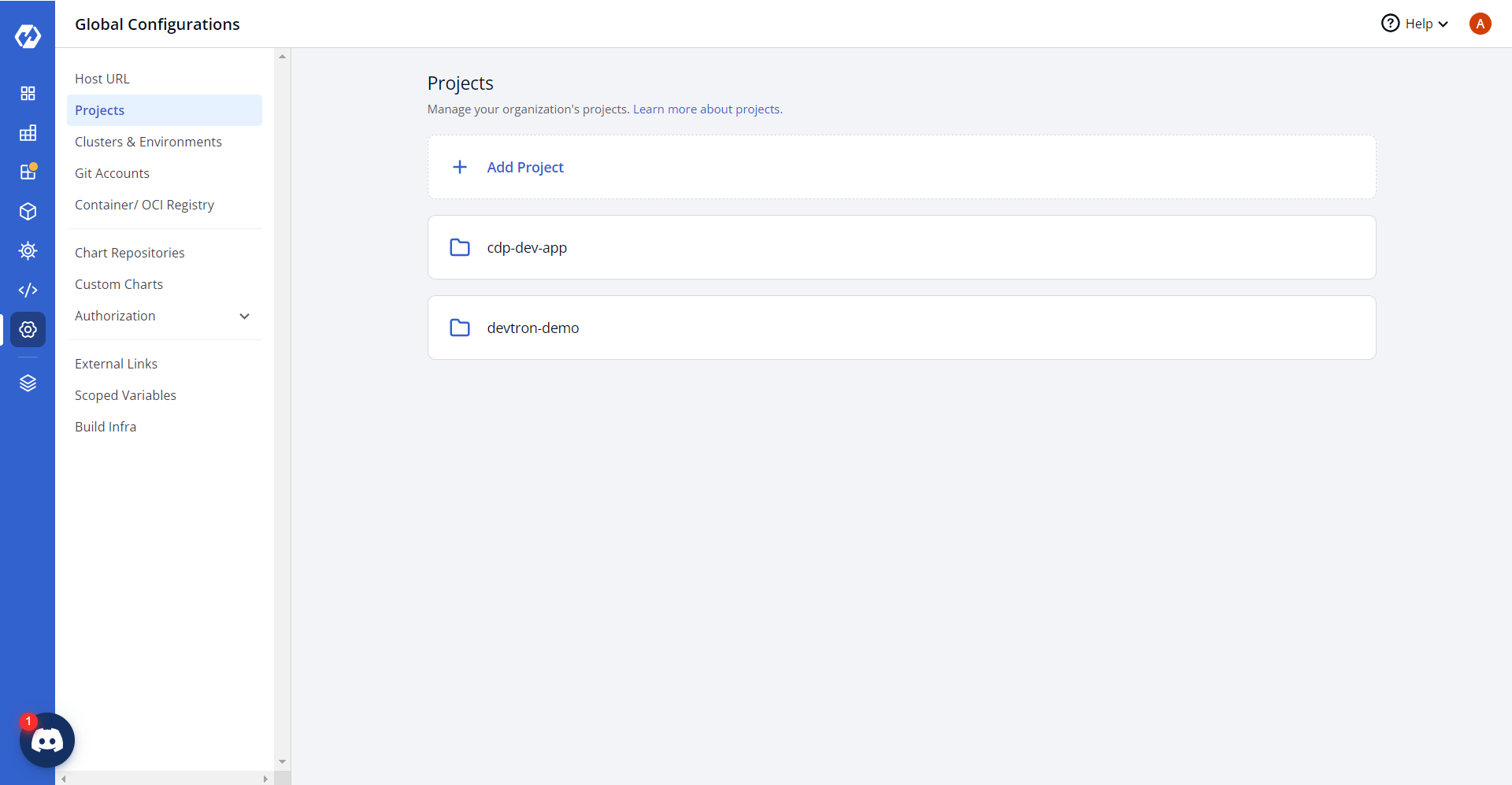
In the Devtron console, select Global Configurations > Projects.
Click Add Projects and enter projects details.
-
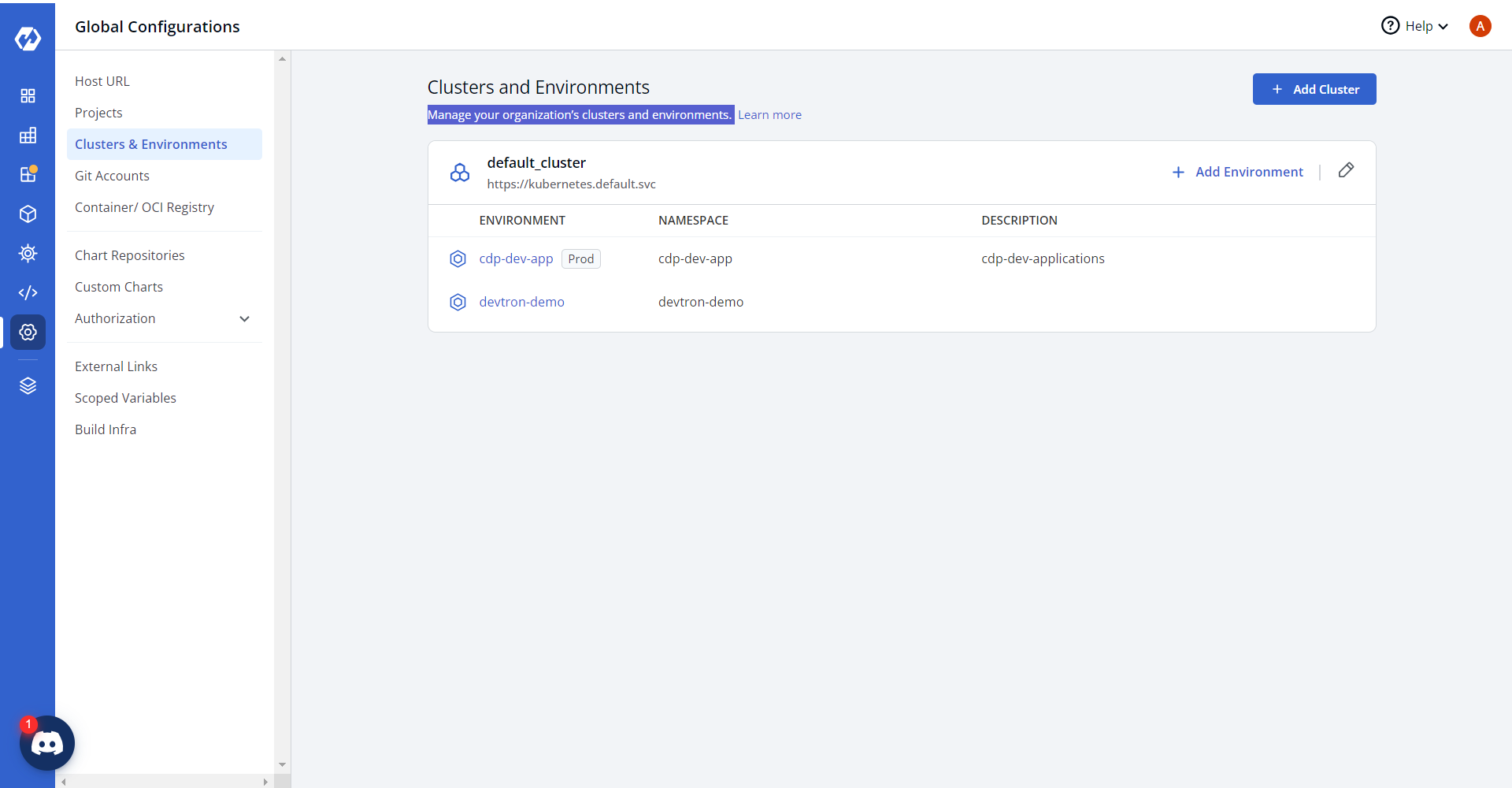
From the left pane, click Clusters and Environment, and manage your
organizations clusters and environments details.
-
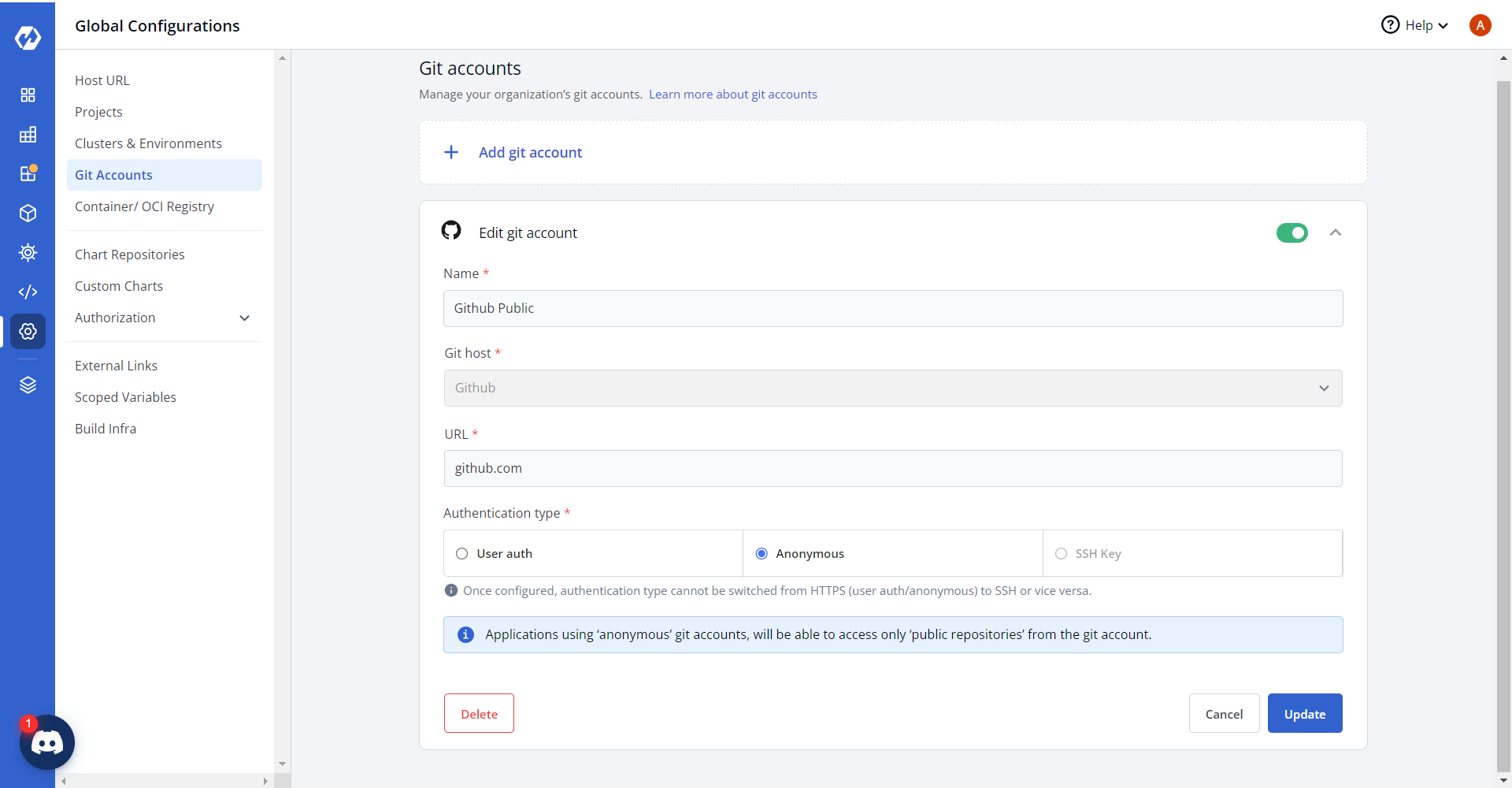
Click Git Accounts, and manage your organizations git accounts.
-
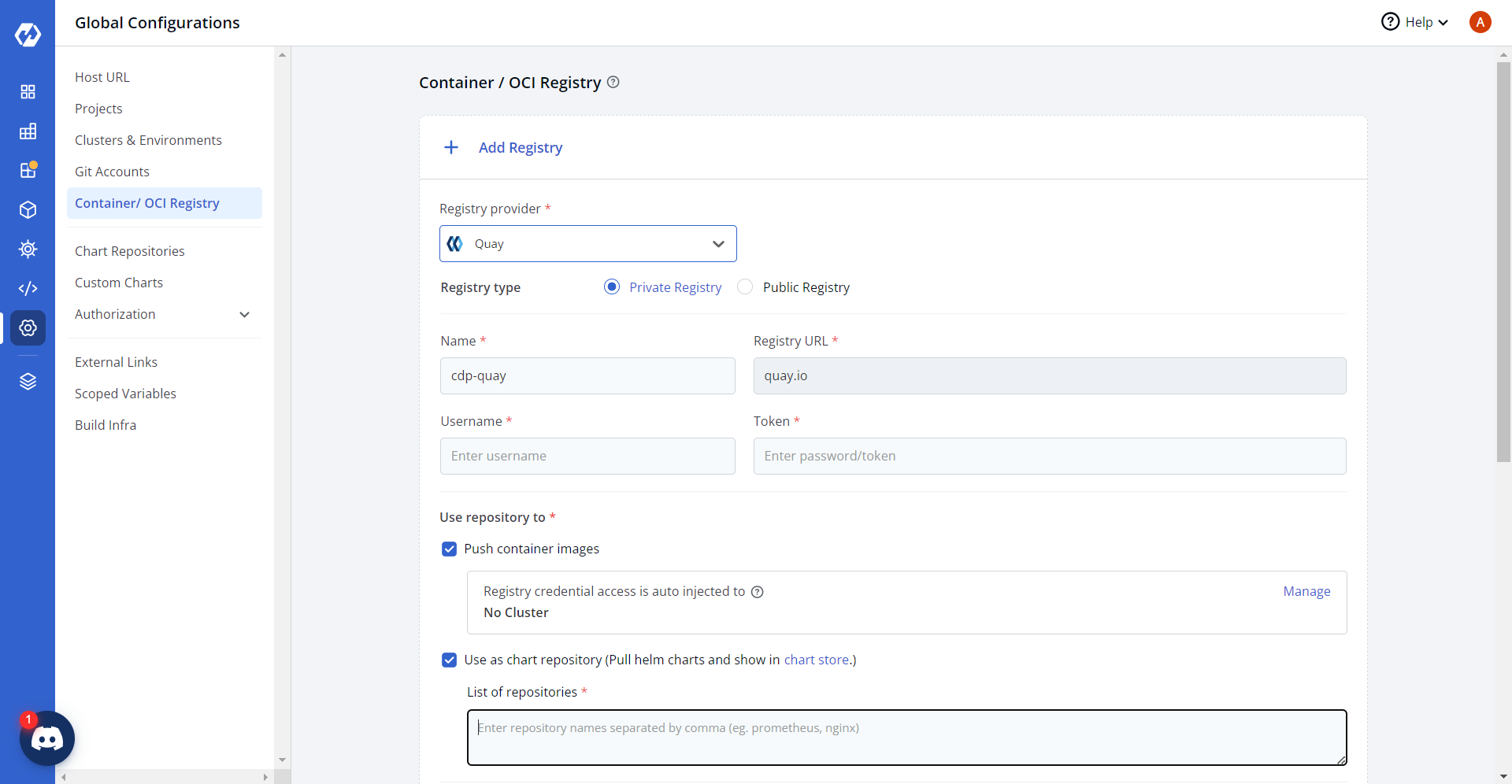
Click Container/OCI Registry > Add Registry, and update
registry details and push helm charts and docker images to the configured
registry.
-
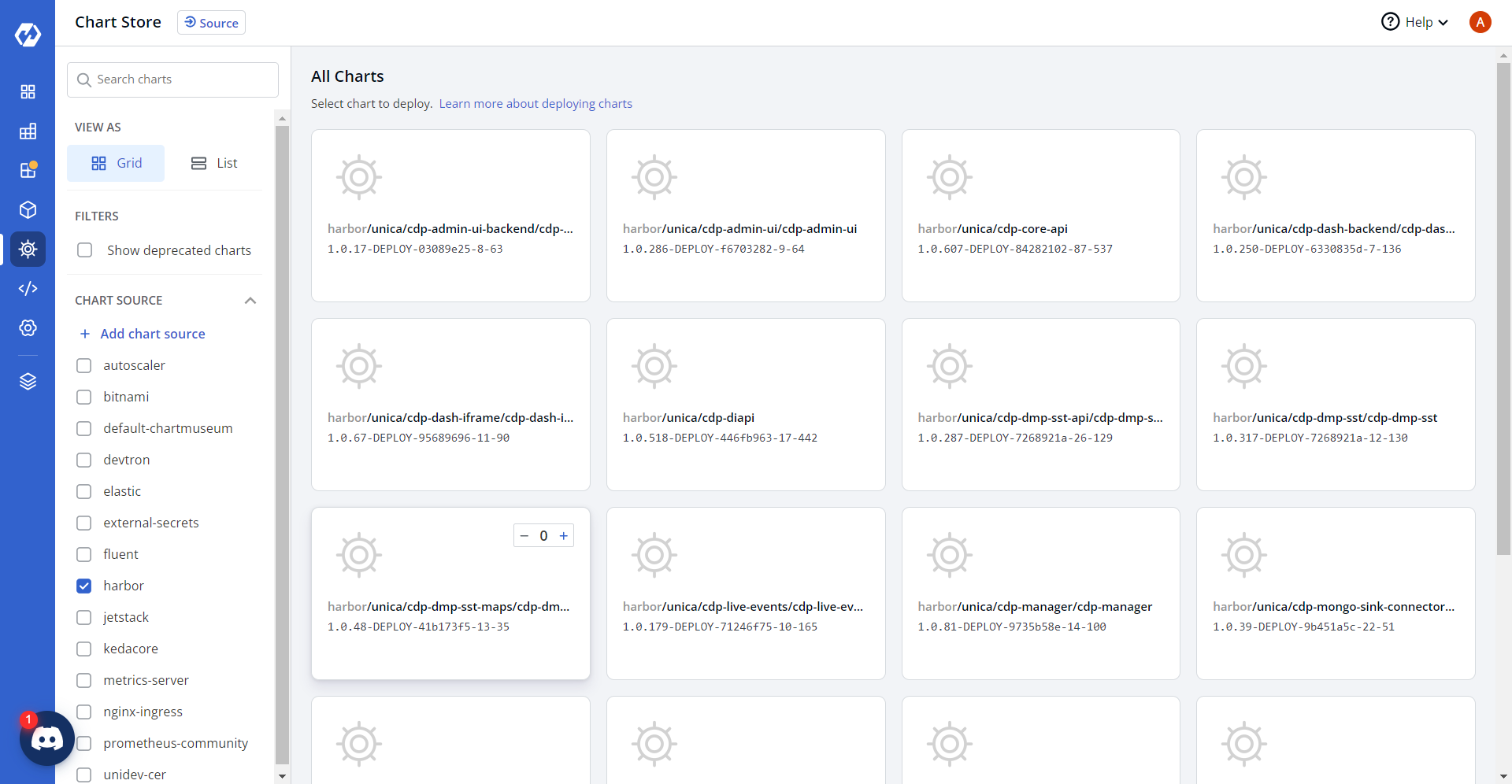
In the registry configuration, update the list of repositories, and verify helm
charts are synced to Devrton's chart store as shown below.