Deploying HCL CDP Tryitout
This section provides detailed instructions on how to deploy HCL CDP Tryitout using the Devtron in the AWS.
Before you begin
Make sure to create cdp-tryitout secret in the AWS secret manager before deploying CDP Tryitout.
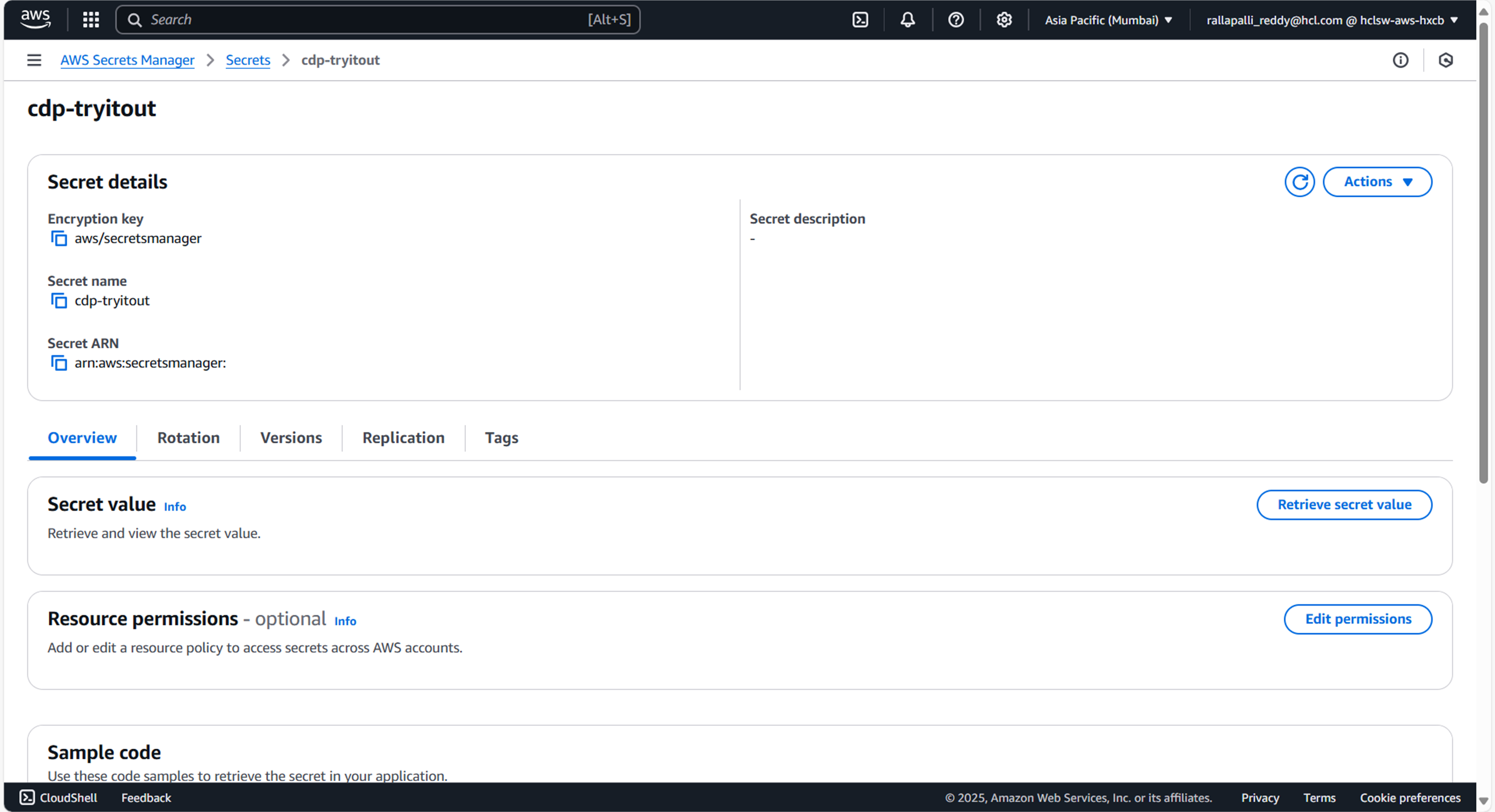
To create CDP Tryitout secret in the AWS secret manager, follow the steps below:
- Create a cdp-tryitout secret sample key and value, and update the actual
values as shown below.
{ "jdbcURL": "jdbc:mariadb://<DB_HOST>:3307/vrm", "username": "<DB_USER>", "password": "<DB_PASSWORD>" } - Update ConfigMaps data with actual values, and create required Kafka topics before deployment.
Procedure
-
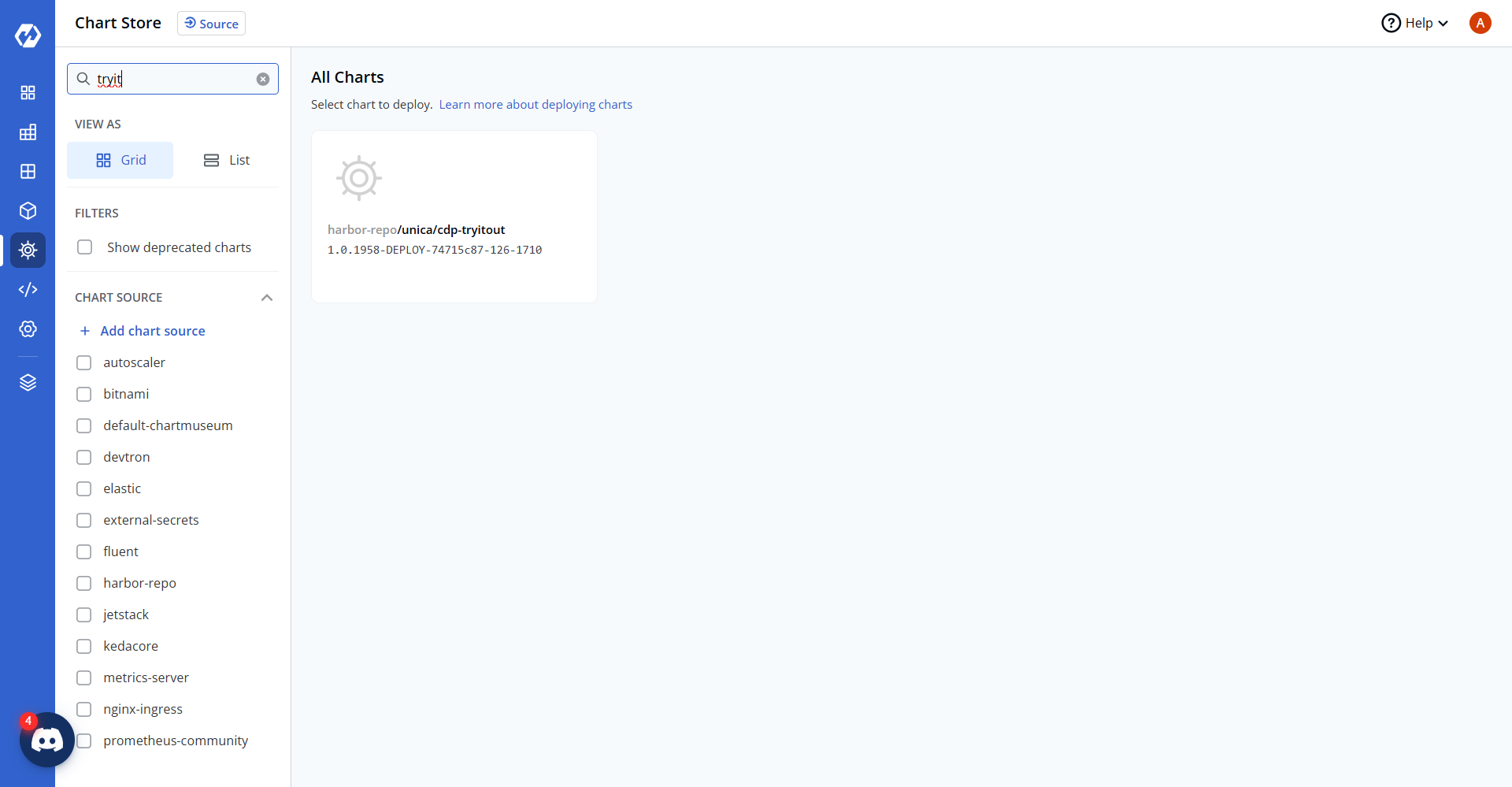
Navigate to the Devtron Chart Store, and select cdp-tryitout chart to
deploy.
-
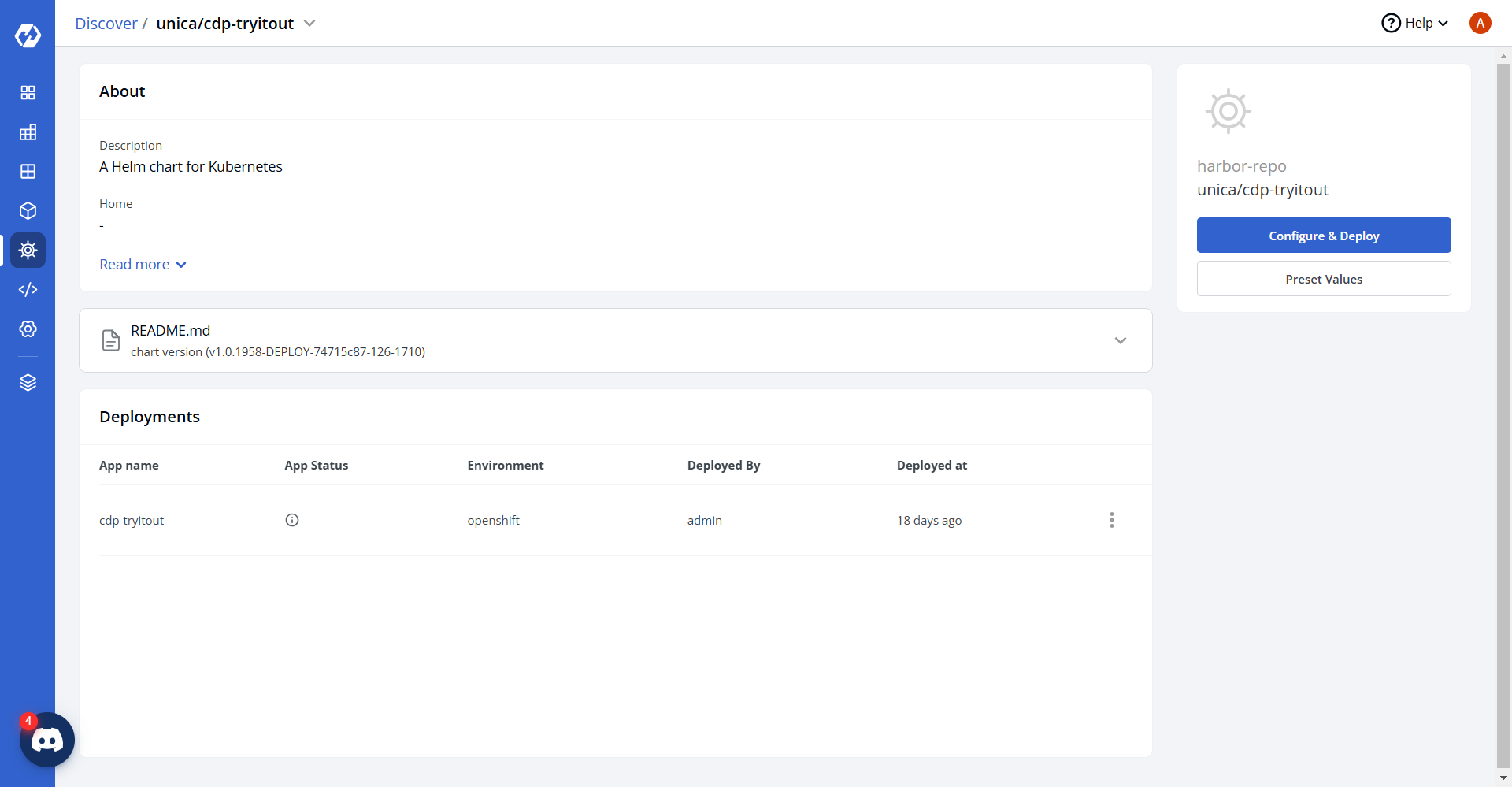
Now, configure and deploy the cdp-tryitout charts.
-
In the YAML section, update the ConfigMap using the below details and deploy
the chart.
serverPort: "8080"
serverShutdown: graceful
lifecycle: 60s

physicalStrategy: org.hibernate.boot.model.naming.PhysicalNamingStrategyStandardImpl
driver: org.mariadb.jdbc.Driver
sqlStatement: "true"
dialest: org.hibernate.dialect.MySQLDialect

httpTimeout: "30000"
storageEngine: innodb

APP_DEBUG: DEBUG

connectionTimeOutInMilis: "500000"
responseTimeout: "500000"
readTimeout: "500000"
writeTimeOut: "50000"

executorServiceMinThreads: "80"
executorServiceMaxThreads: "80"
executorServiceThreadTTL: "5"
executorServiceQueuseSize: "100000"

smsEmailSenderBaseUrl: "<masked-service-url>"
addRecipientBaseUrl: "<masked-external-api>"
adobeEndpoint: "<masked-adobe-api>"

managementEndpoints: health,info,metrics

httpsConnectionCount: "30"
httpsConnectionKeepAliveSeconds: "120"
httpsConnectionReadTimeoutSeconds: "1220"
httpsConnectionWriteTimeoutSeconds: "1230"
httpsConnectTimeoutSeconds: "1240"

hikariPoolSize: "5"
hikariTimeOut: "30000"
hikariIdleTimeOut: "10000"
minimumIdle: "0"

APP_LOG_LEVEL: debug

fromEmailId: user@domain.com
alertToEmailId: user@domain.com

KMS_IMPLEMENTATION: AWS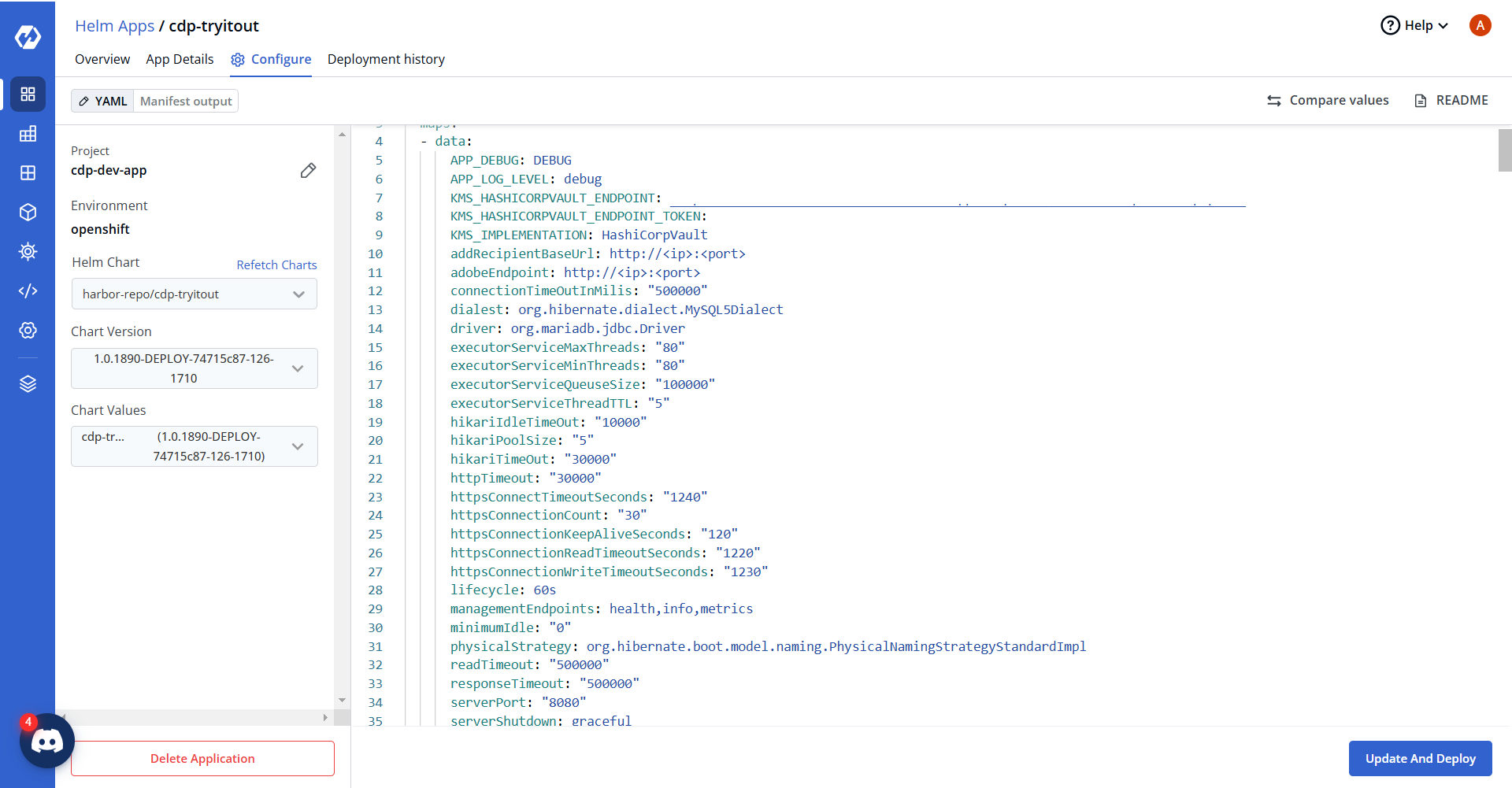
-
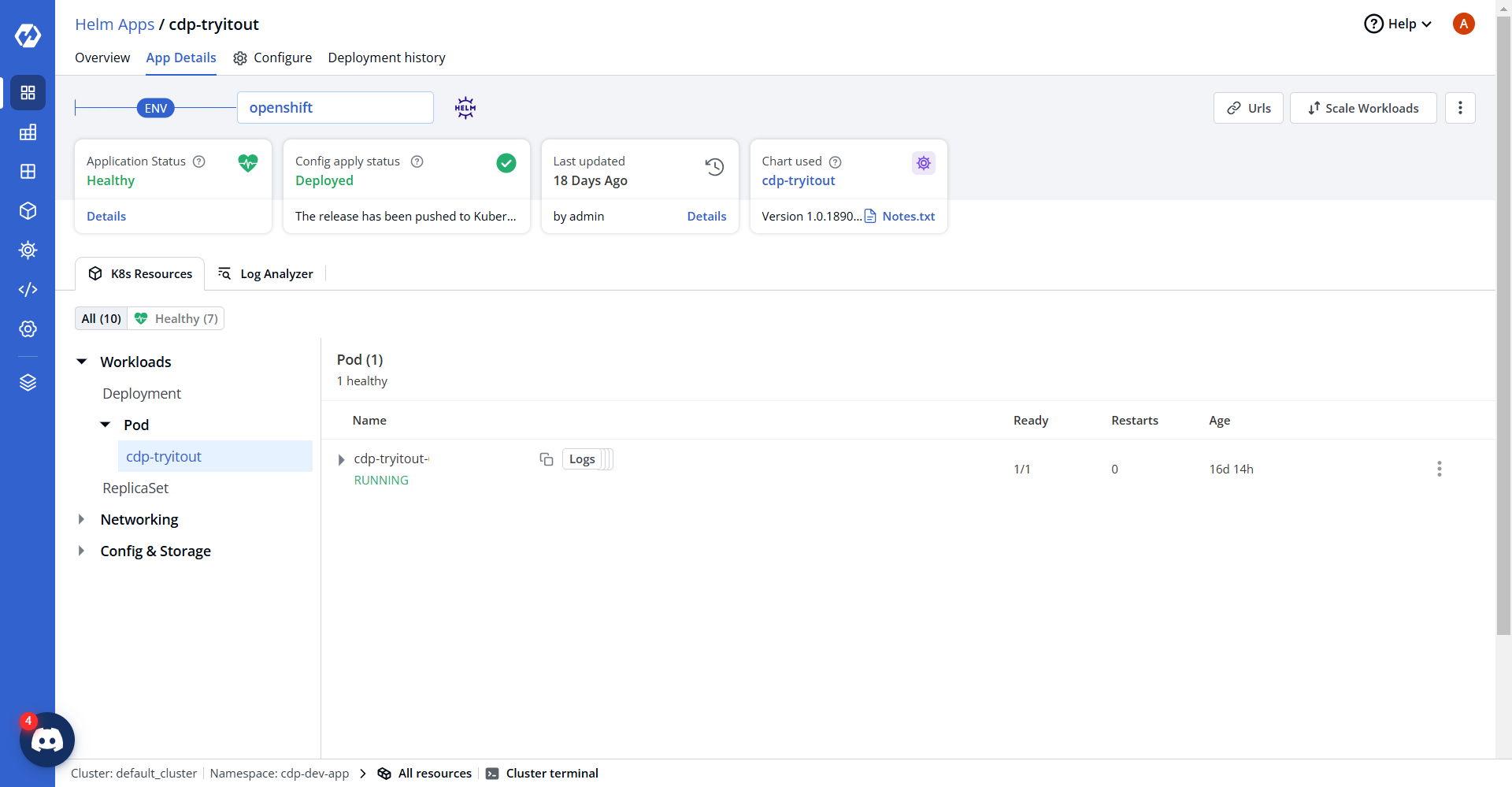
On successful deployment, validate the deployment as shown below.