Deploying HCL CDP ExternalAPI
Context
This section provides detailed instructions on how to deploy HCL CDP External API using the Devtron in the AWS.
Prerequisites
Make sure to create cdp-externalapi secret in the AWS secret manager before deploying CDP External API.
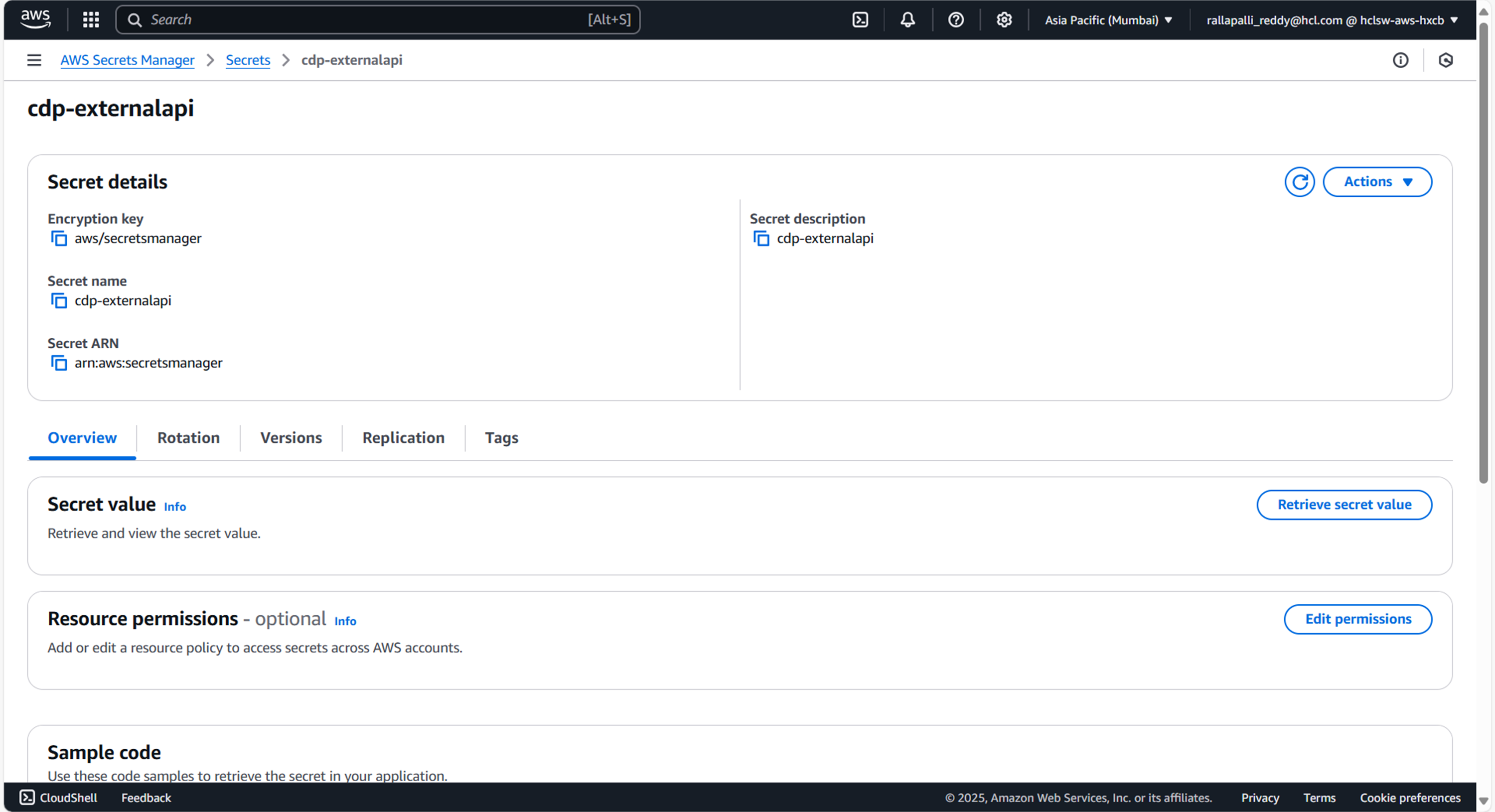
To create cdp-externalapi secret in the AWS secret manager, follow the steps below:
- Create a cdp-externalapi secret sample key and value, and update the actual
values as shown below.
{ "DbUrl": "jdbc:mariadb://<DB_HOST>:3307/vrm", "DbUsername": "<DB_USER>", "DbUserPassword": "<DB_PASSWORD>" } - Update ConfigMaps data with actual values, and create required Kafka topics before deployment.
Steps
-
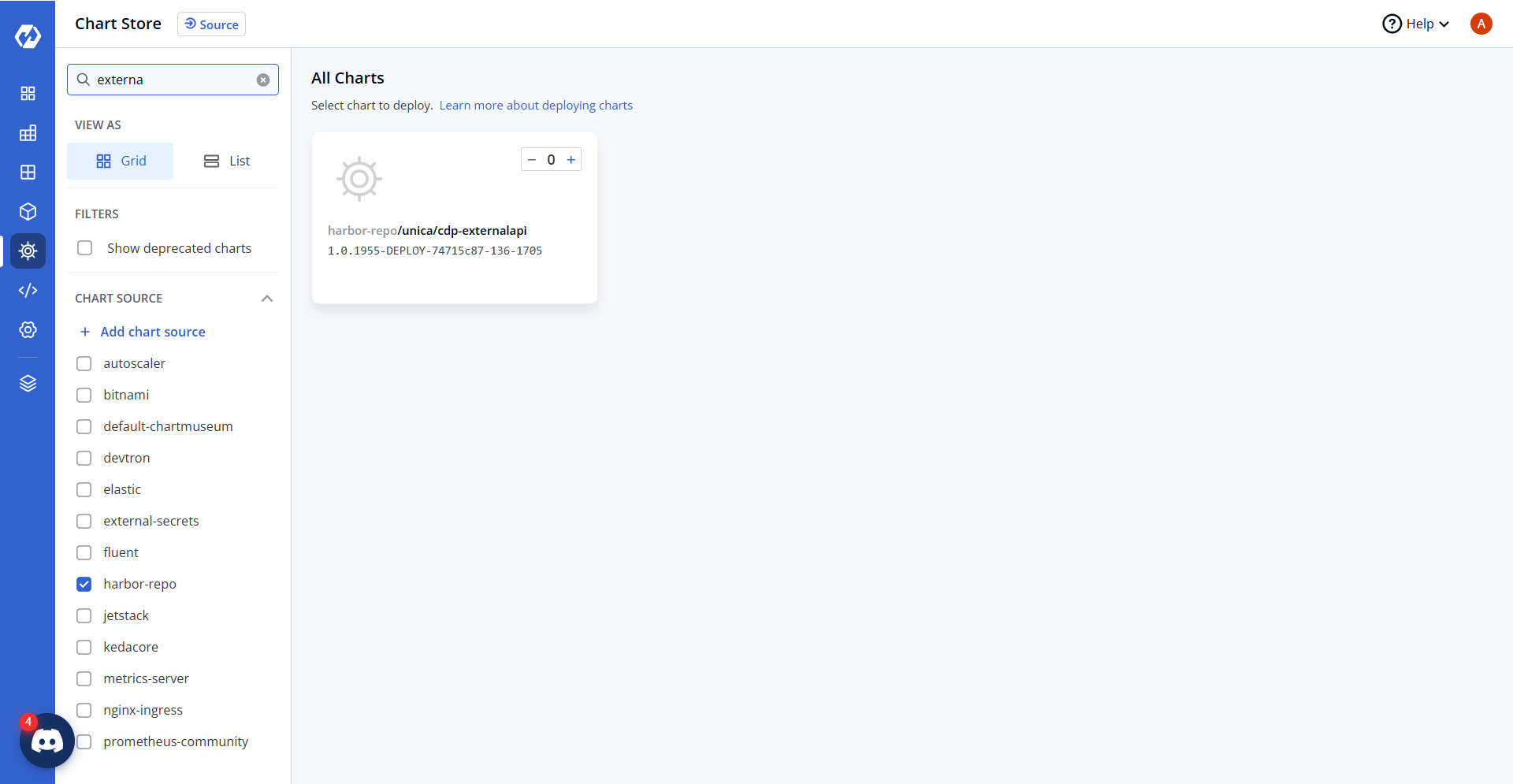
Navigate to the Devtron Chart Store, and select the cdp-externalapi chart to deploy.
-
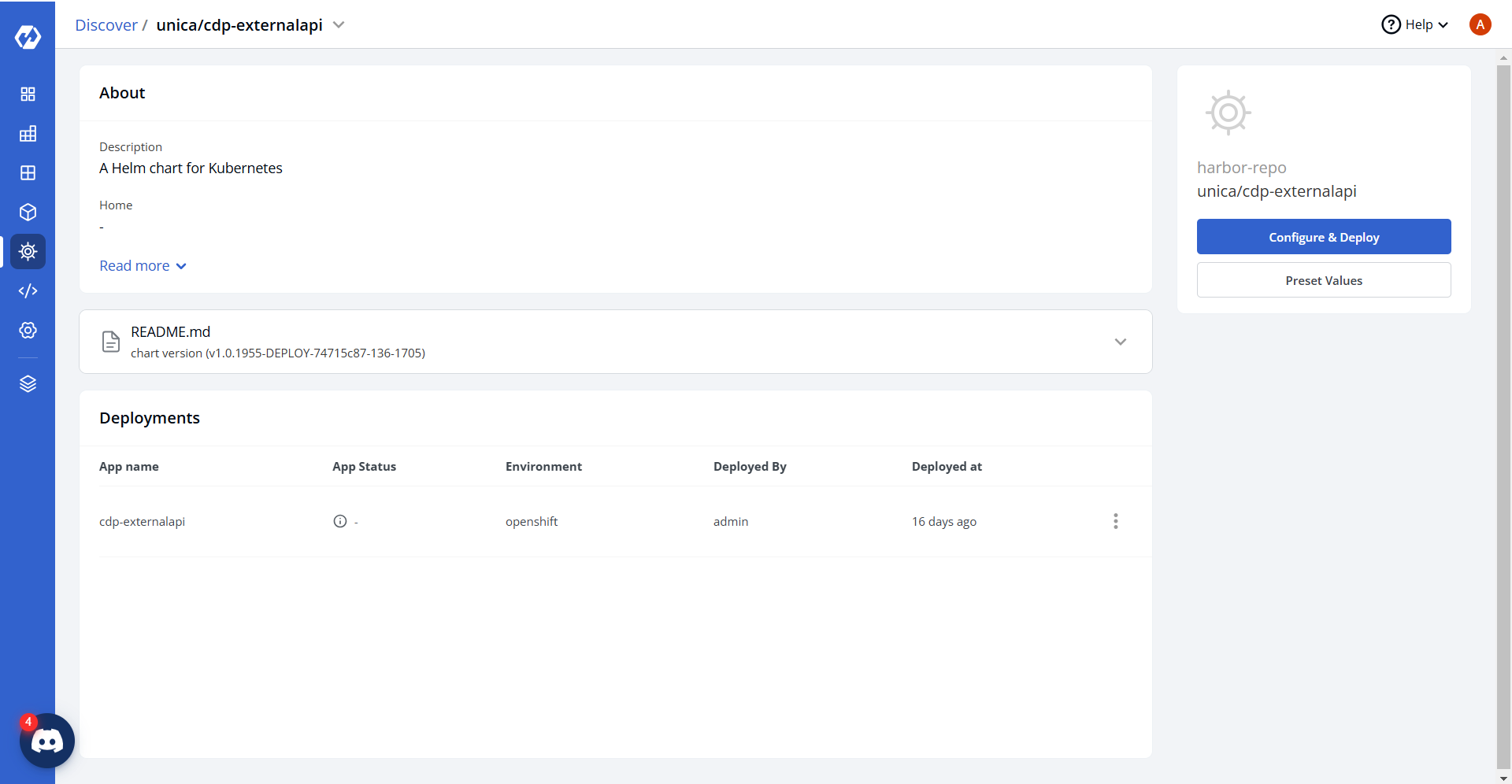
Now, configure and deploy the cdp-externalapi charts.
-
In the YAML section, update the ConfigMap using the below details and deploy the chart.
ServerPort: "8080"

HibernateNaming: org.hibernate.boot.model.naming.PhysicalNamingStrategyStandardImpl
DbDriver: org.mariadb.jdbc.Driver
DbSQL: "true"
JpaHibernate: org.hibernate.dialect.MySQLDialect
HibernateDialect: innodb

DbConnectionTimeout: "30000"

LOG_LEVEL_APP: debug
LOG_LEVEL_ROOT: debug

fromEmailId: user@domain.com
alertToEmailId: user@domain.com

kmsBaseUrl: "<masked-kms-service-url>"
region: aps1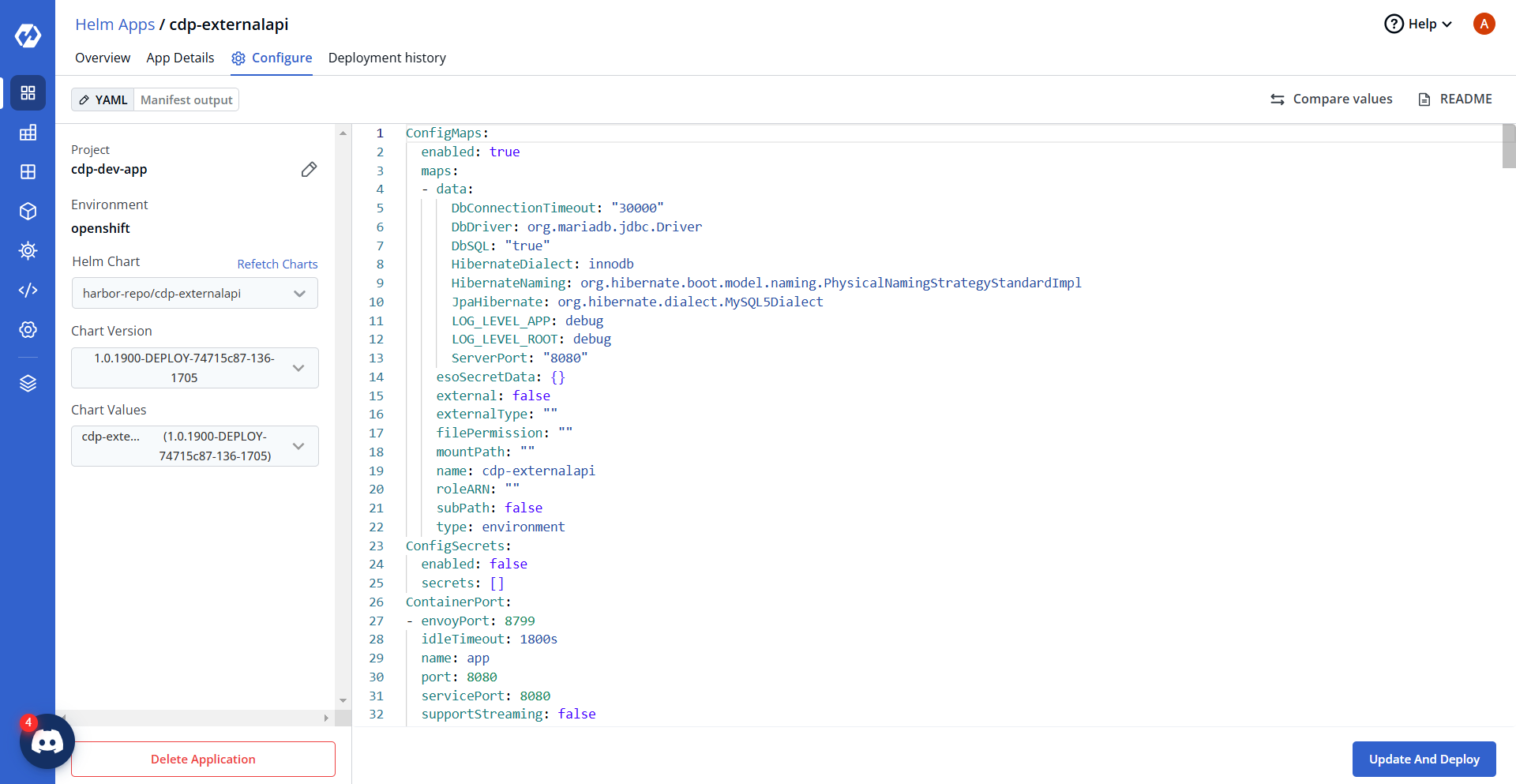
-
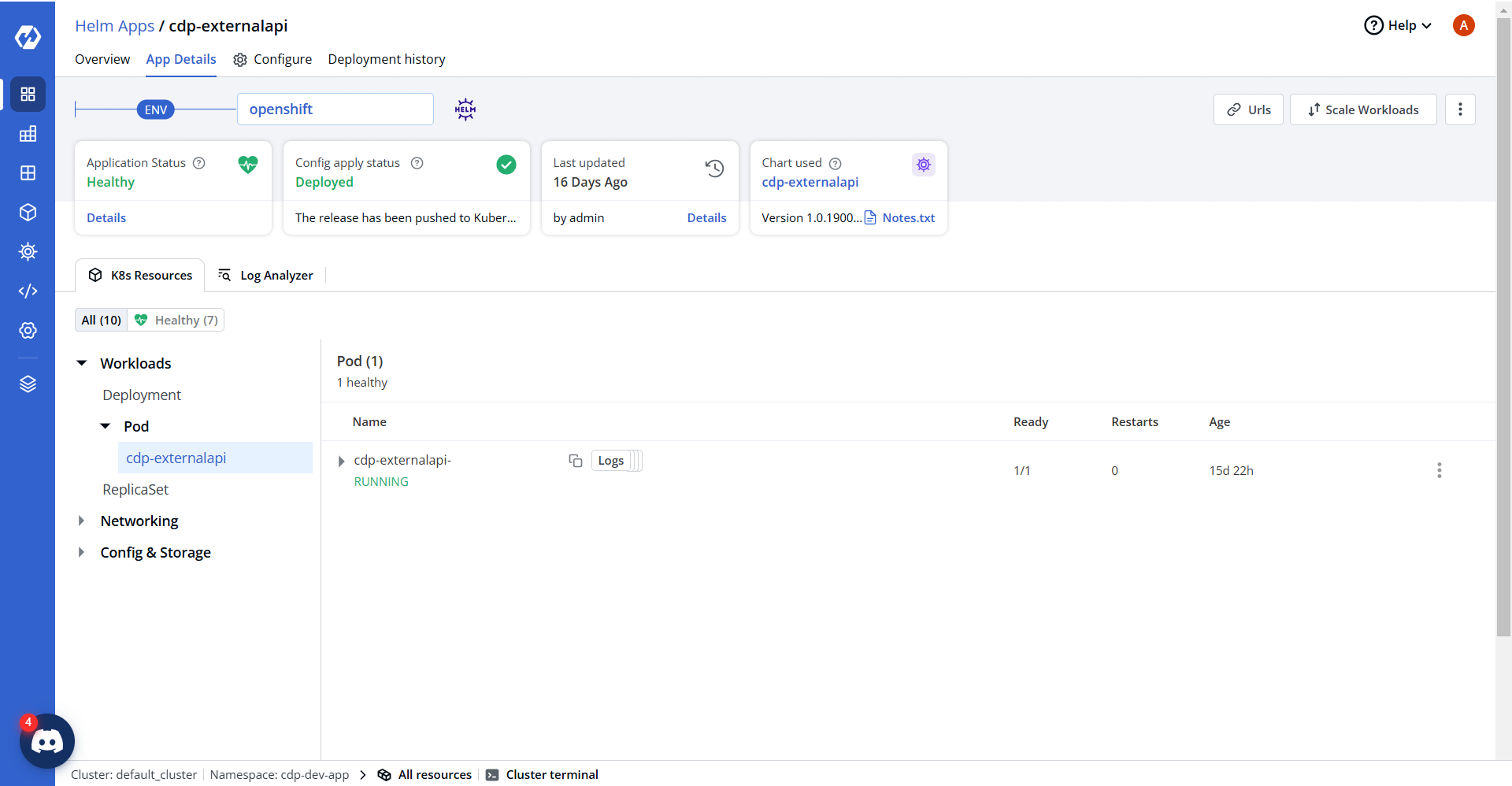
On successful deployment, validate the deployment as shown below.