Deploying CDP Live Events
This section provides detailed instructions on how to deploy HCL CDP Live Events using the Devtron in the AWS.
Prerequisites:
Make sure to create a live-events secret with required data in the AWS Secrets Manager before deploying CDP Live Events.
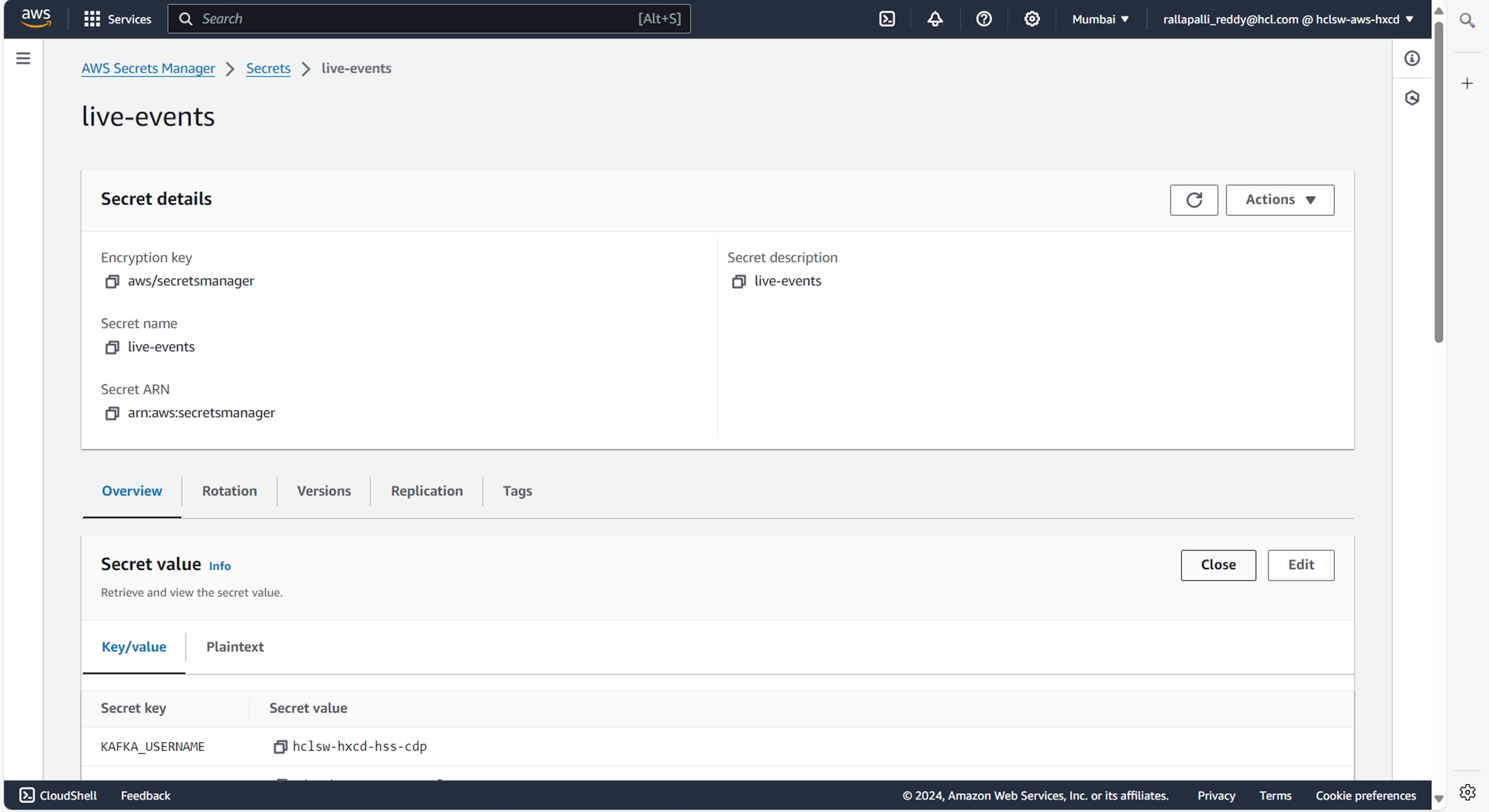
To create the live-events secret in the AWS secret manager, follow the steps below:
- Create a live-events secret sample key and value in the live-events secret, and
update ConfigMaps data with actual
values.
{
  "KAFKA_BROKER_LIST": "<KAFKA_BROKER_LIST>",
  "KAFKA_GROUP": "<KAFKA_GROUP>",
  "KAFKA_PASSWORD": "<KAFKA_PASSWORD>",
  "KAFKA_USERNAME": "<KAFKA_USERNAME>",
  "KMS_HOST_STRING": "<KMS_HOST_STRING>",
  "MSYQL_DB": "<MSYQL_DB>",
  "MYSQL_HOST": "<MYSQL_HOST>",
  "MYSQL_PASSWORD": "<MYSQL_PASSWORD>",
  "MYSQL_PORT": "<MYSQL_PORT>",
  "MYSQL_USERNAME": "<MYSQL_USERNAME>"
}
Deploying CDP Live Events
To deploy the CDP Live Events, follow the steps below:
- Navigate to the Devtron Chart Store, and select the bitnami/zookeeper
chart to deploy.
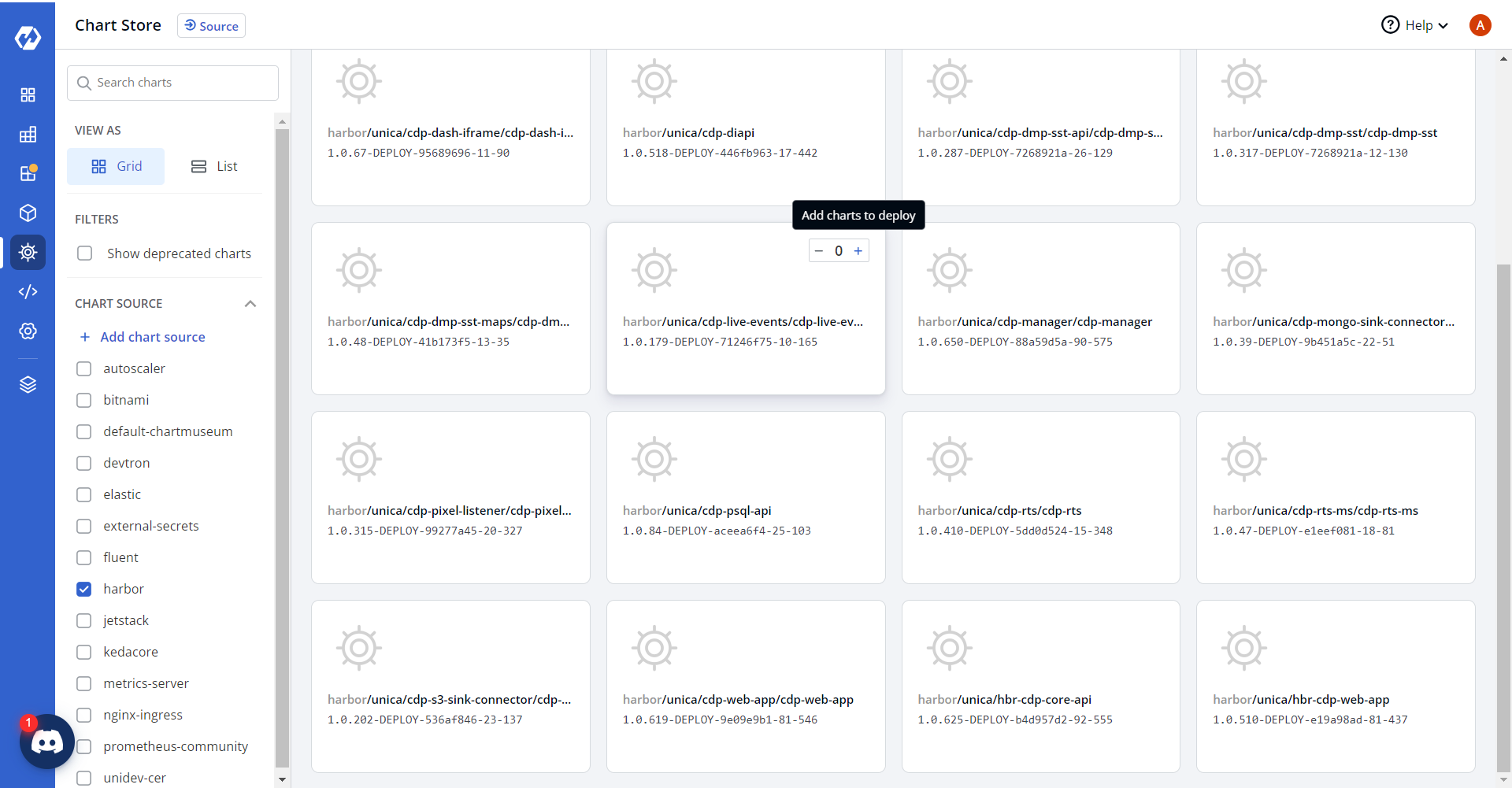
- Now, configure and deploy the CDP Live Events charts.
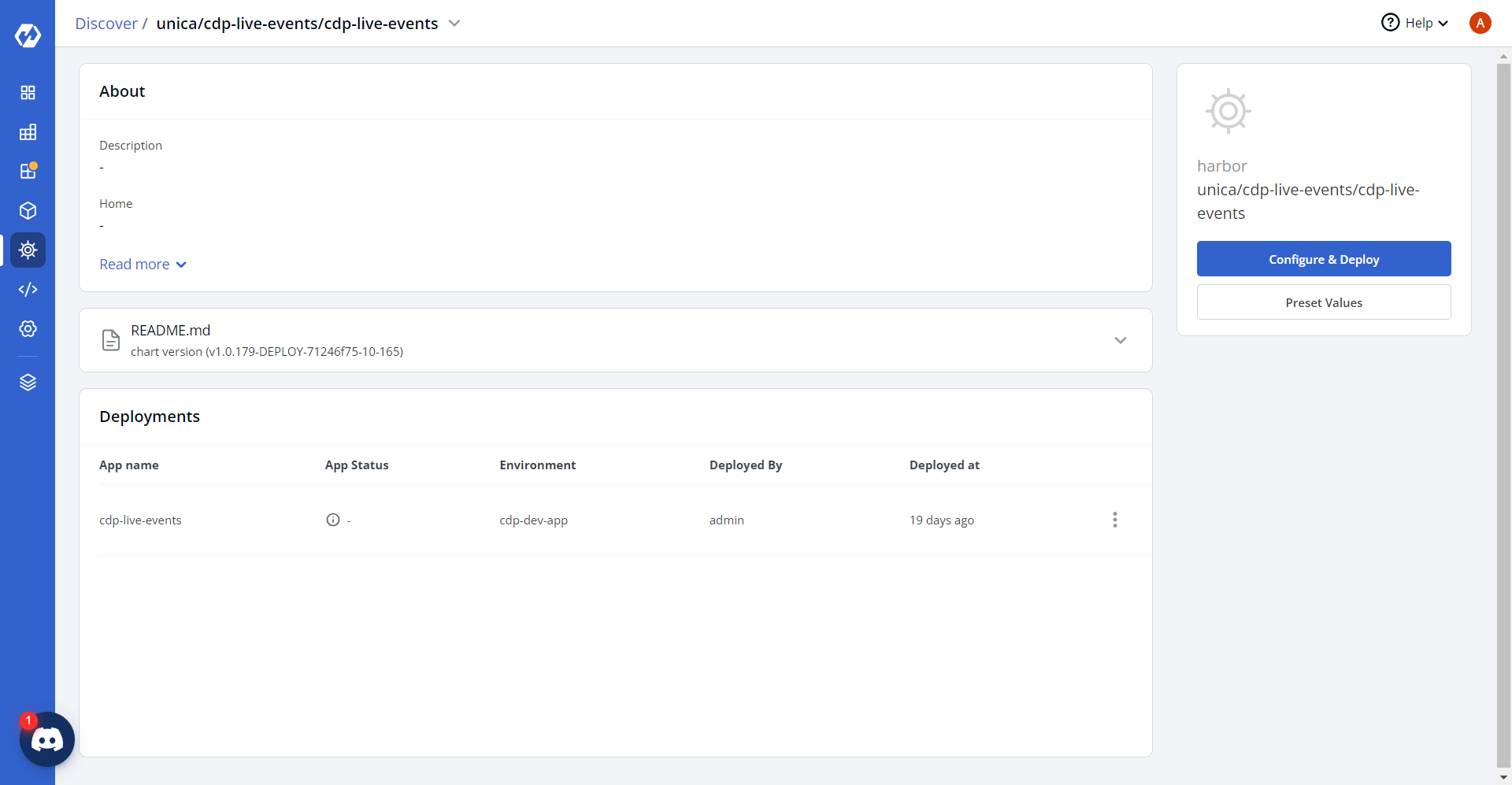
- In the YAML section, update the ConfigMap using below details, and deploy
the charts.
IS_DEBUG_ENABLED: "false"
KAFKA_TOPIC_LIST: <cdp_events,analyze_post,dmp_sst_nba_di_api>
LOG_LEVEL: <info>
nodeProcessMemoryLimit: <1800M>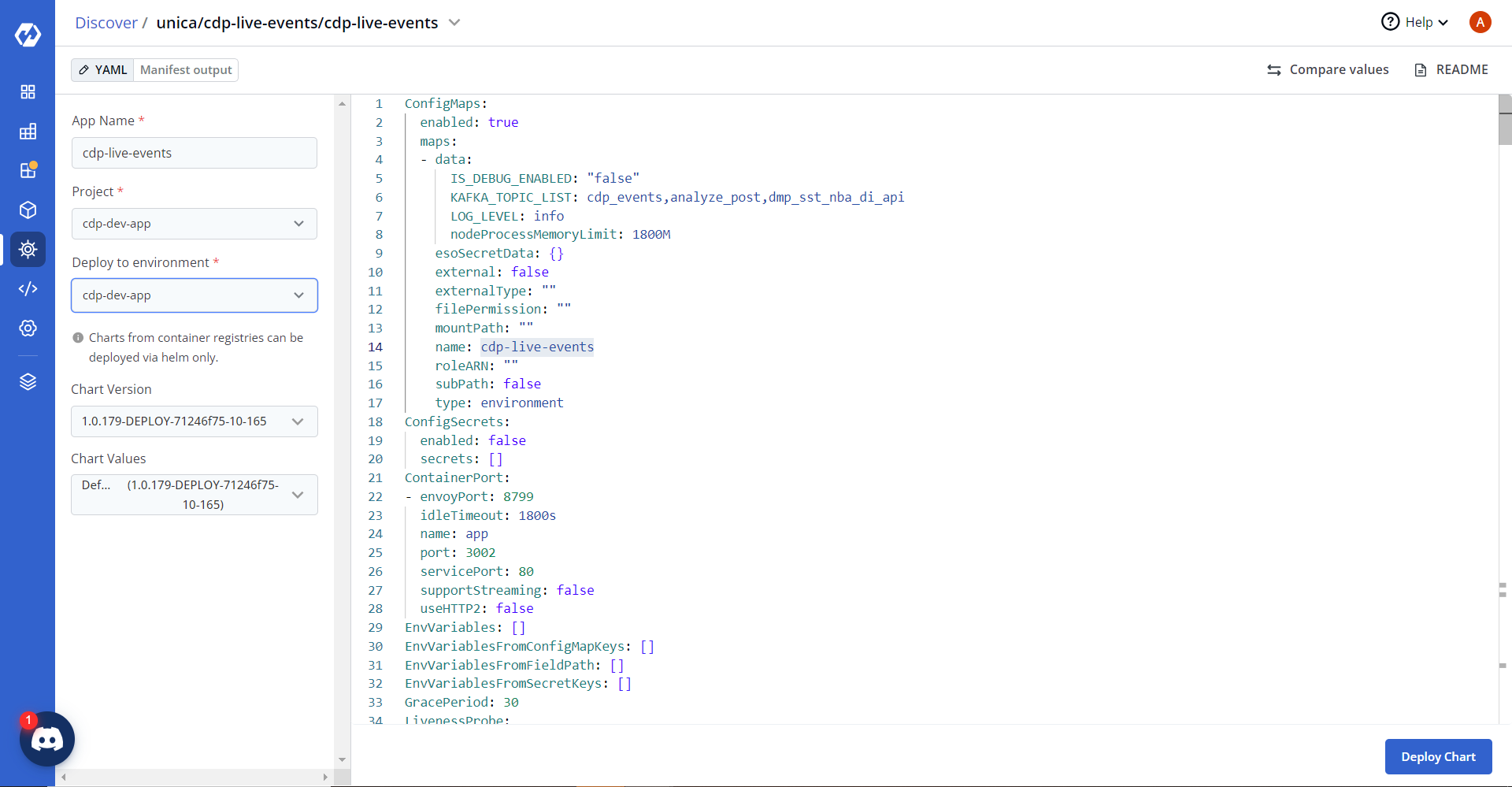
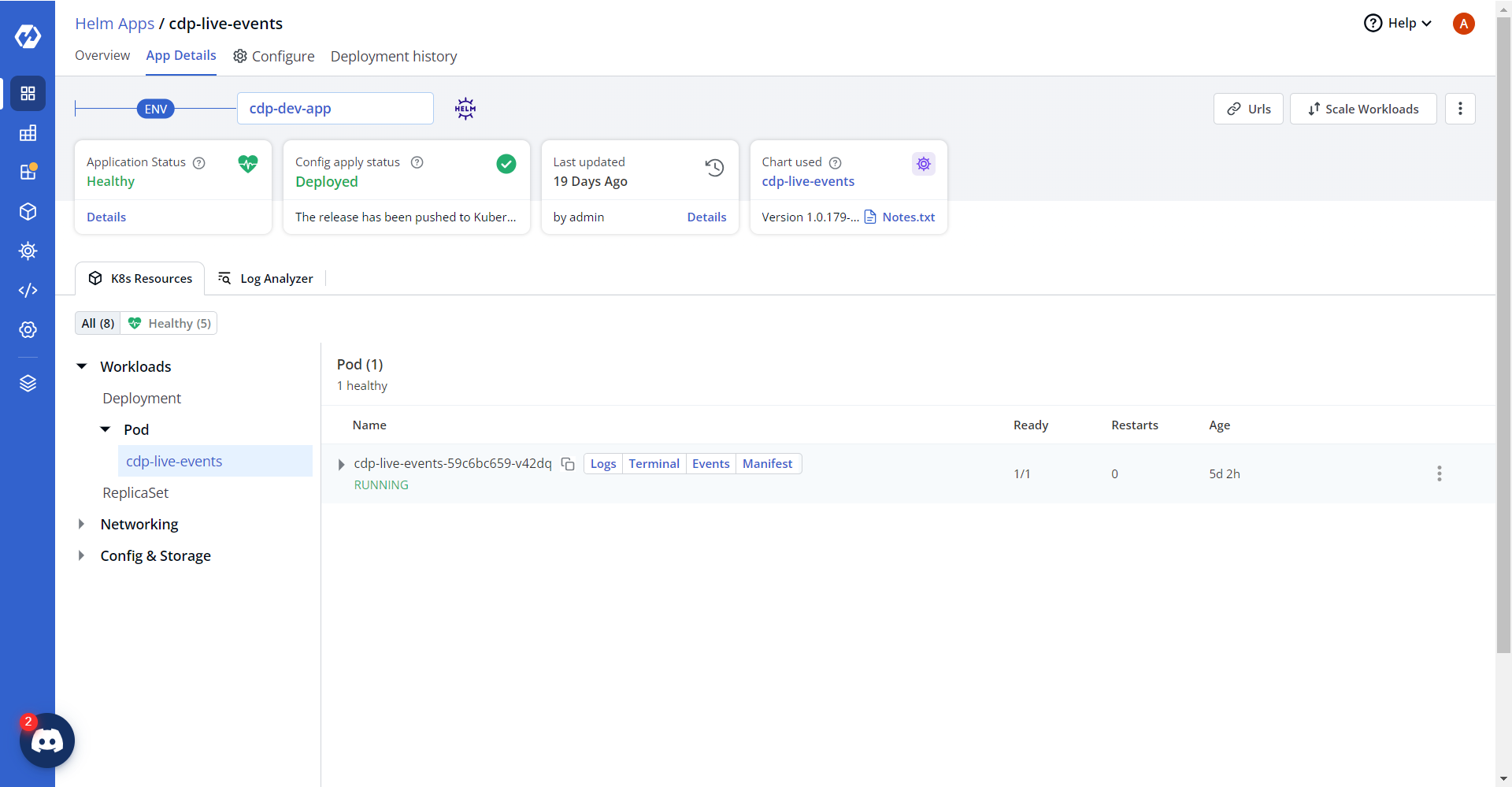
- On successful deployment, validate the deployment as shown below.