Deploying CDP Dash IFrame
This section provides detailed instructions on how to deploy HCL CDP Dash IFrame using the Devtron in the AWS.
Prerequisites:
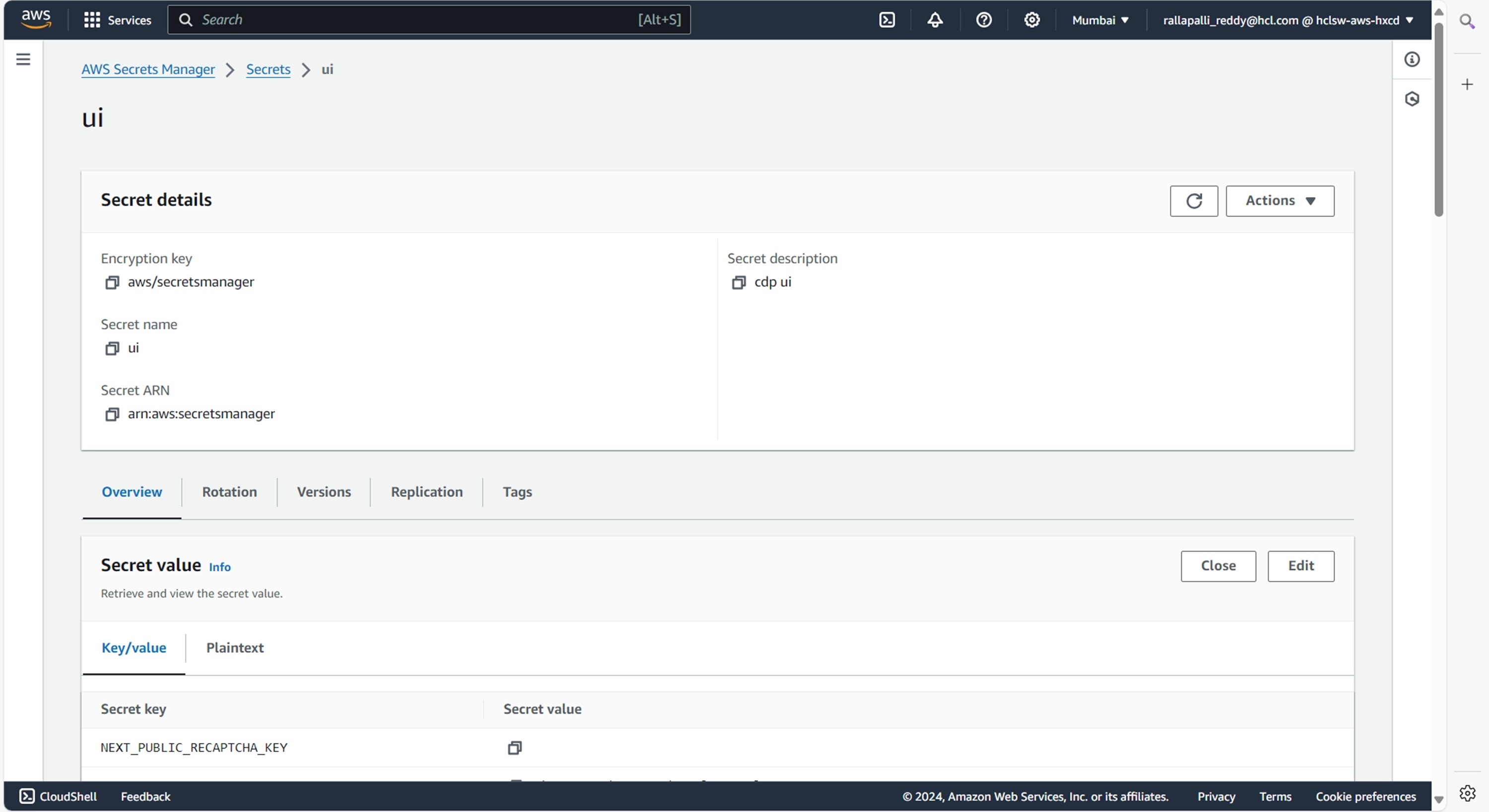
Make sure to create UI secret with required data in the AWS Secrets Manager before deploying CDP Dash IFrame.
Deploying CDP Dash IFrame
To deploy the CDP Dash IFrame, follow the steps below:
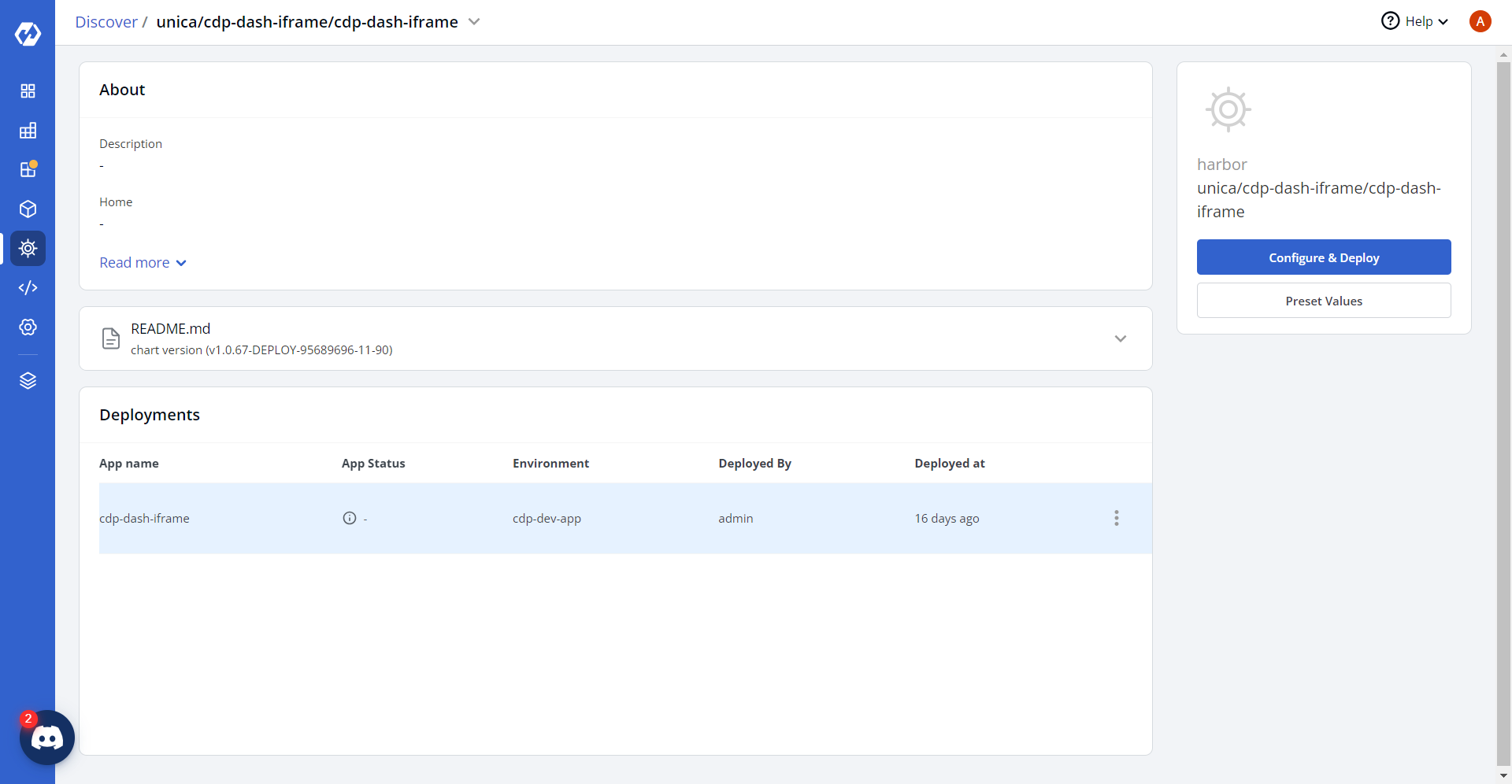
- Navigate to the Devtron Chart Store, and select the cdp-dash-iframe chart
to deploy.
.png)
- Now, configure and deploy the CDP Dash IFrame charts.
- In the YAML section, update the ConfigMap using below details and deploy
the charts.
NEXT_PUBLIC_CDN_PATH: '""'
 NEXT_PUBLIC_CORE_API_BASE_URL:<CORE_API_BASE_URL>
NEXT_PUBLIC_DASH_BACKEND_BASE_URL: <DASH_BACKEND_BASE_URL>
NEXT_PUBLIC_LIVE_EVENTS_URL: <LIVE_EVENTS_URL>
NEXT_PUBLIC_NODE_ENV: '""'
NEXT_PUBLIC_THINK_DESIGN_URL: '""'
cdn_path: '""'
core_api:<core_api_url>
dashbackend:<dashbackend_url>
lemui: '""'
live_event_url: <live_event_url>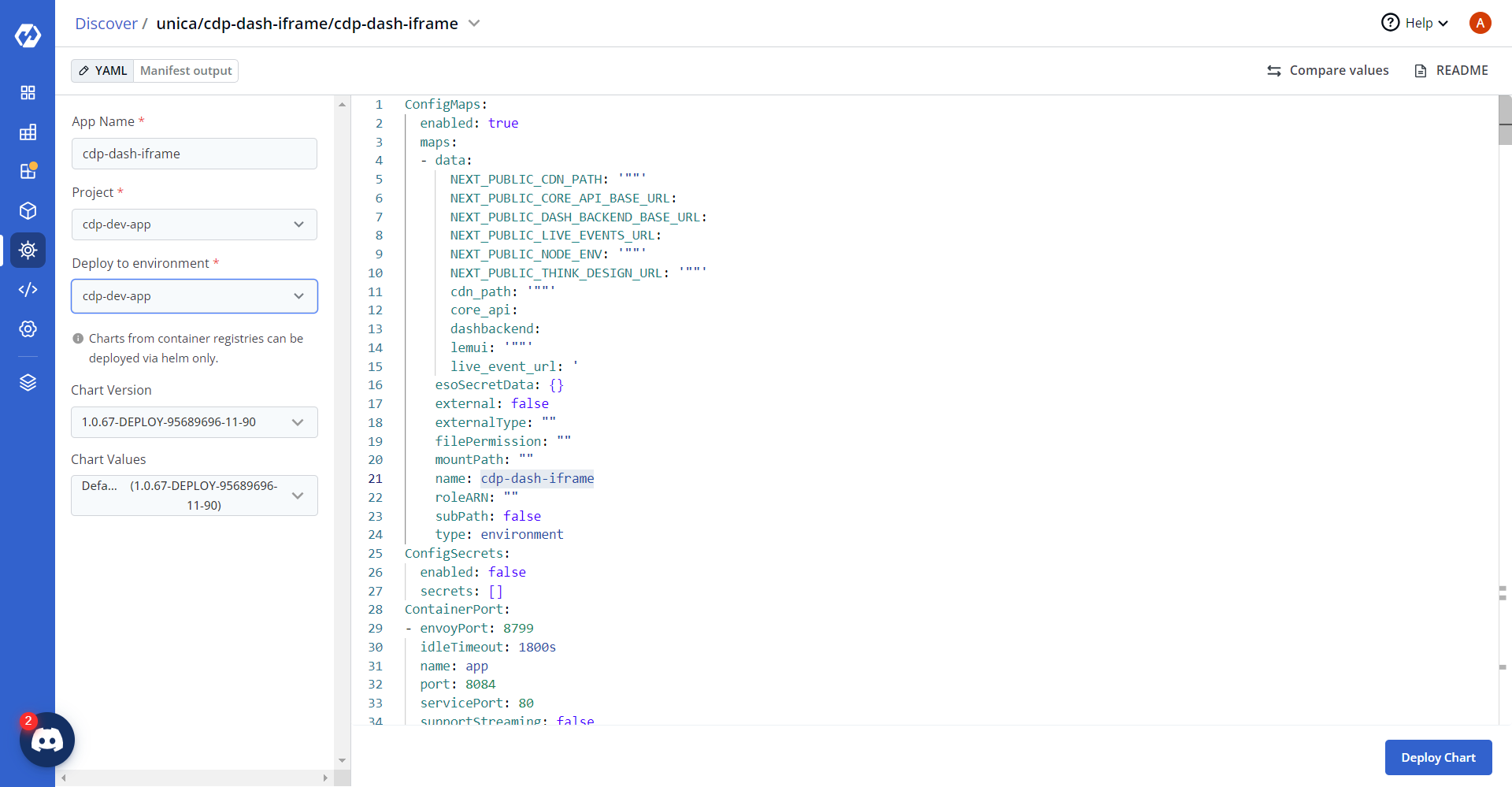
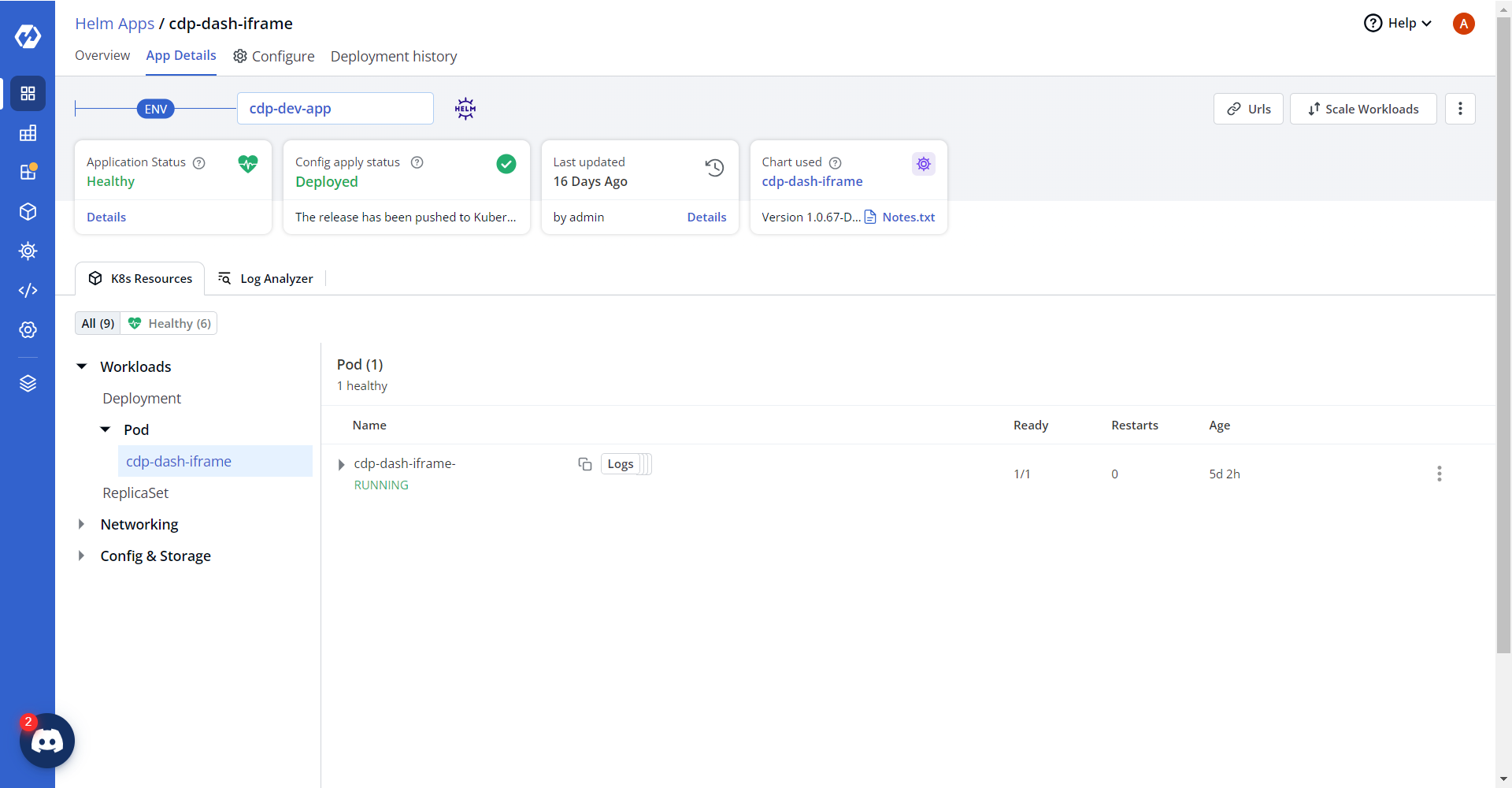
- On successful deployment, validate the deployment as shown below.