Deploying CDP DI API
This section provides detailed instructions on how to deploy HCL CDP DI API using the Devtron in the AWS.
Prerequisites:
Make sure to create di-api secret with required data in the AWS Secrets Manager before deploying CDP DI API.
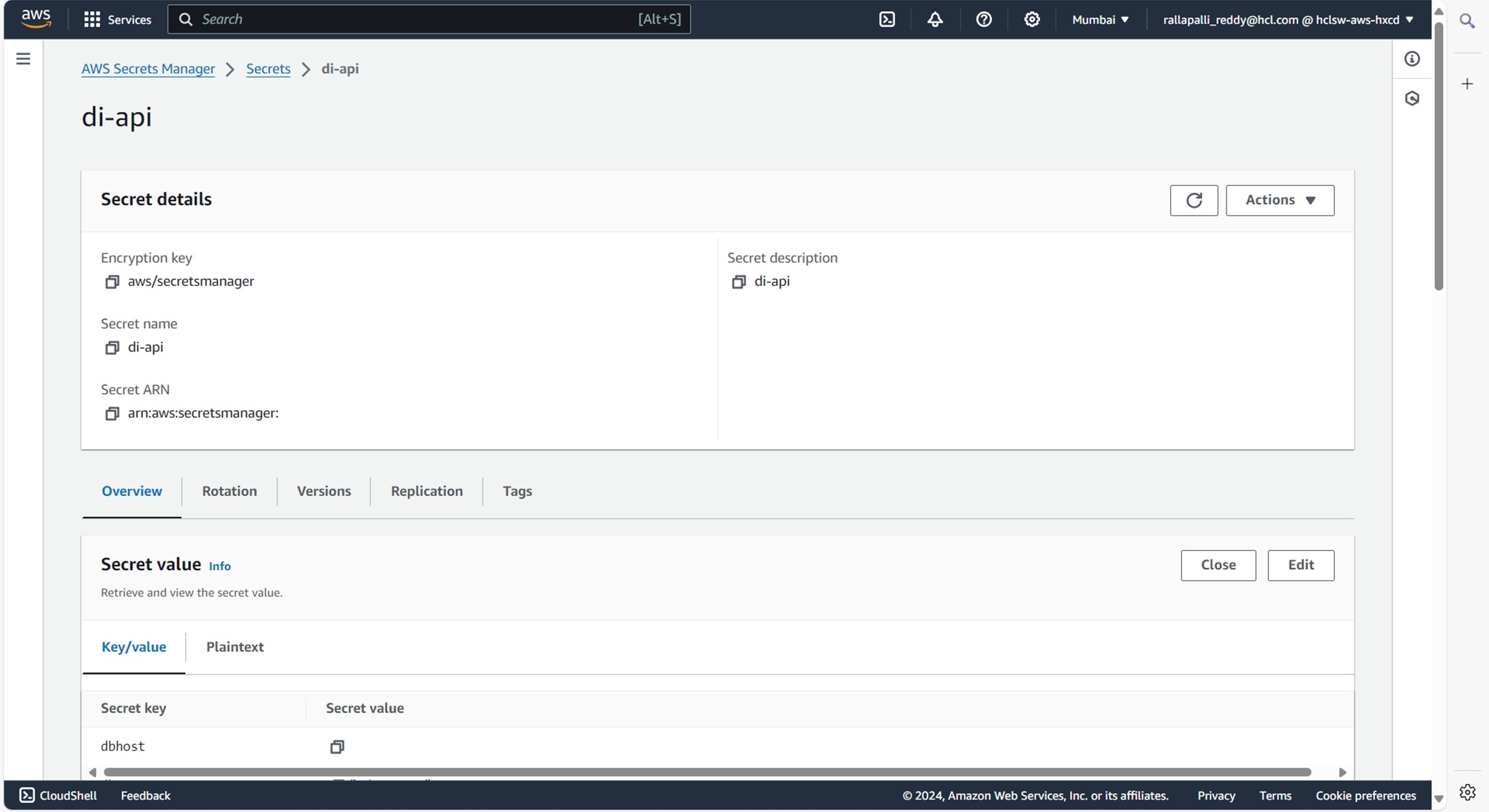
To create the di-api secret in the AWS secret manager, follow the steps below:
- Create a di-api secret sample key and value in the di-api secret, and update
ConfigMaps data with actual values.
{
  "ADV_6022_SECRET": "\"\"",
  "ADV_6022_URL": "\"\"",
  "ADV_6282_SECRET": "\"\"",
  "ADV_6282_URL": "\"\"",
  "aerospikeHostaps1": "\"<aerospikeHostaps1>\"",
  "aerospikeHostuse1": "\"\"",
  "aps1KafkaPassword": "\"<aps1KafkaPassword>\"",
  "aps1KafkaUsername": "\"<aps1KafkaUsername>\"",
  "dbhost": "\"<dbhost>\"",
  "dbpassword": "\"<dbpassword>\"",
  "dbusername": "\"<dbusername>\"",
  "kafkaconnectionStringaps1": "\"<kafkaconnectionStringaps1>\"",
  "kafkaconnectionStringuse1": "\"\"",
  "kmsUrl": "\"<kmsUrl>\"",
  "tdsbHost": "'<tdsbHost>'",
  "use1KafkaPassword": "\"\"",
  "use1KafkaUsername": "\"\""
}
Deploying CDP DI API
To deploy the CDP DI API, follow the steps below:
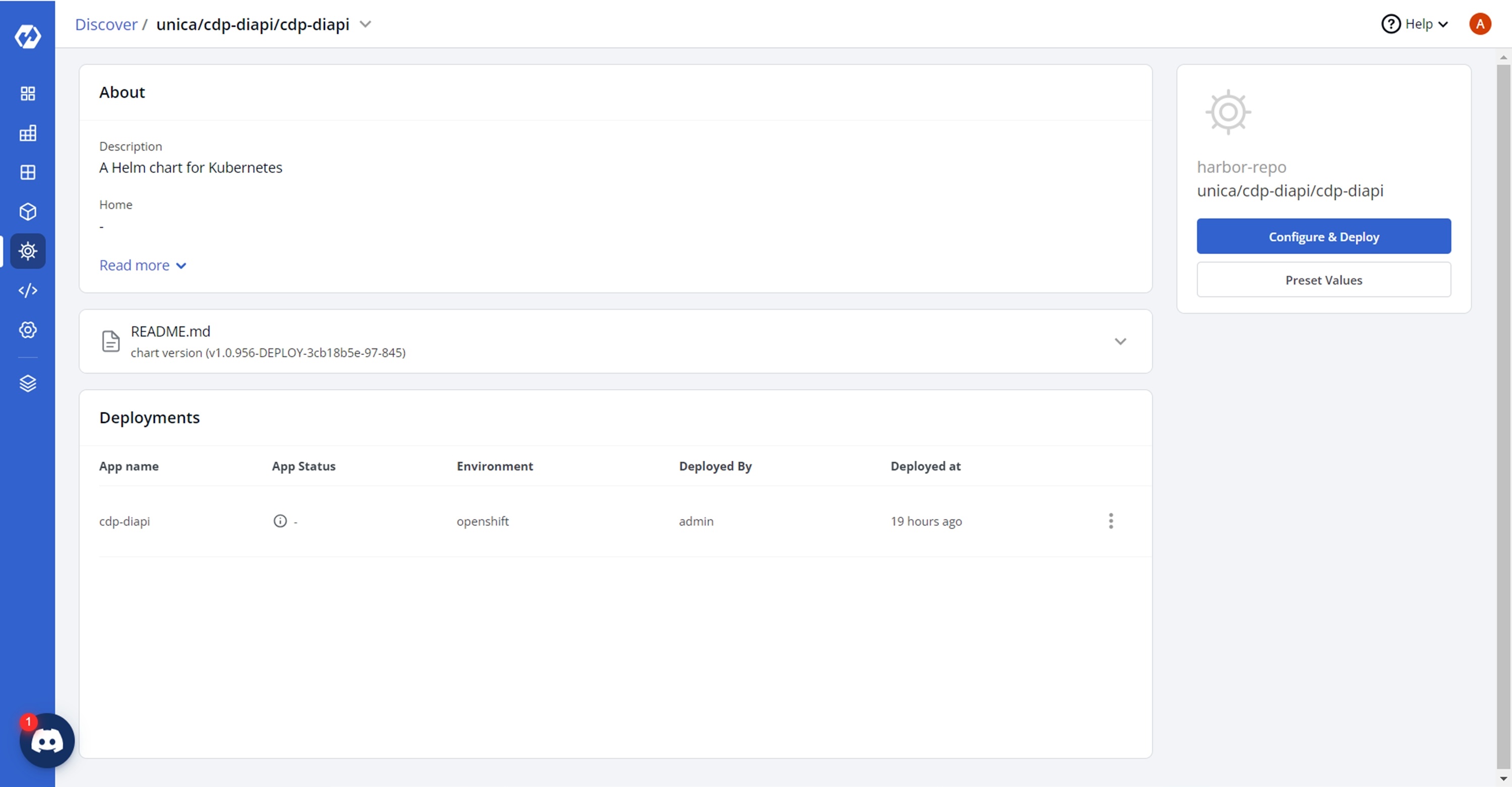
- Navigate to the Devtron Chart Store, and select the cdp-di-api chart to
deploy.
.png)
- Now, configure and deploy the CDP DI API charts.
- In the YAML section, update the ConfigMap using below details, and deploy
the
charts.
aerospikenamespaceaps1: cdpstore
      aerospikenamespaceuse1: cdpstore
      aps1KafkaAuthenticationTimeout: "5000"
      aps1KafkaClientId: DMPDiapiProducer
      aps1KafkaConnectionTimeout: "3000"
      aps1KafkaReauthenticationThreshold: "10000"
      aps1KafkaSslEnabled: "false"
      cdpSenderTopic: cdp_fb_conv_api
      database: vrm
      dbconnectionLimit: "1"
      dbport: "3306"
      fromEmail: ""
      isEncryptionEnabled: "true"
      kafkaProducerEventType: "104"
      kafkaRegions: '{"AP_SOUTH_1": "aps1"}'
      kafkaSaslMechanism: SCRAM-SHA-512
      kafkasource: dataingestionapi
      kafkatopic: dmp_sst_nba_di_api
      nodeProcessMemoryLimit: 1500M
      toEmail: ""
      use1KafkaAuthenticationTimeout: "5000"
      use1KafkaClientId: DMPDiapiProducer
      use1KafkaConnectionTimeout: "3000"
      use1KafkaReauthenticationThreshold: "10000"
      use1KafkaSslEnabled: "false"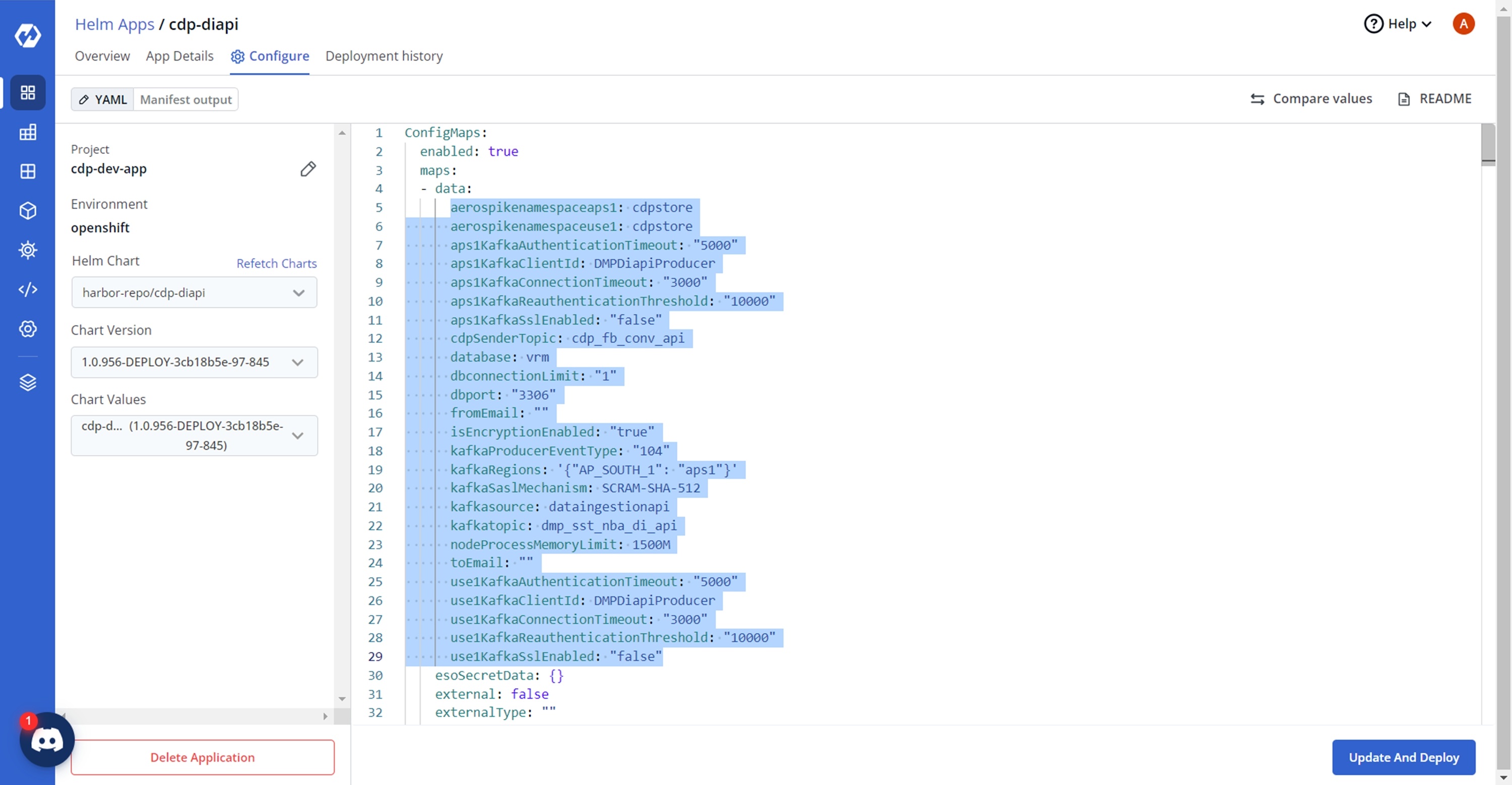
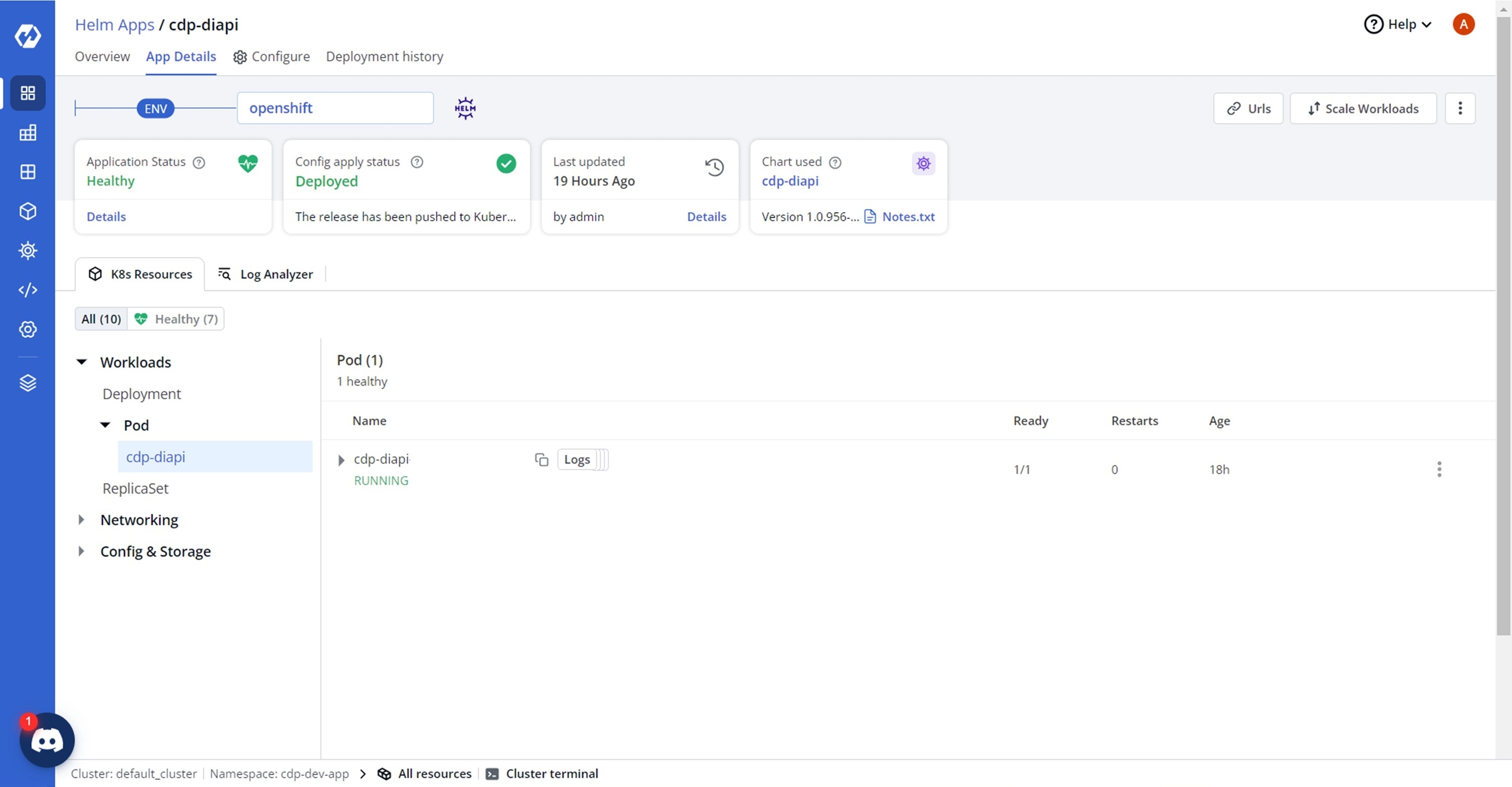
- On successful deployment, validate the deployment as shown below.