
Extensions
DevOps Code (Code) supports extensions that enhance your development experience, including tools for coding, debugging, version control, and more, within the same IDE.
Preinstalled extensions
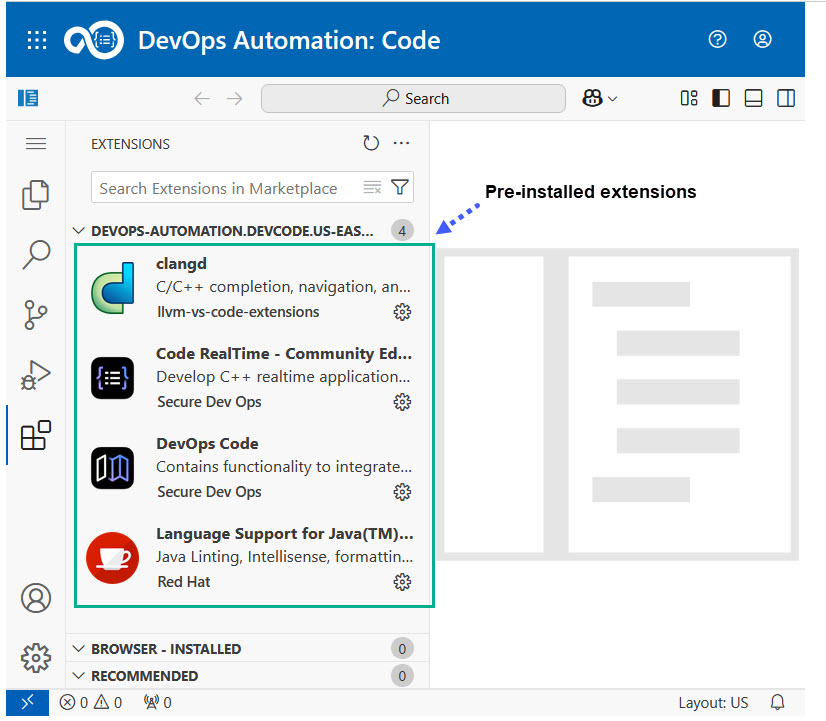
Your administrator can configure dev containers with preinstalled extensions during setup. These extensions are defined in the devcontainer.json file and sourced from the Open VSX Registry. For details on how to configure these in the devcontainer.js, refer to the Administrator Guide.
The following image shows a simple example of preinstalled extensions available in Code when you launch a dev container.
While working in your browser-based IDE, you can also perform the following tasks:
- Install additional extensions directly from the Open VSX Registry from the Extensions button in the left toolbar of the IDE.
- Install local VSIX files if needed.
Note: Any extensions you manually install is removed when the dev container is terminated. For more information, see Using dev containers.