Multiple languages for the Ruby storefront
The Ruby storefront (B2C and B2B) support multiple languages.
All UI text, labels, and buttons for the Ruby storefronts are translated. For more information about the languages supported by Commerce+ Transaction Server, see Globalization prerequisites for installing.
- Languages specified in the locale section of next.config.js must have generated translations through yarn integrate and the appropriate JSON files in the locale-specific files.
- The locale specified in next.config.js must correspond to the language configured in the Commerce Lab Store Management tool.
Store display language when no language parameter is passed
- When the user sets the store language using the language toggle, it is stored in browser local storage for 30 days. If the user visits the store website at anytime during those 30 days, the store display language is set to the same language as the browser local storage.
- If the user is first time visiting the store website, the store display language is set to the default language for the store.
- If the store does not support the language that is set as the Preferred Language for registered users or no longer supports the language saved in the browser local storage, the store display language is set to the default language for the store.
Other considerations
- The default UI language for Ruby storefronts is US English.
- Elastic supports language fallback such that product, category information that does not have specific translated data in another language can still return data when requested for that language by falling back to a defined fallback language. For example, if a store has a product for which only US English data is available and the language for the store is set to French, the API call for that product requesting French data will return the corresponding US English data.
Setting up language support for the stores
Before you can launch a store in a language other than the default US English language, you must add the required languages to the SAS and the eSite stores from the Commerce Lab. You must also run a full index on Elastic.
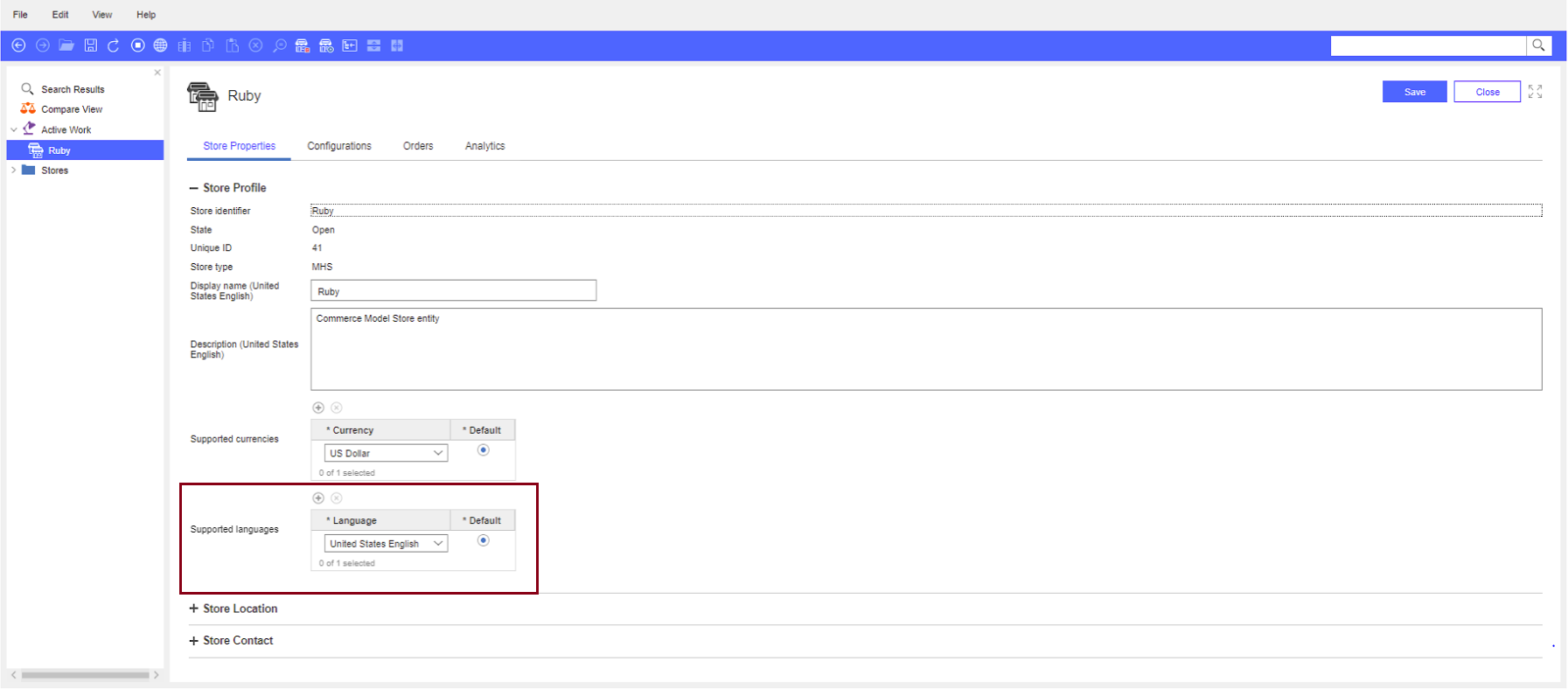
To add support for a language for your store, see Supported languages in Updating store information
Examples for enabling French language support for the Ruby storefronts
- Go to Commerce Lab > Store Management tool and select the Ruby store.
- Add the language French to the Ruby store.
- Click the save button from the toolbar.
- Run the Elastic full index for storeId=41 (storeId for Ruby Ruby storefront). Wait for the indexing to be completed.
- Open the Next.js Ruby store landing page.
The Ruby is now enabled for French. The UI is displayed in French if the UI data is translated. Catalog data appears in English with fallback and all marketing content is displayed in English with fallback.
For more details, see the following image.