Application Feature
The topic explains the application features.
- Fetch DEX Scores
- The Fetch DEX Scores button is displayed when the Configuration Item (CI) field
contains a valid asset.
When clicked, the application performs the following actions:
- Calls the DEX Device Information API to retrieve the Computer ID using the asset name.
- Uses the retrieved Computer ID to invoke the DEX Scores API.
- Fetches the latest DEX scores and populates the HCL BigFix DEX Scores related list.
- View DEX Scores
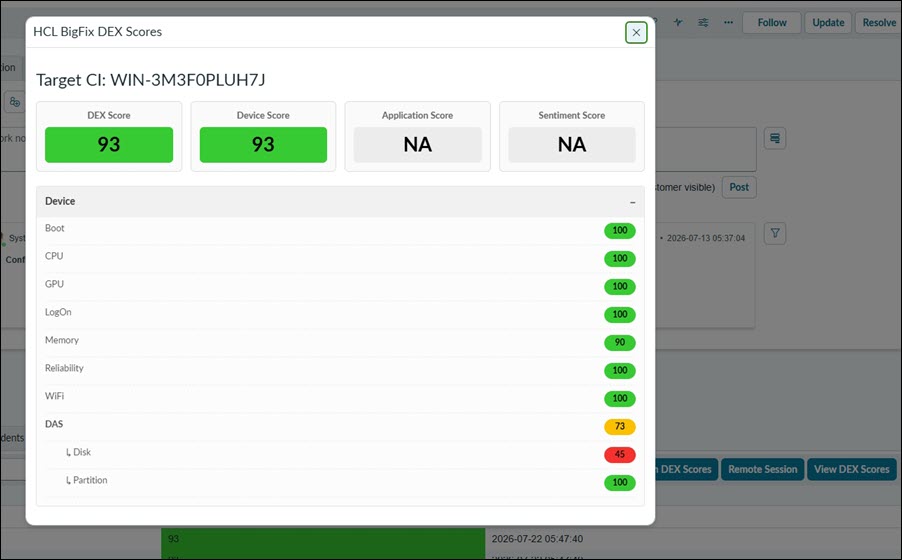
- The View DEX Scores button displays the detailed DEX scores in an HTML pop-up
window.
The scores are presented using the same colour coding as the BigFix DEX portal, making it easy to identify the status of each score.
- Remote Session
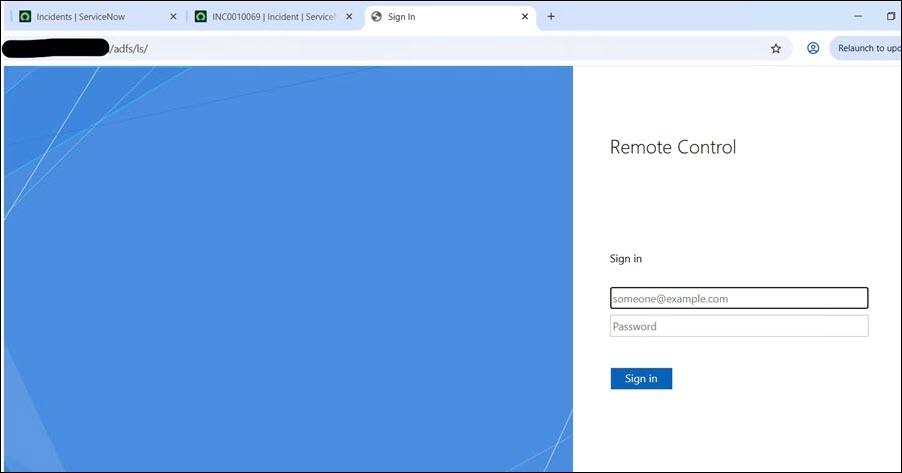
- The Remote Session button initiates a remote support session with the BigFix
Remote Controller.
When clicked, the application performs the following actions:
- Invokes the Remote Controller Authentication API to generate an OIDC token.
- Uses the generated OIDC token along with the logged-in ServiceNow user's email address to authenticate and validate the remote session URL.
- Upon successful authentication, it launches the BigFix Remote Controller Web Controller session, allowing the support engineer to establish a remote connection to the endpoint. Page