
IVR on-prem Start Process
This section explains how to start the IVR Retriever Services.
First, you need to install the application. This will create a Windows Service,
which you will use to install the application.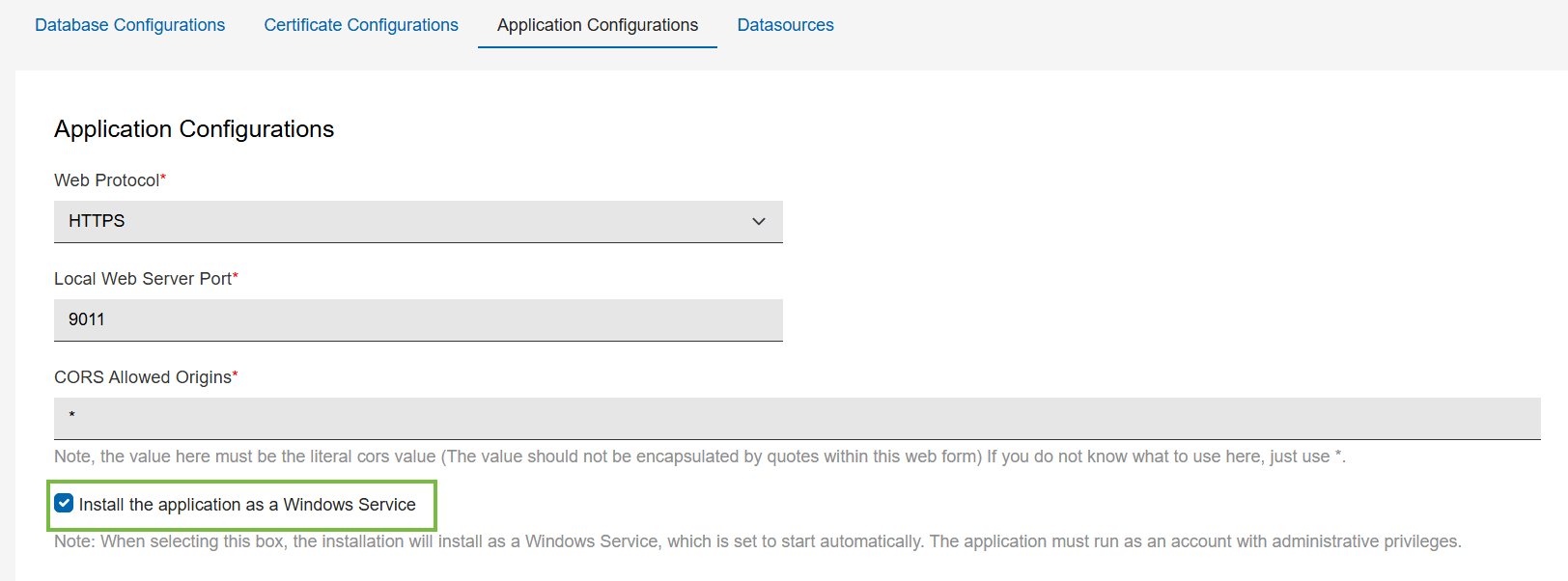
Note:
Once you check
the checkbox for the "Install the application as a Windows Service" in the
Application Configurations tab, the setup process will install the
service.
After you've finished setting up and configuring AppConfig.yaml, go to services, find BES IVR Retriever Service, and start it.
Note:
While configuring the database on the setup page, if the
user specifies a DSN with "Windows Authentication", then the user must have db_owner
user mapping, and the service must be under a username.
